UI Examples
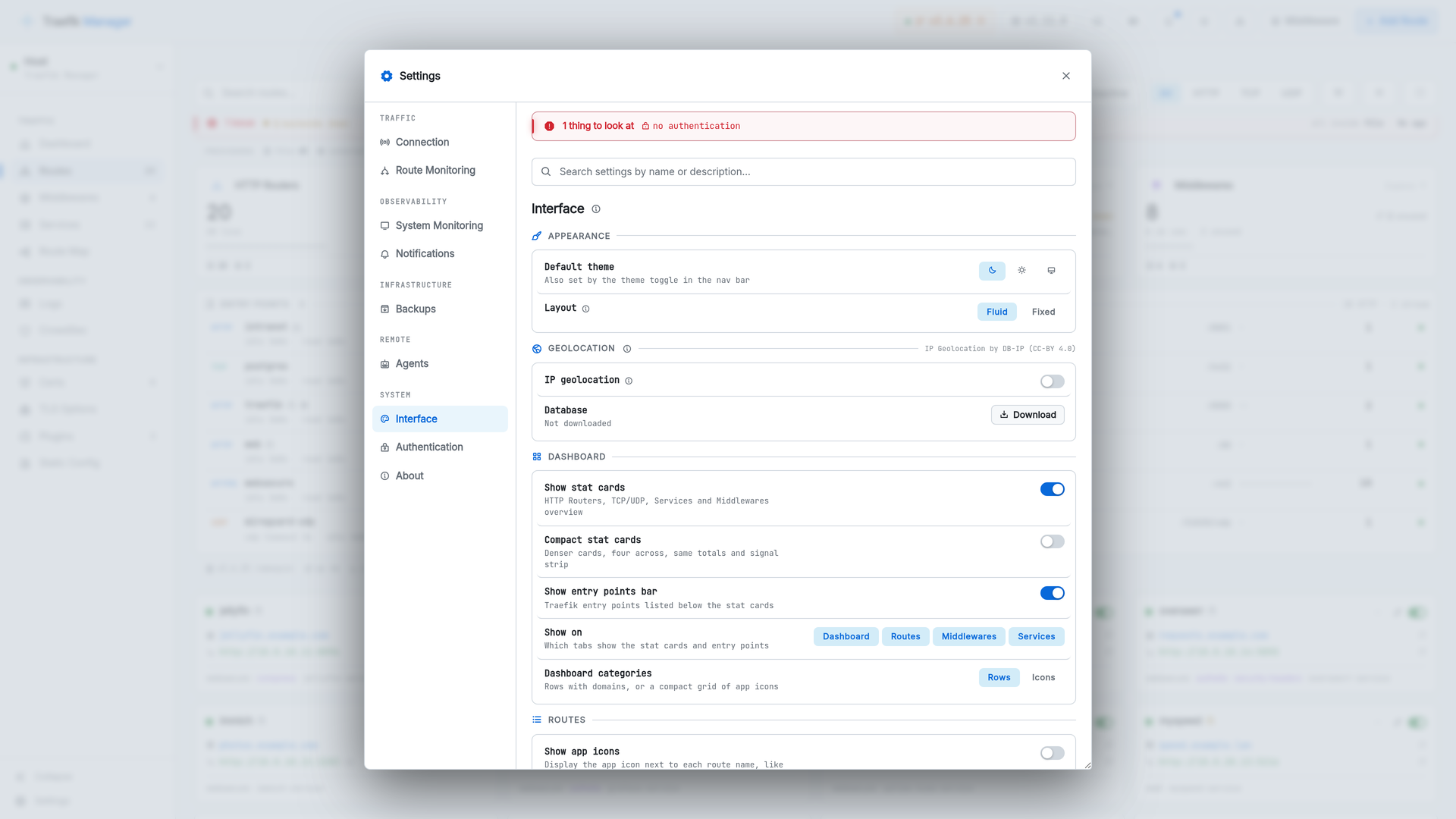
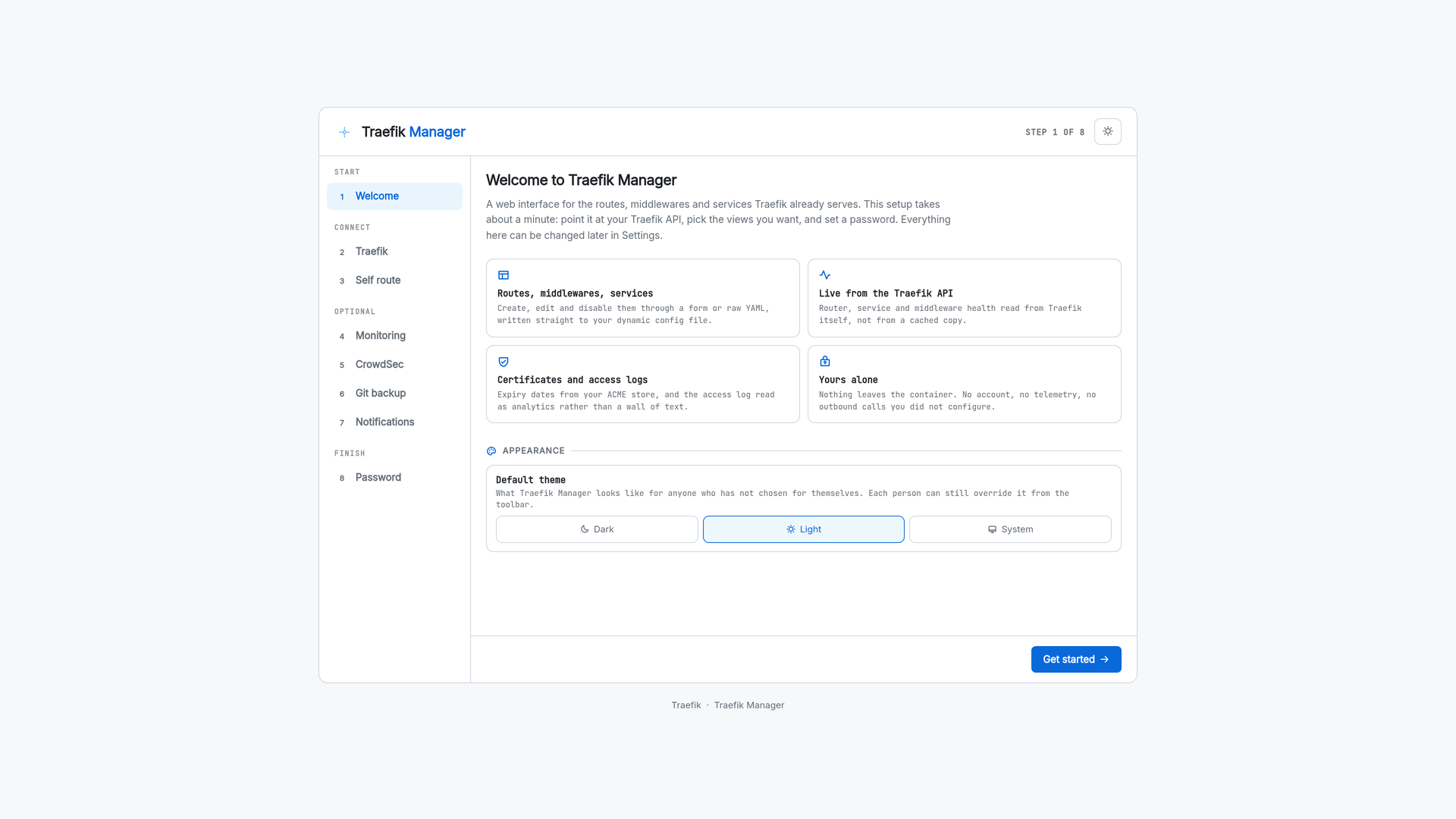
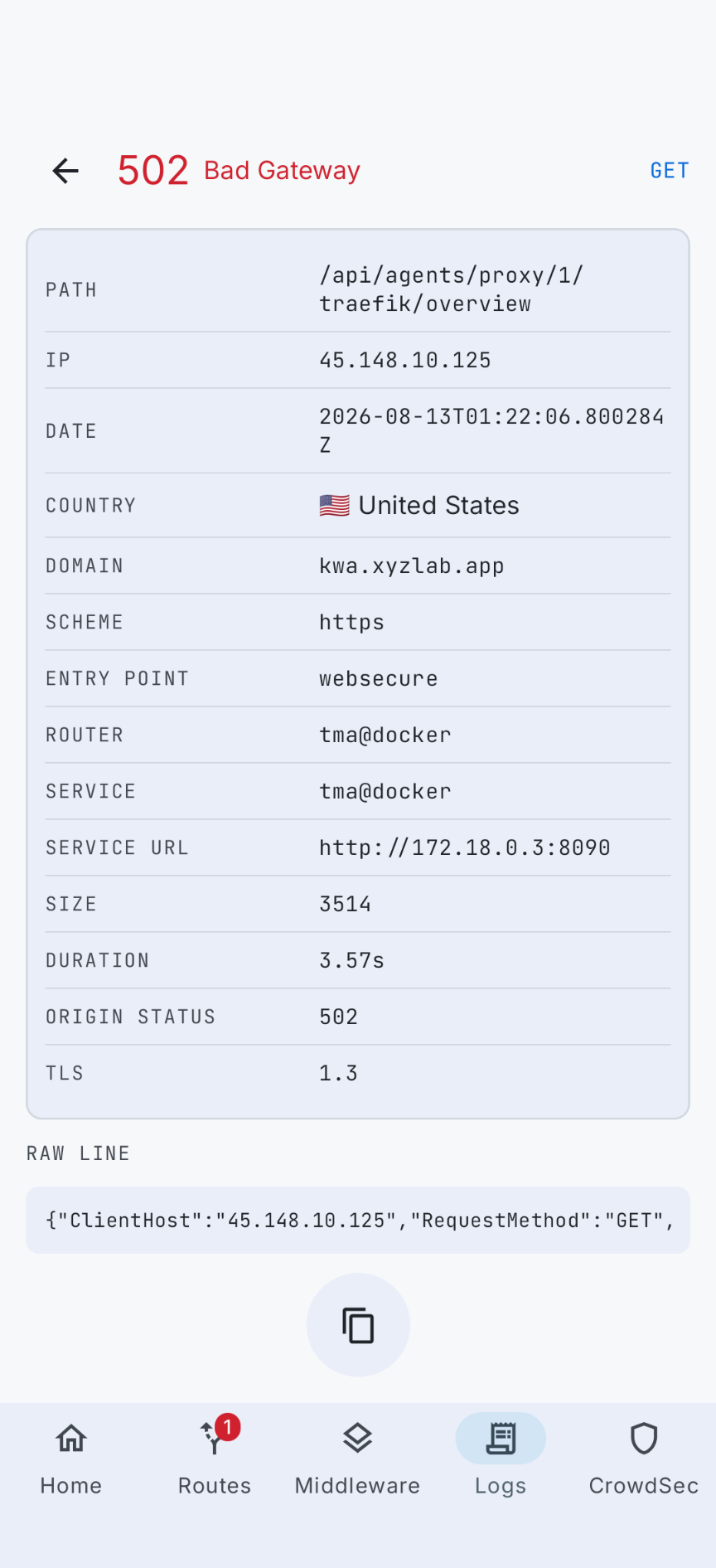
Screenshots follow the theme you are reading this page in - switch it with the toggle in the header. Click any image to open it full screen.
Dashboard
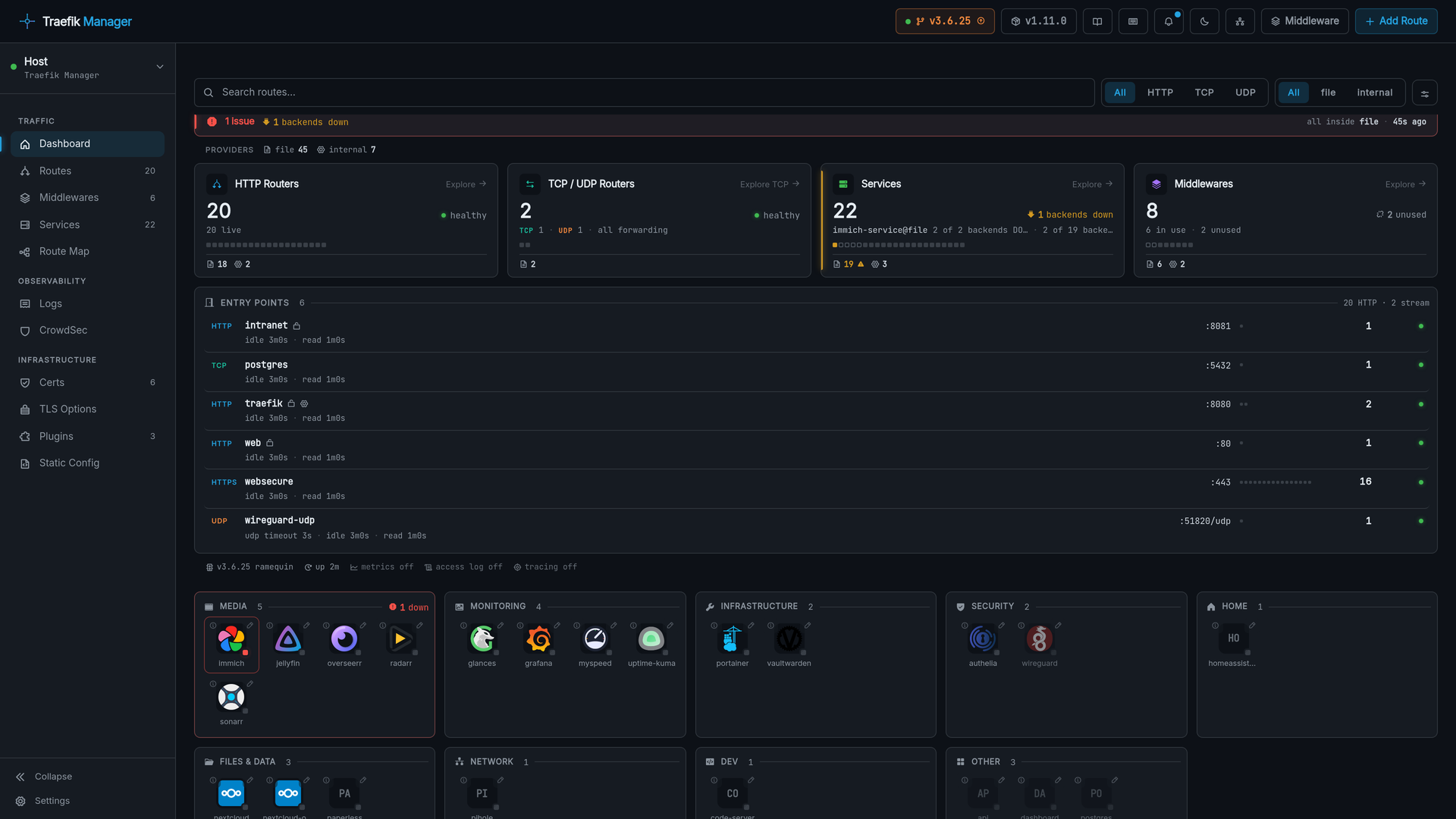
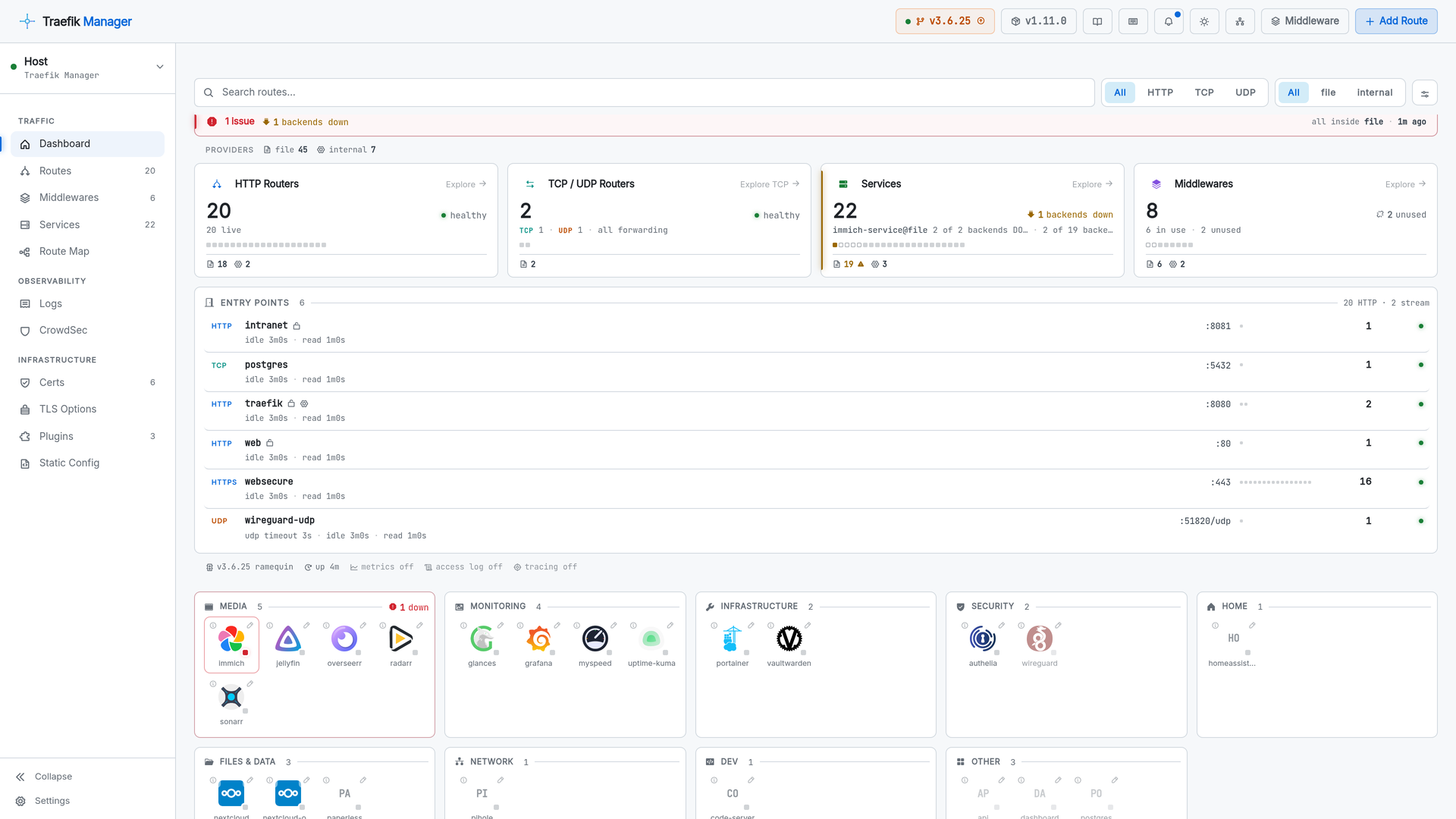
Every route as a launchable app, grouped into categories, with live health on each card and a second line only when something is wrong.
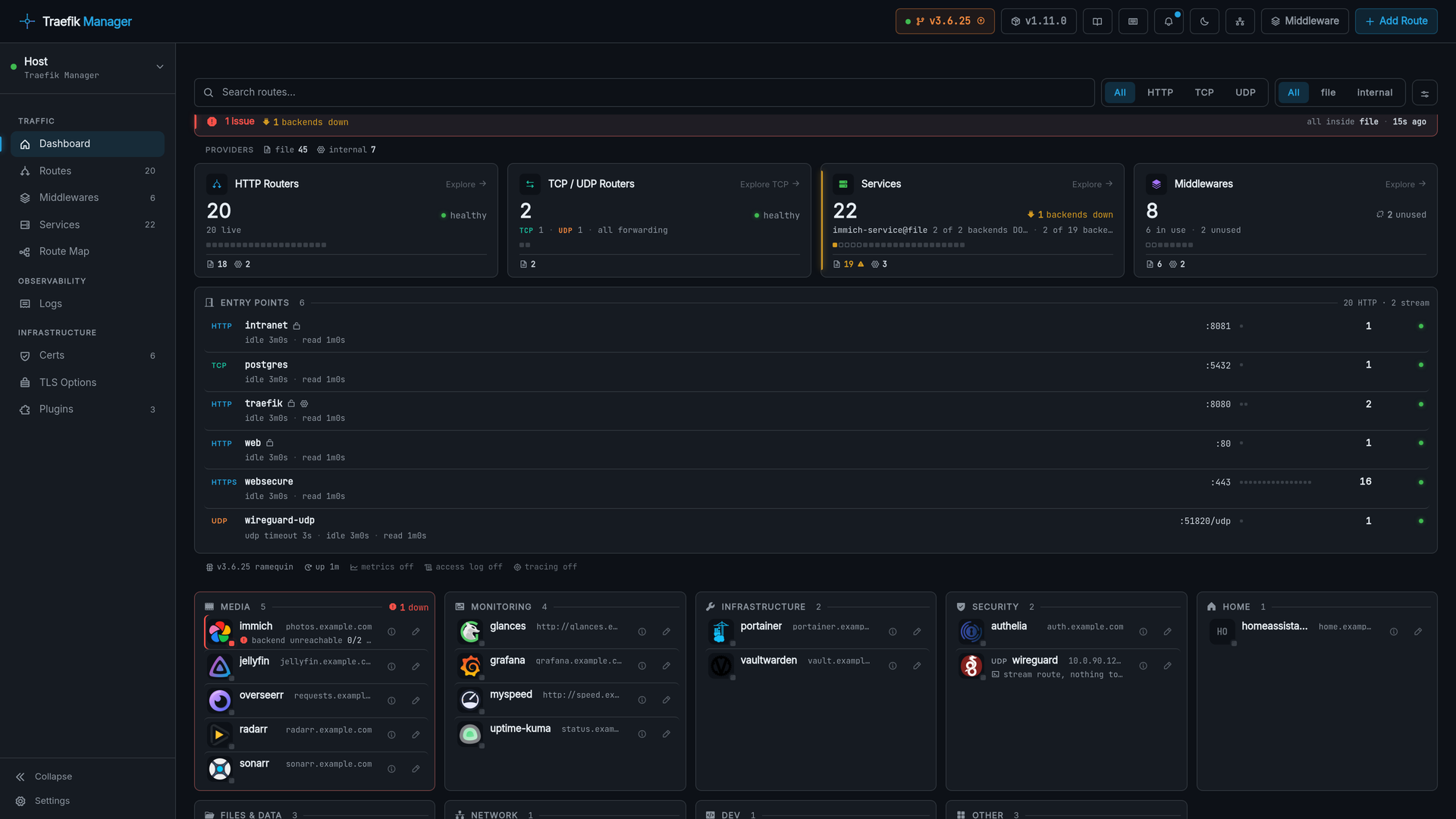
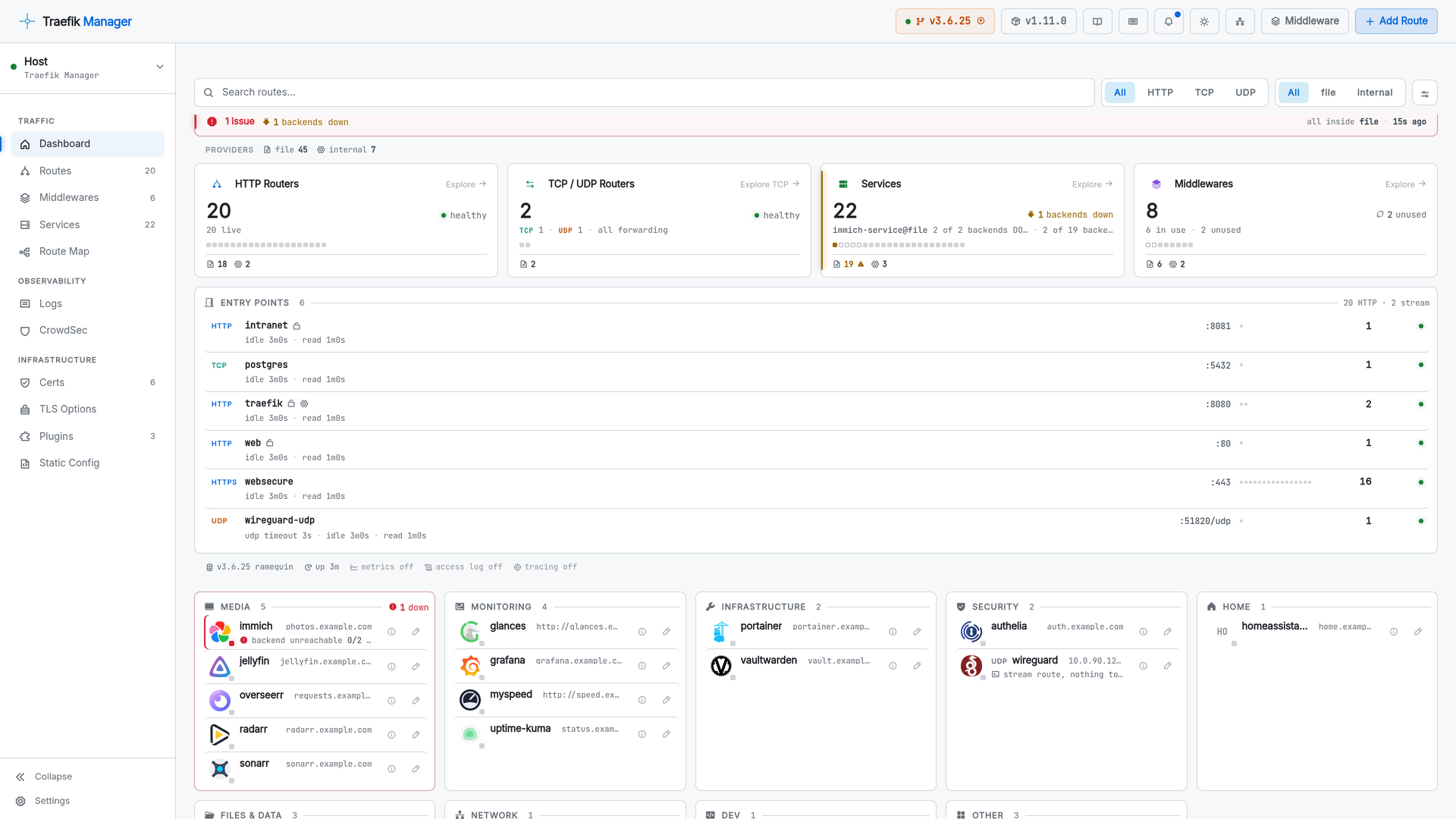
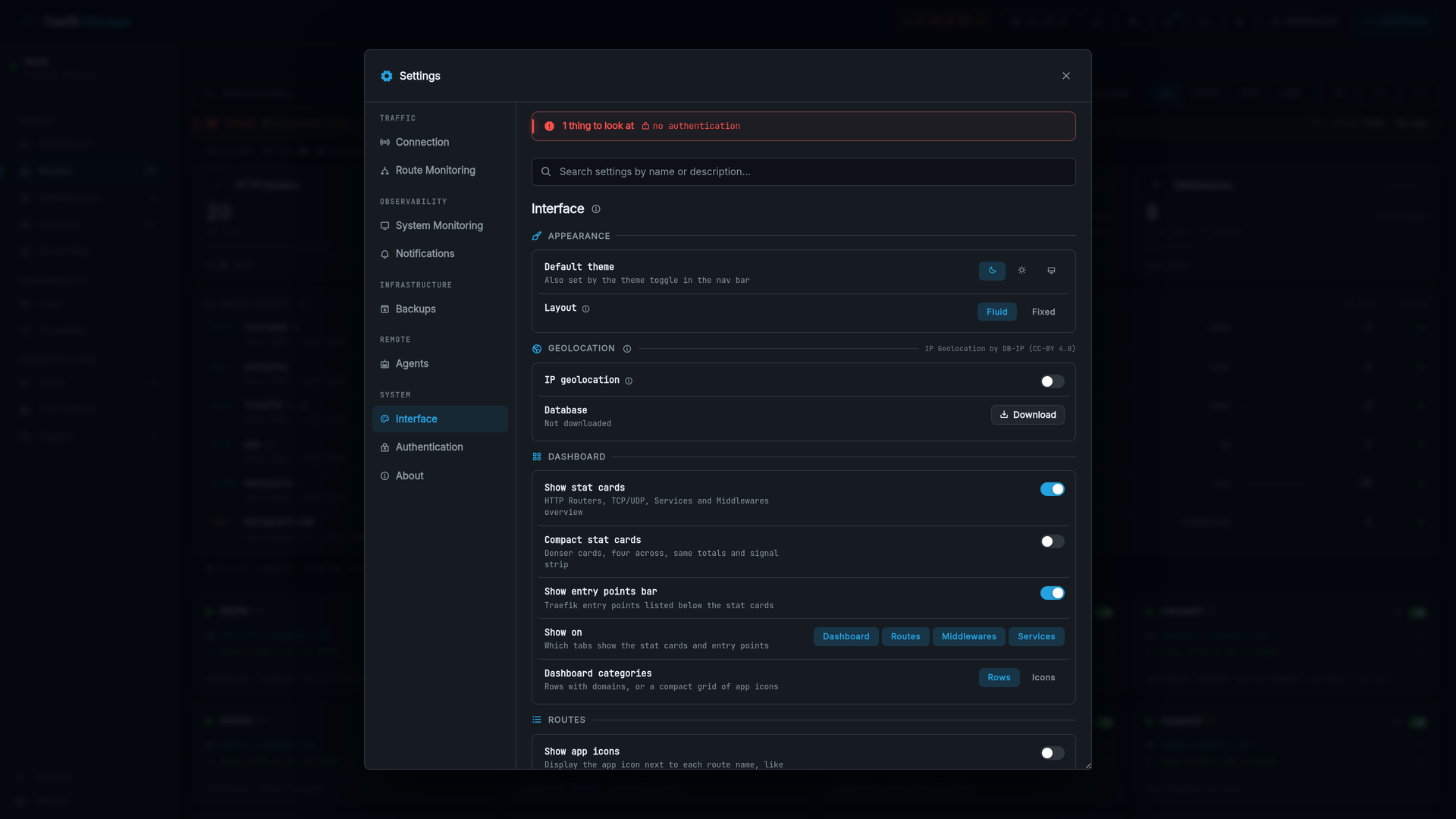
Switch the categories to an icon grid under Settings - Interface - Dashboard categories, and the dashboard becomes an app launcher.
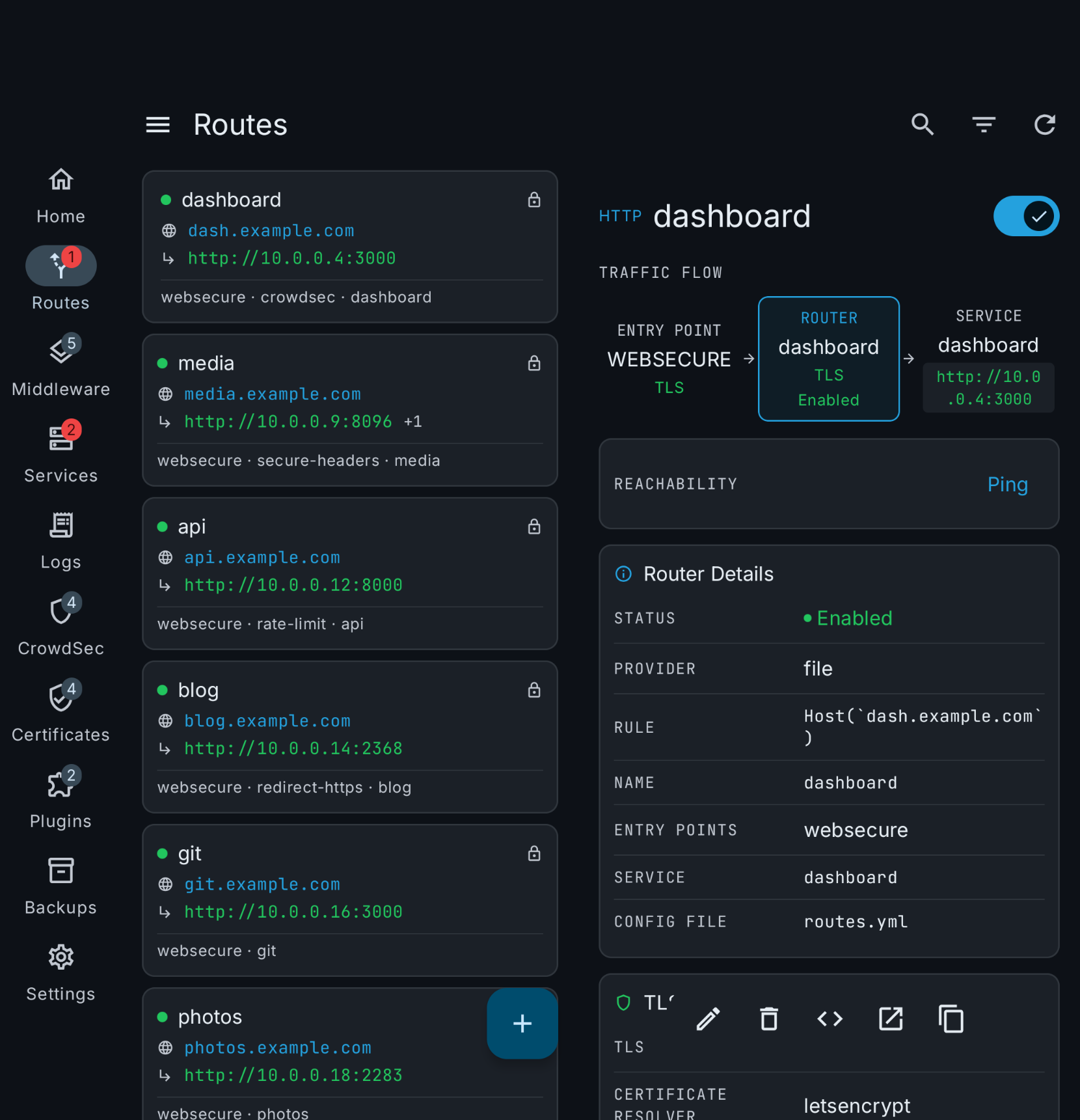
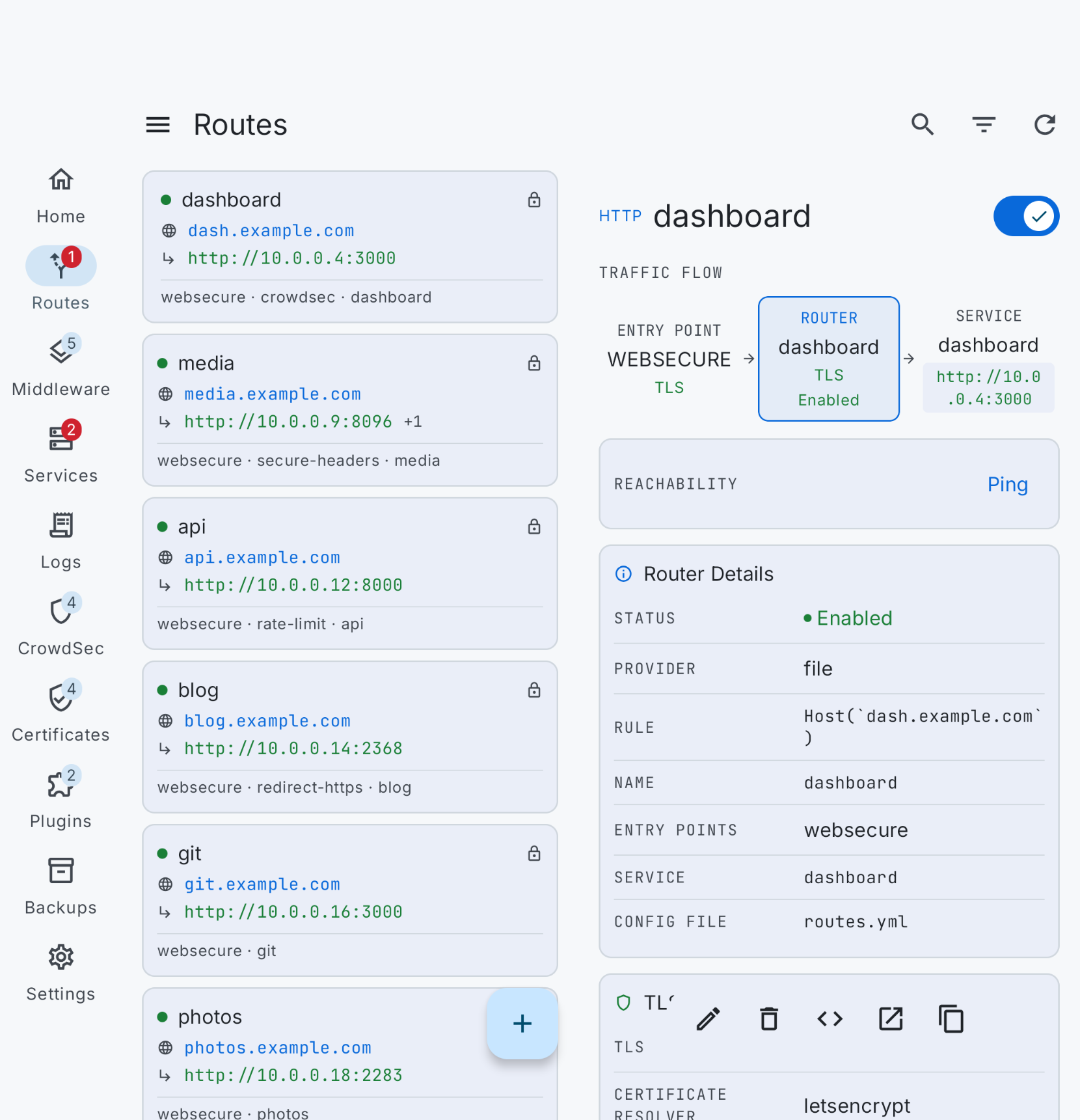
Routes
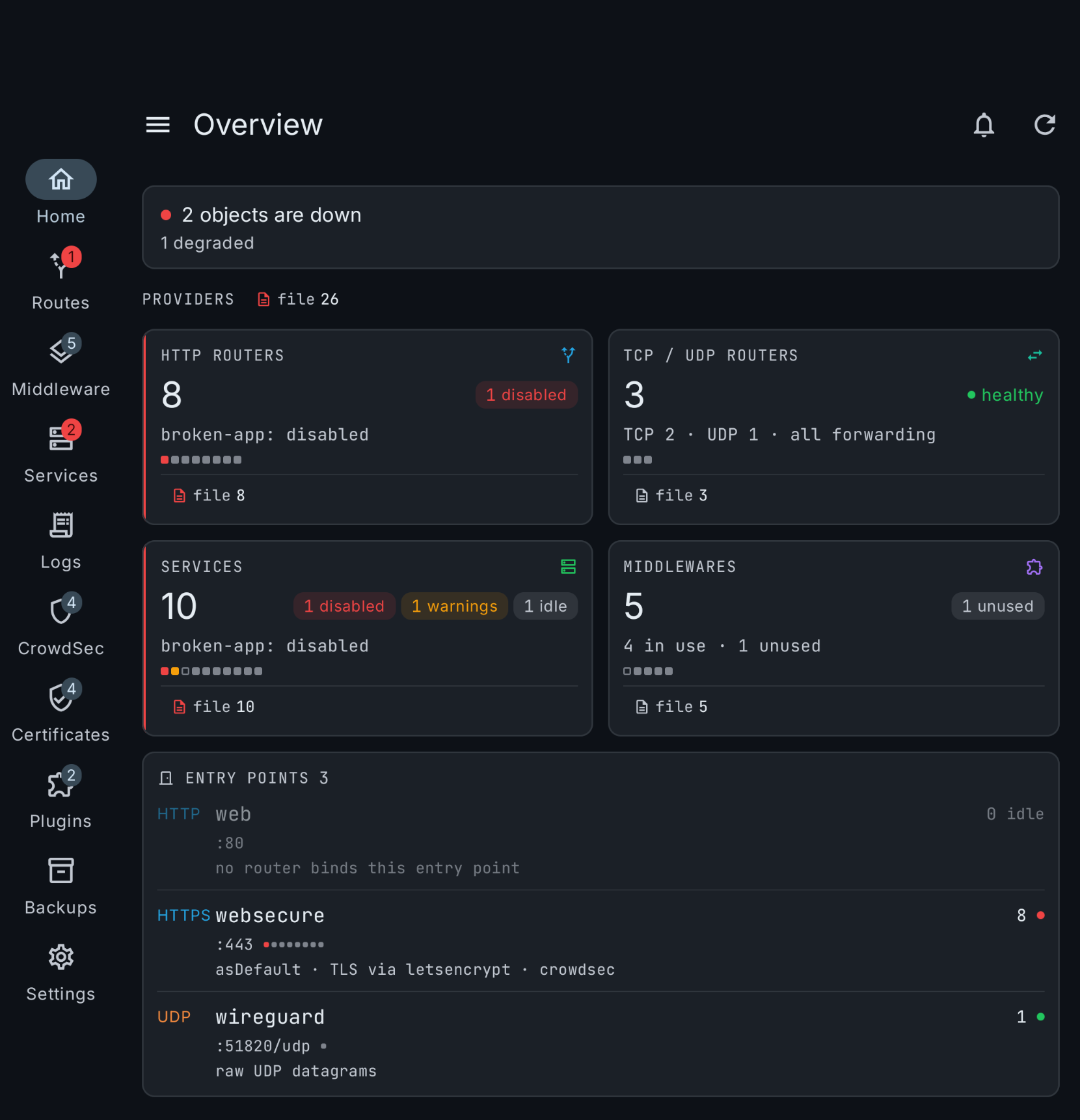
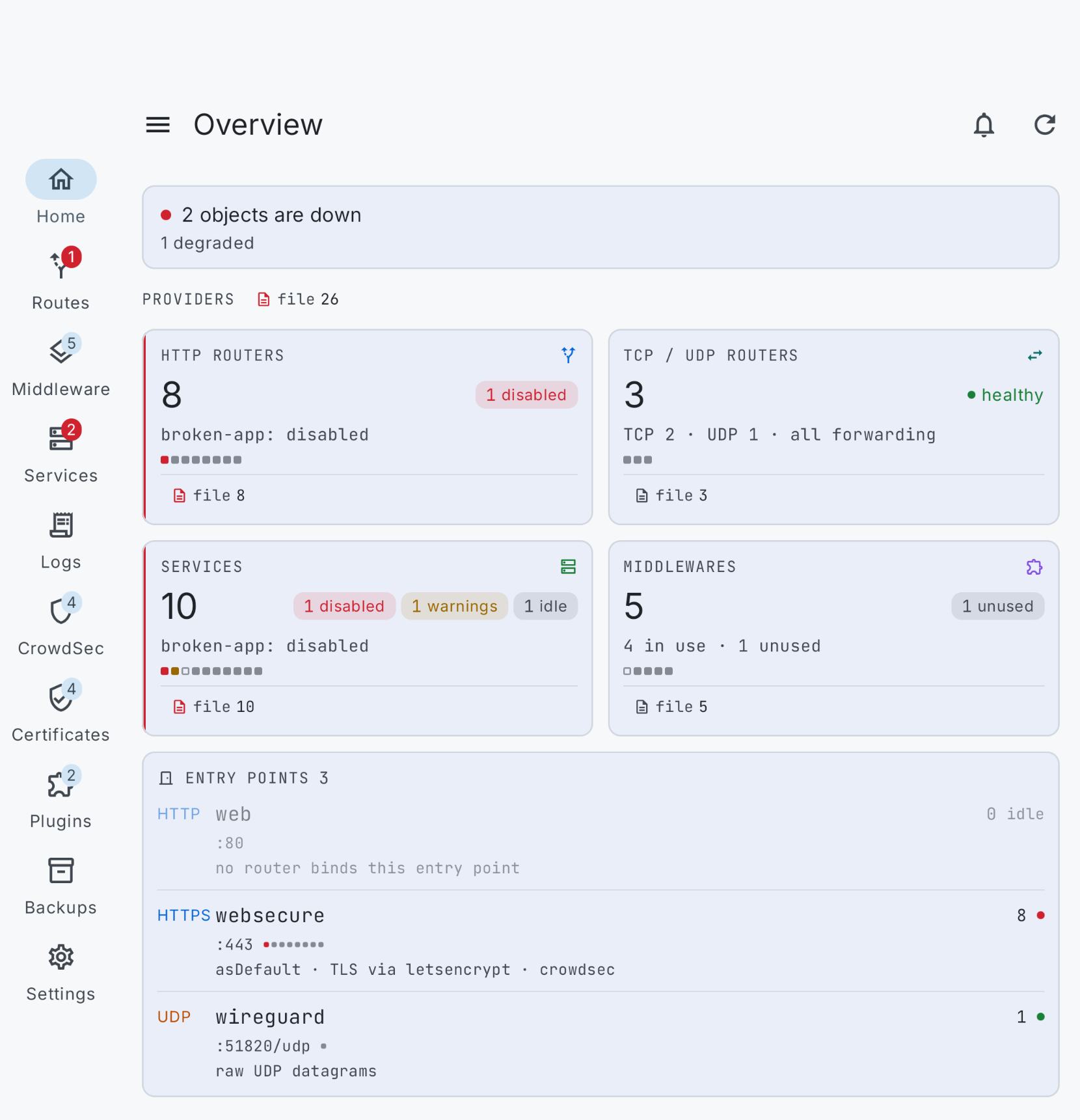
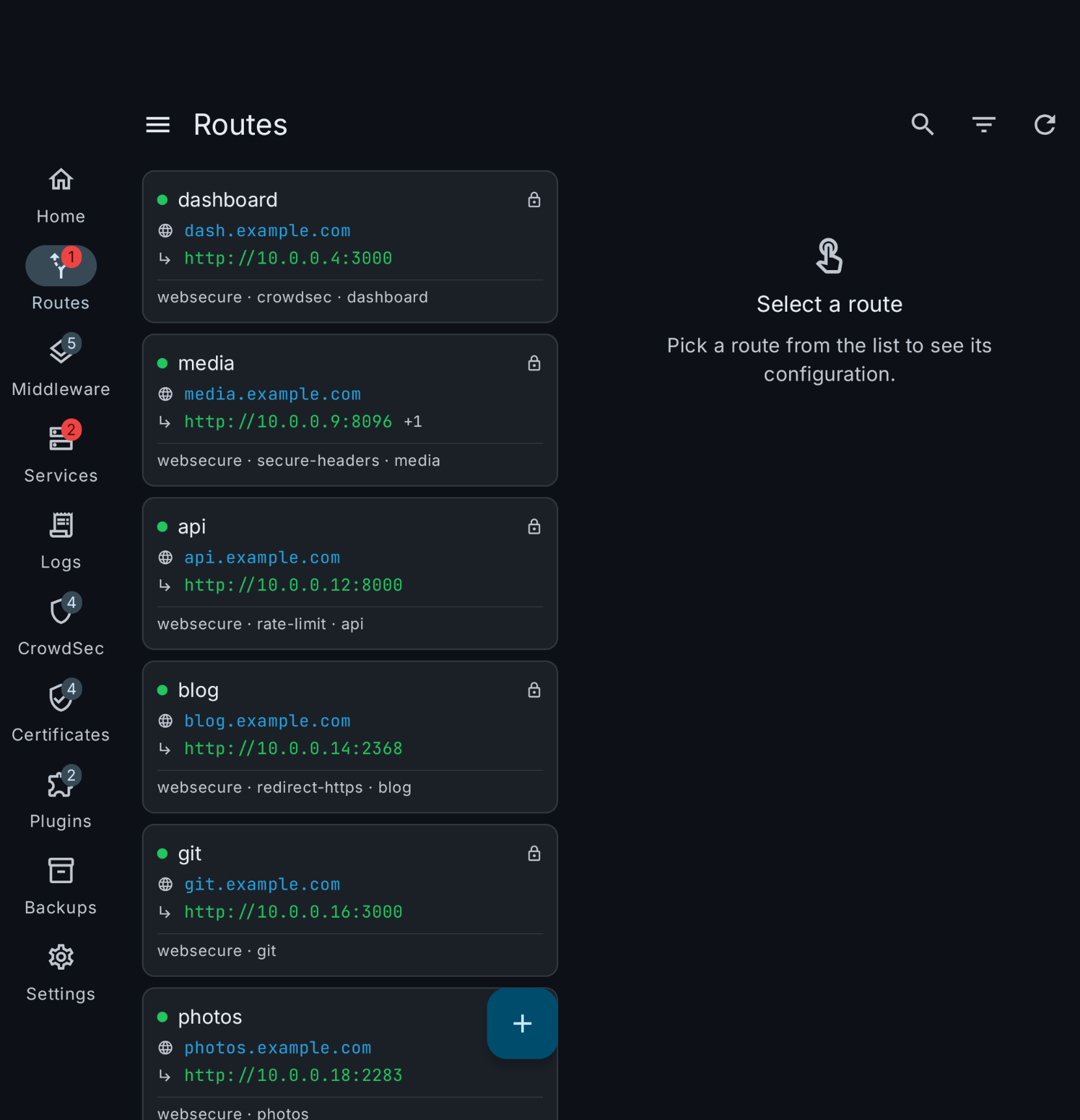
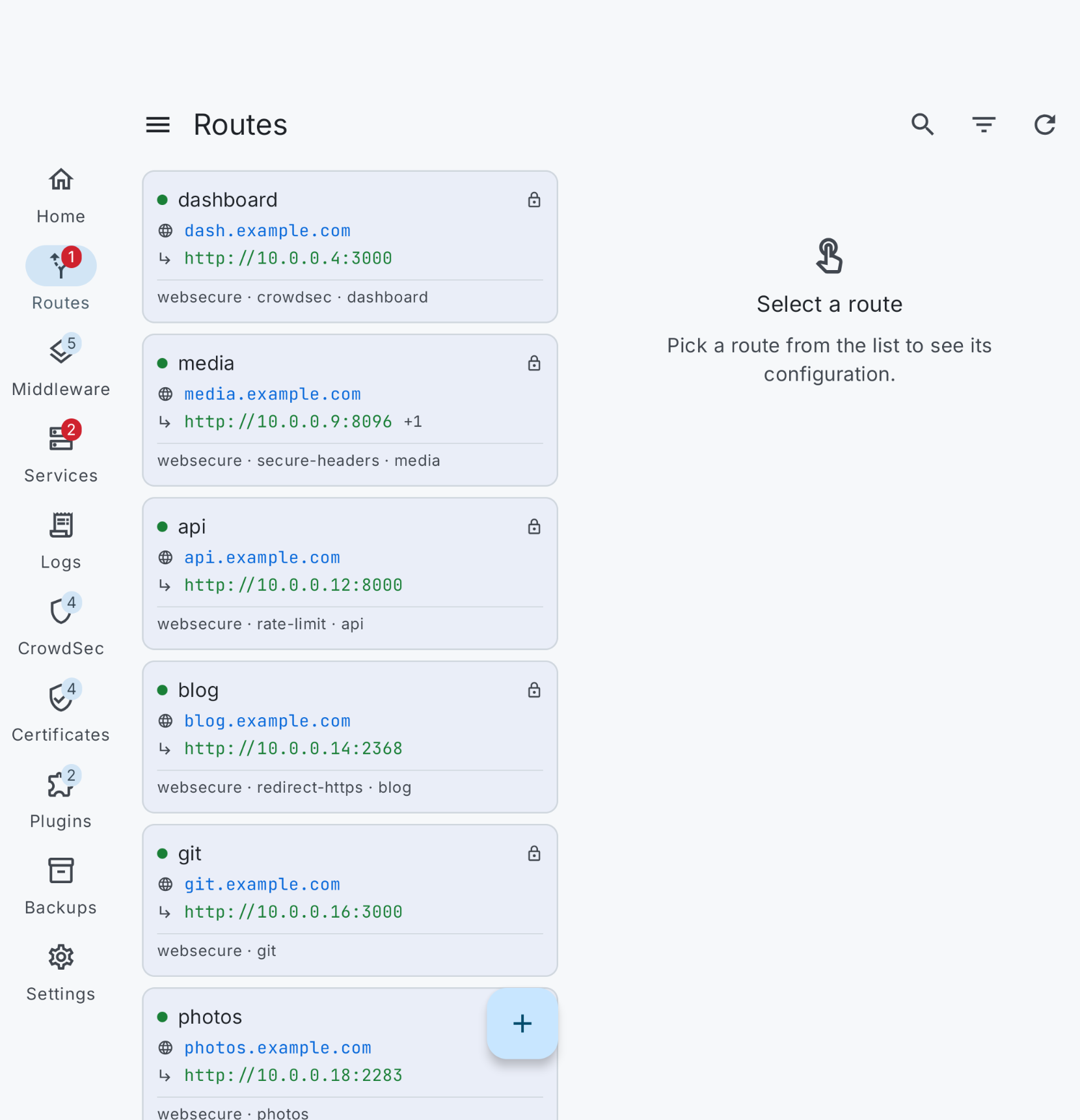
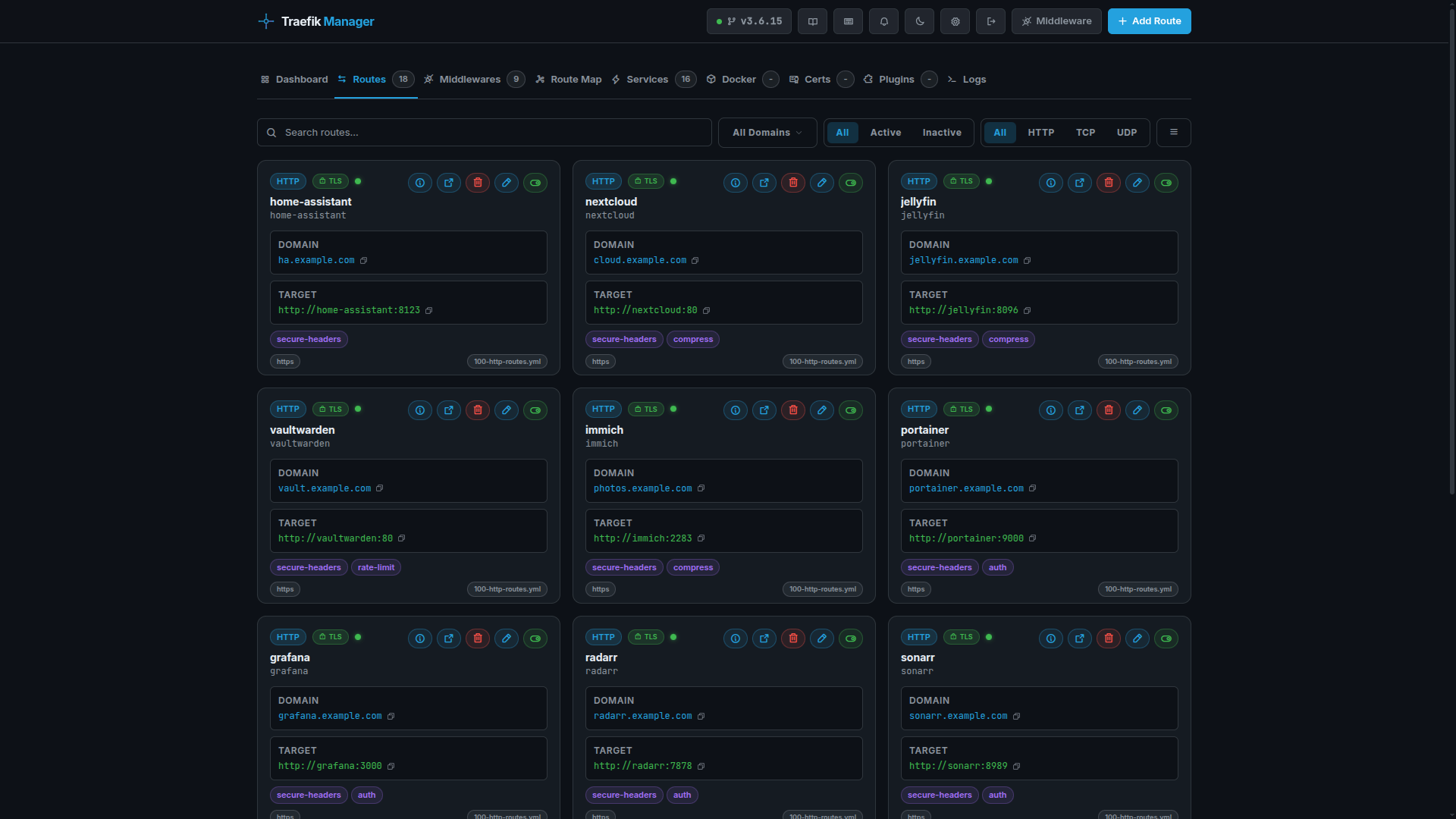
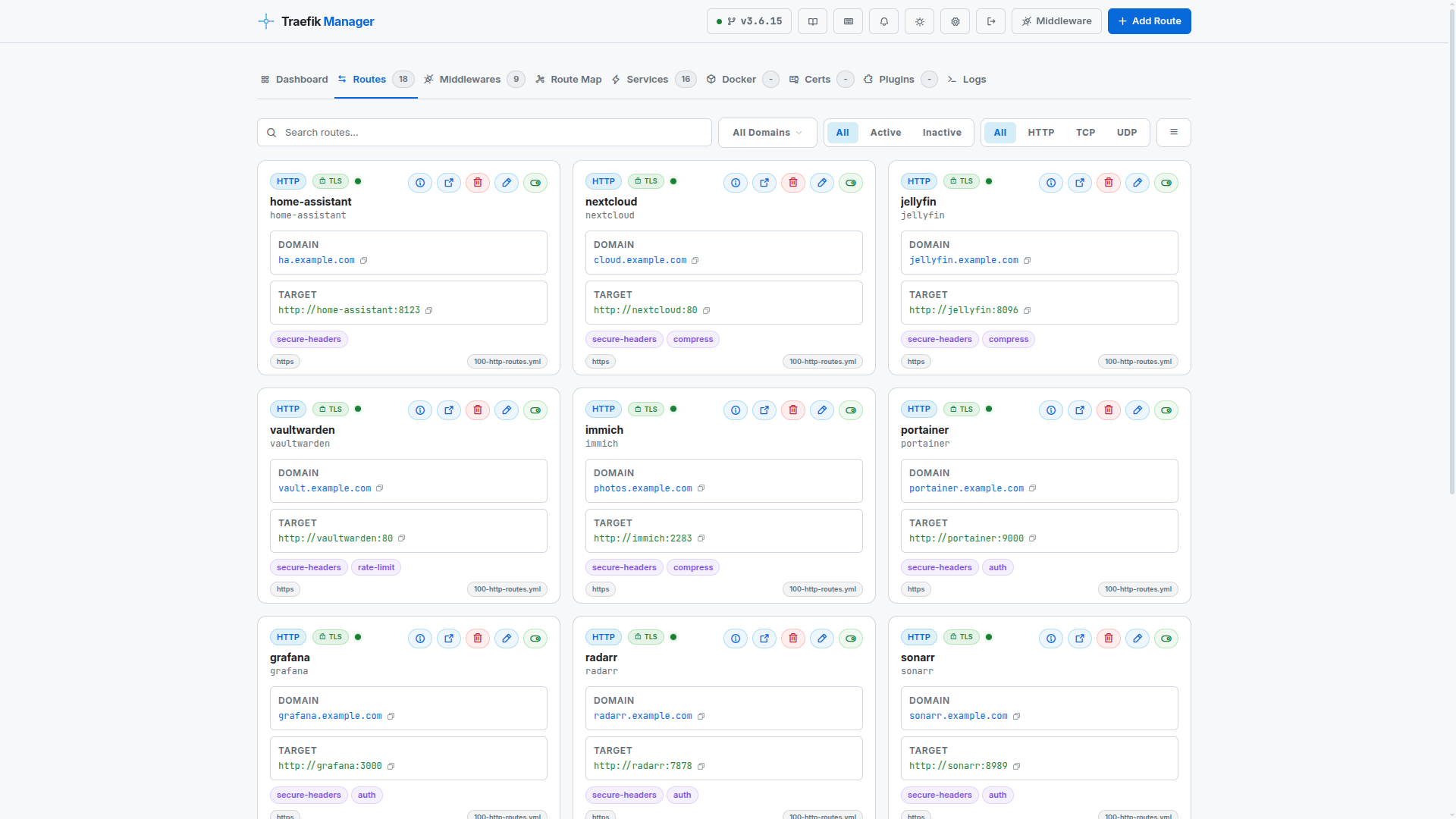
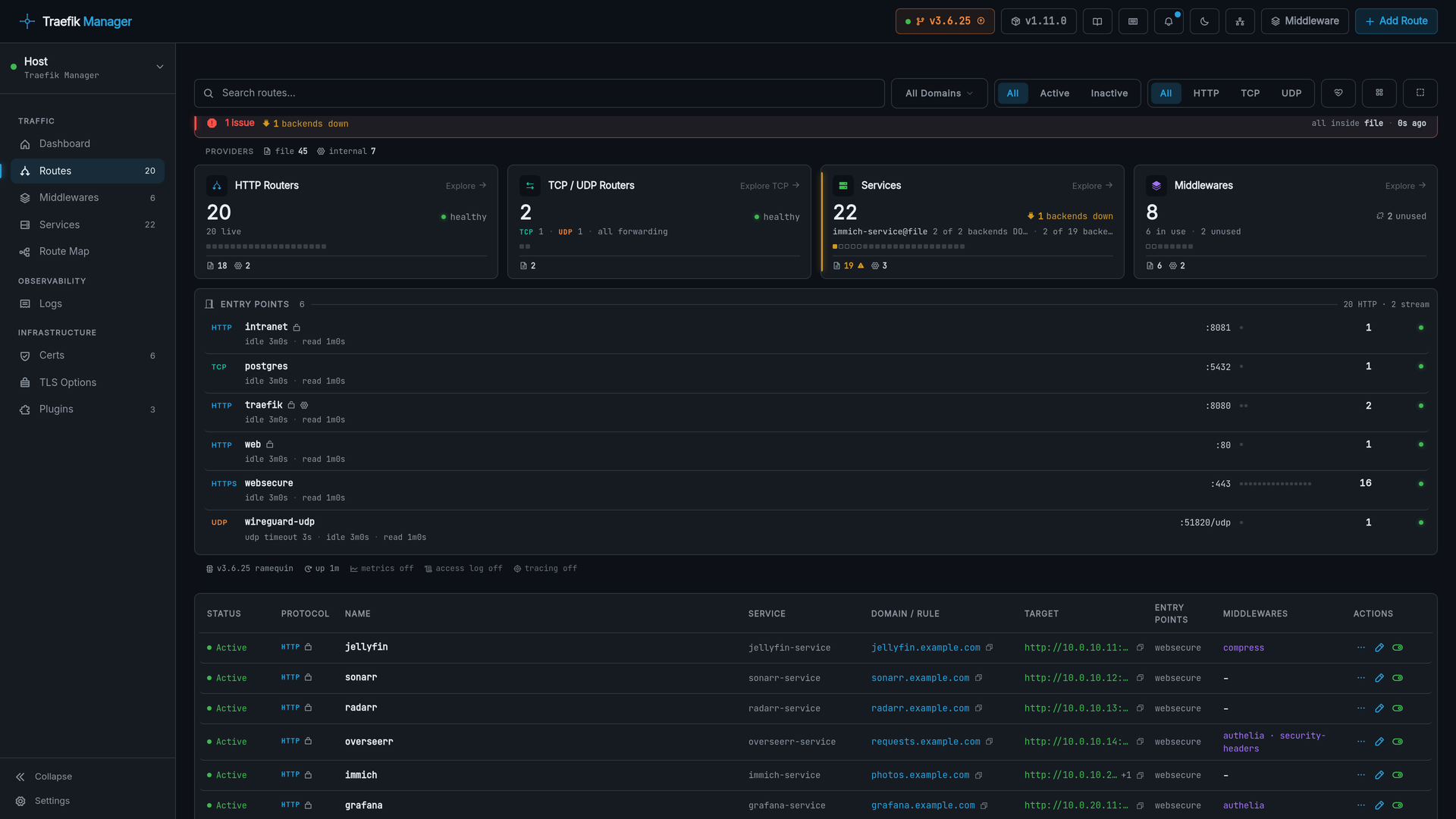
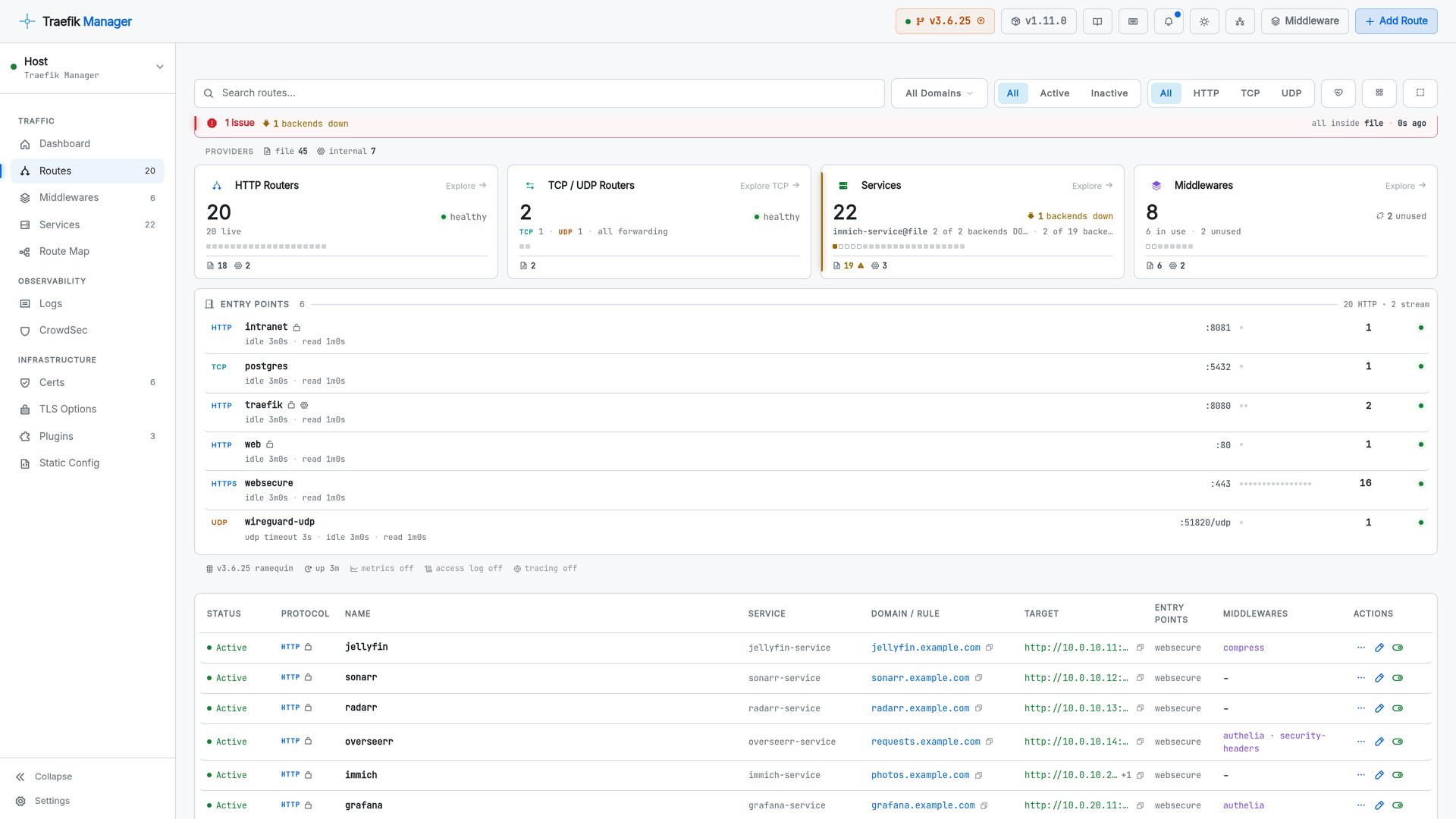
Card and list views over every router Traefik knows about, from every provider, with the stat panel and entry points above.
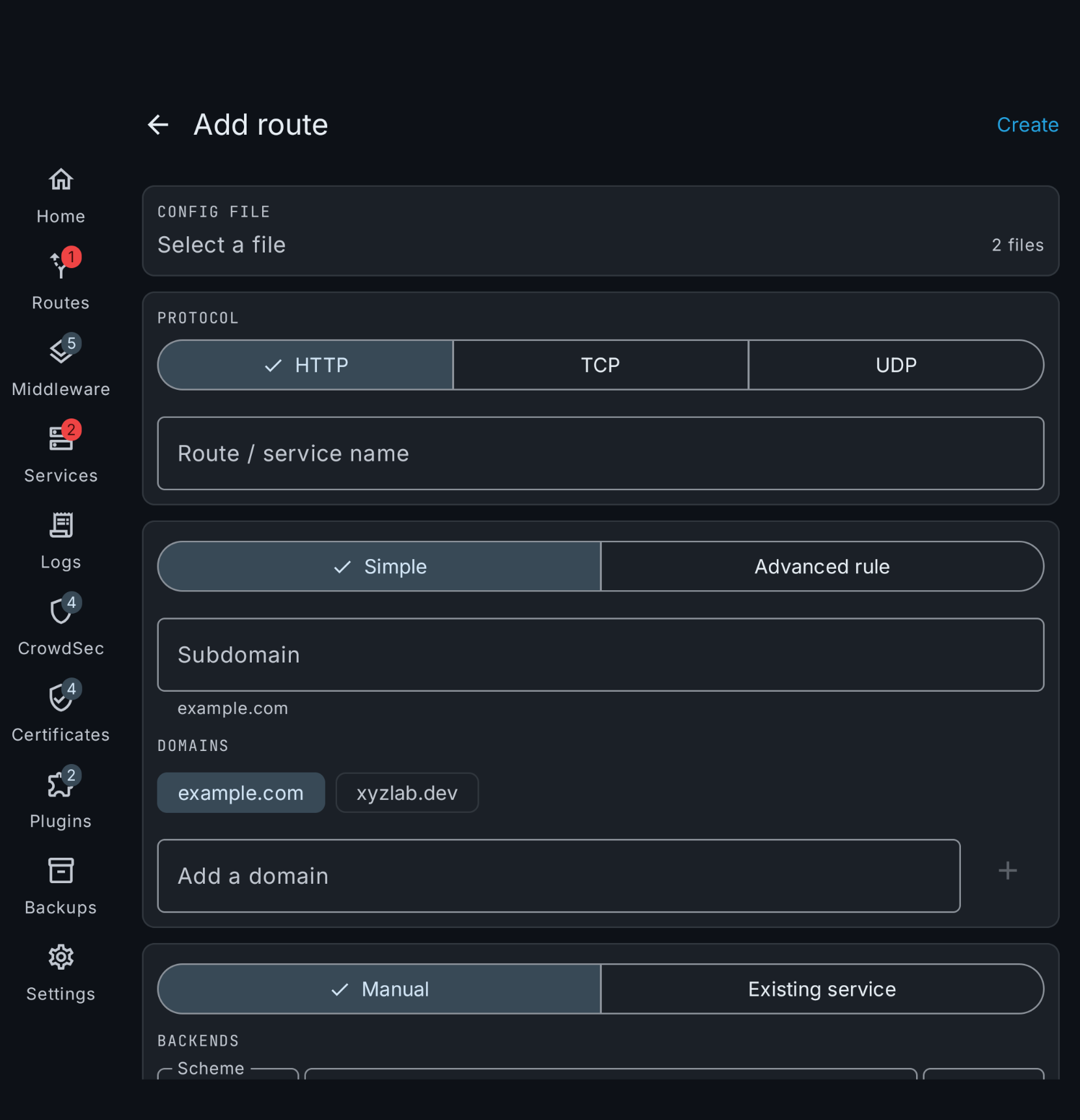
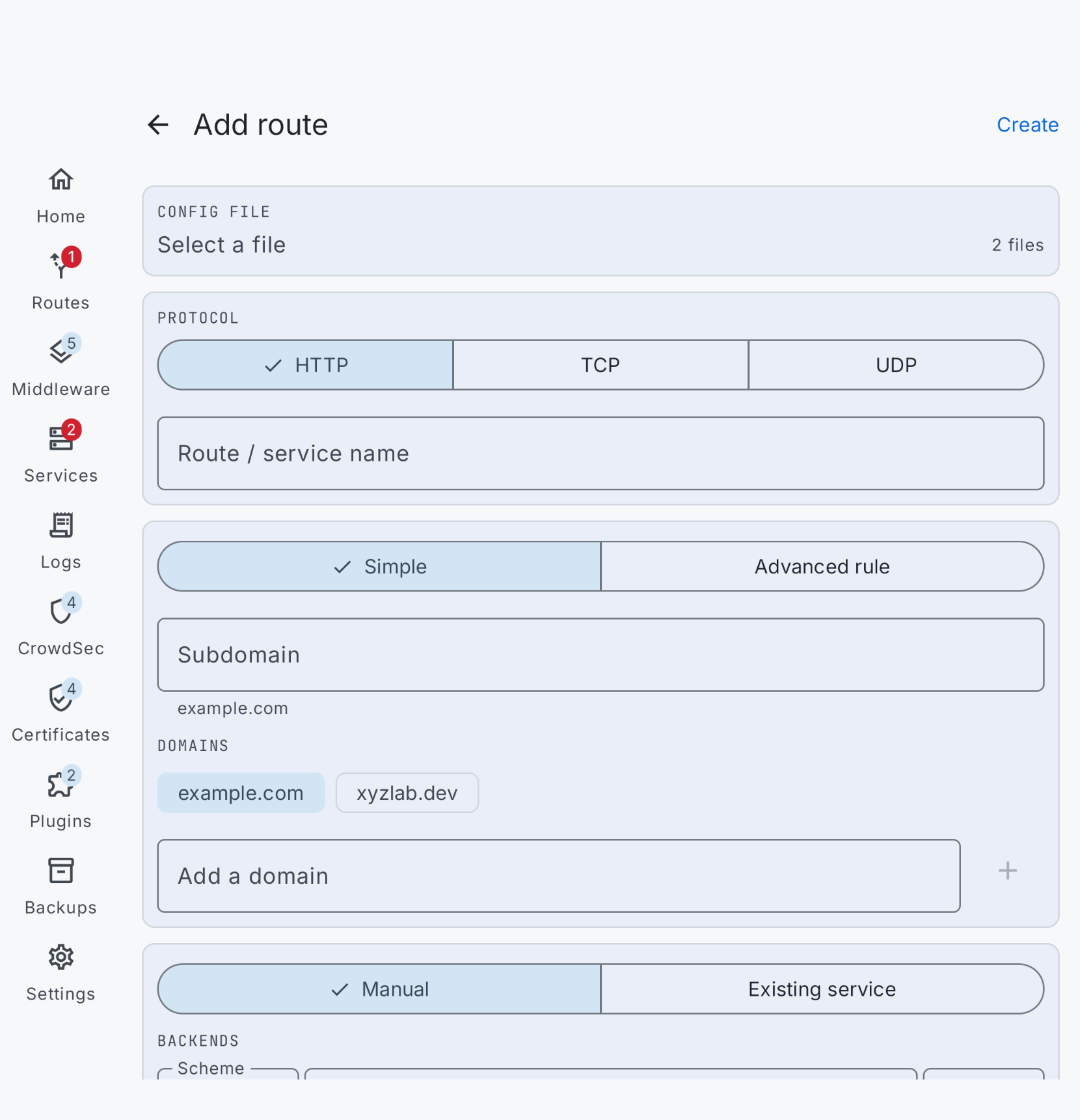
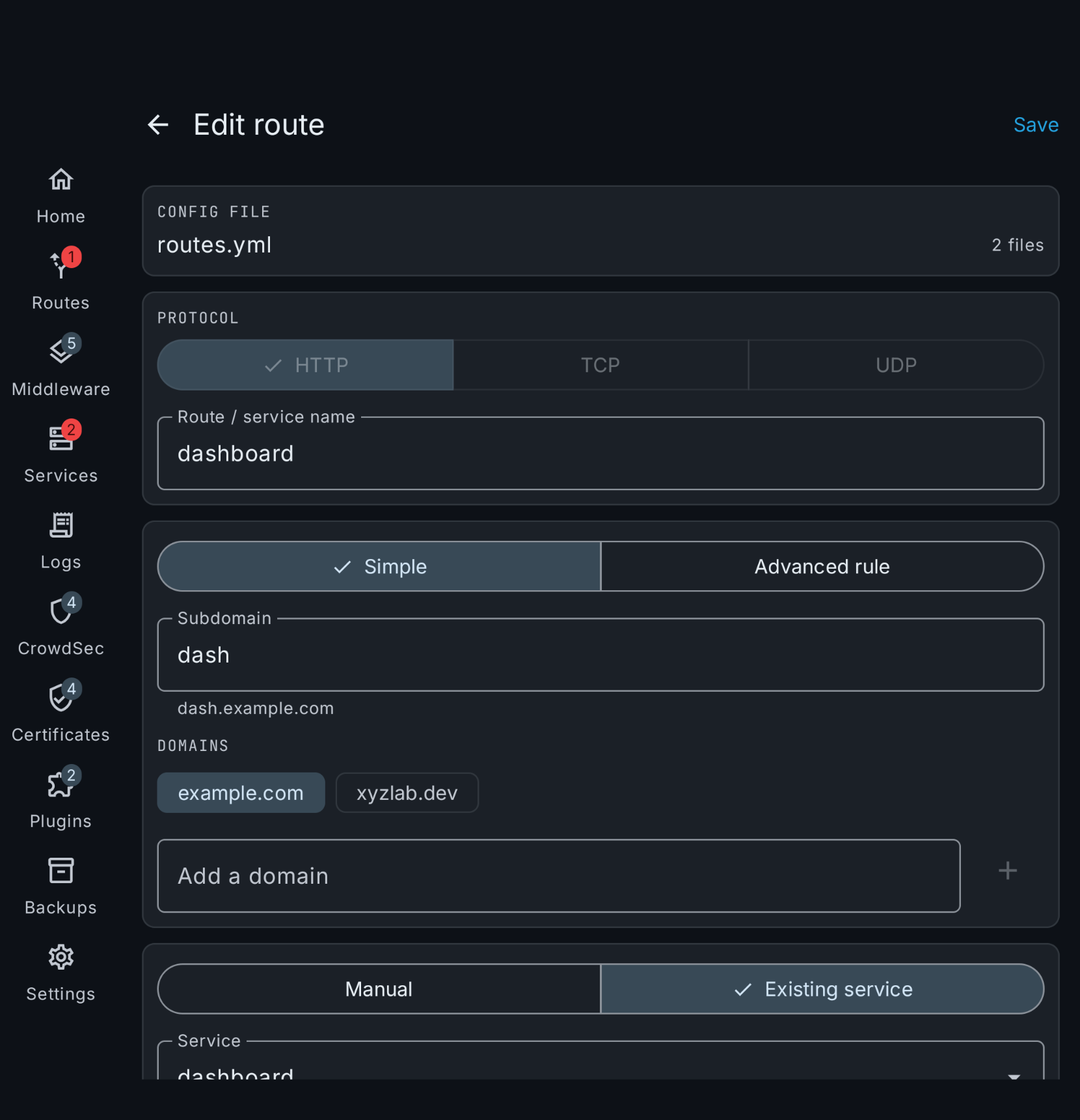
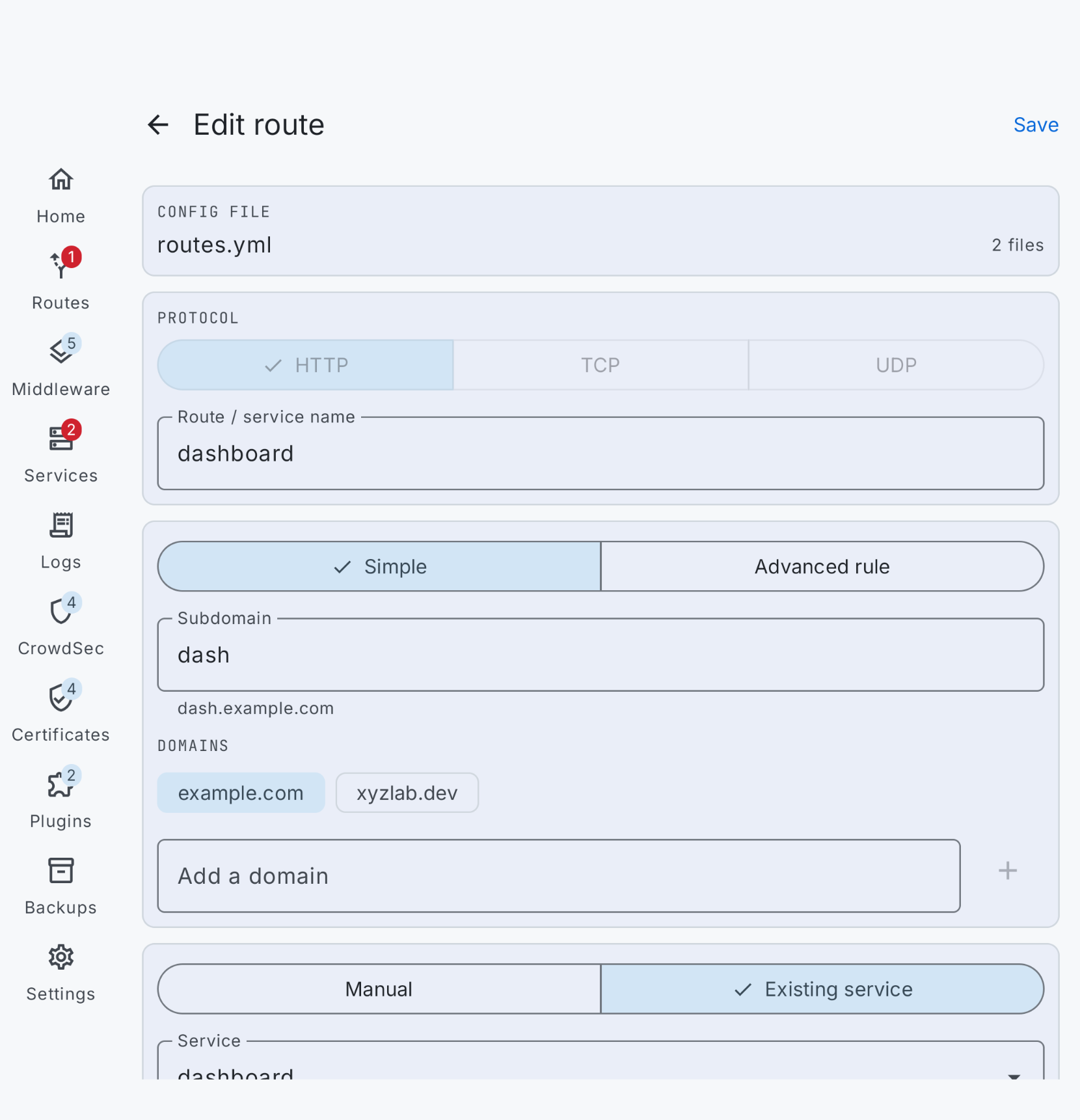
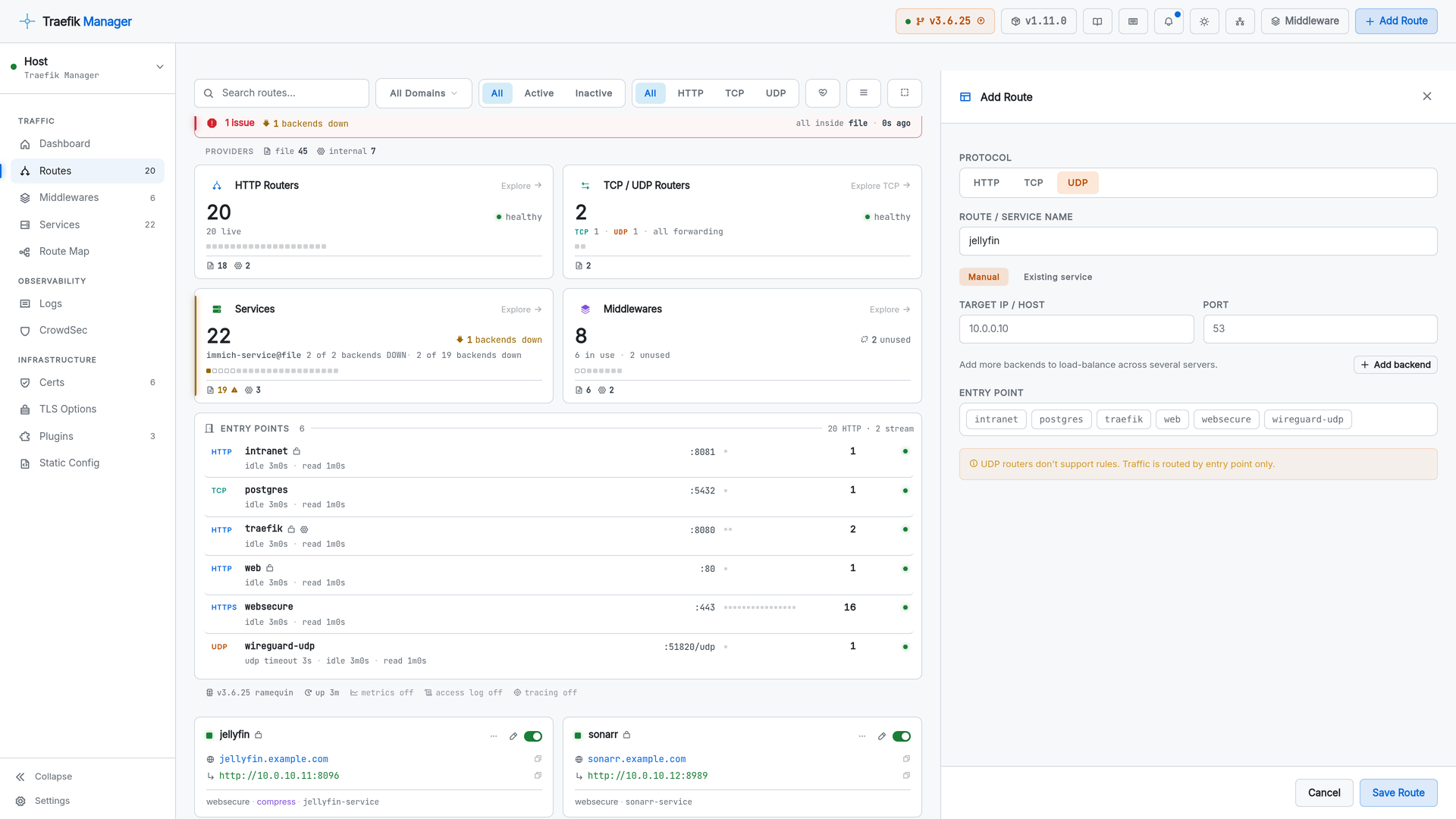
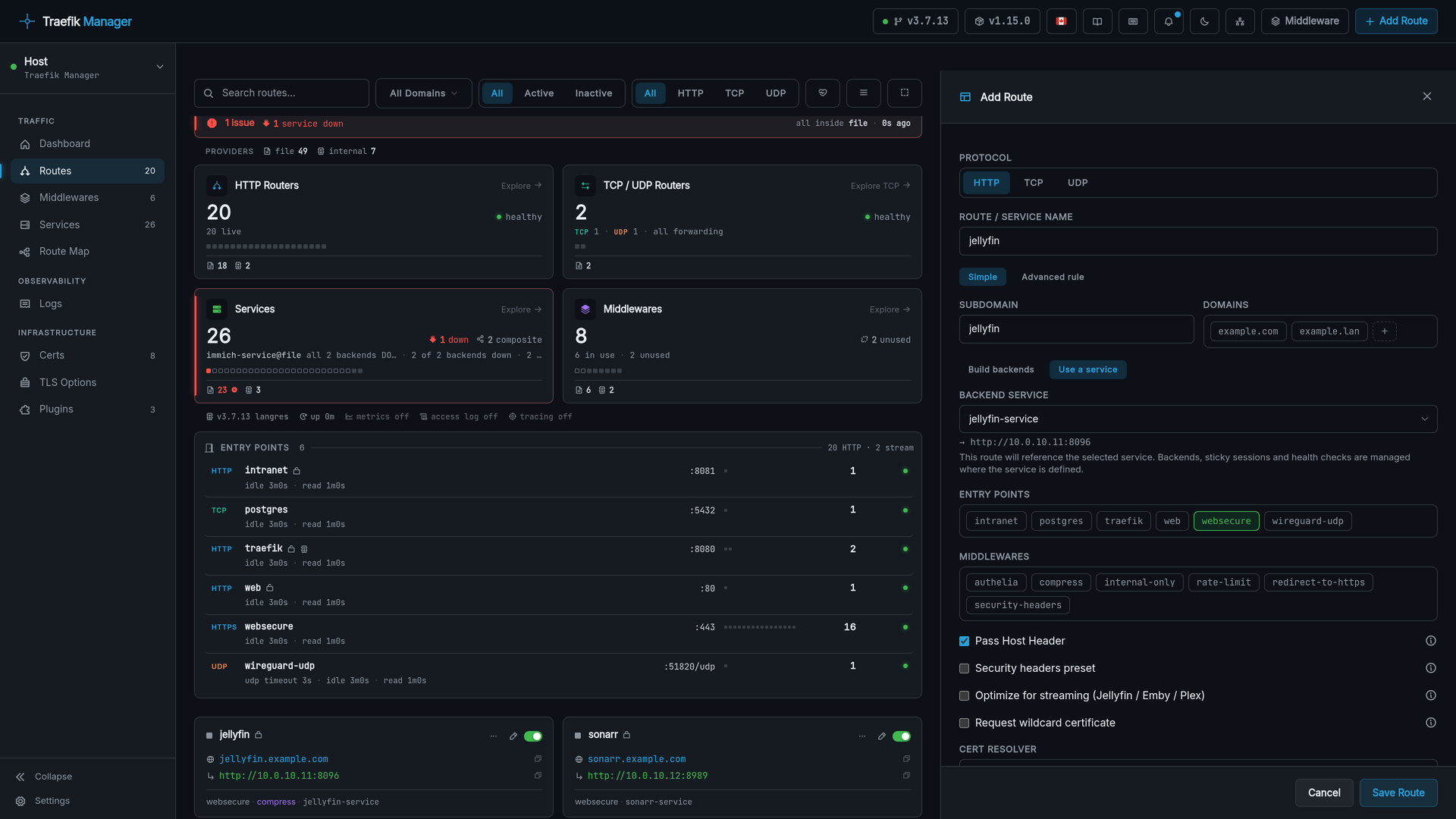
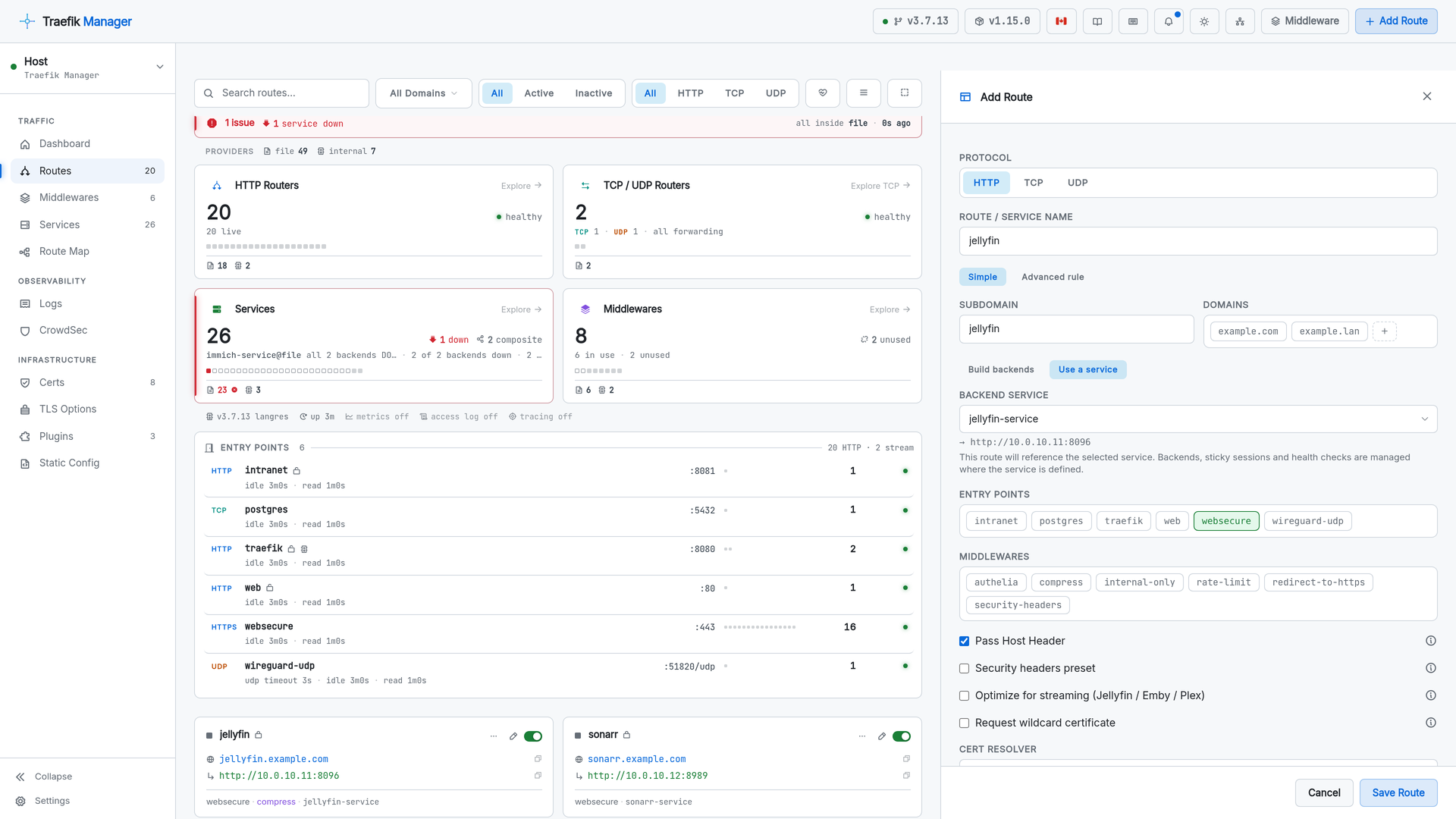
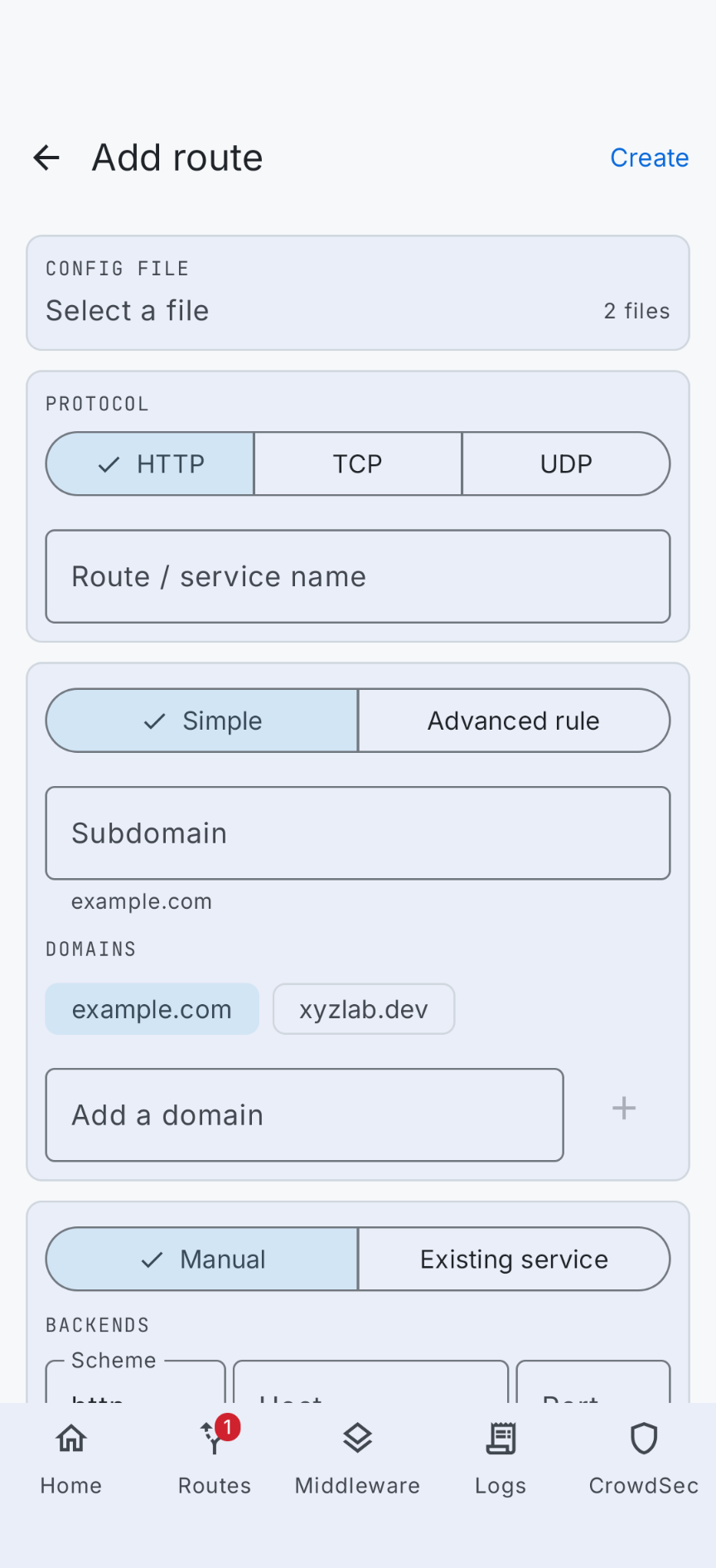
Adding a route is a slide-in form. HTTP routes get domains, backends, load balancing, entry points and middlewares; TCP and UDP get what applies to them and nothing else.
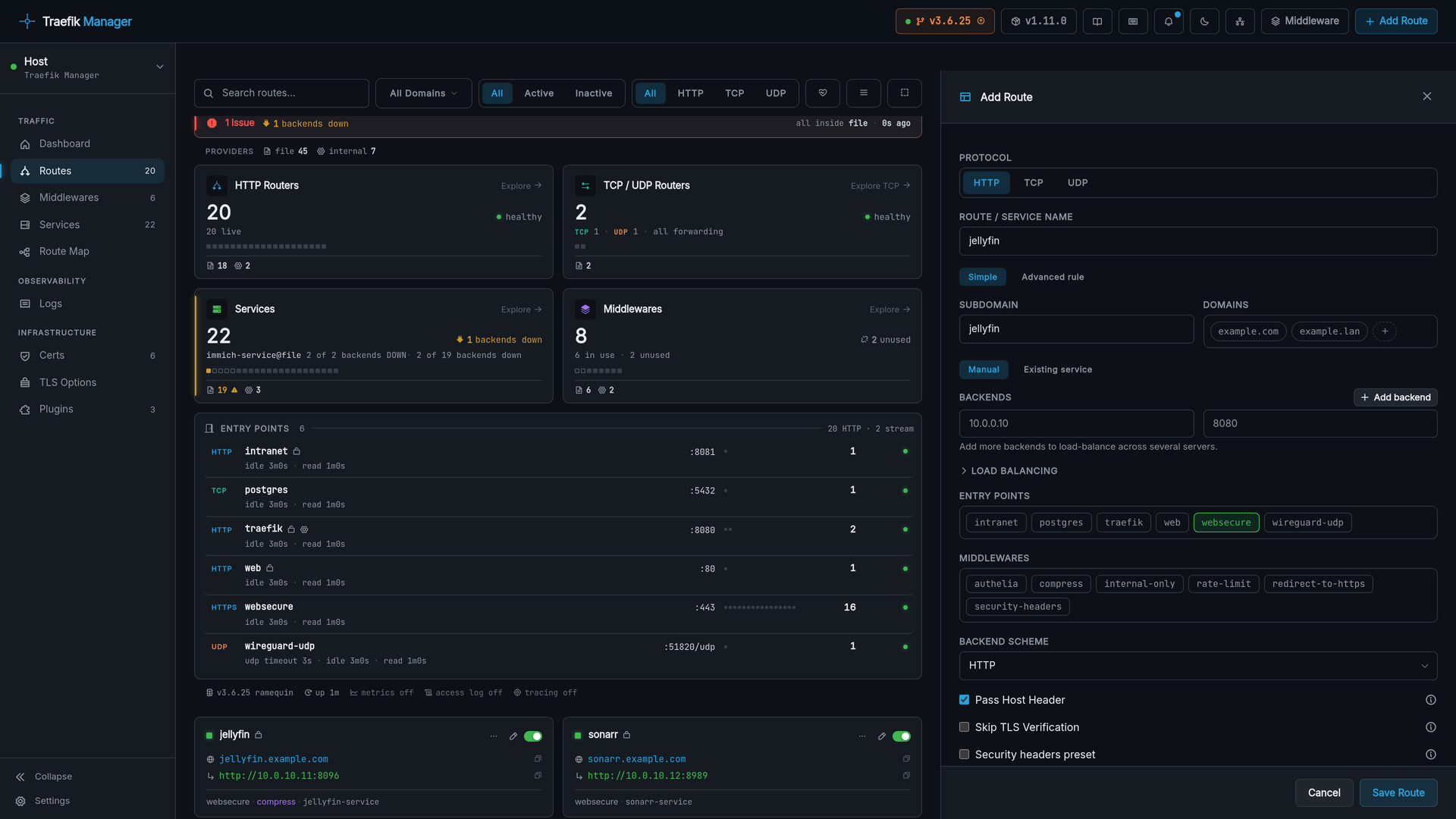
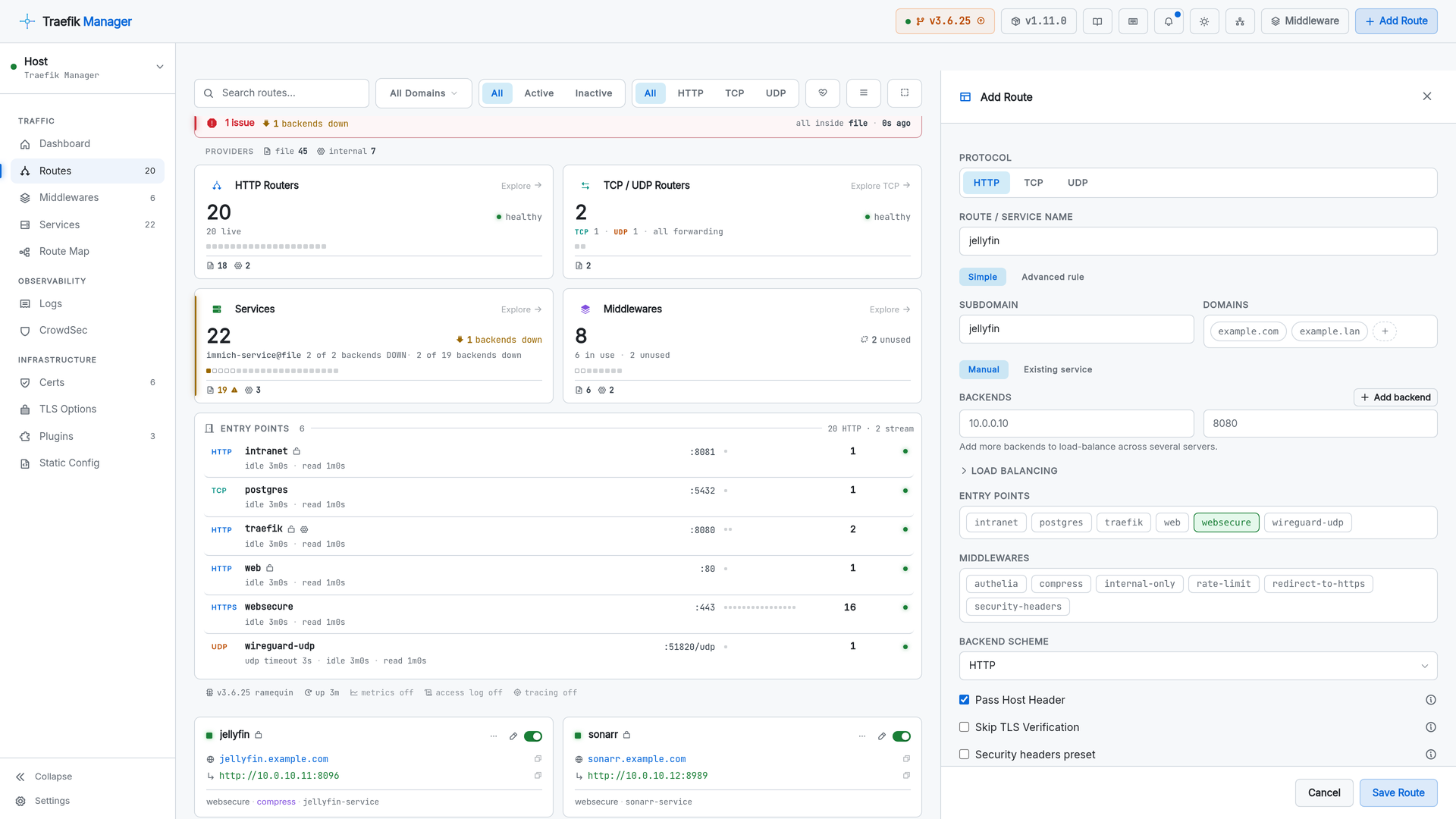
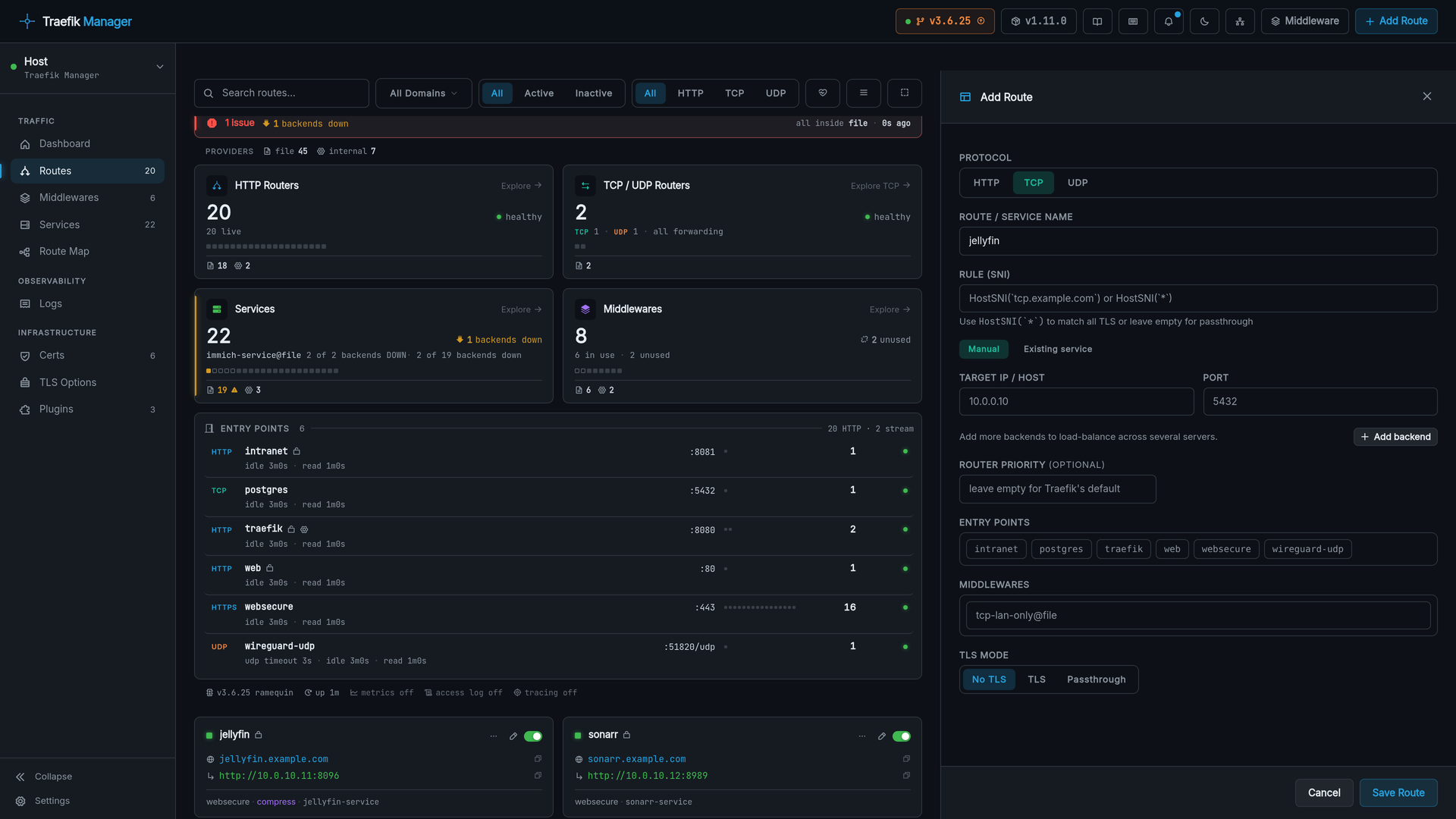
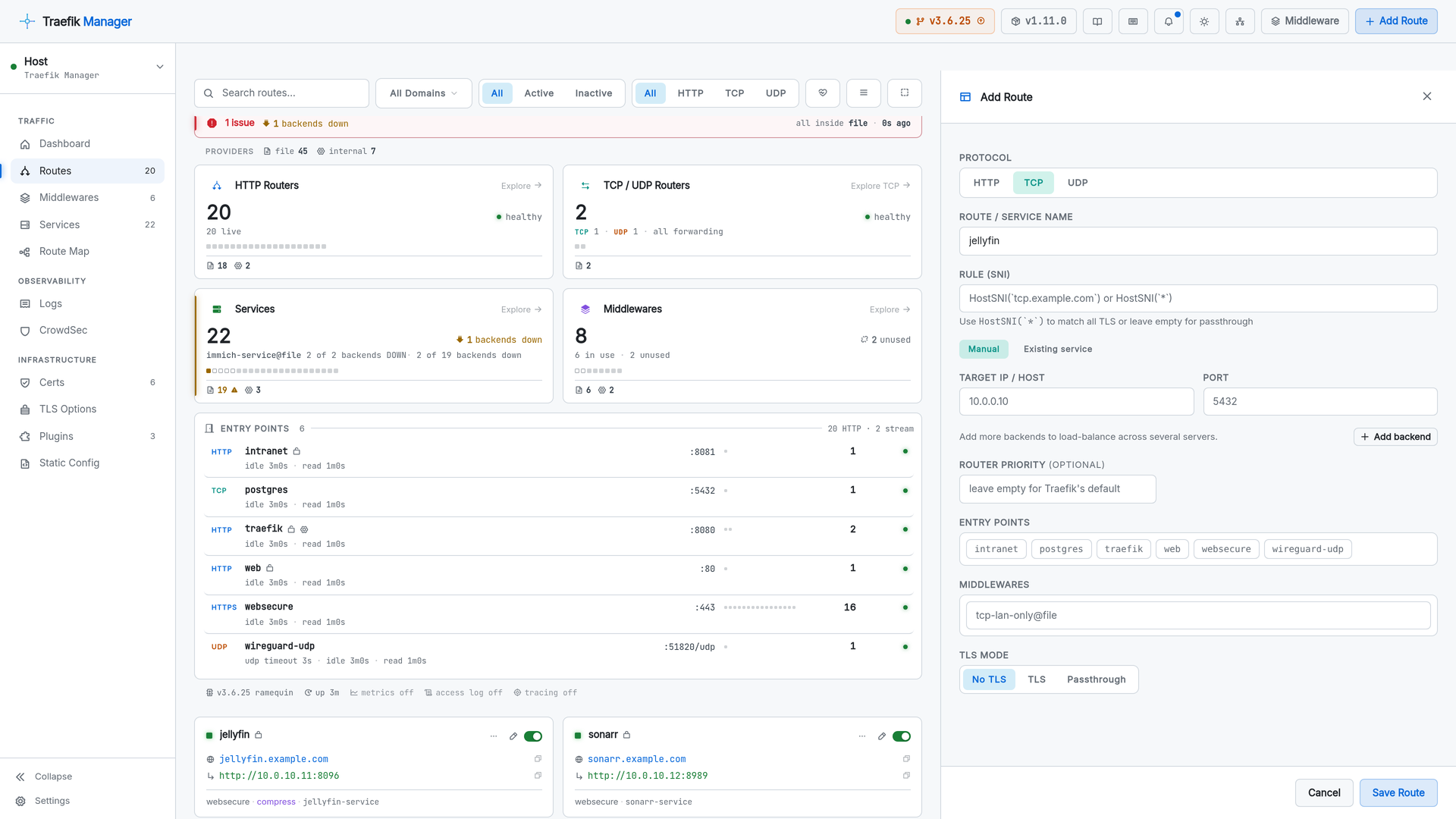
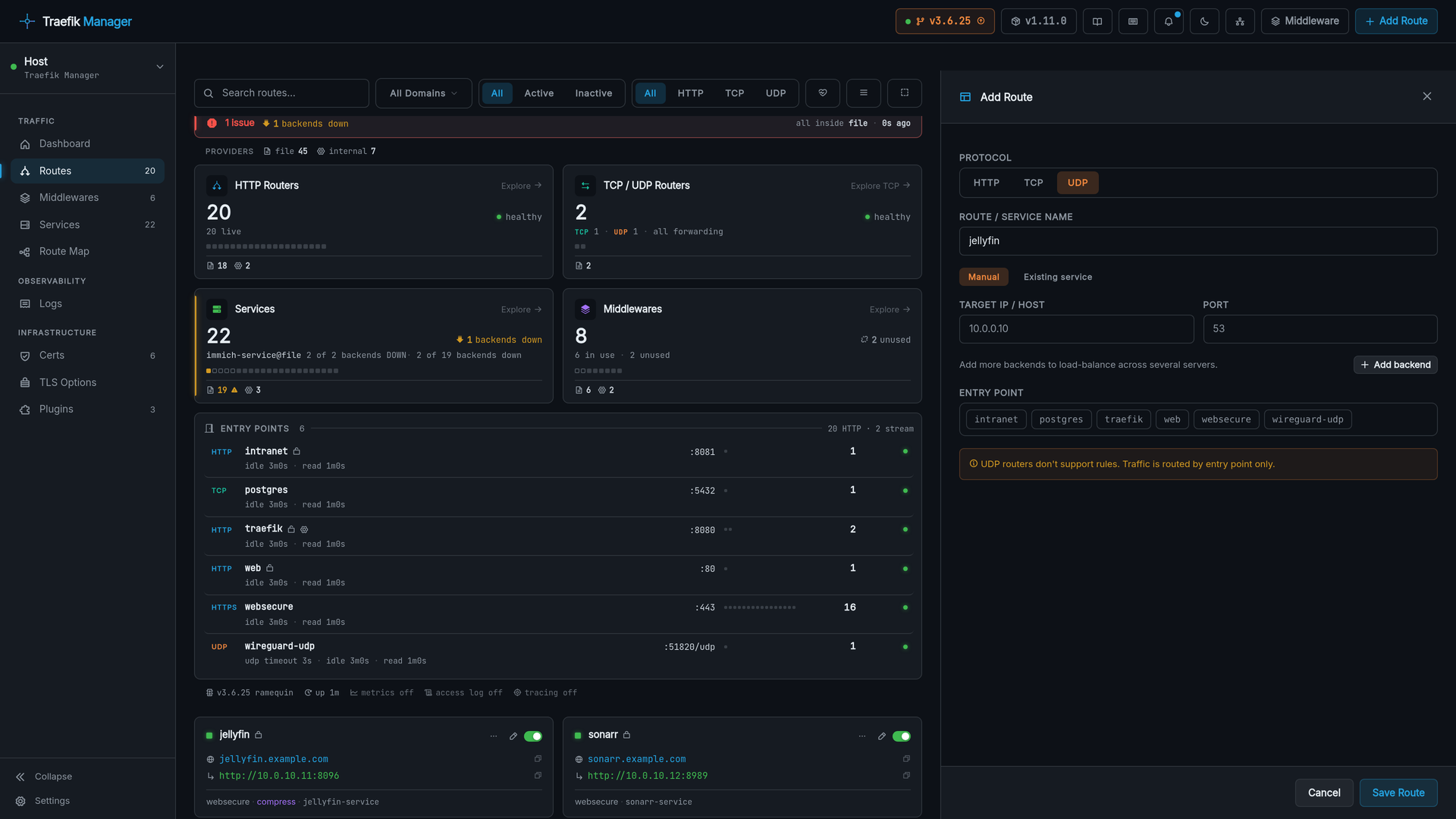
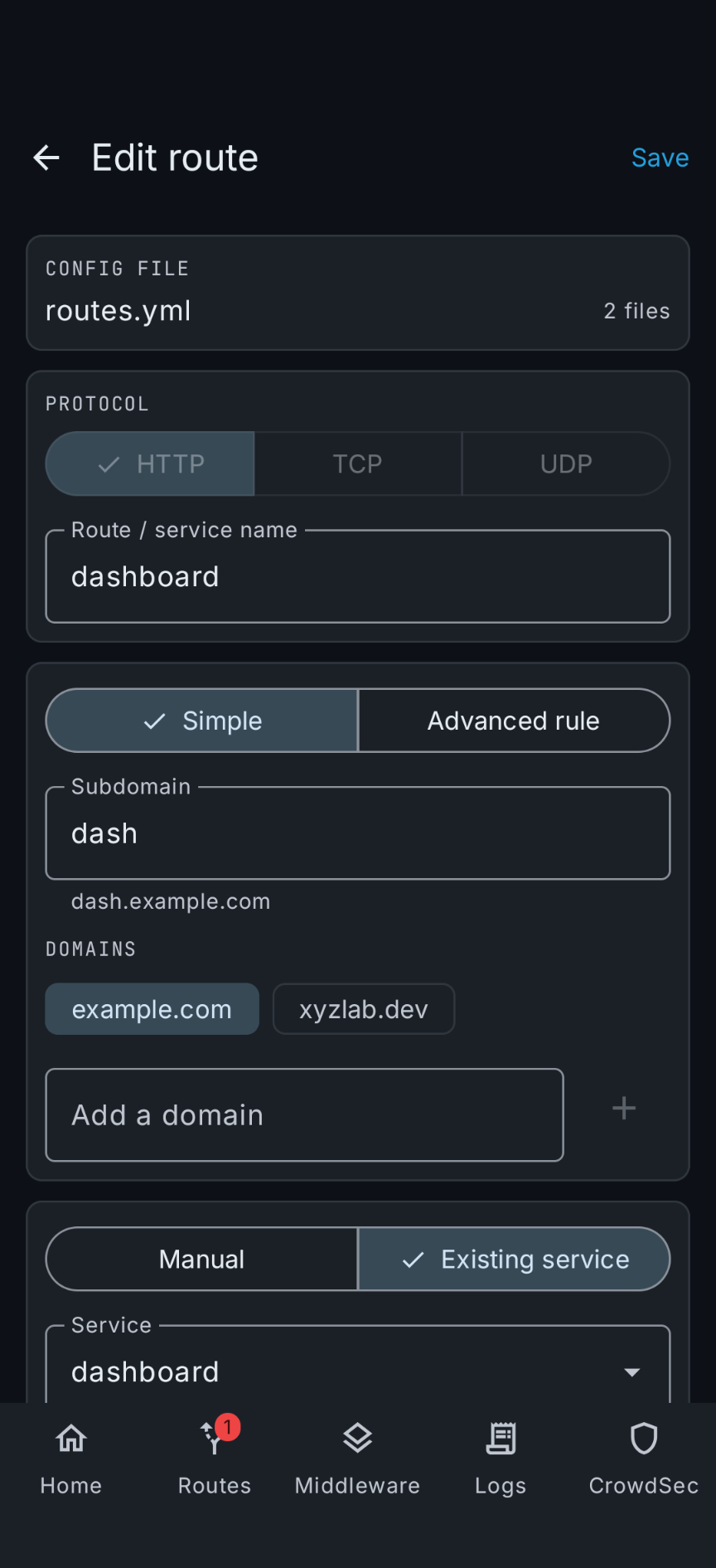
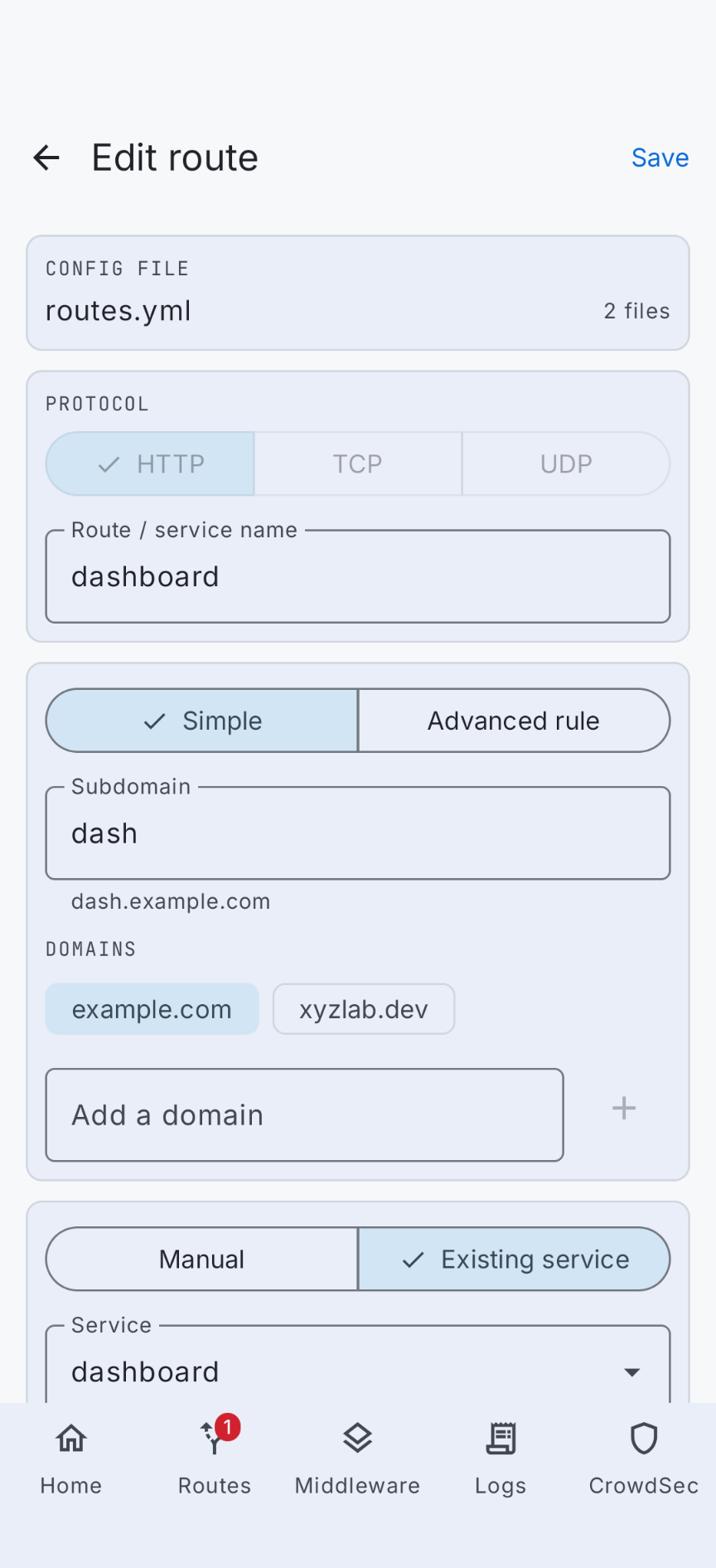
A route can point at an existing service instead of building its own backends.
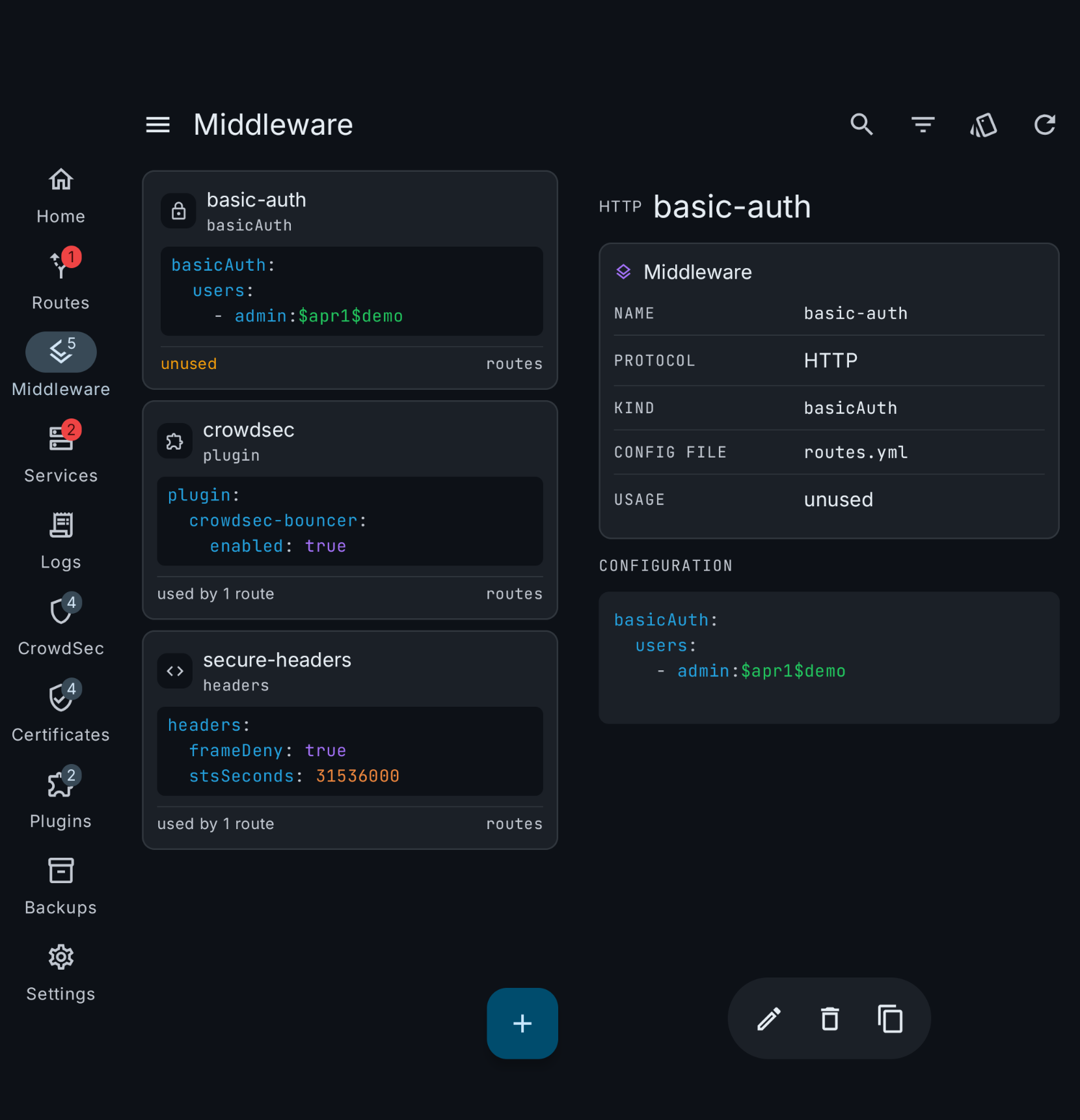
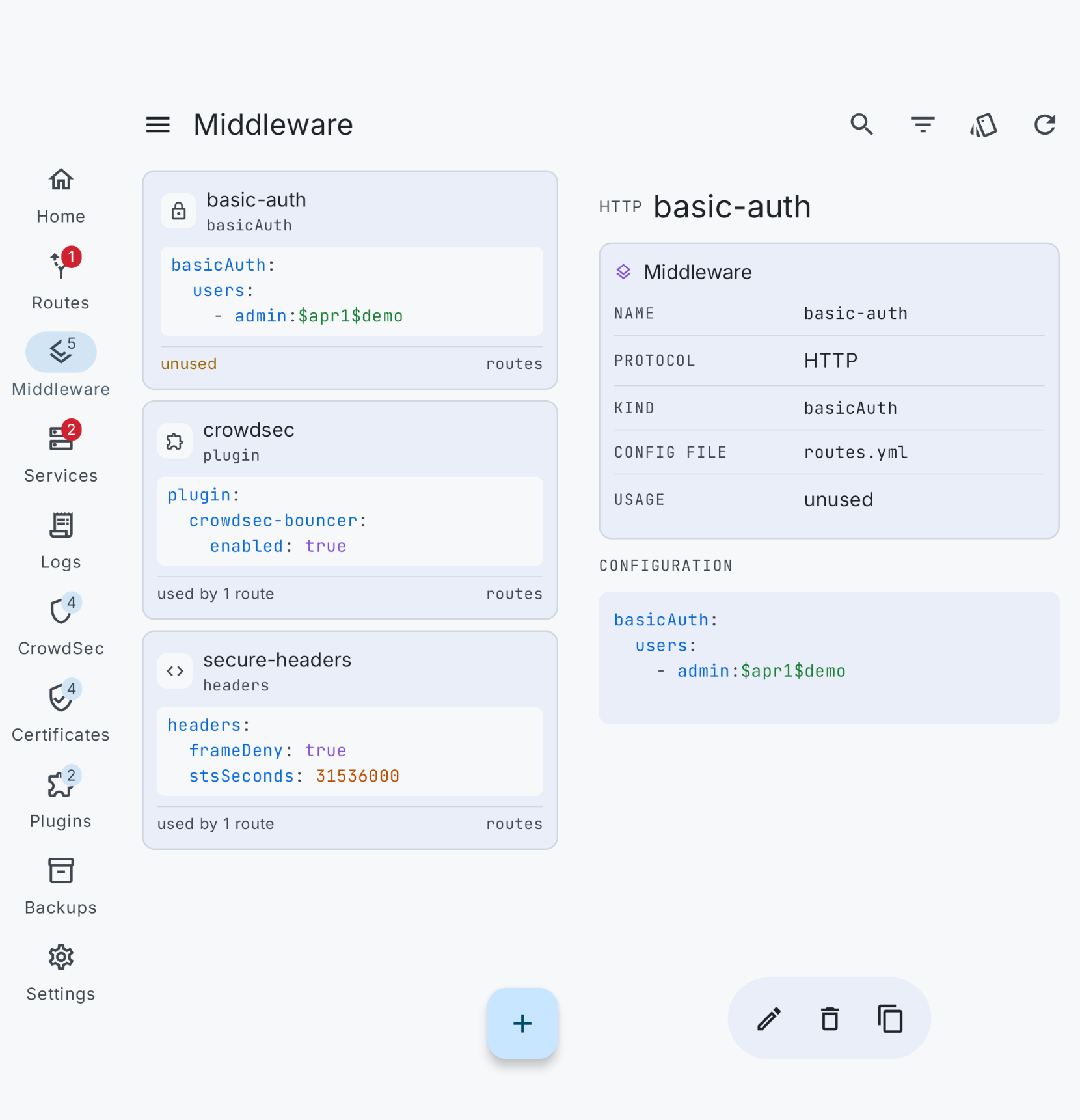
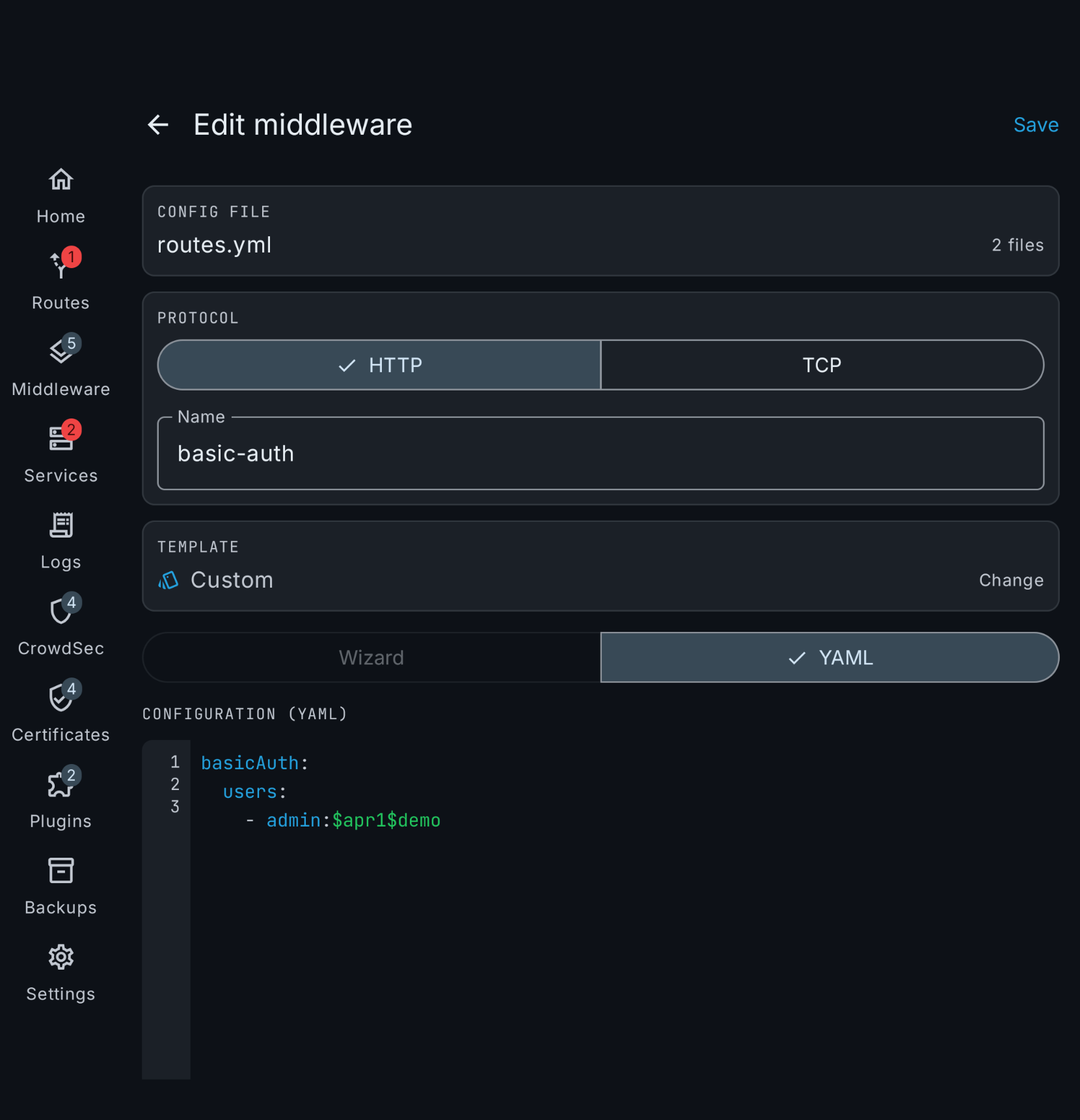
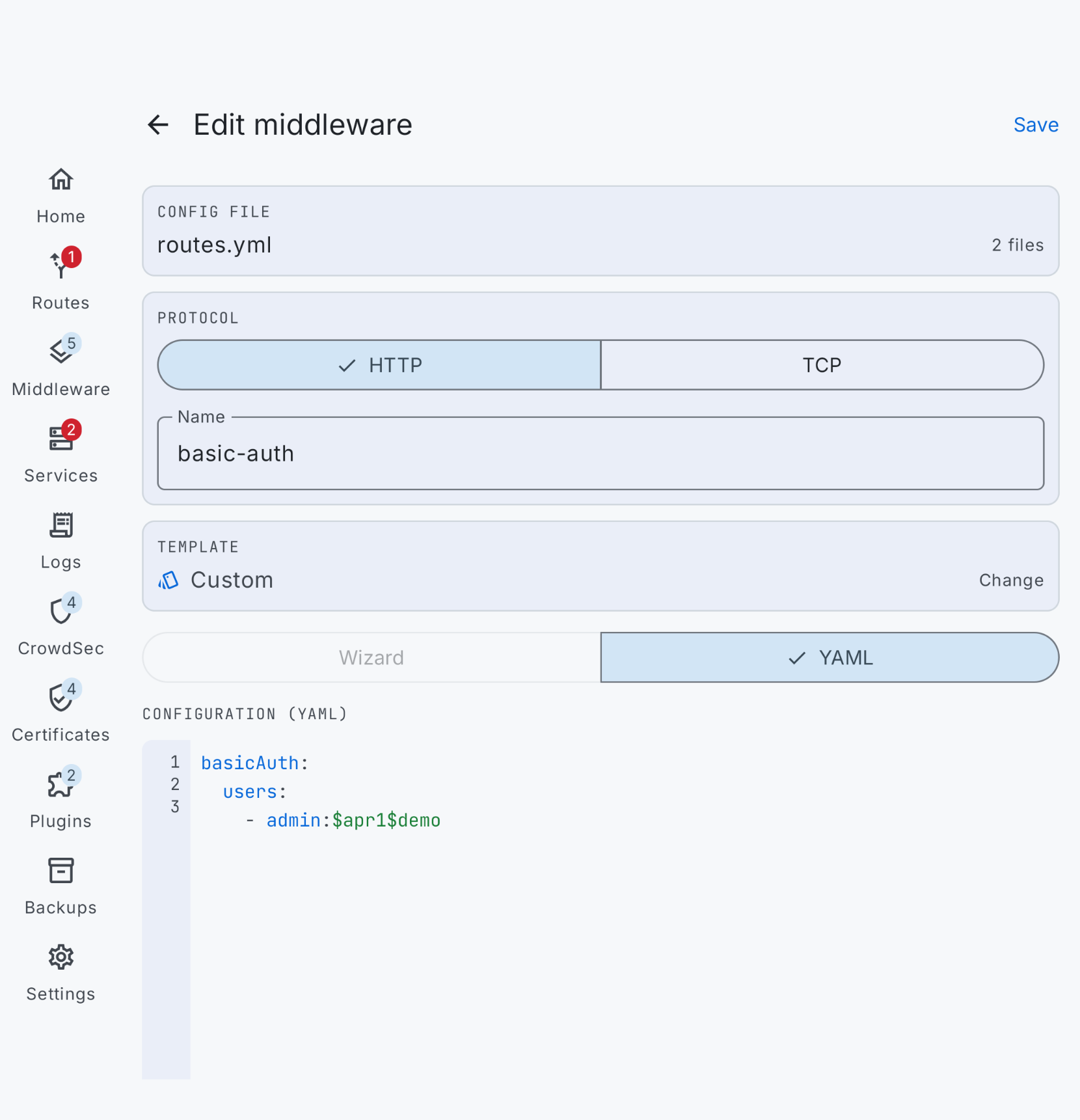
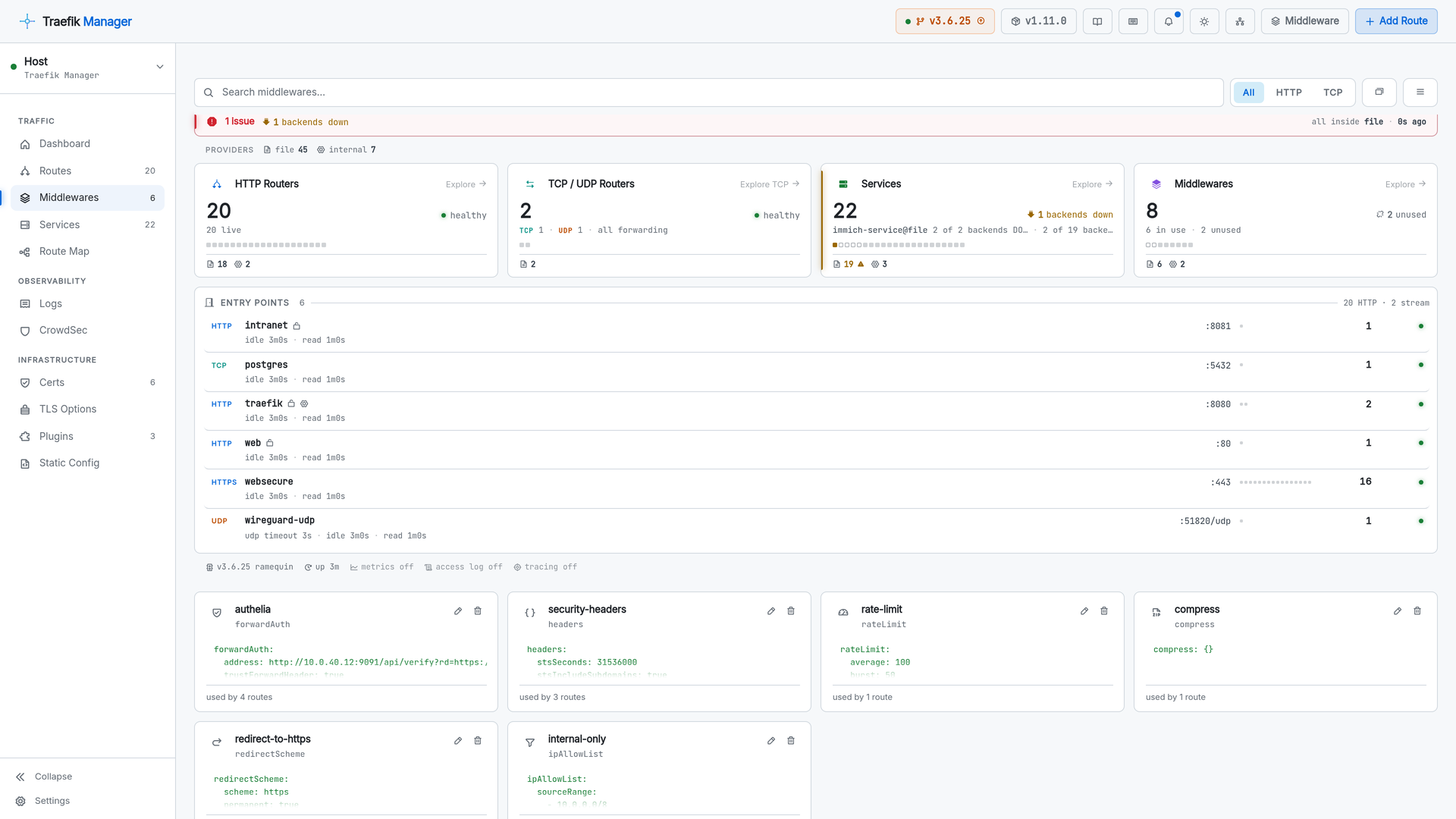
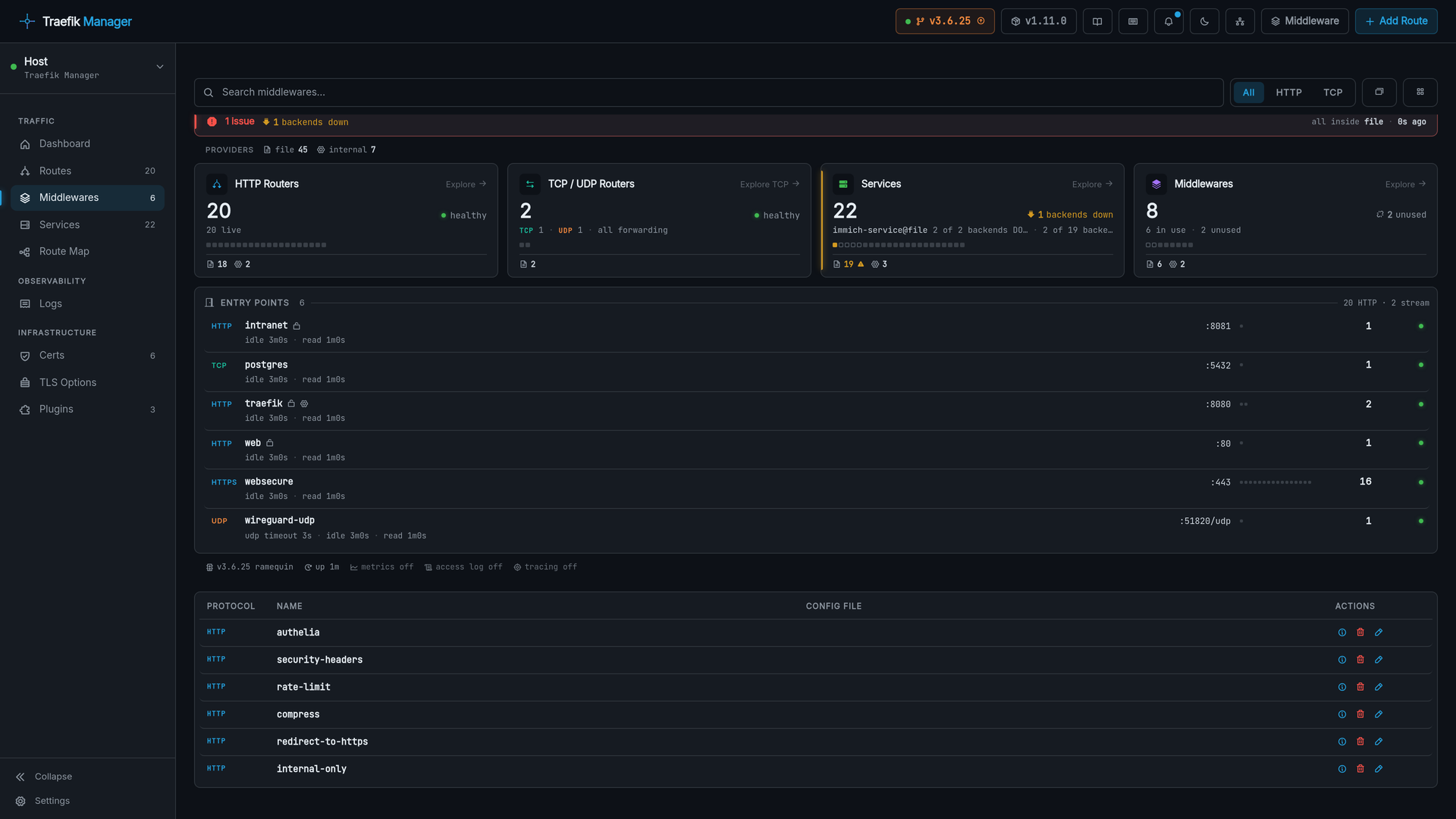
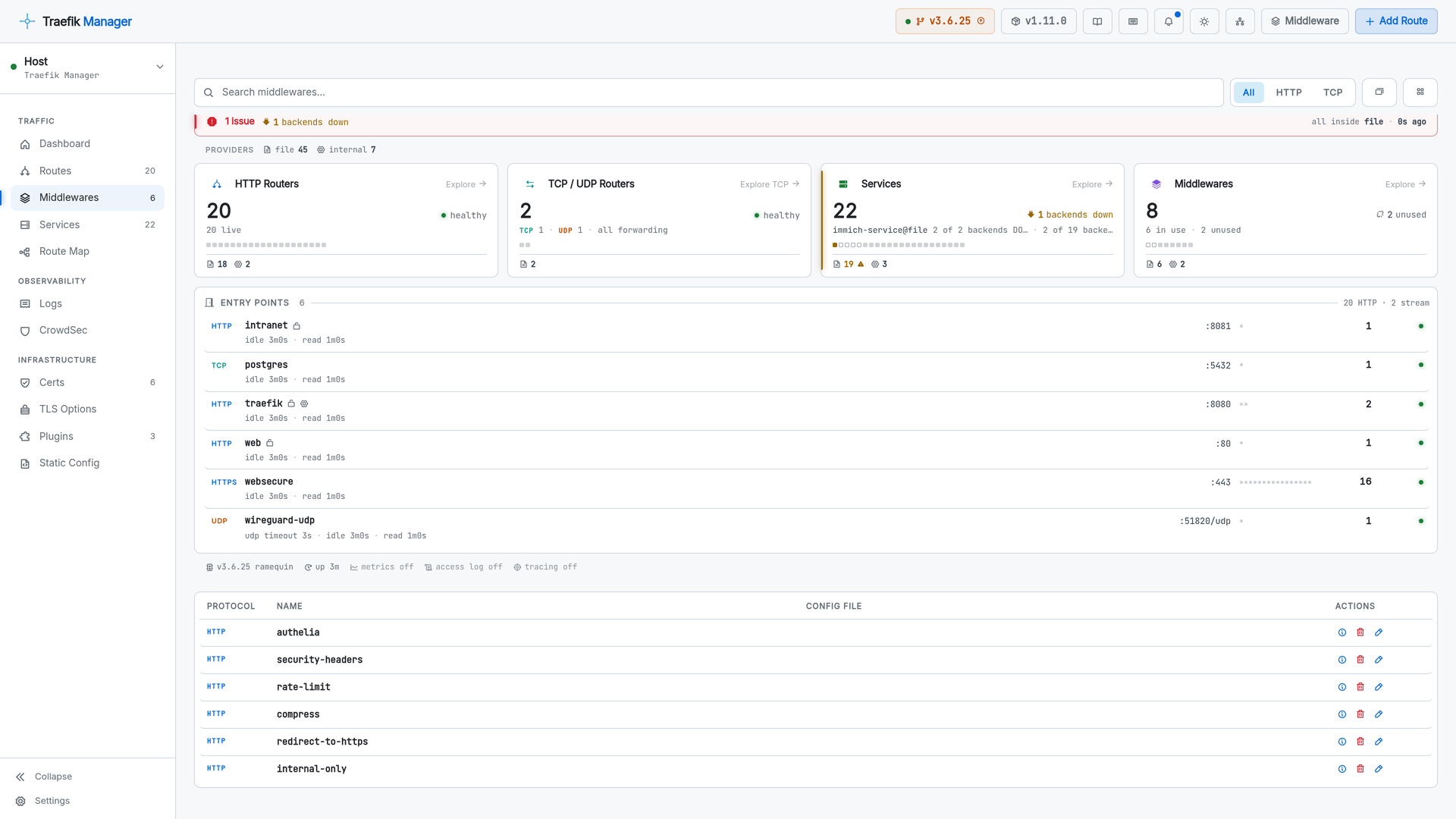
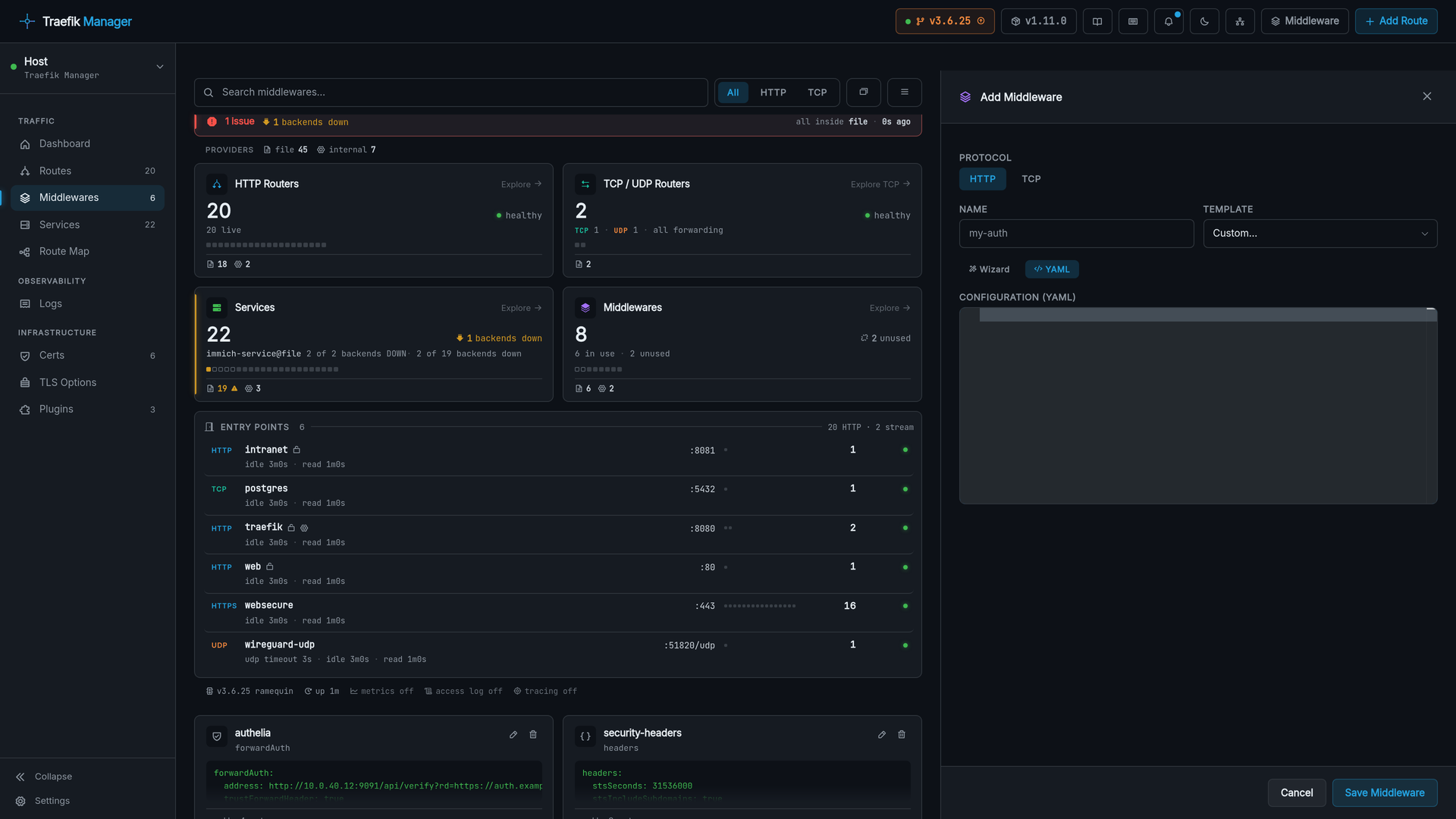
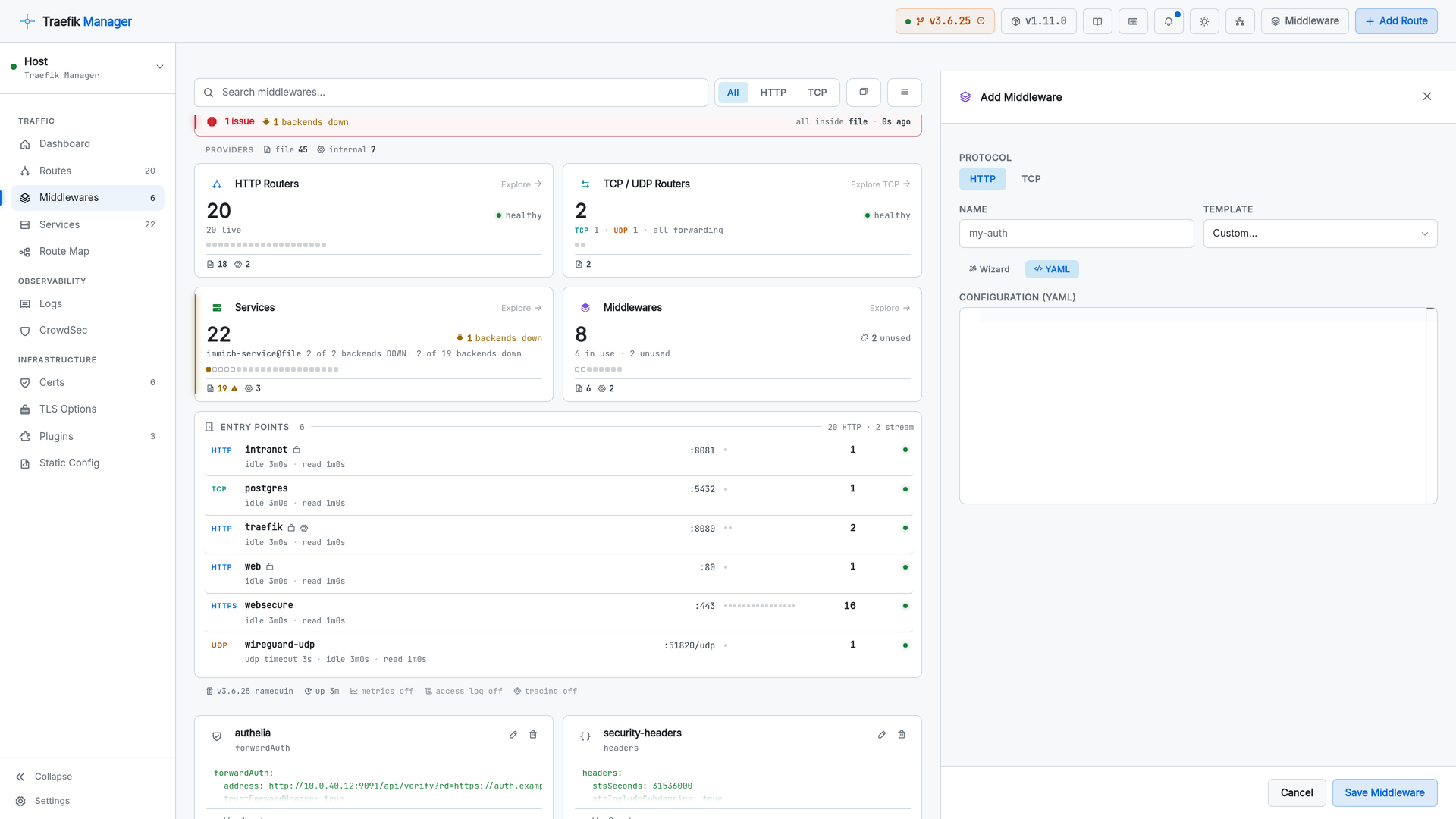
Middlewares
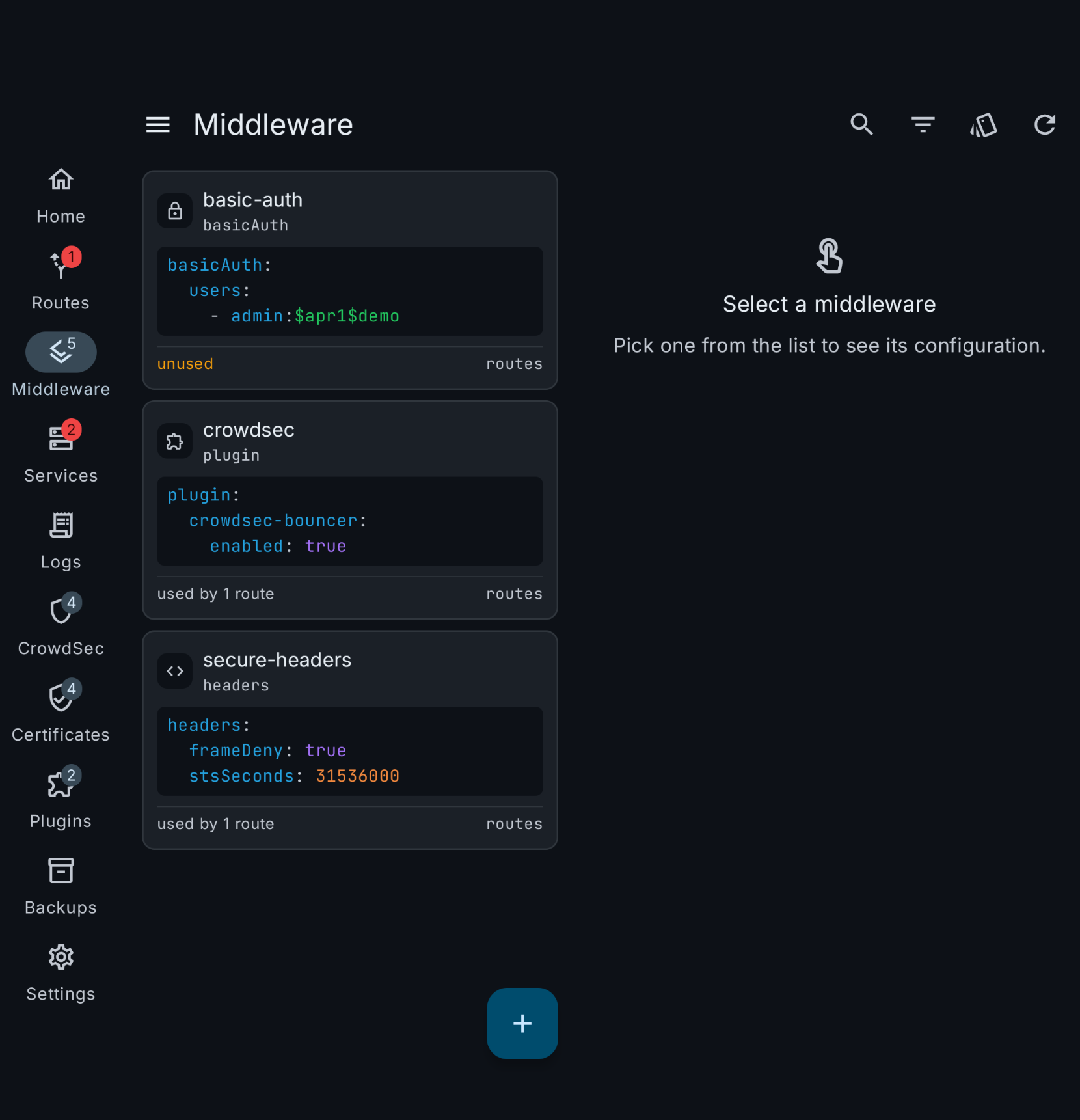
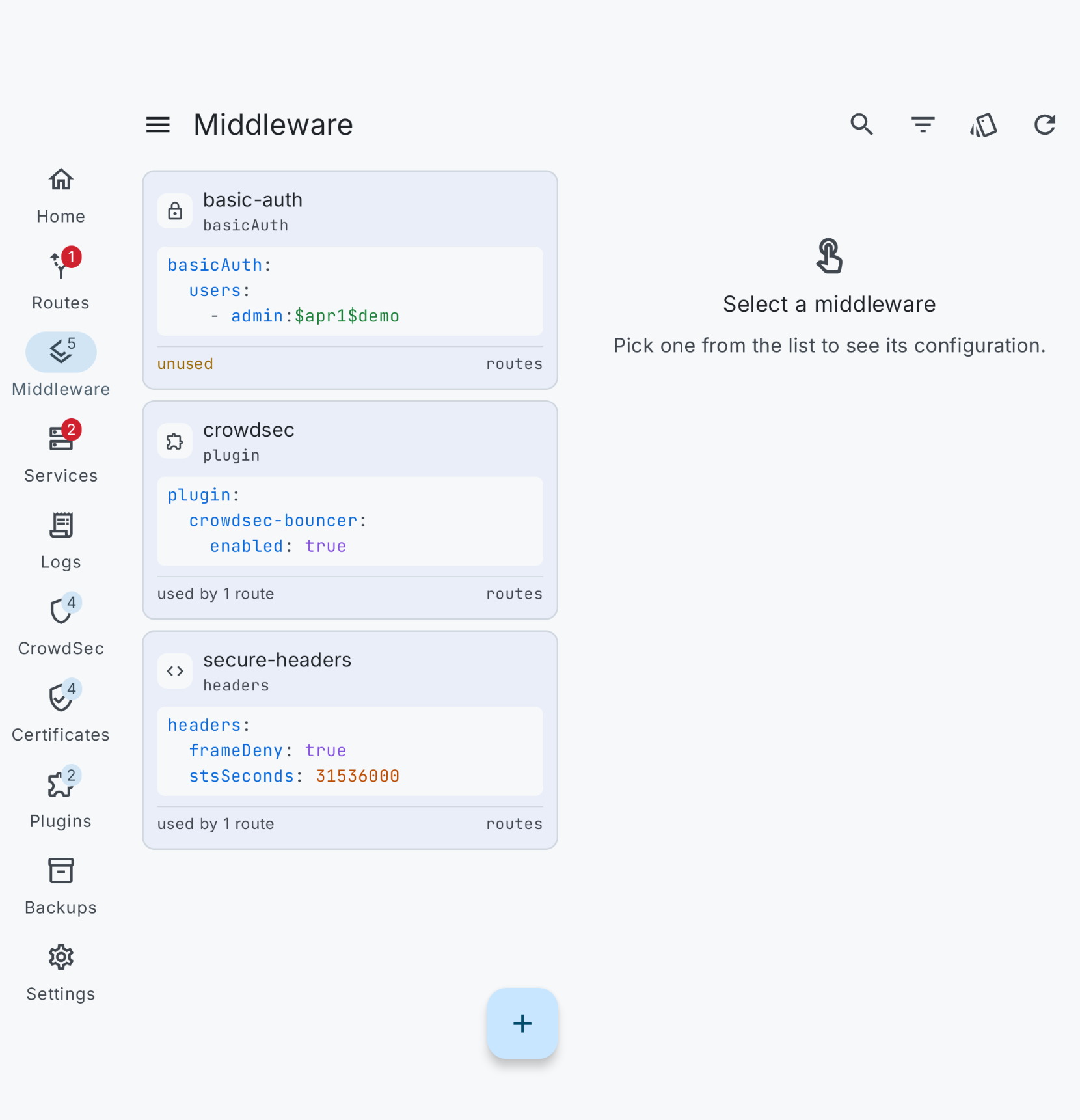
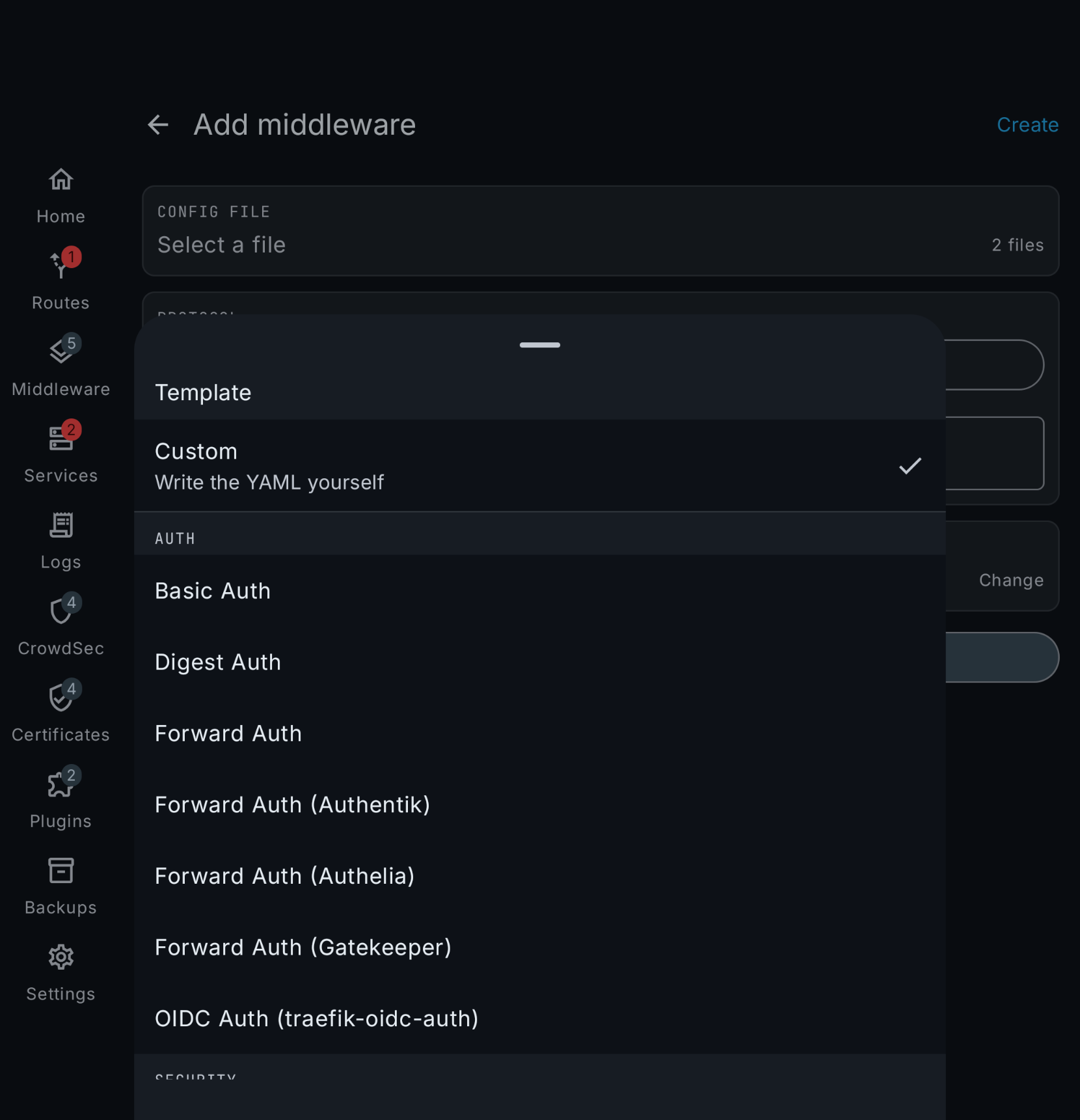
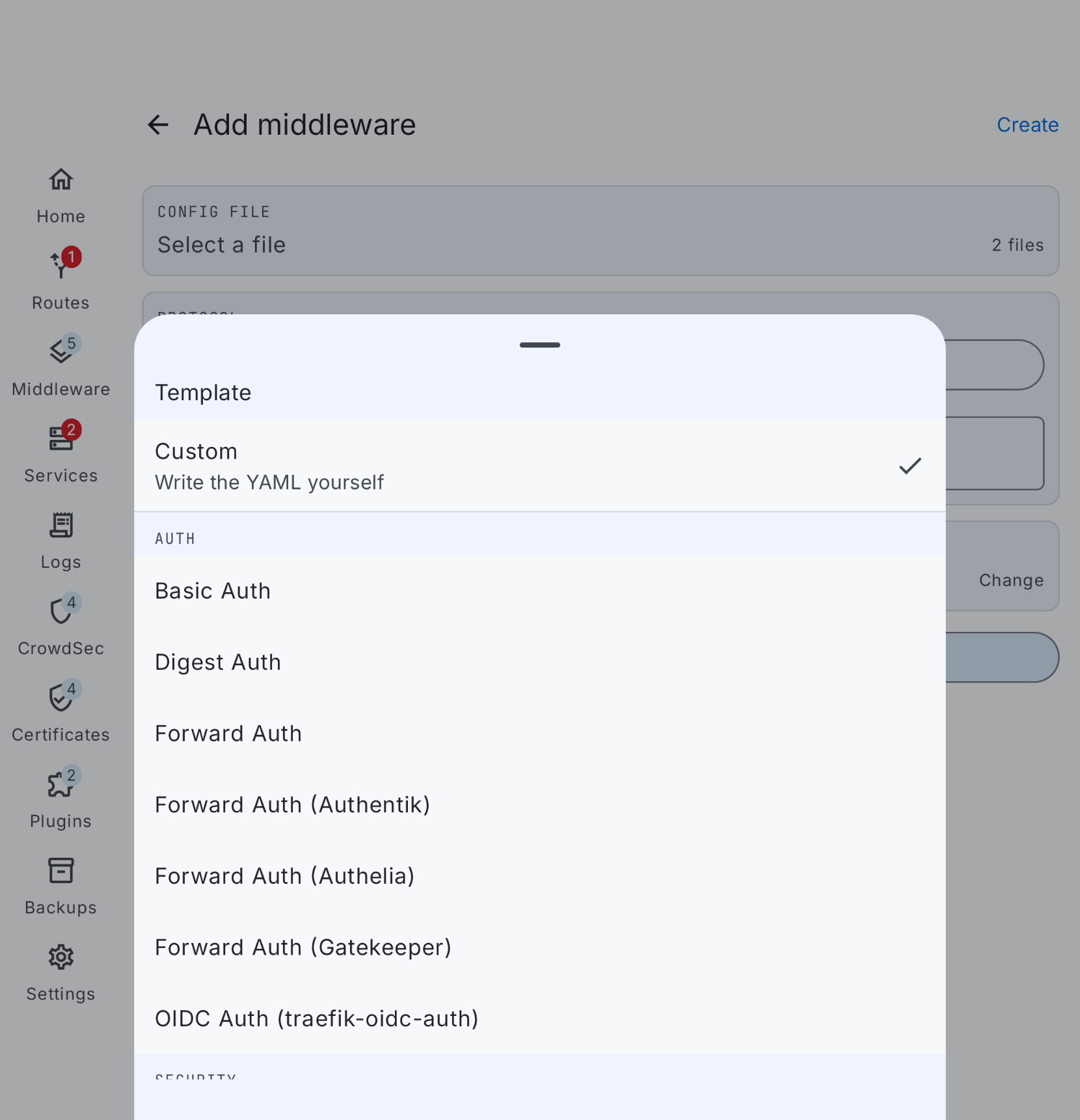
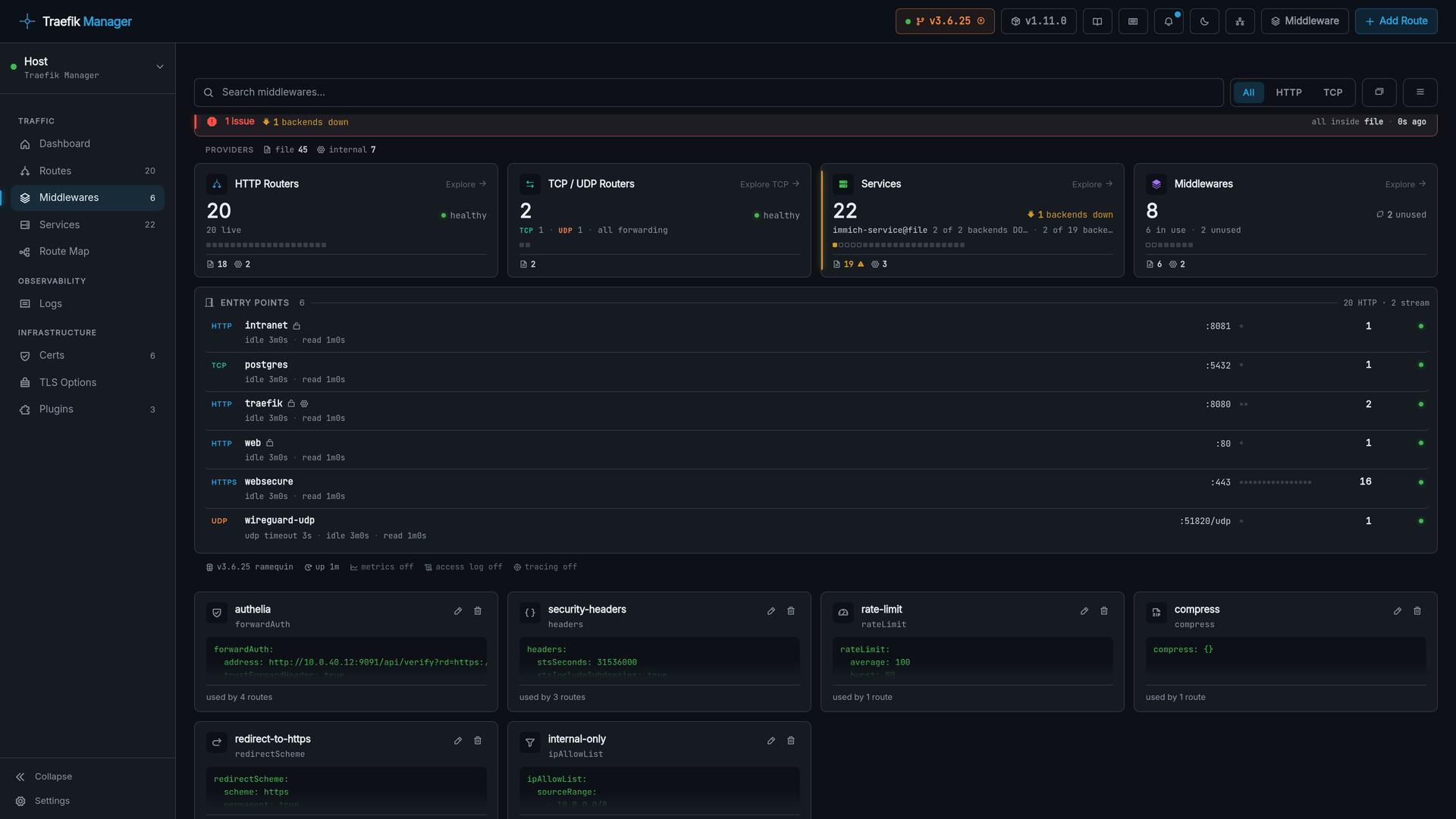
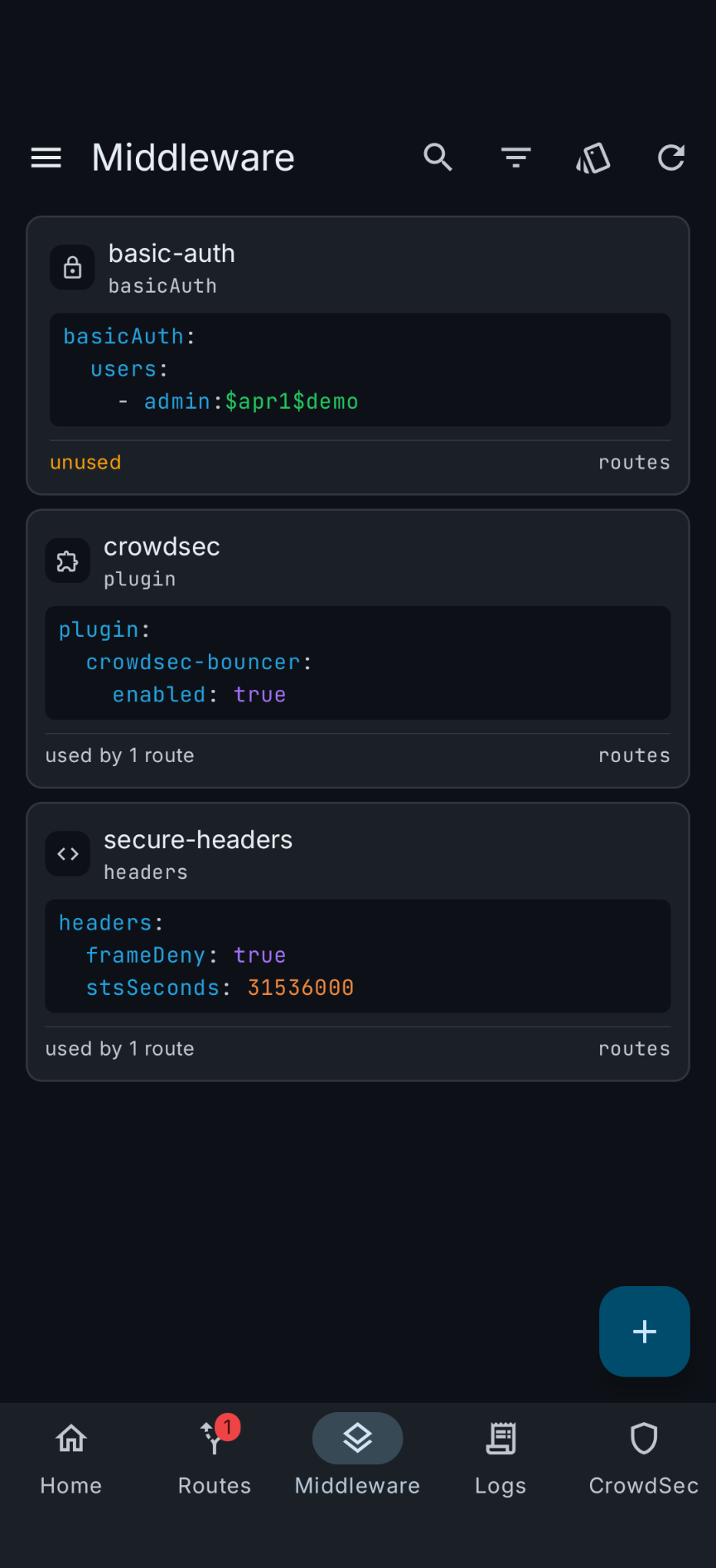
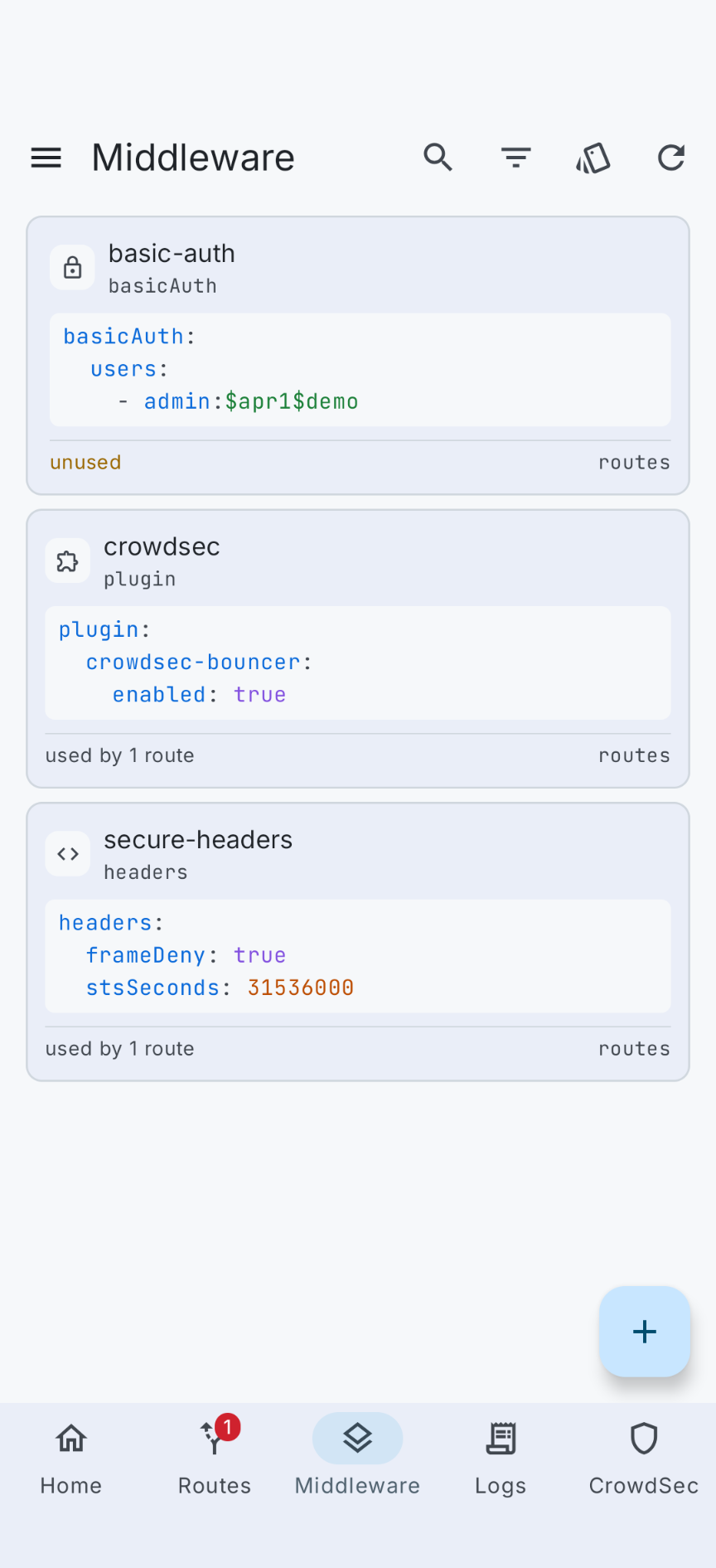
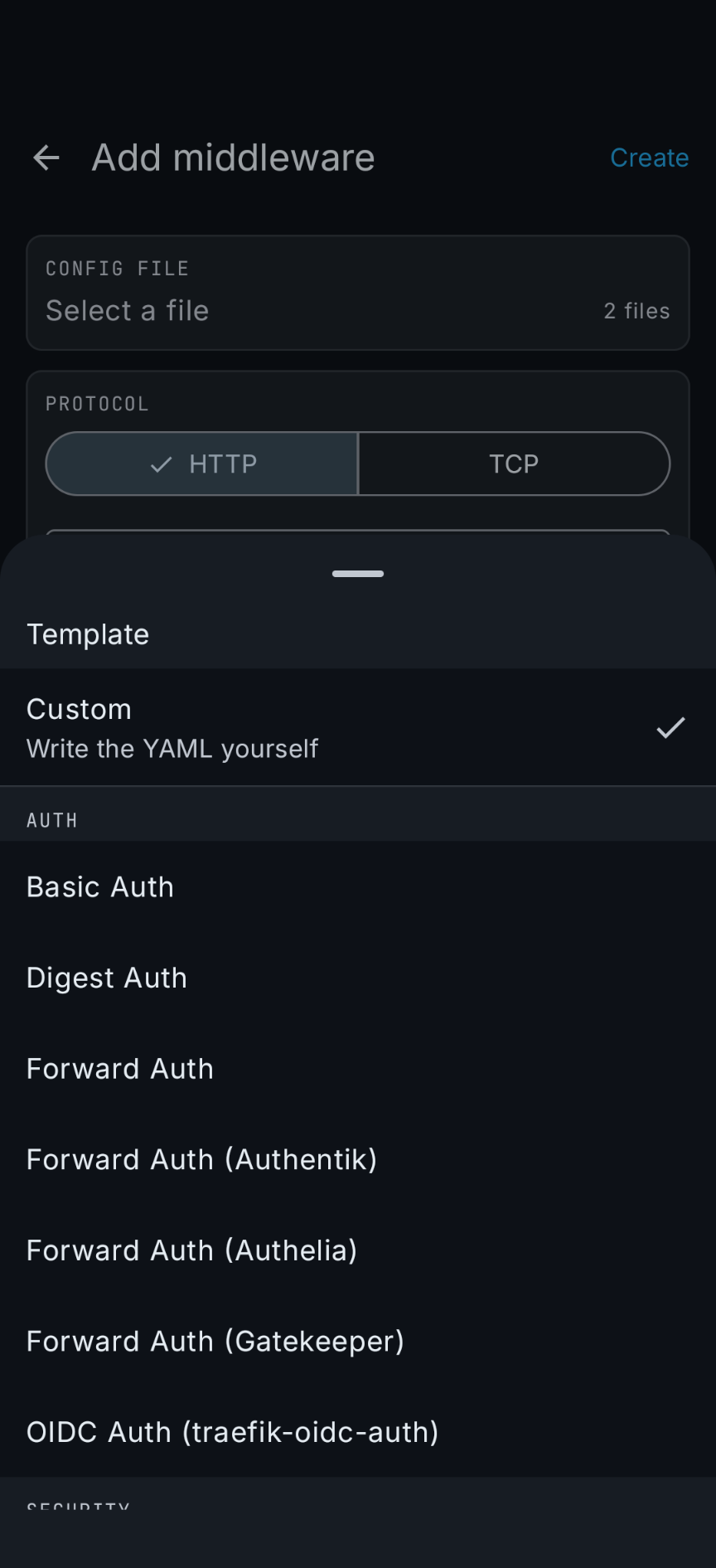
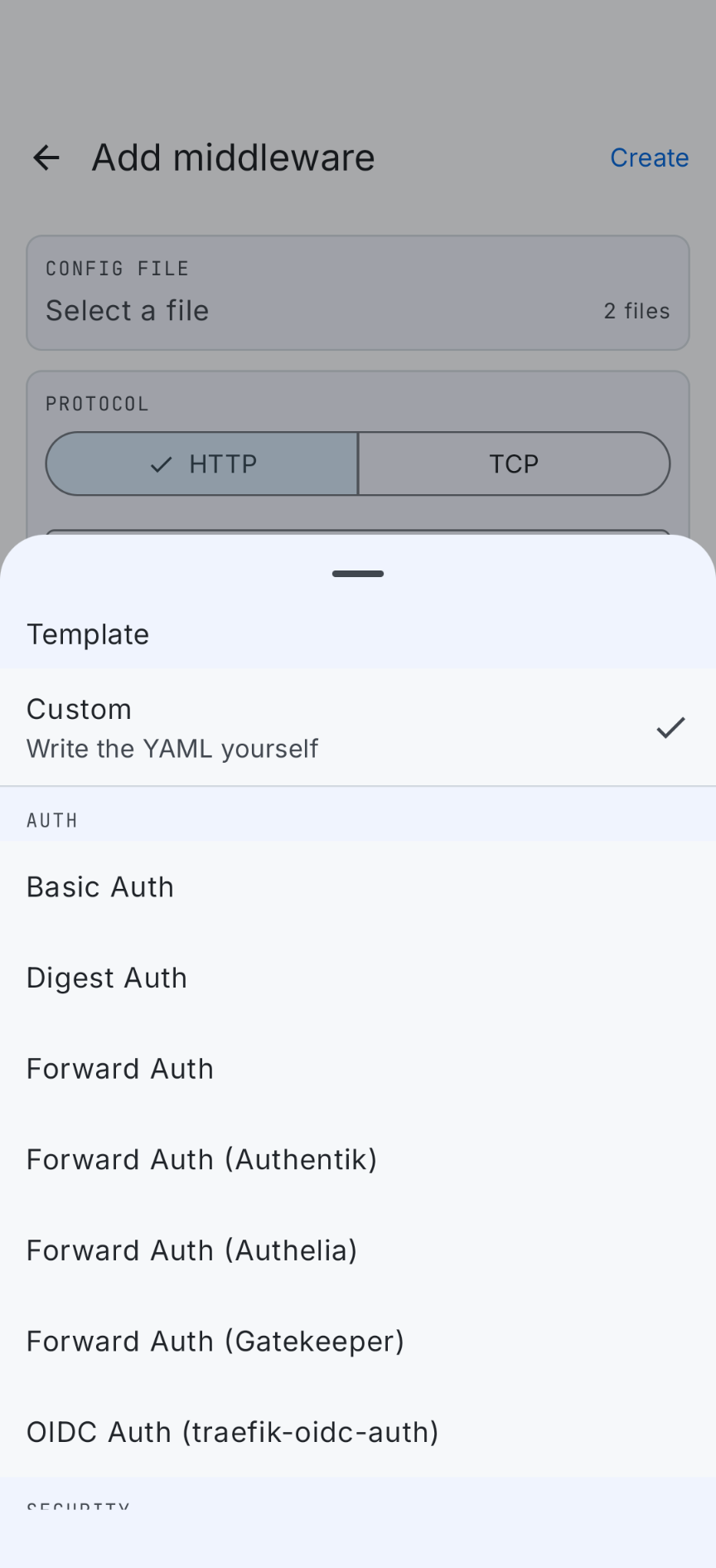
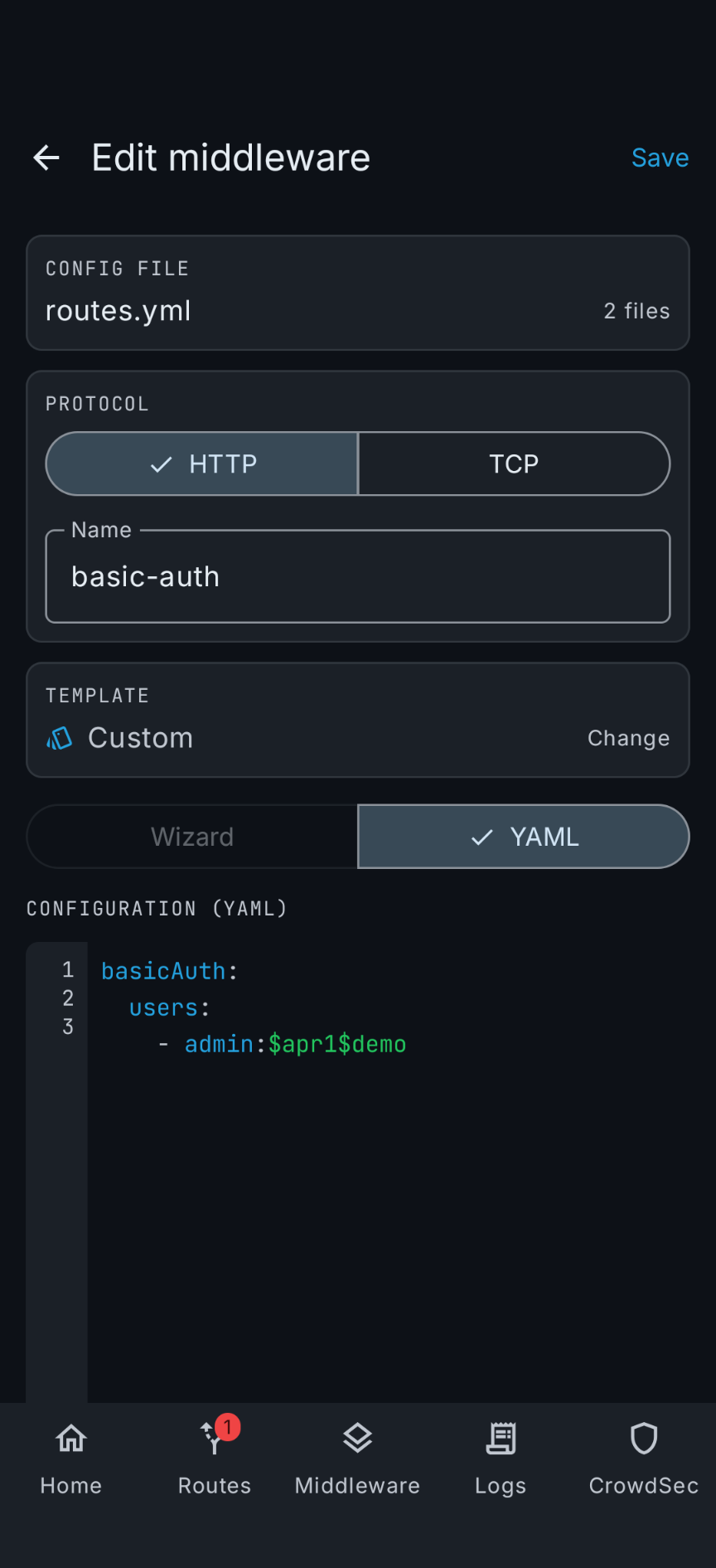
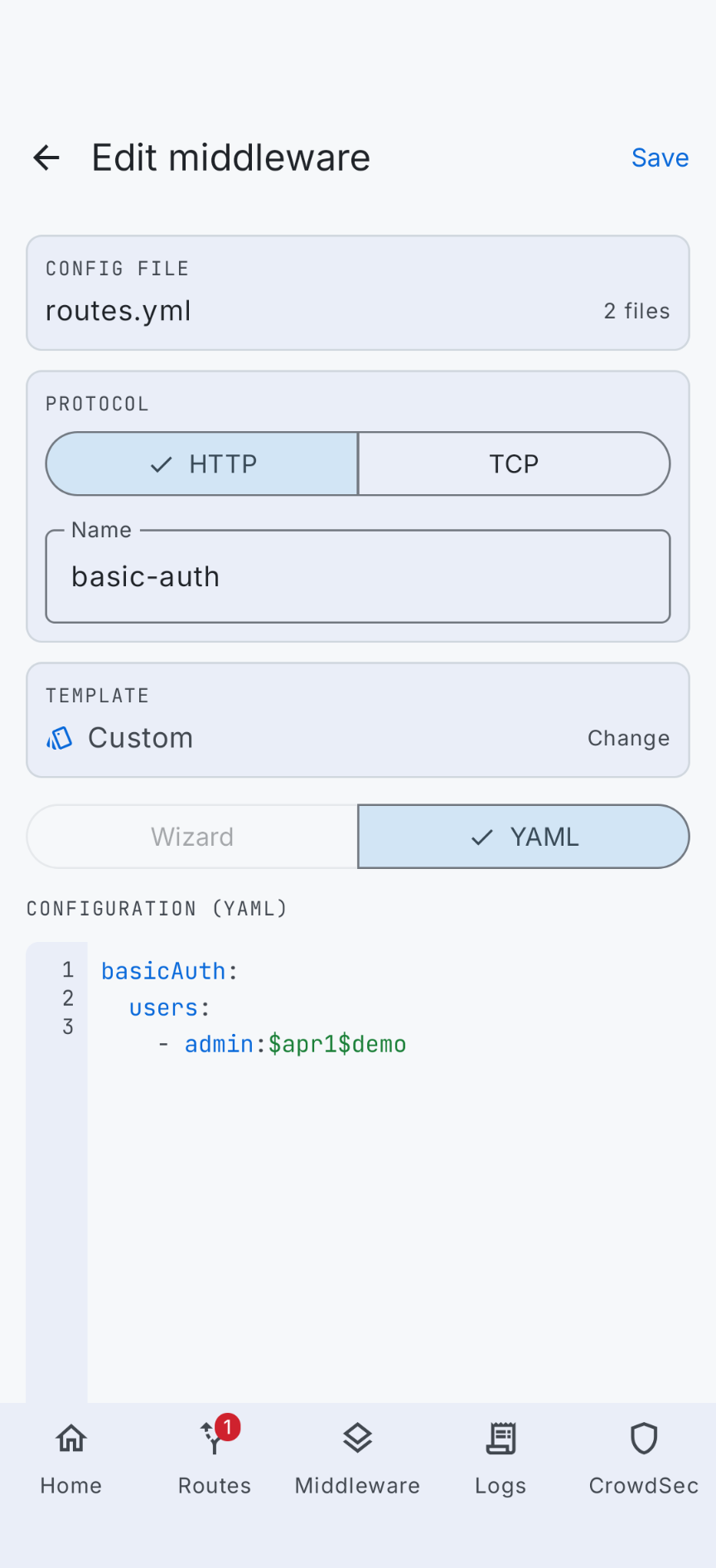
The same card and list treatment for middlewares, with usage counts, and a form that knows the config shape of every middleware type.
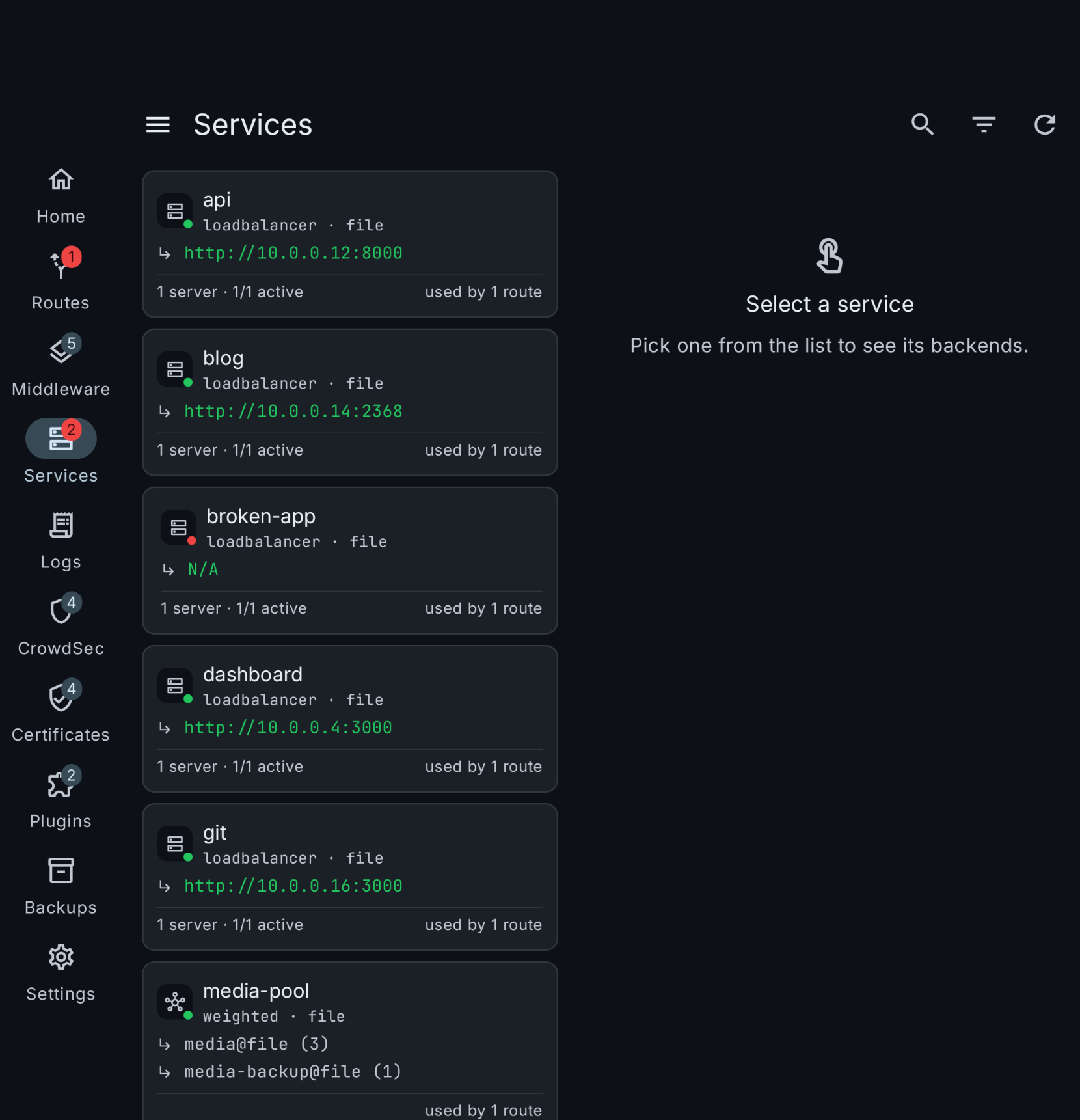
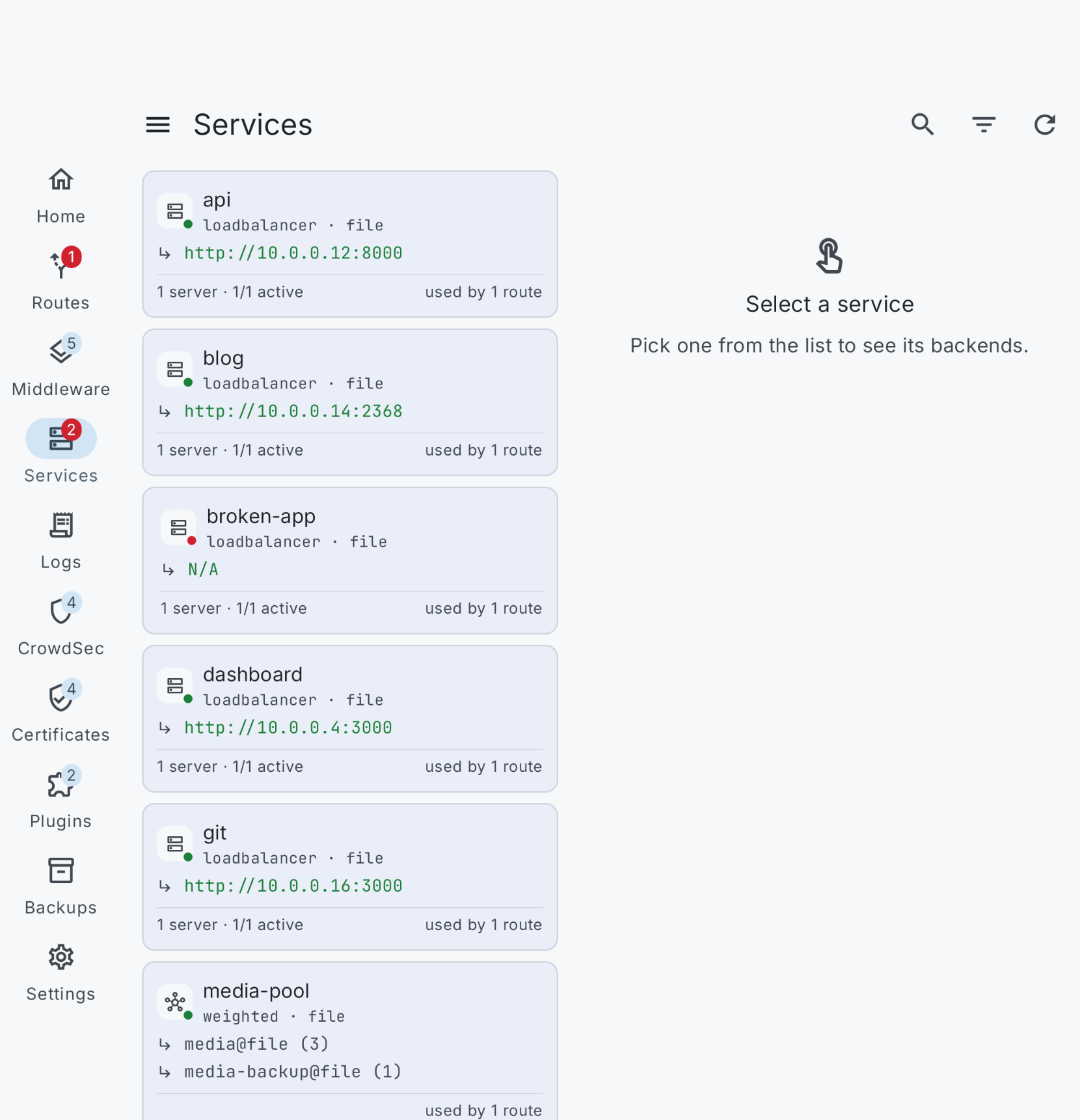
Services
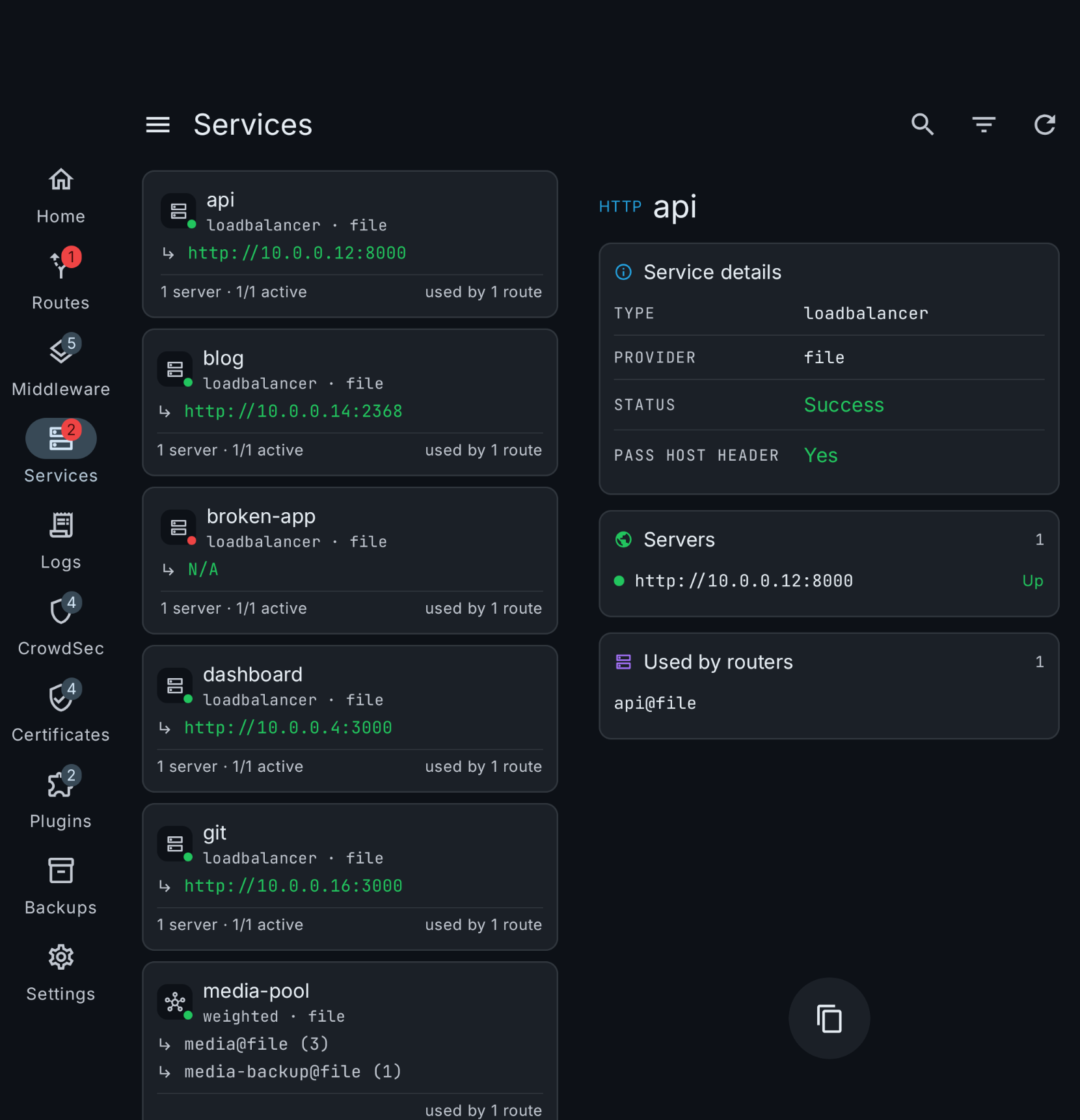
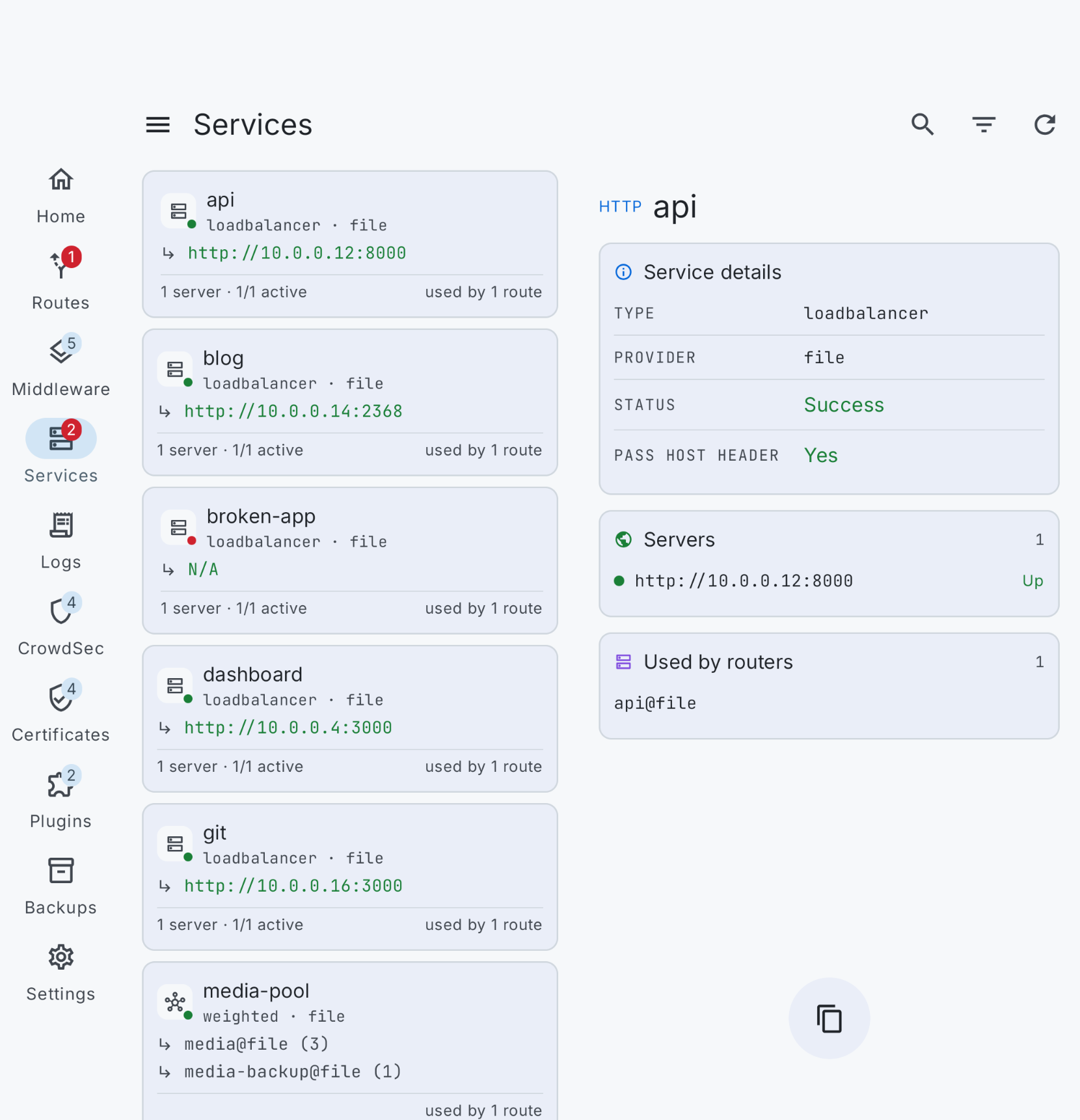
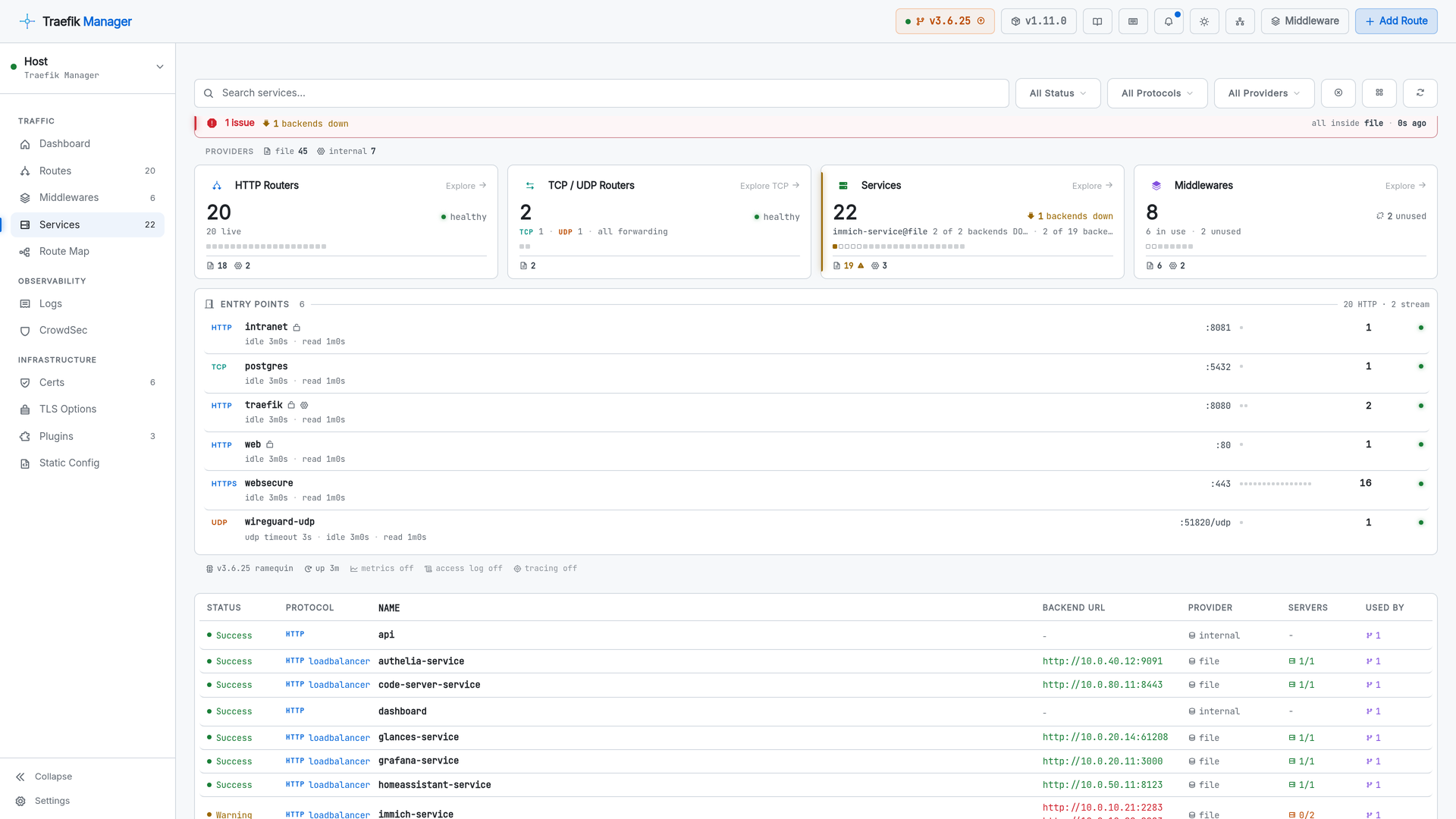
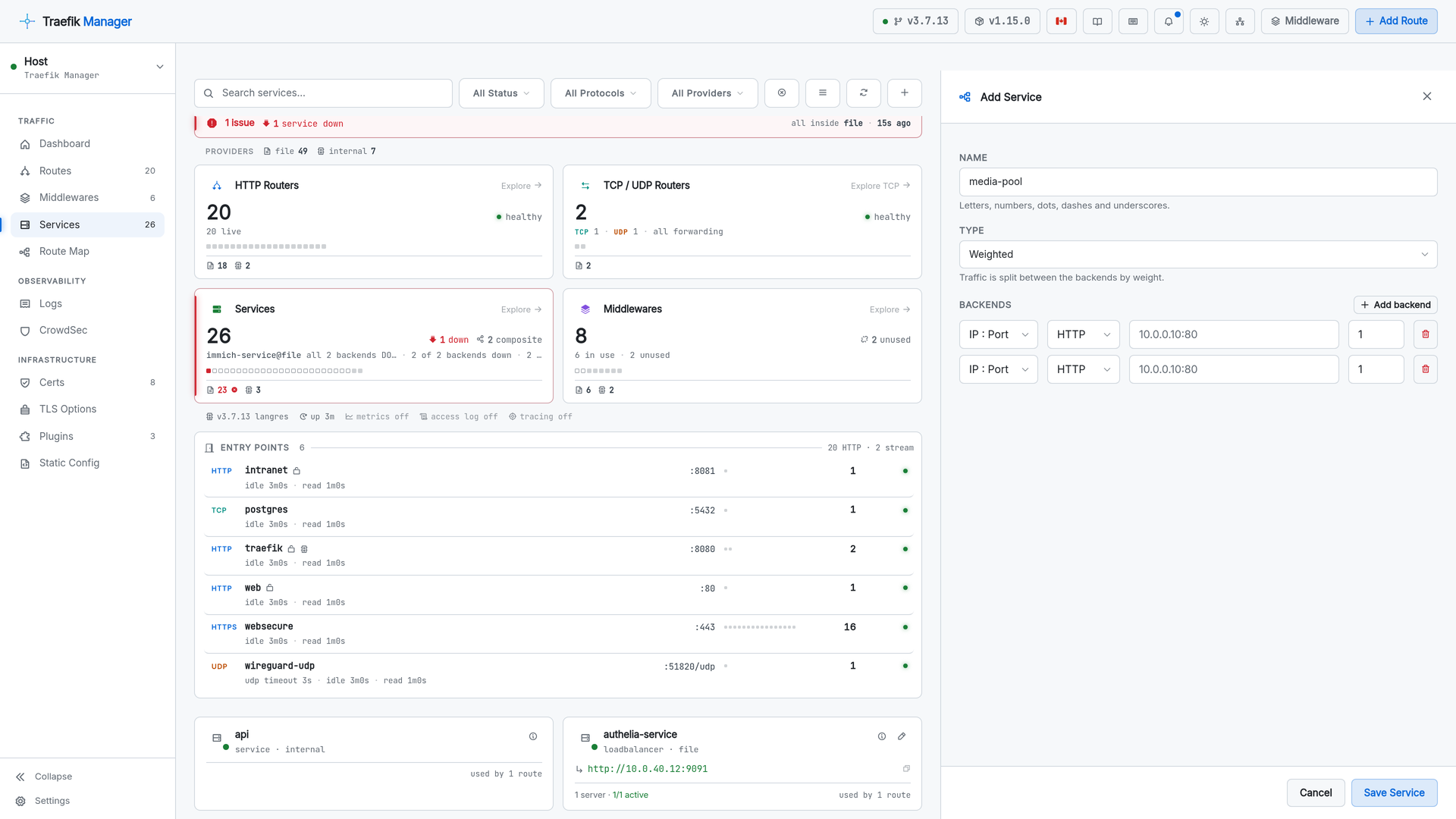
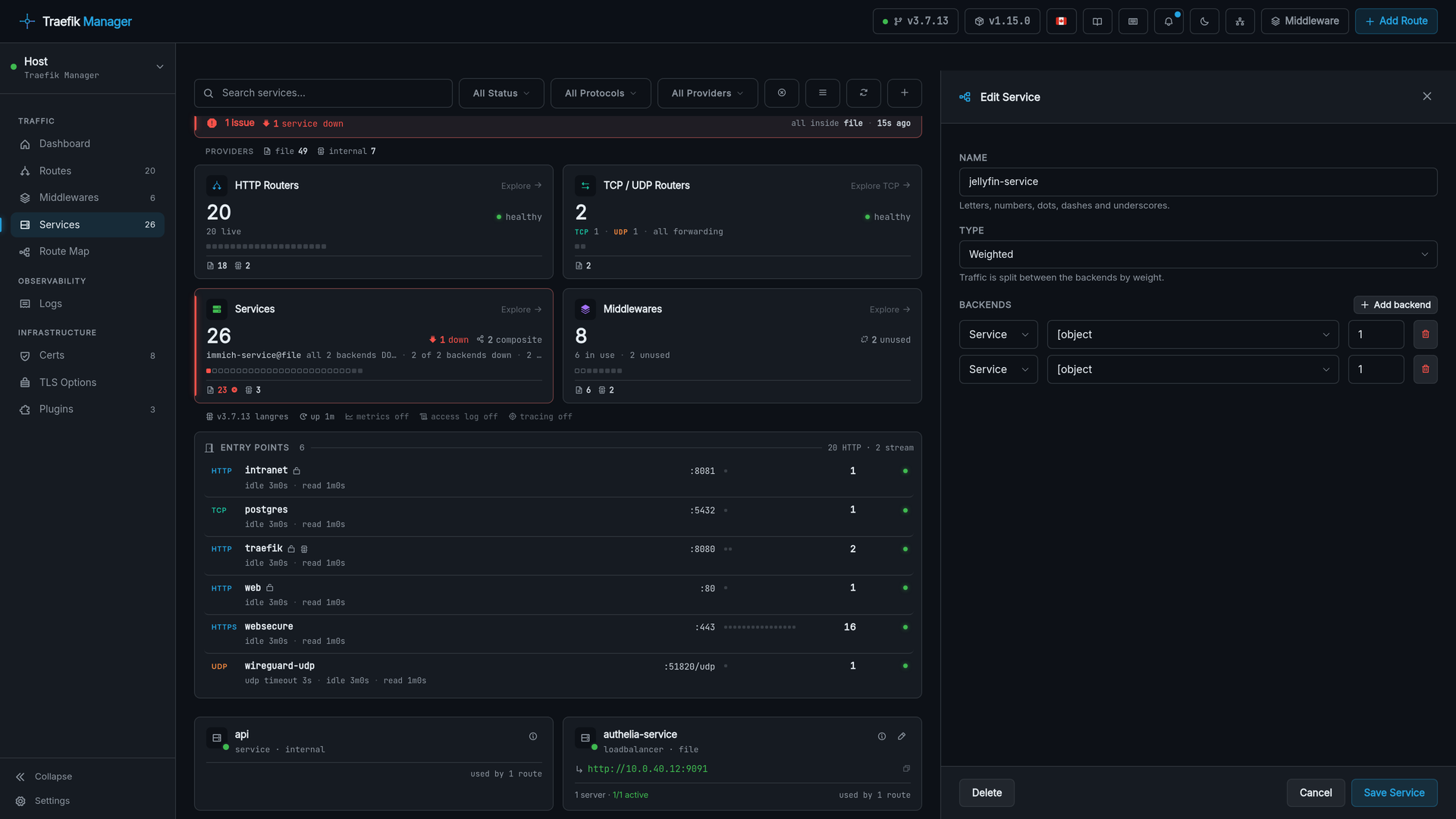
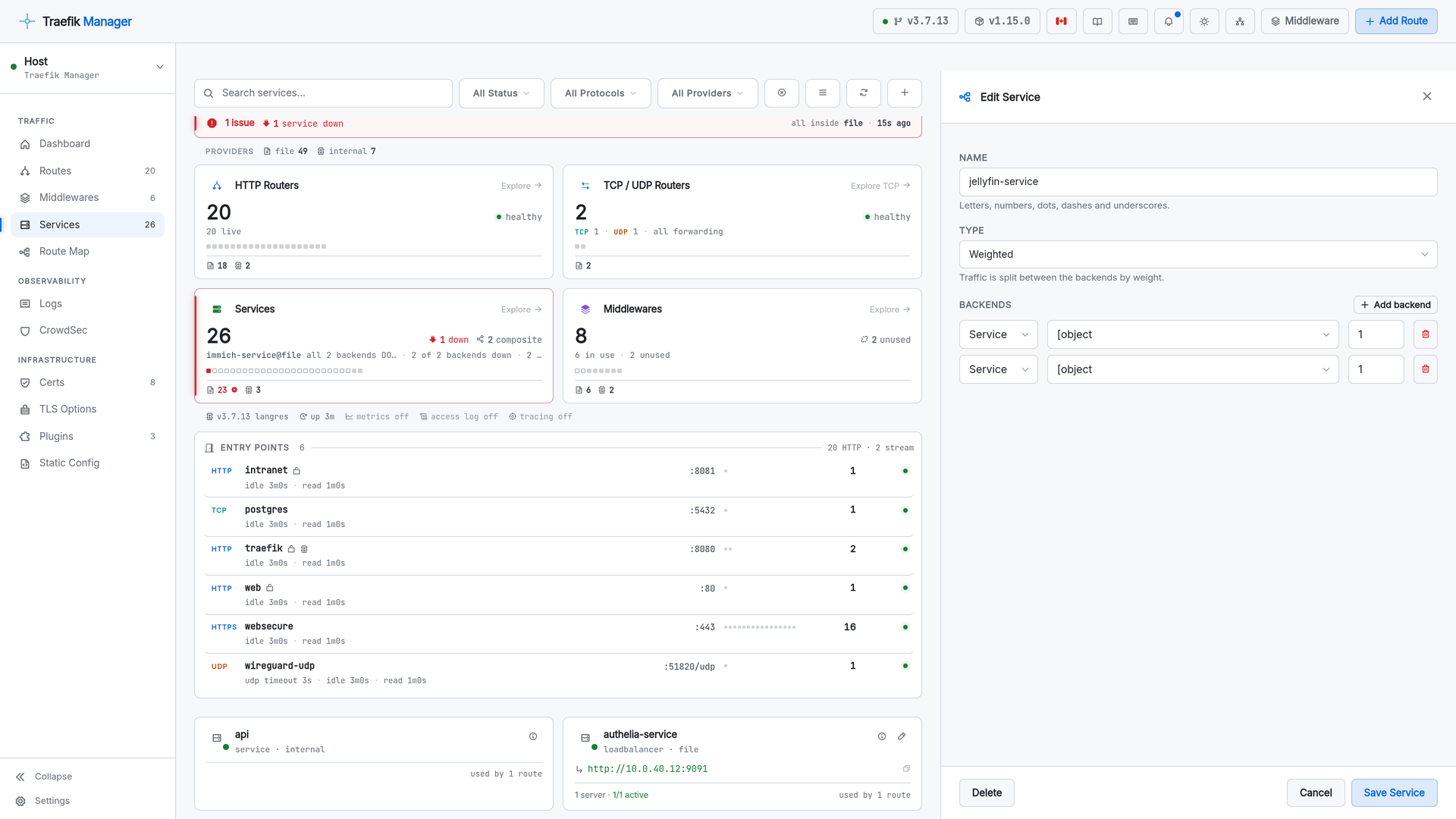
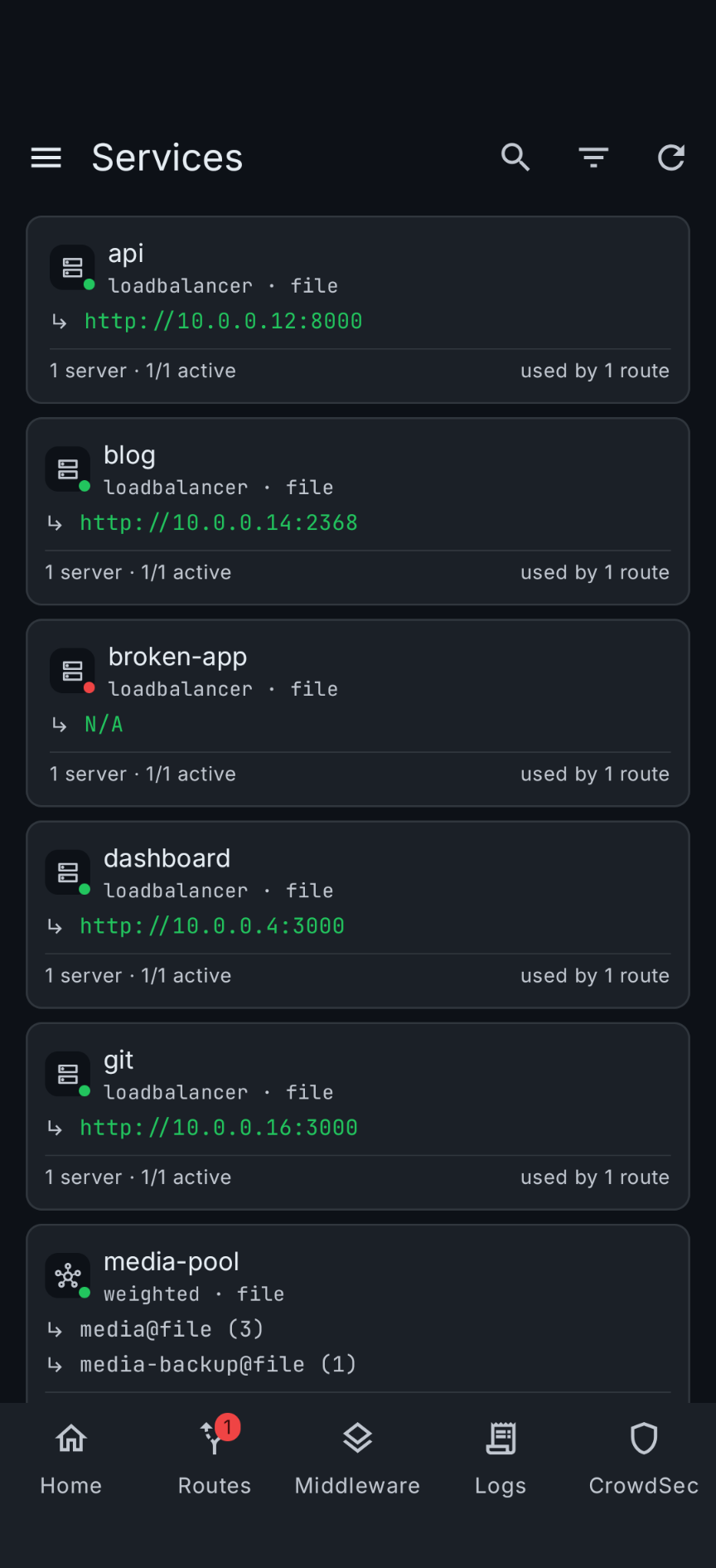
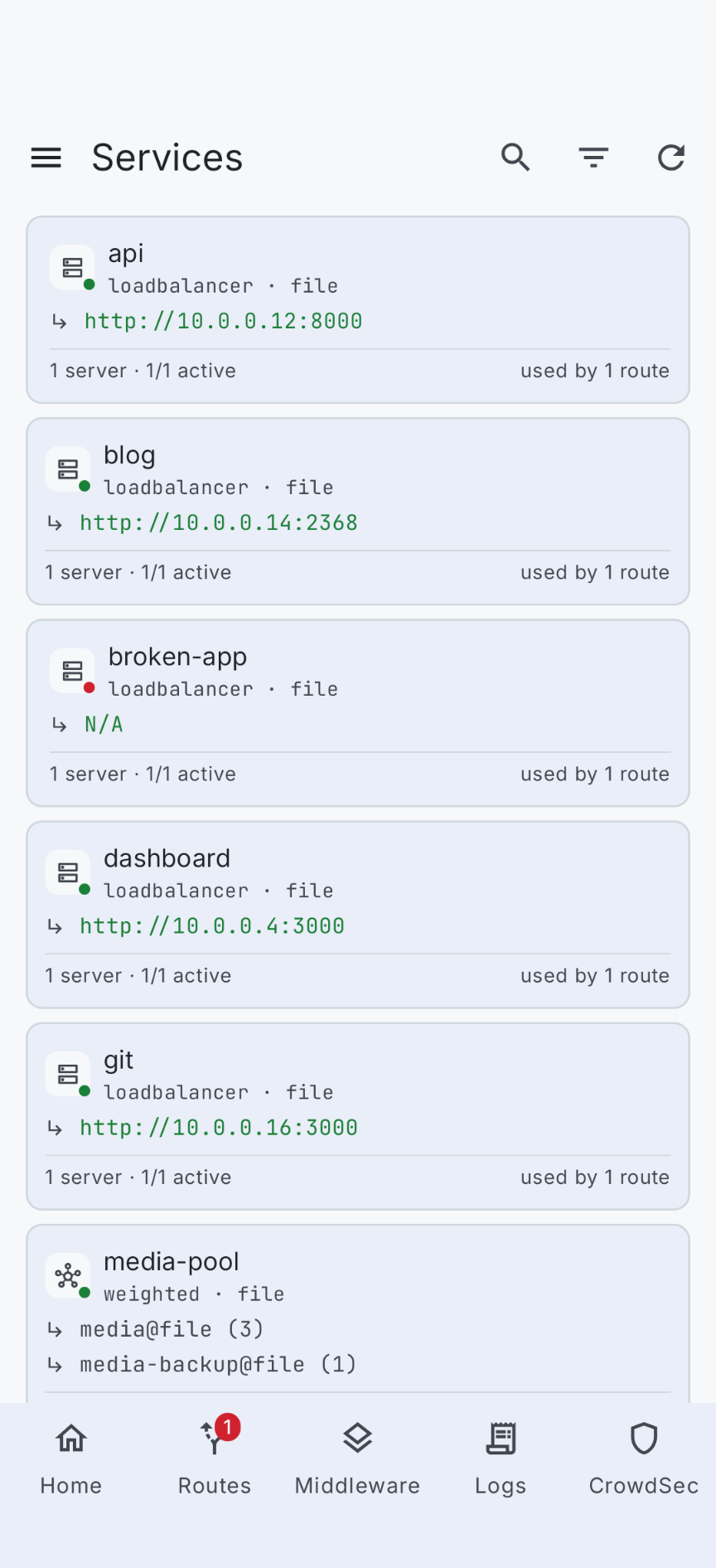
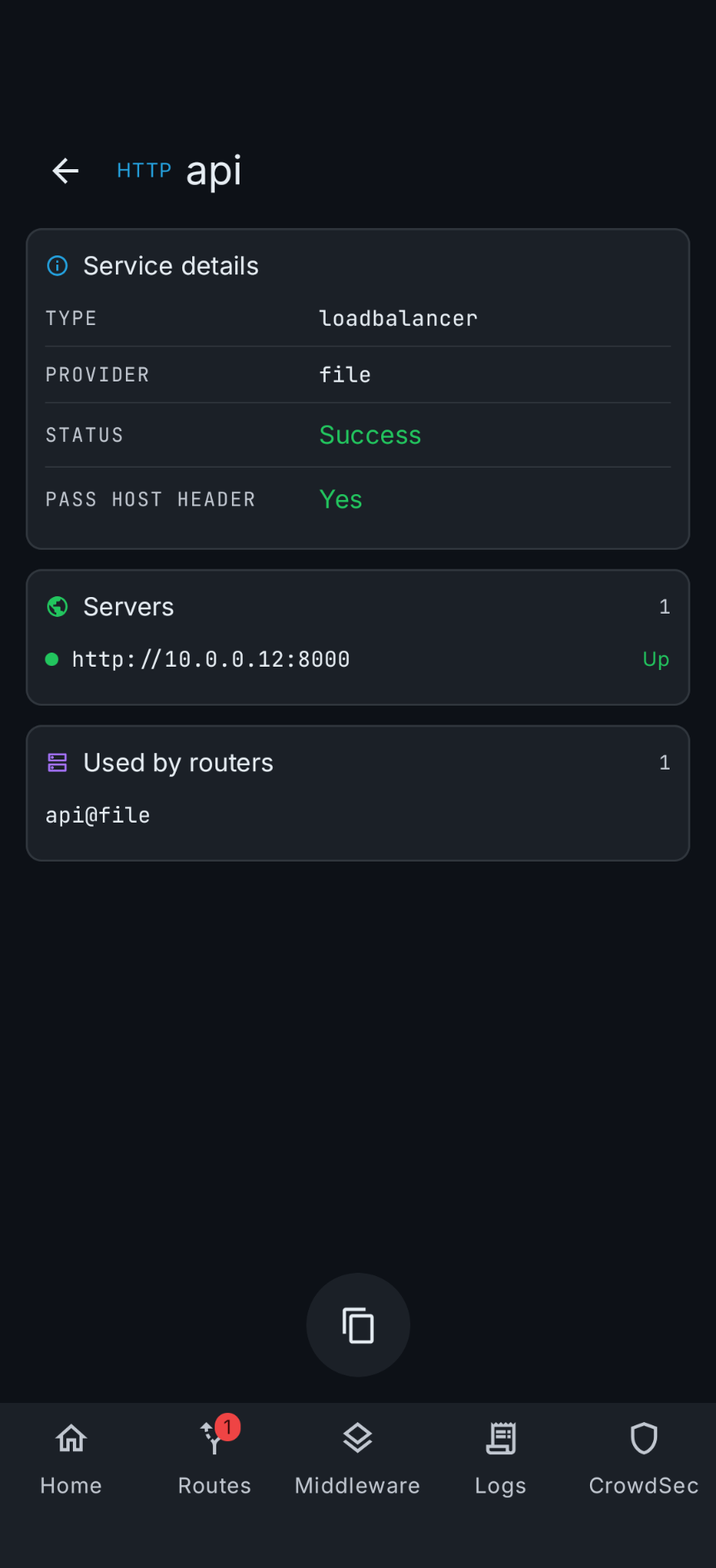
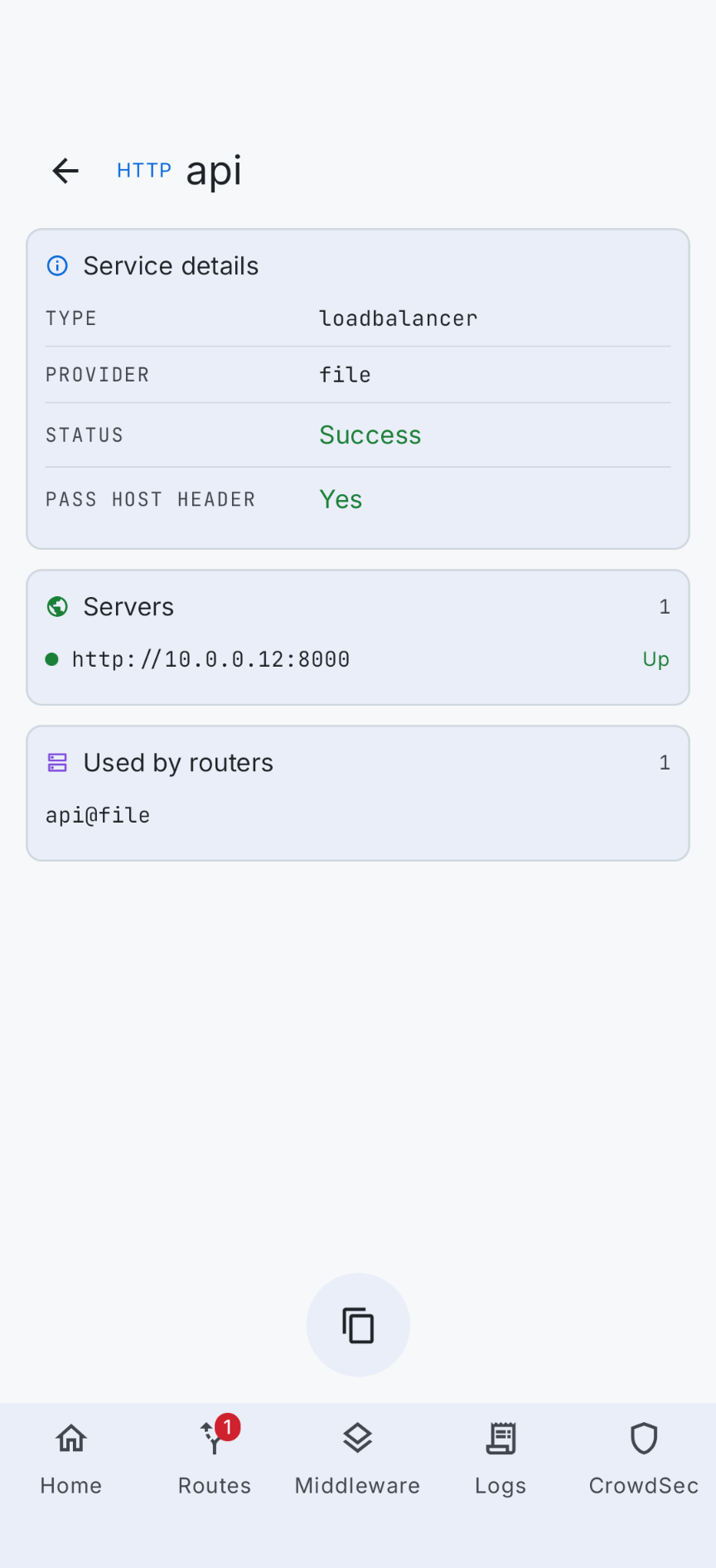
Every service with its backends, health and the routers using it.
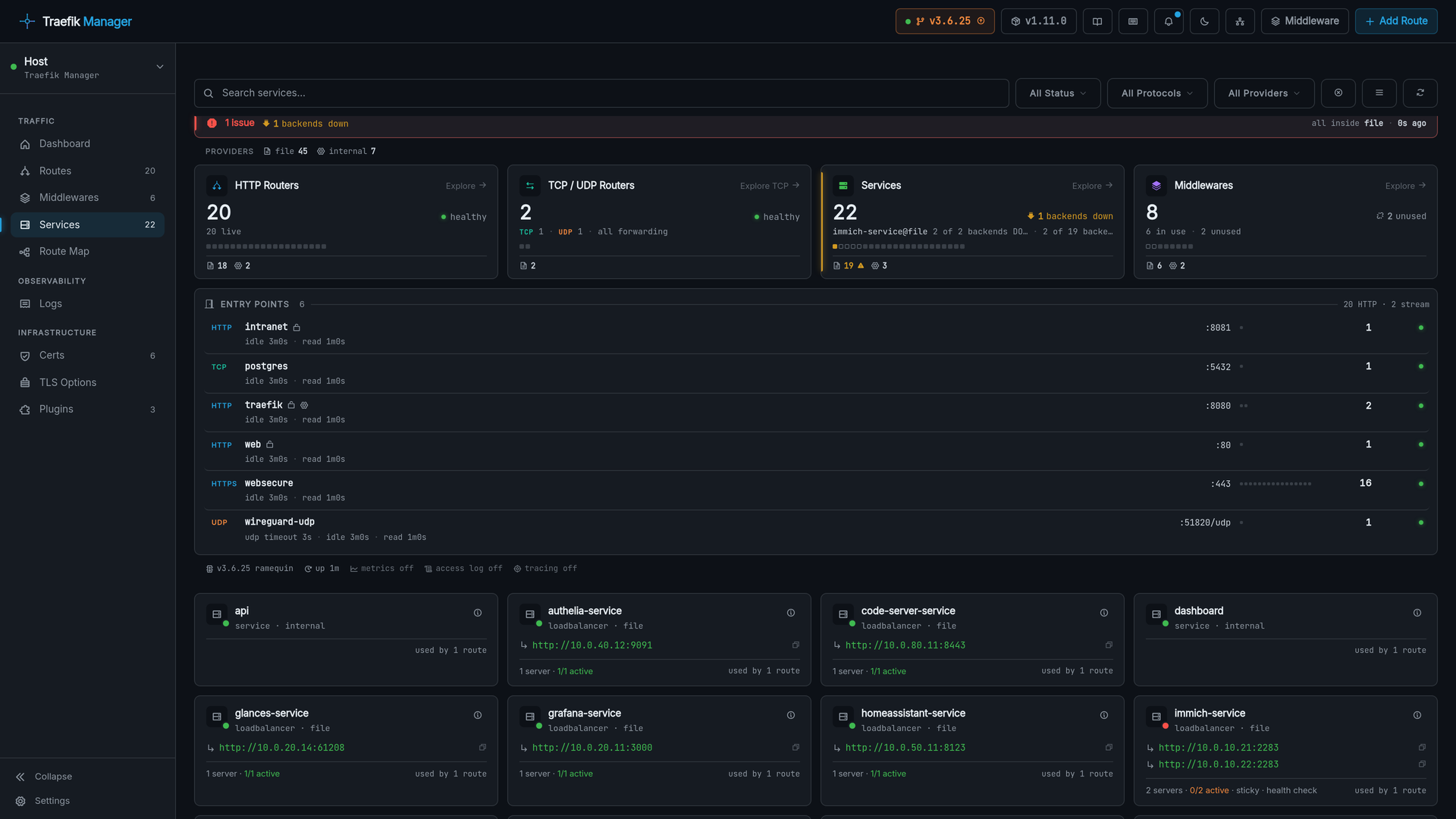
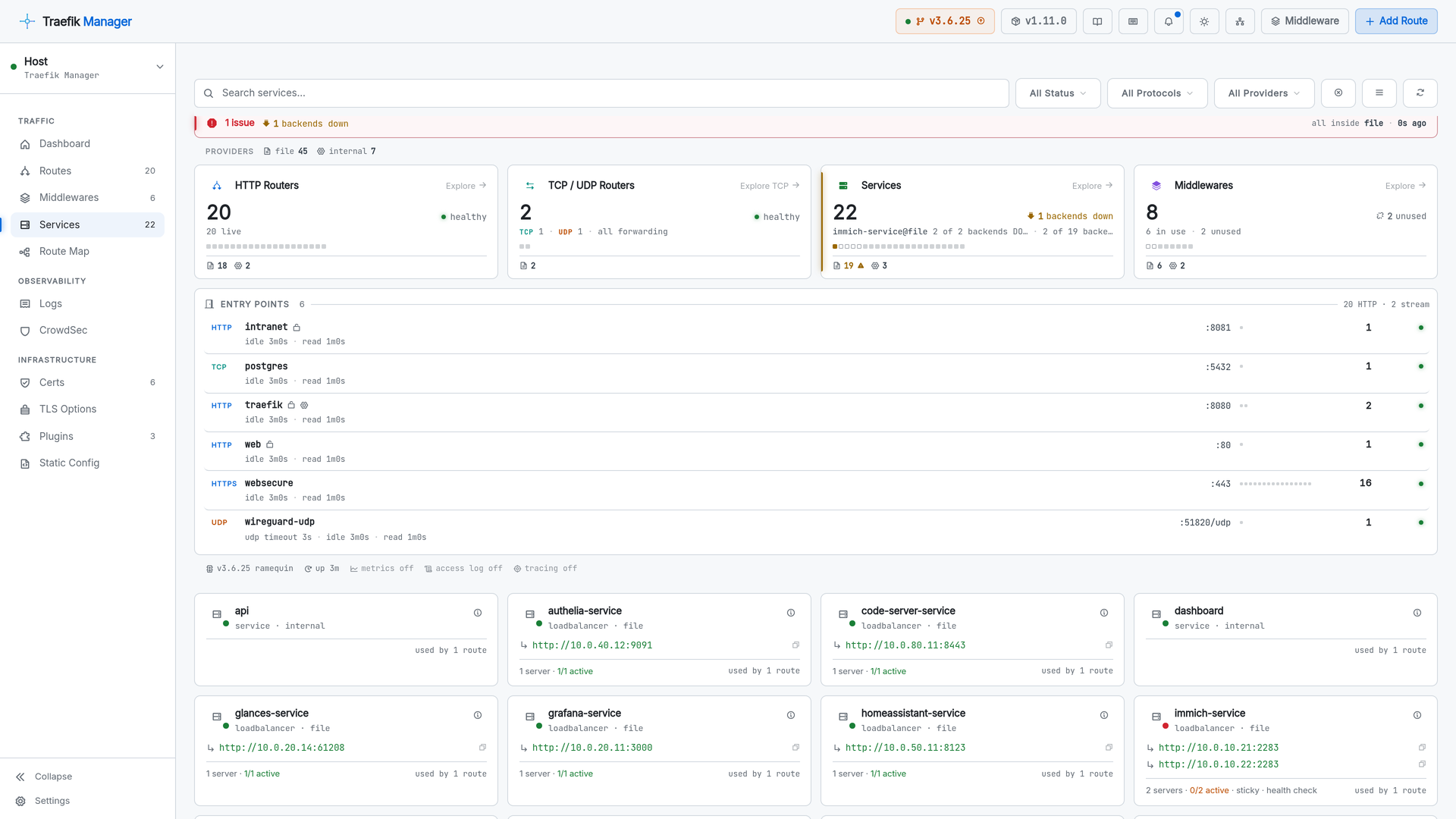
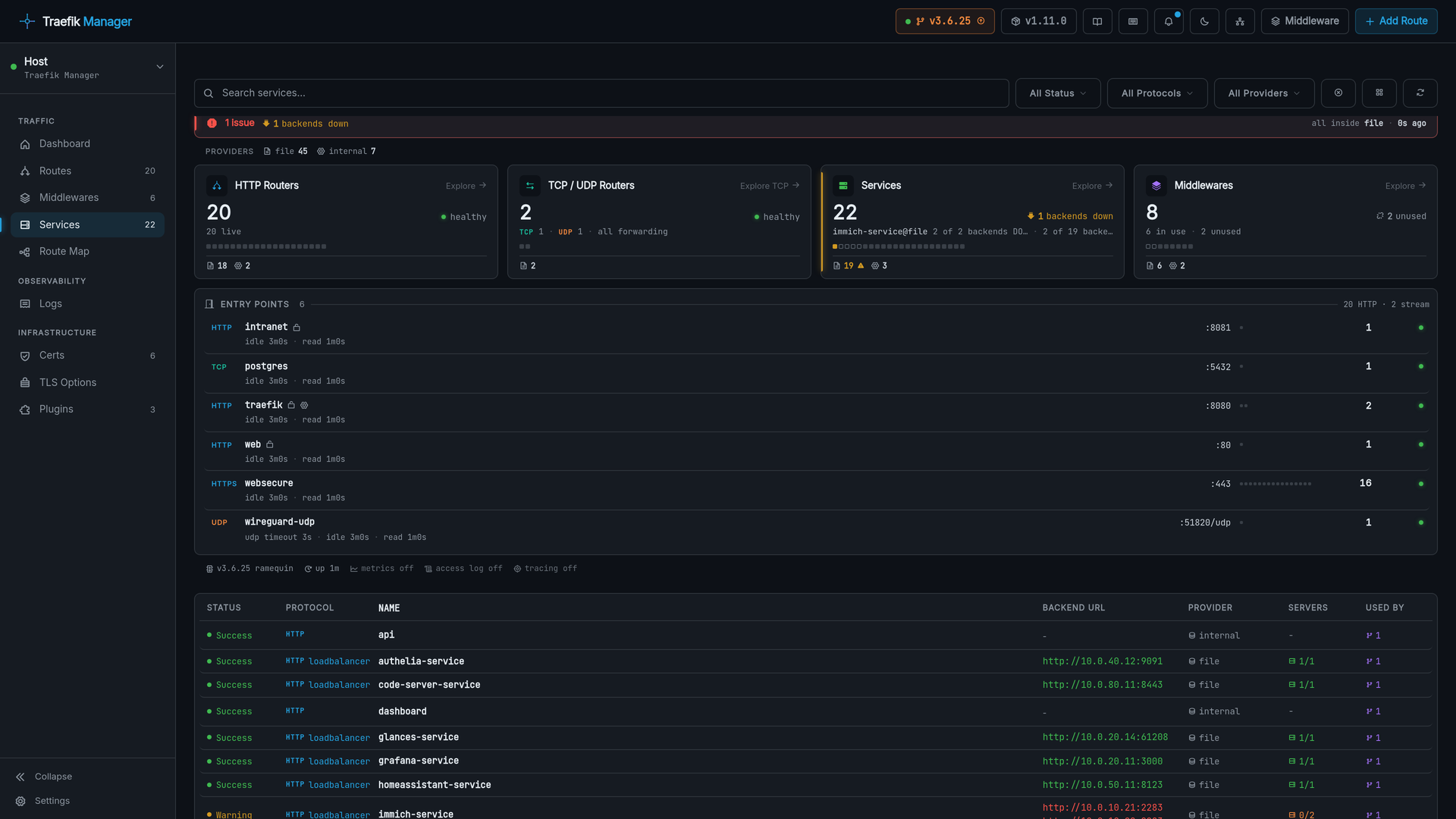
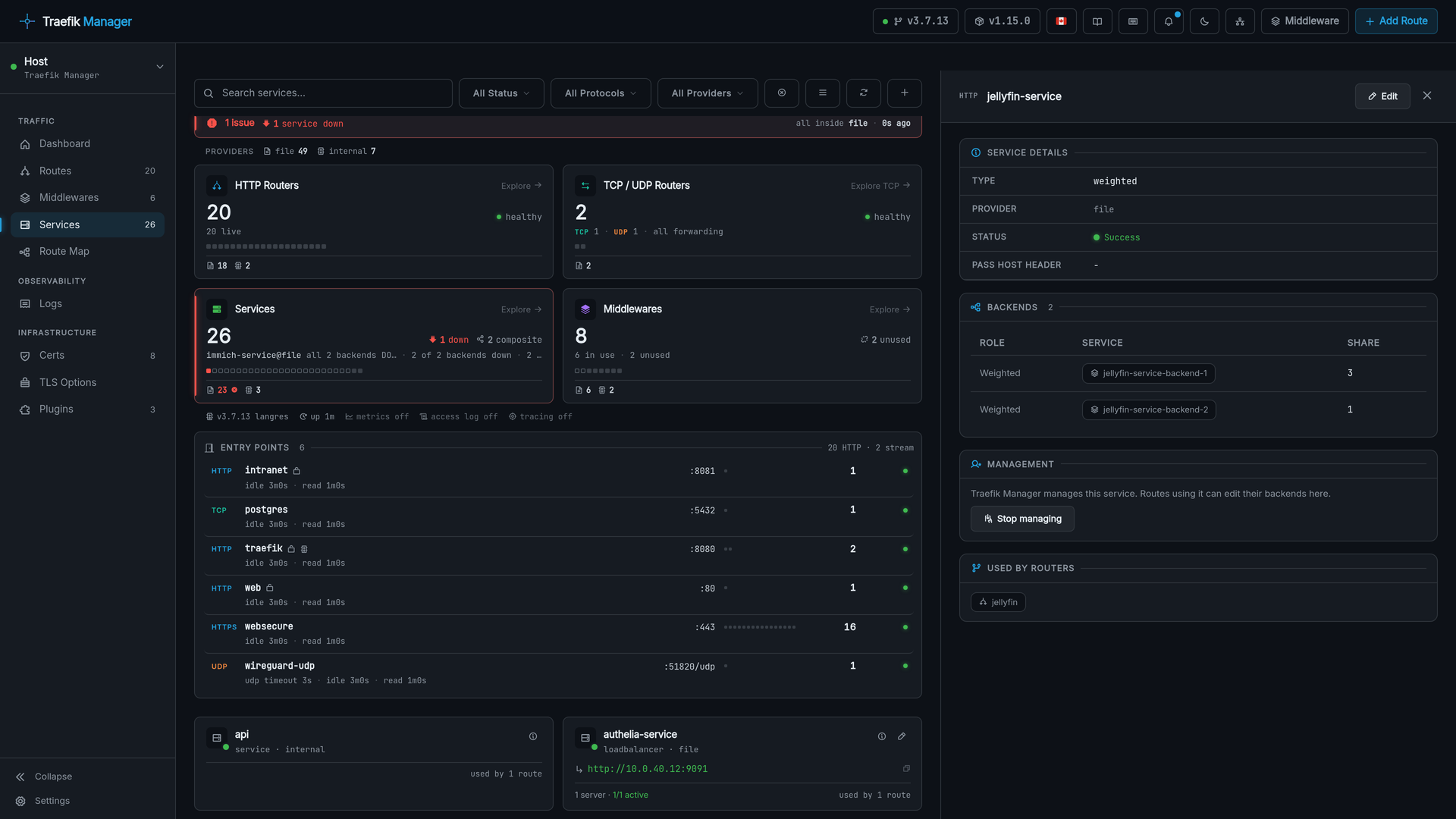
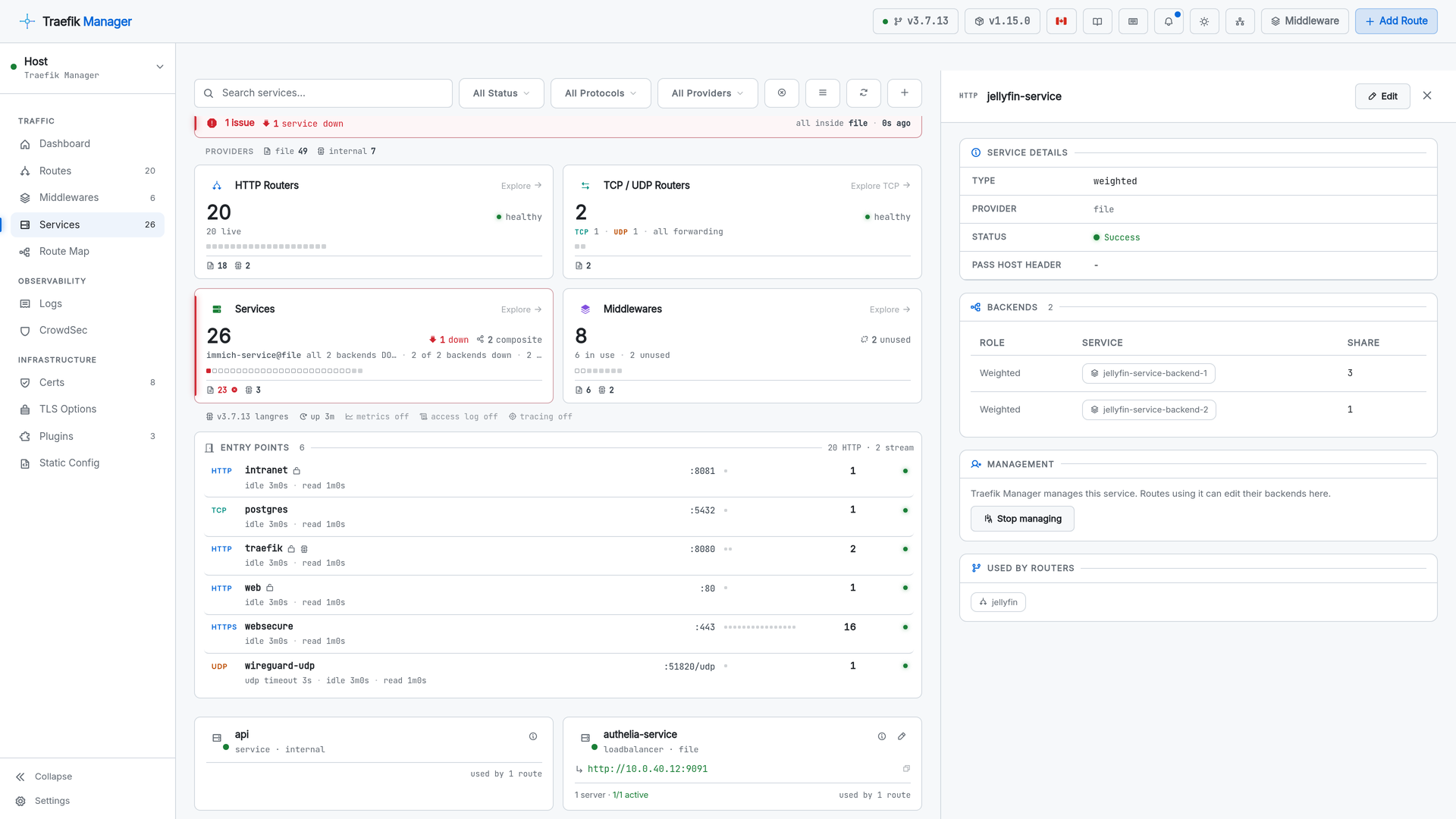
The detail panel lists a composite service's backends with the role and share of each, and offers to manage a service Traefik Manager did not write.
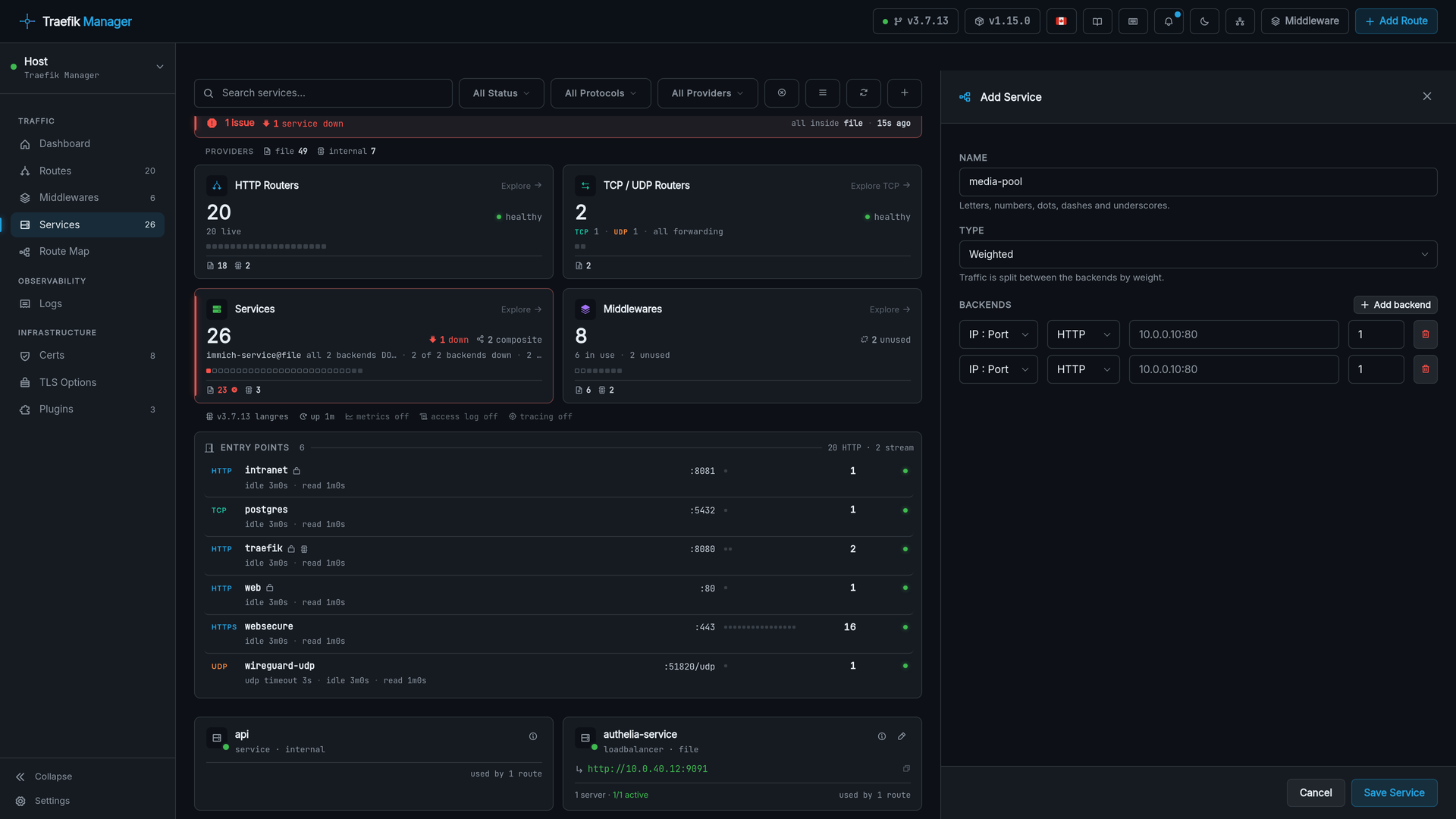
Services can be built on their own, without a route: a load balancer, or a weighted, mirroring or failover service over other services.
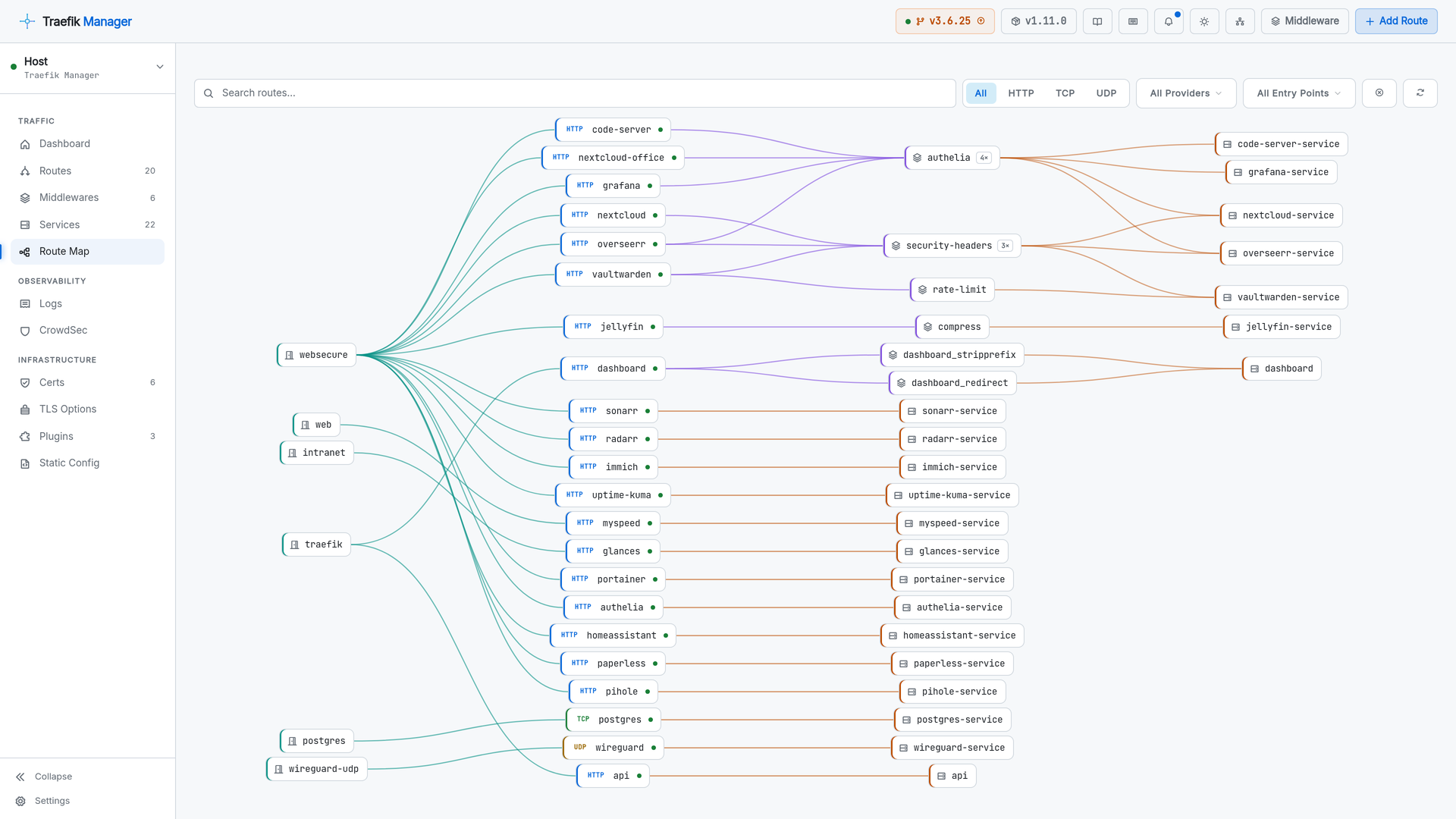
Route Map
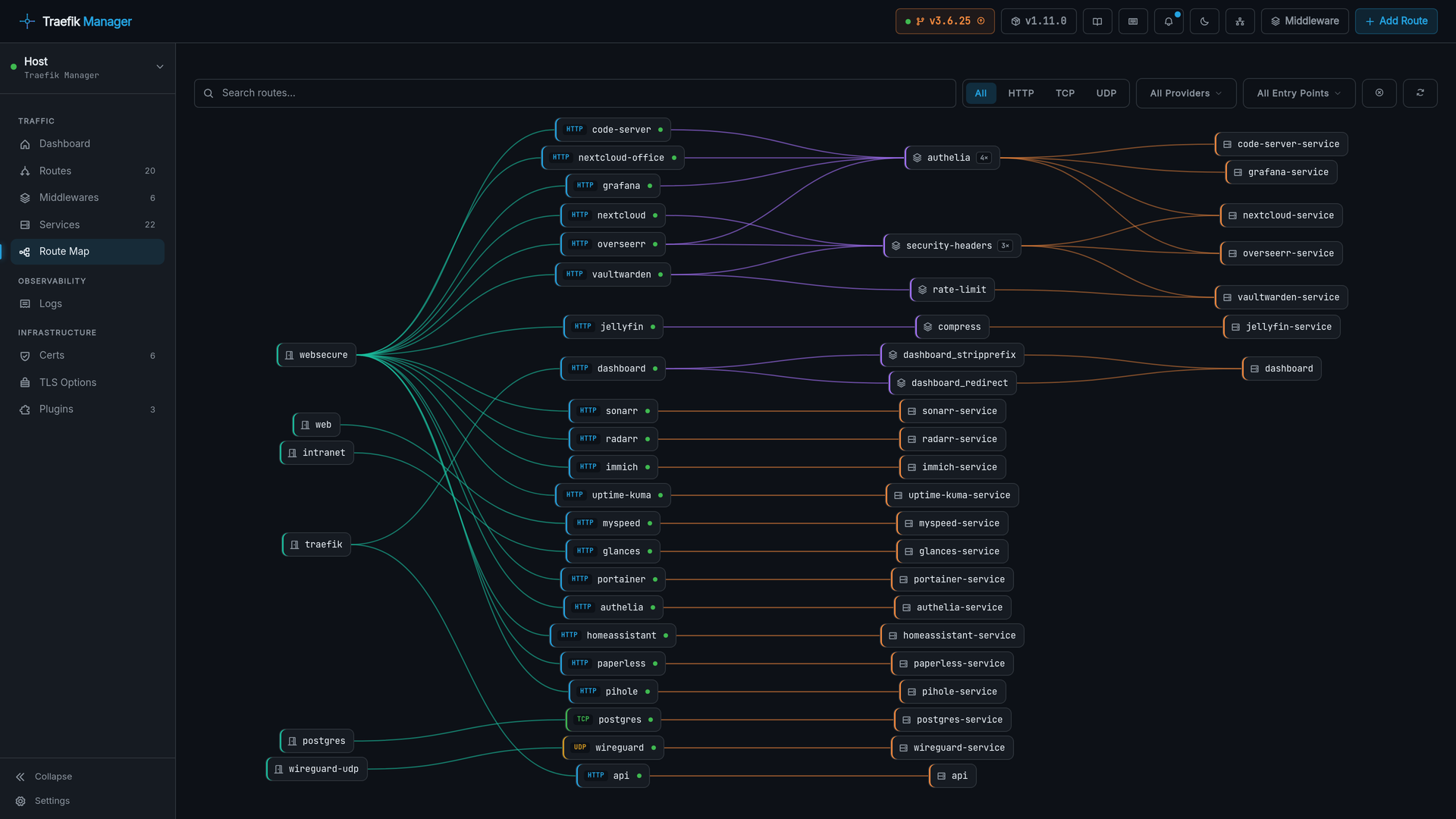
The full path of a request, entry point to backend, as a live diagram.
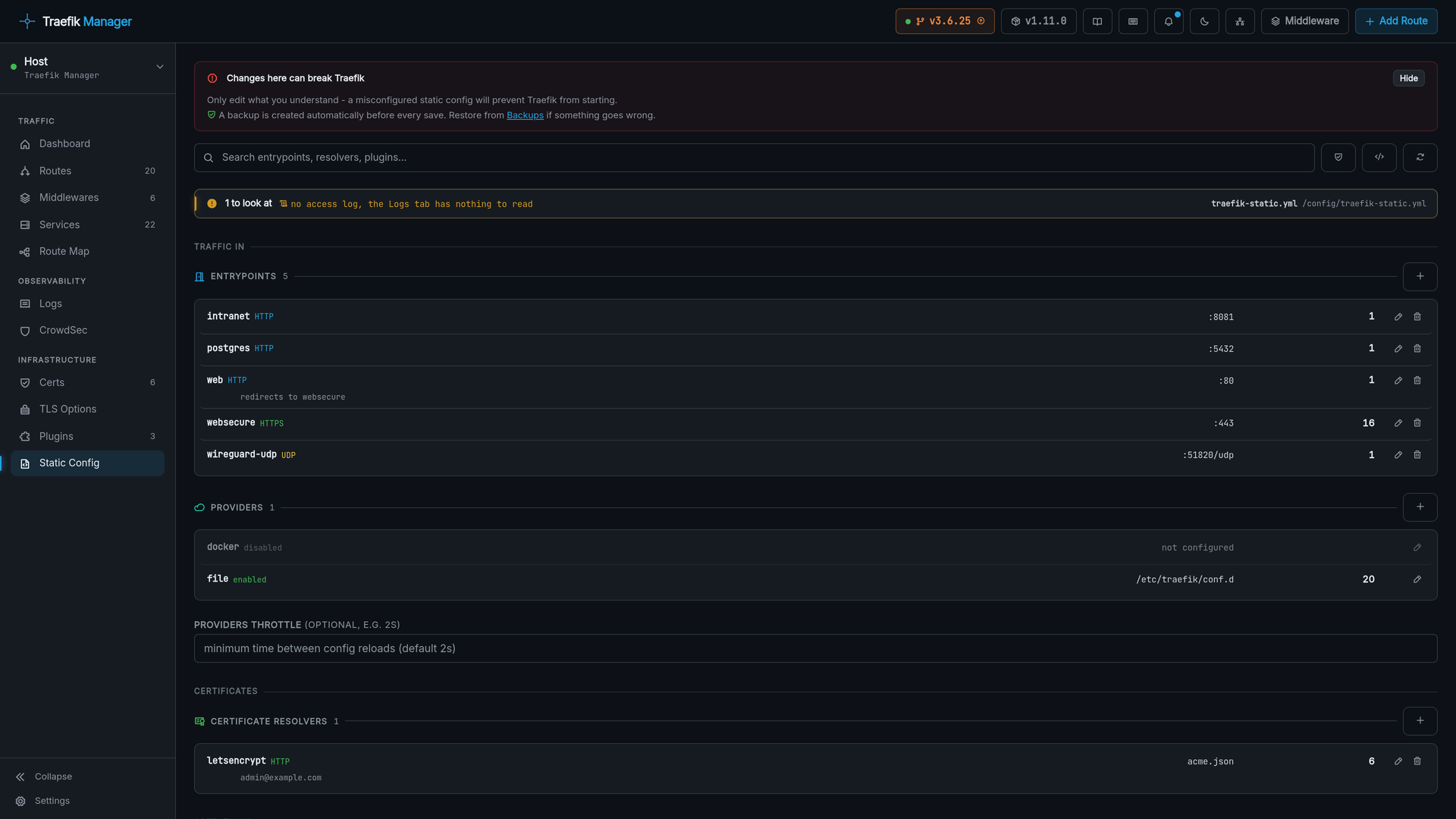
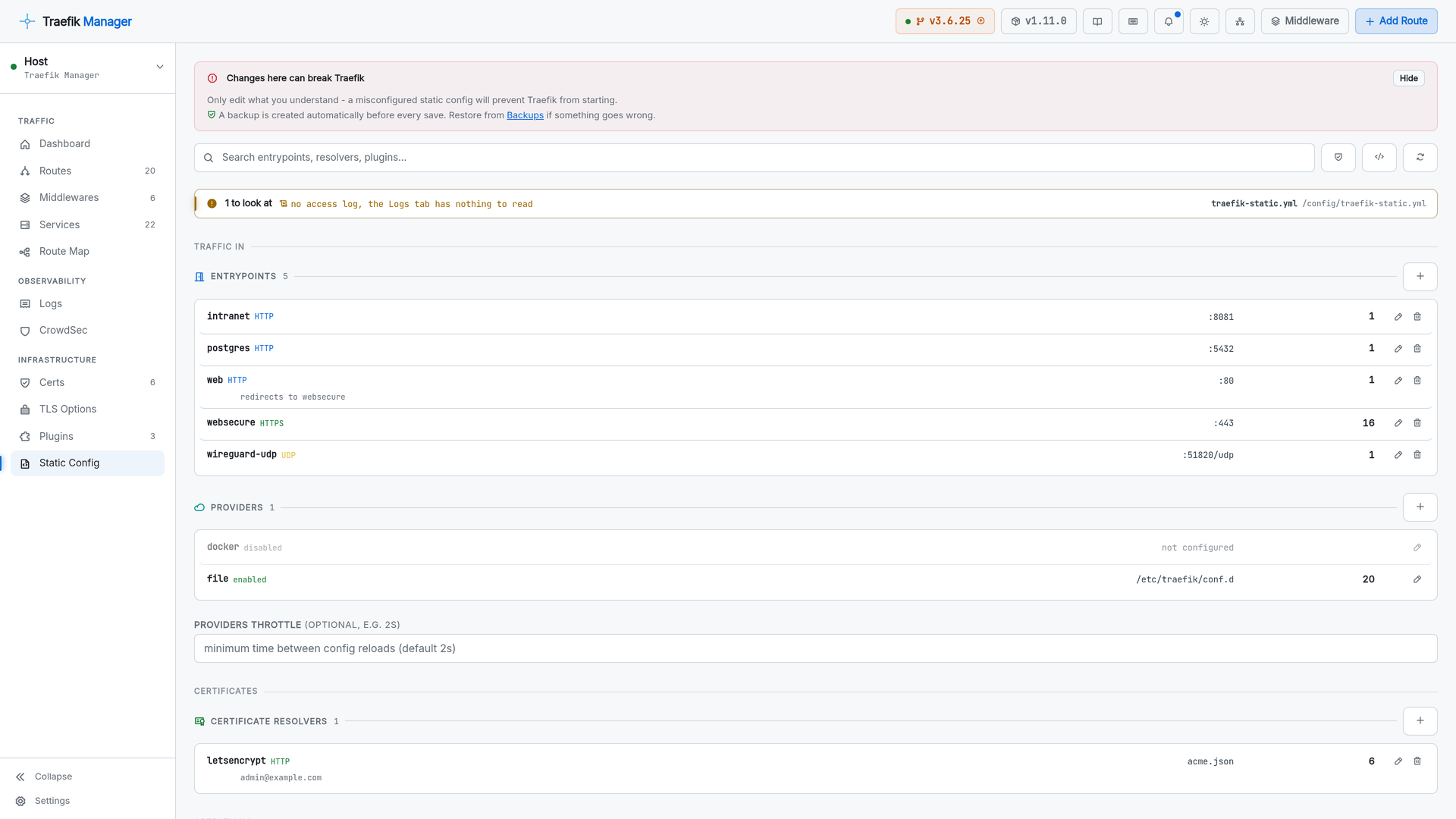
Static Config
traefik.yml as editable cards: entry points, certificate resolvers, providers, plugins, API, logging, observability and system, with raw YAML one click away.
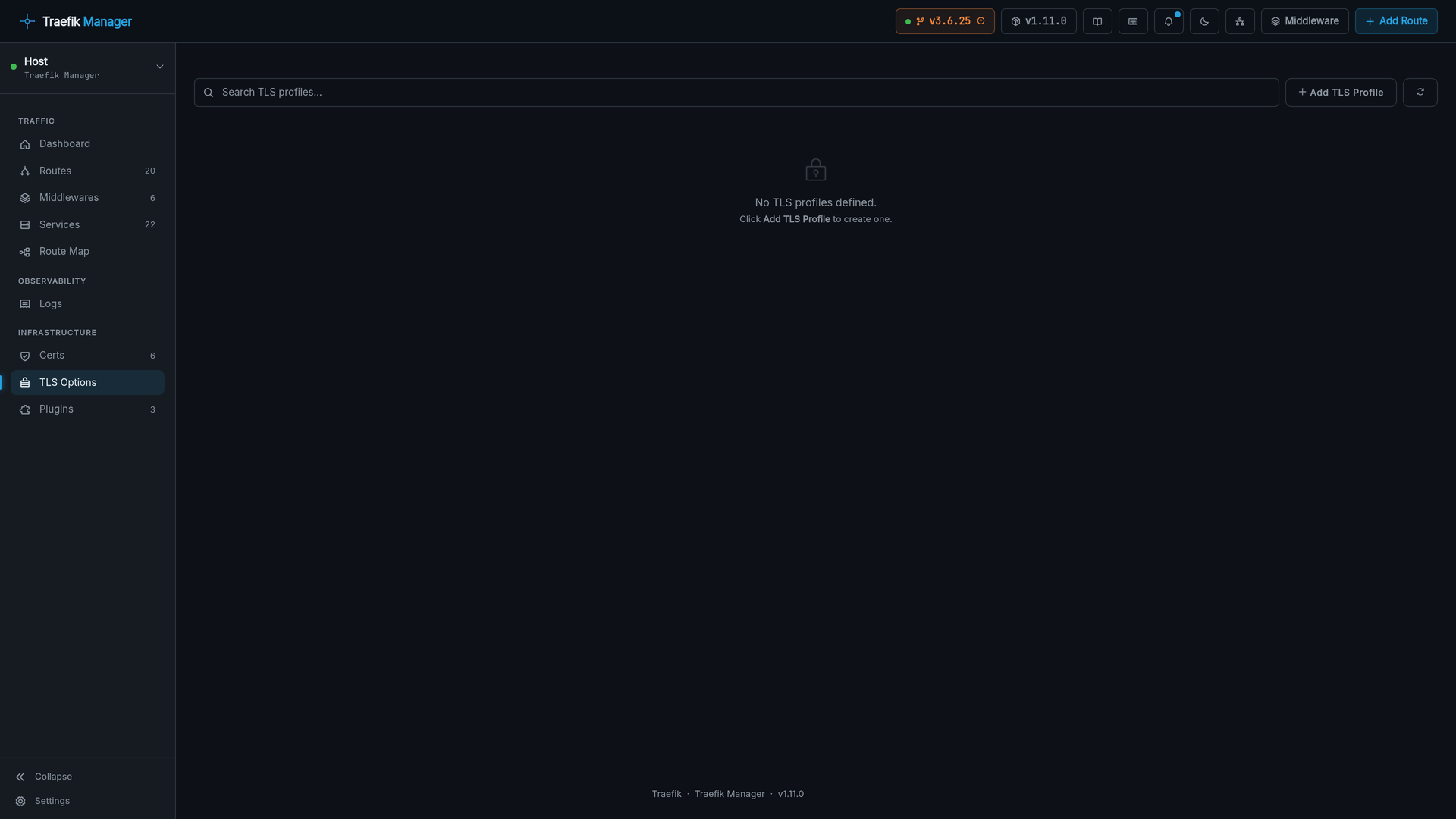
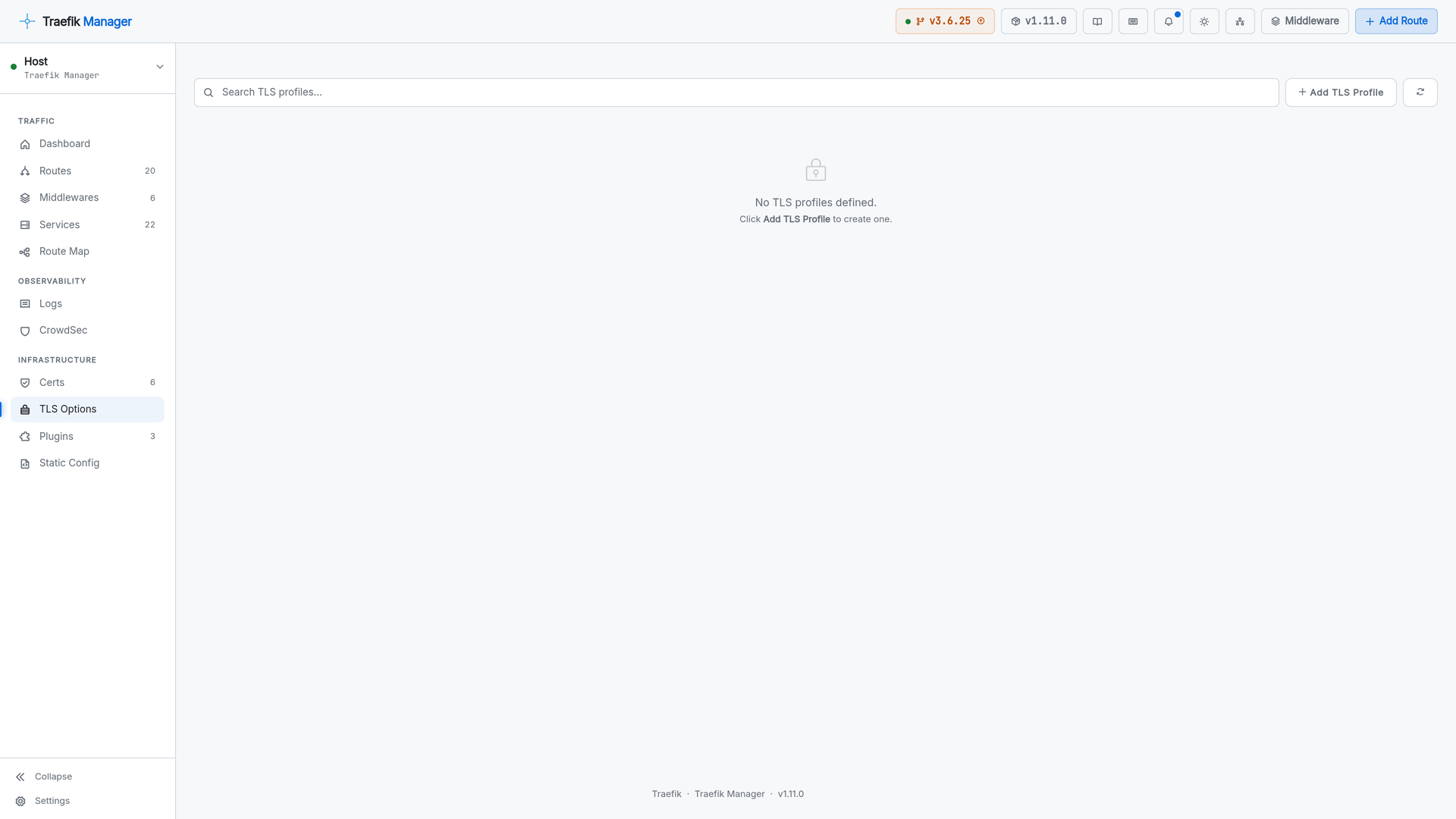
TLS Options
TLS profiles with minimum versions, cipher suites and mTLS, assignable per route.
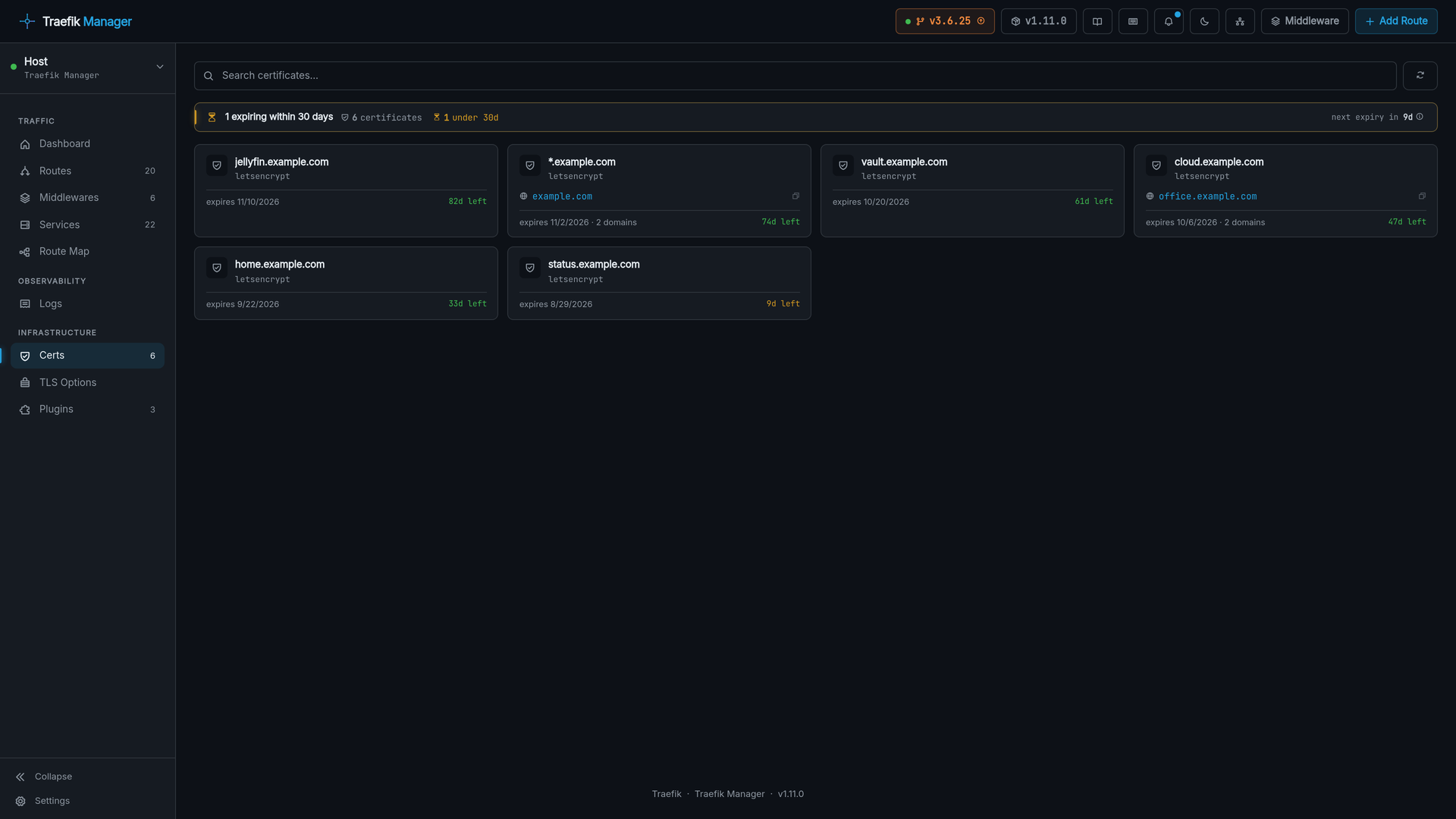
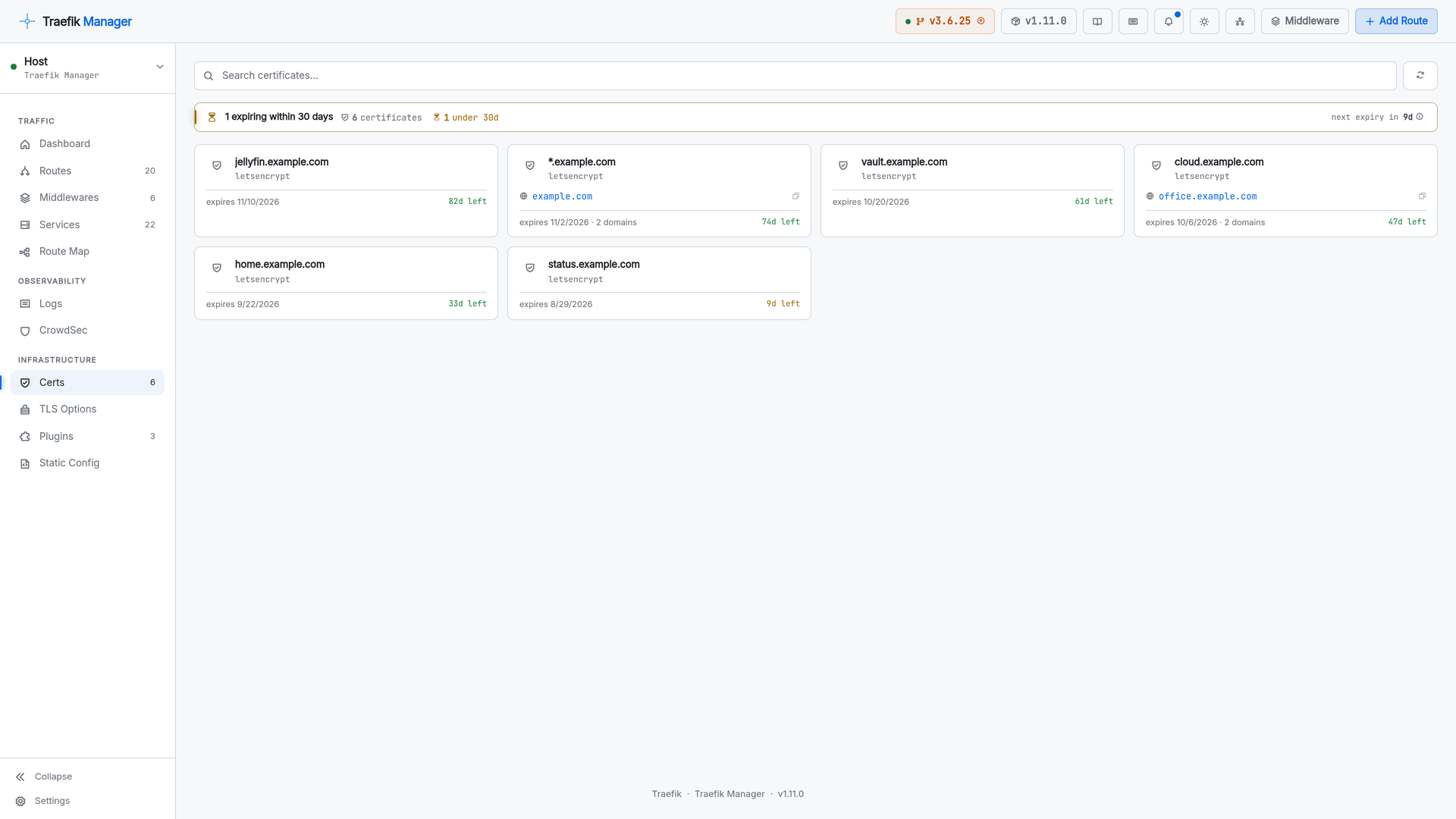
Certificates
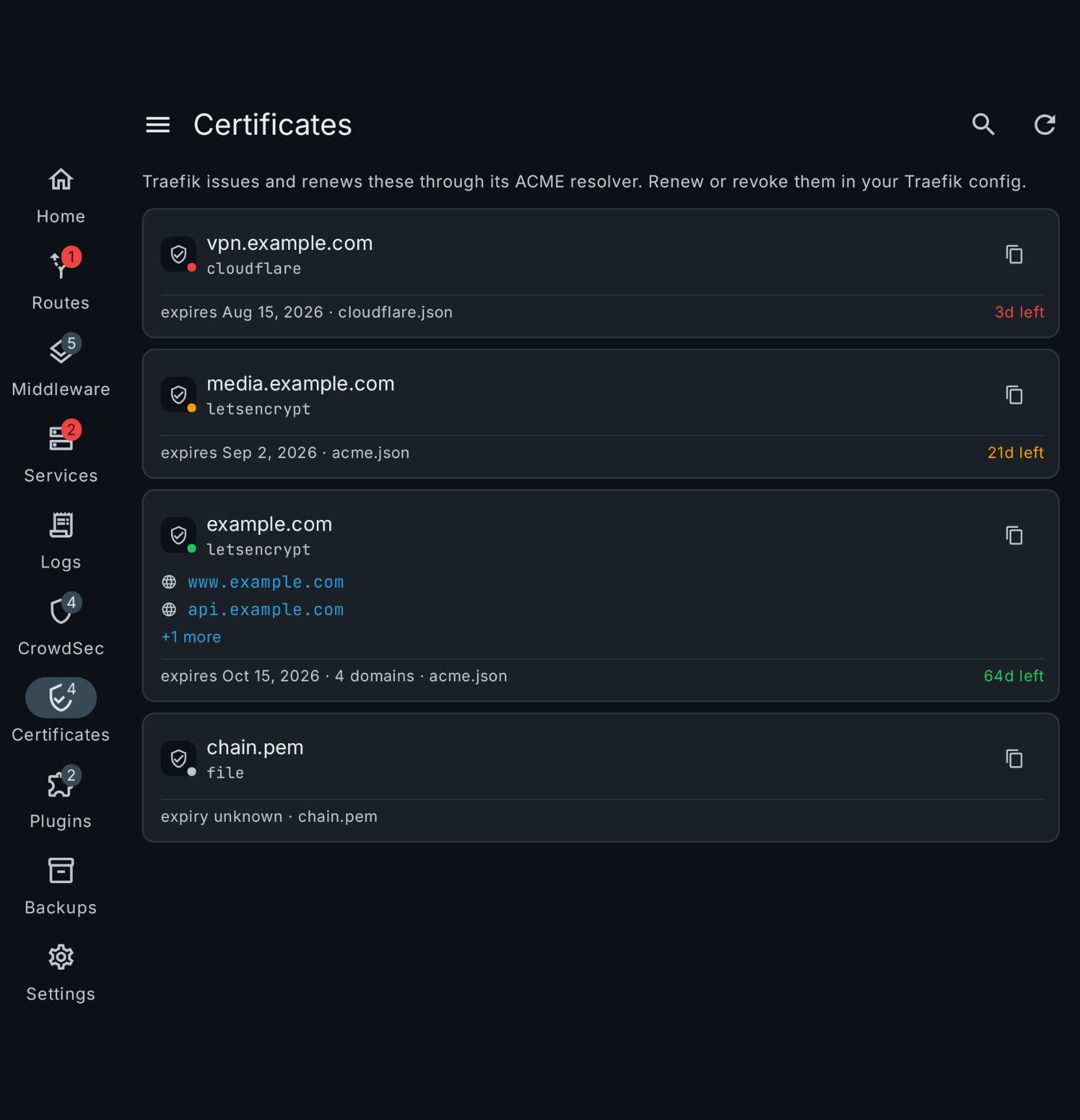
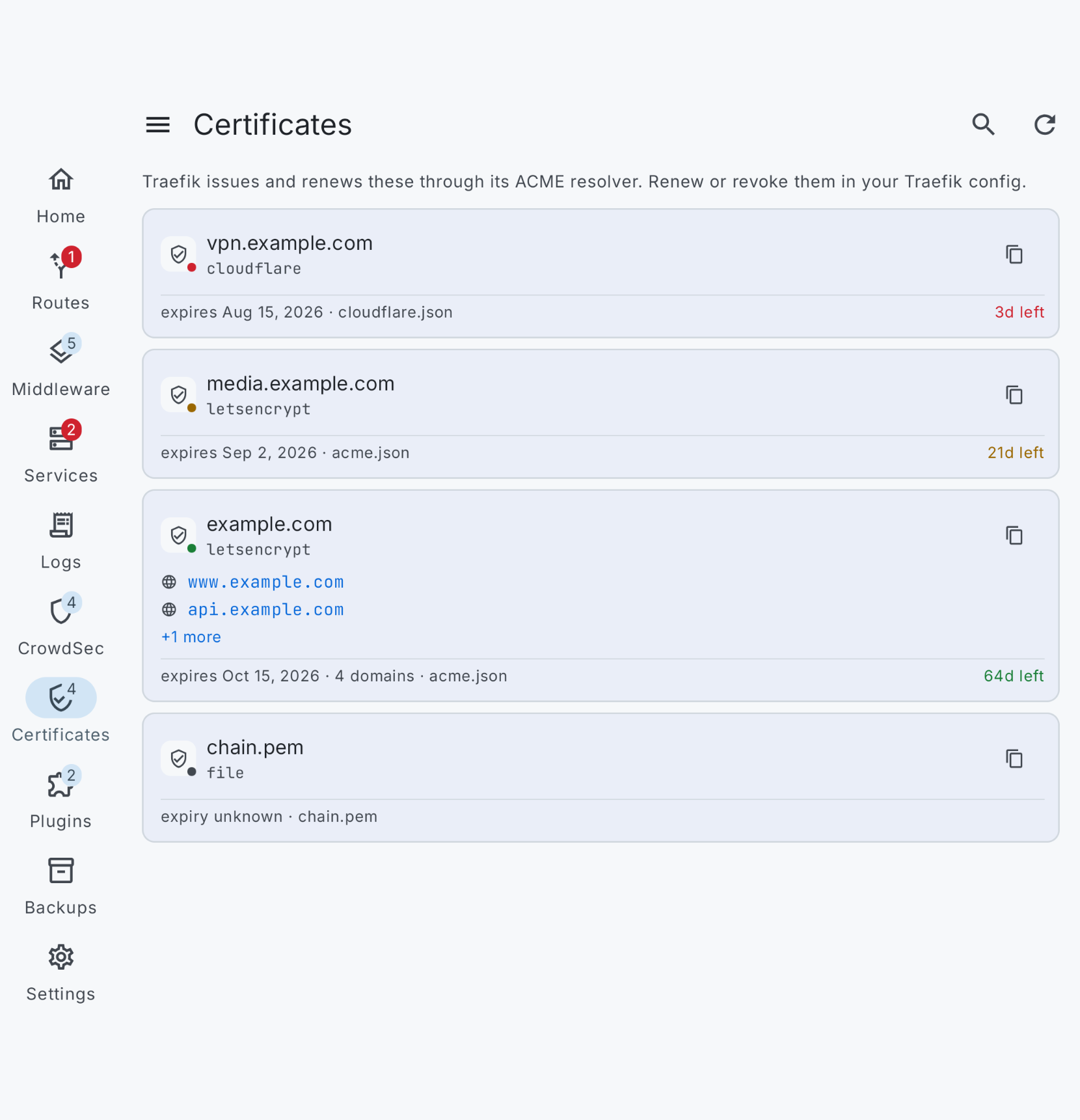
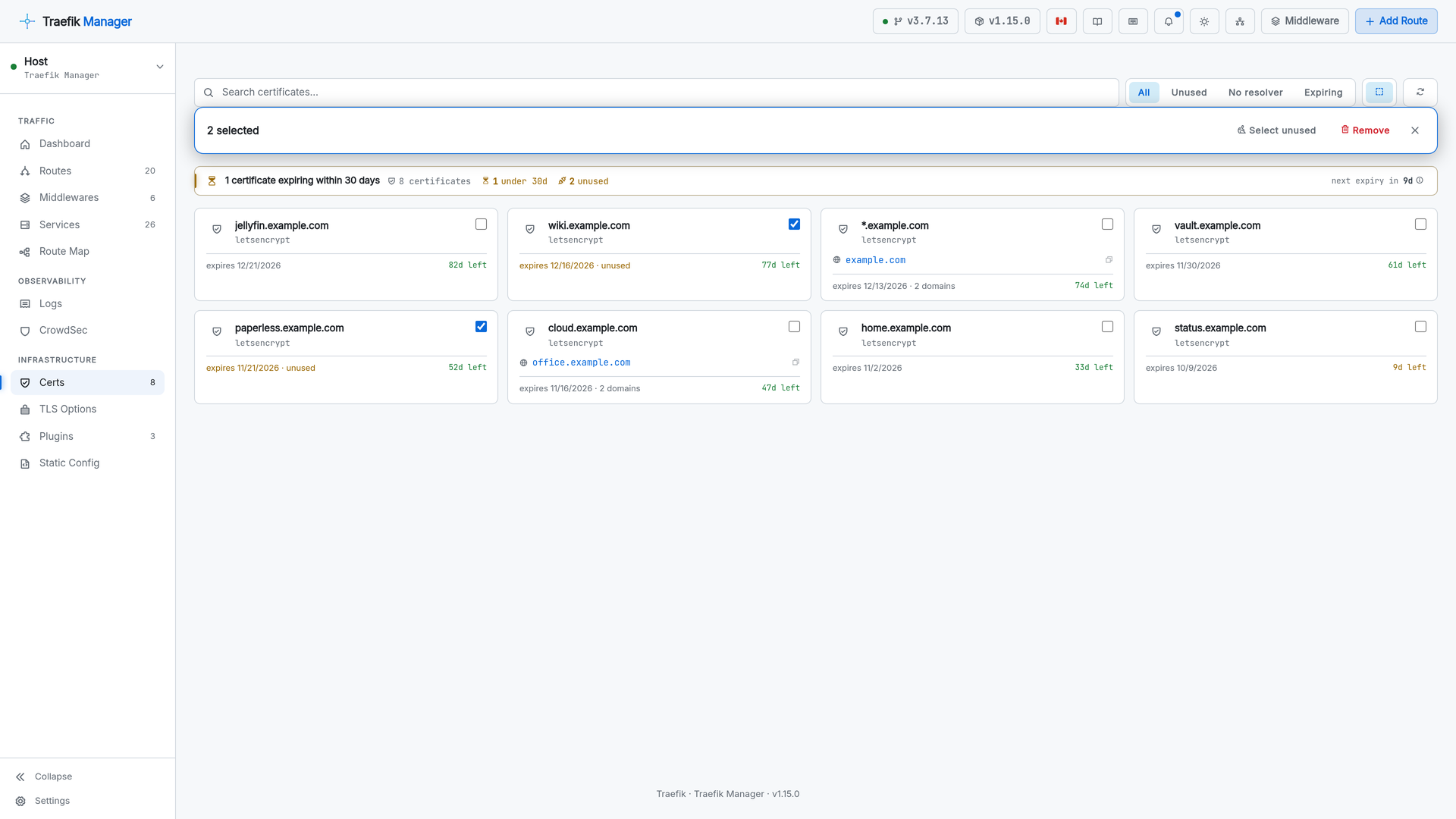
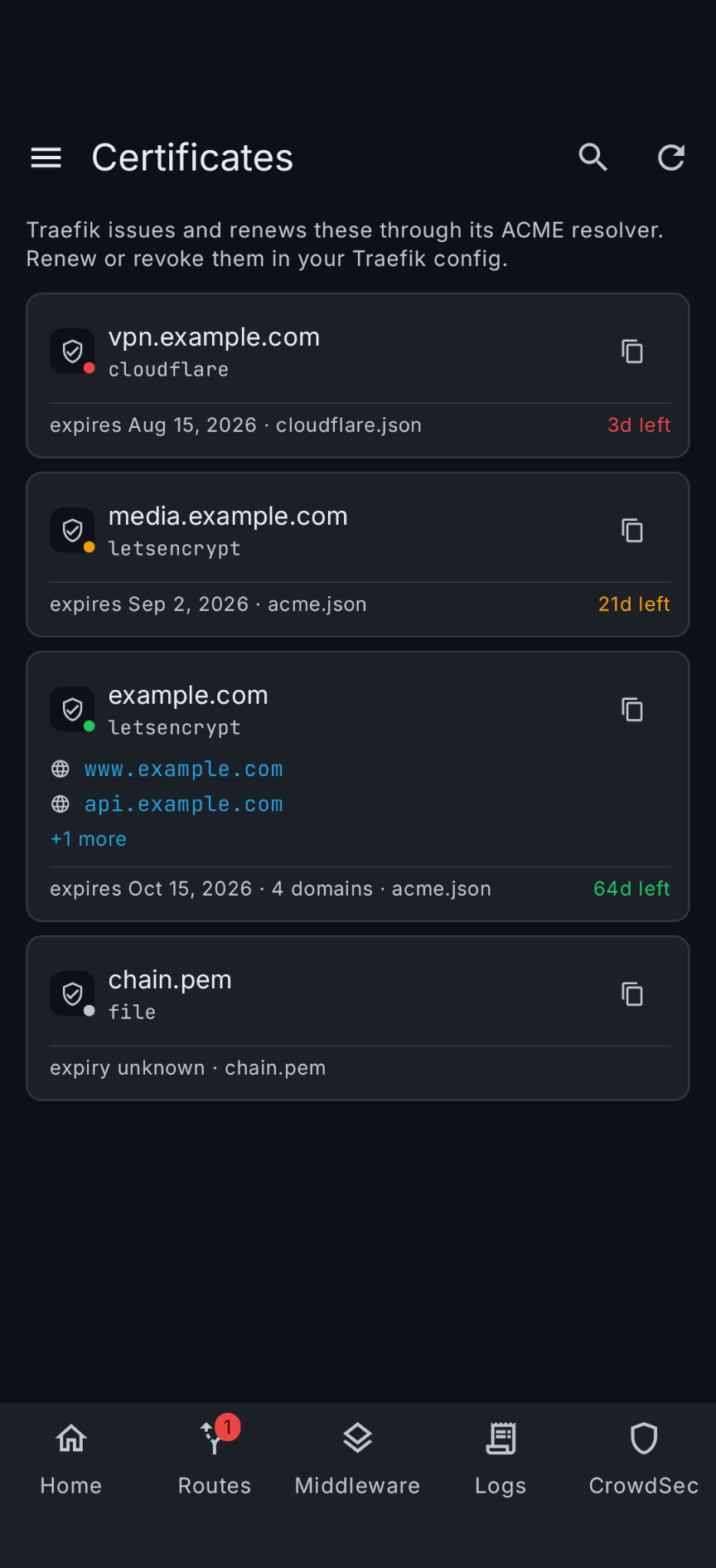
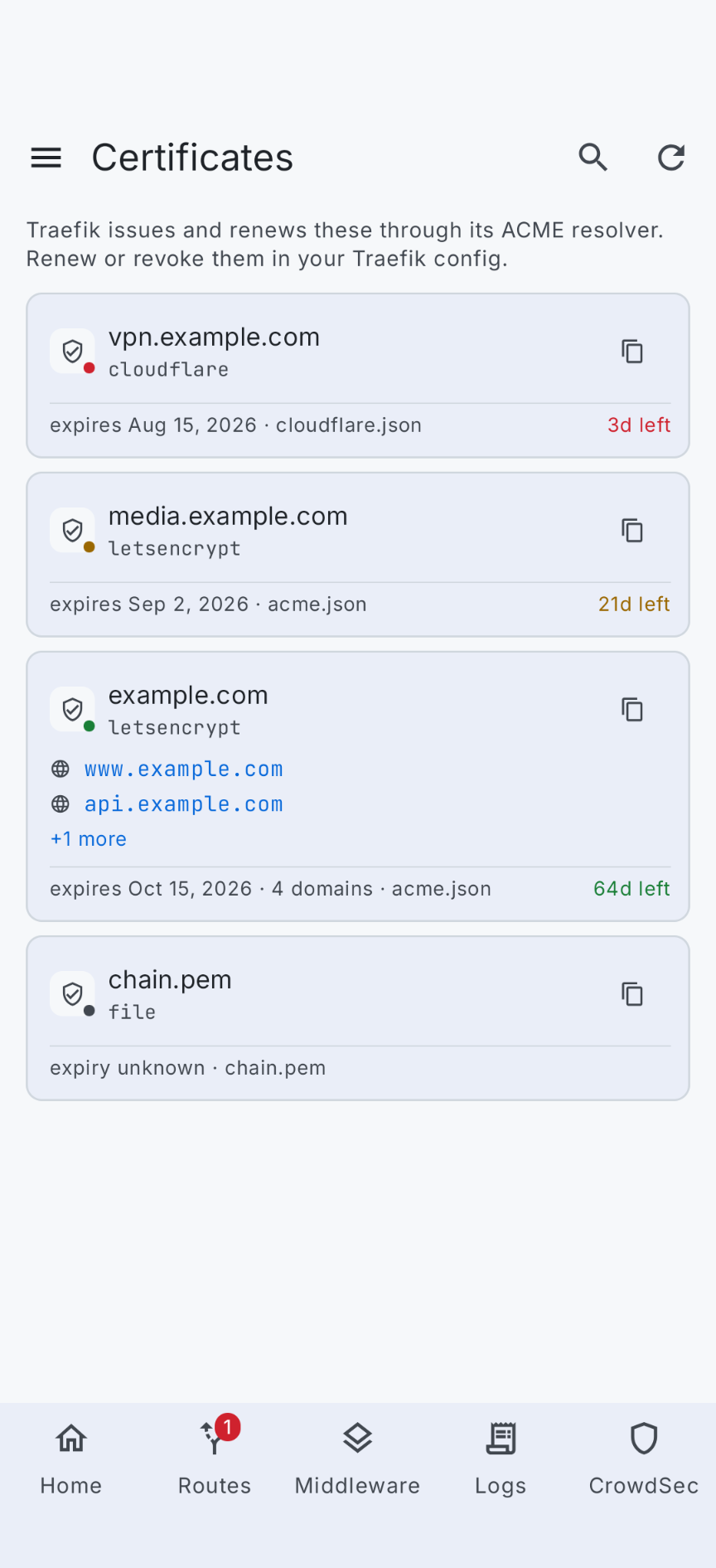
Every certificate from every resolver, with expiry warnings, and filters for registered domain, unused, no resolver and expiring.
Pick several at once, or let Select unused pick every certificate no router serves.
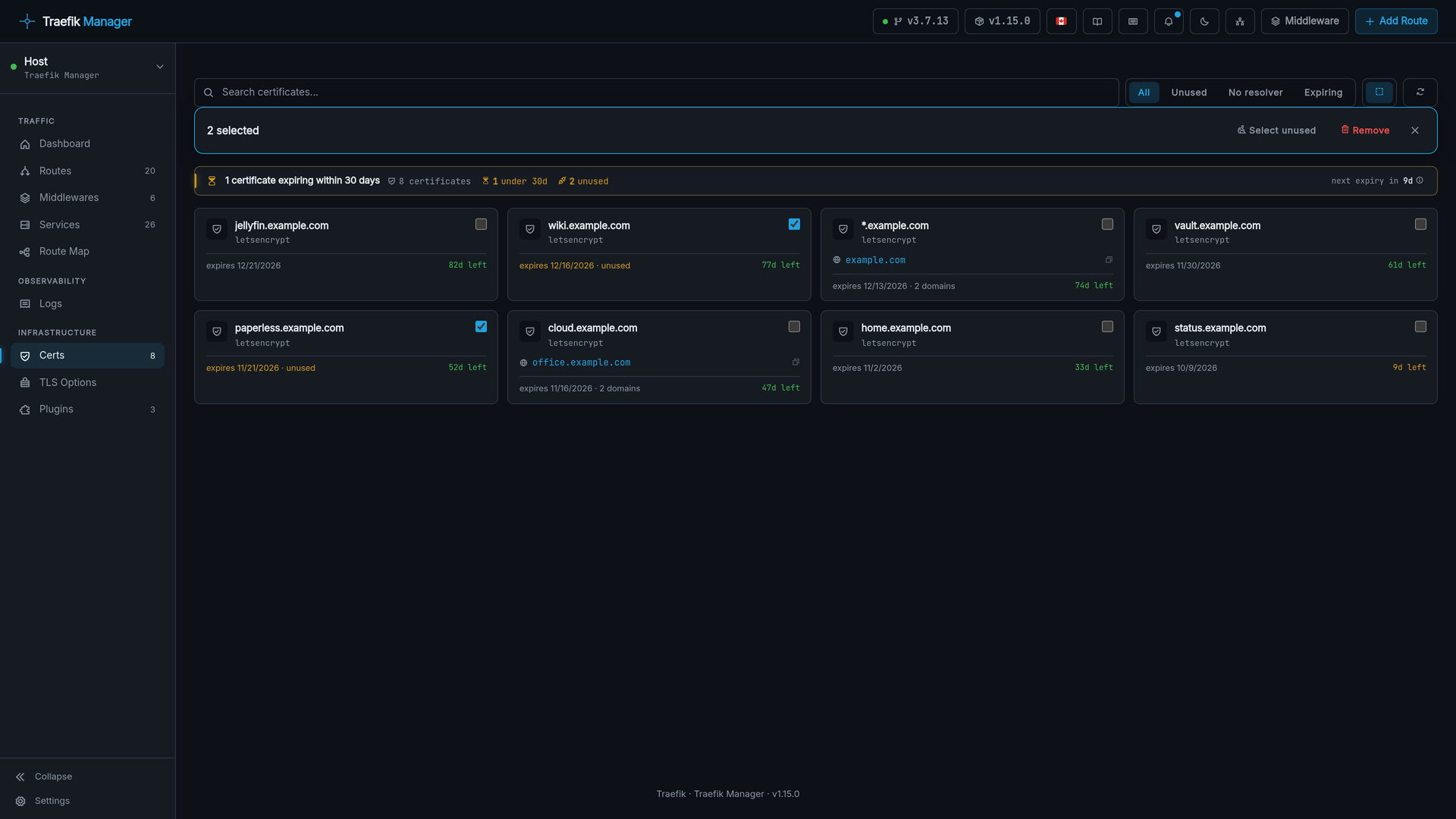
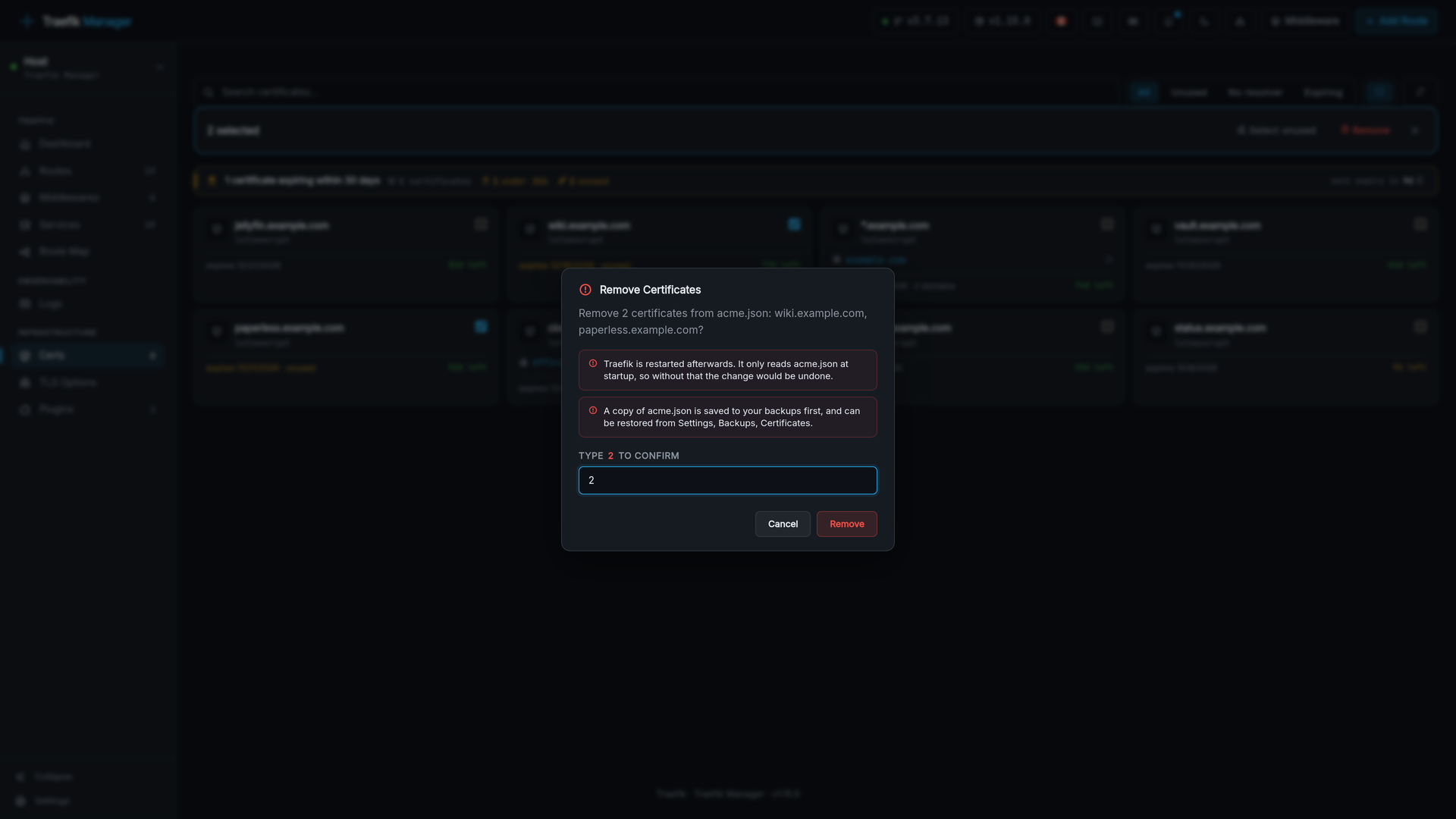
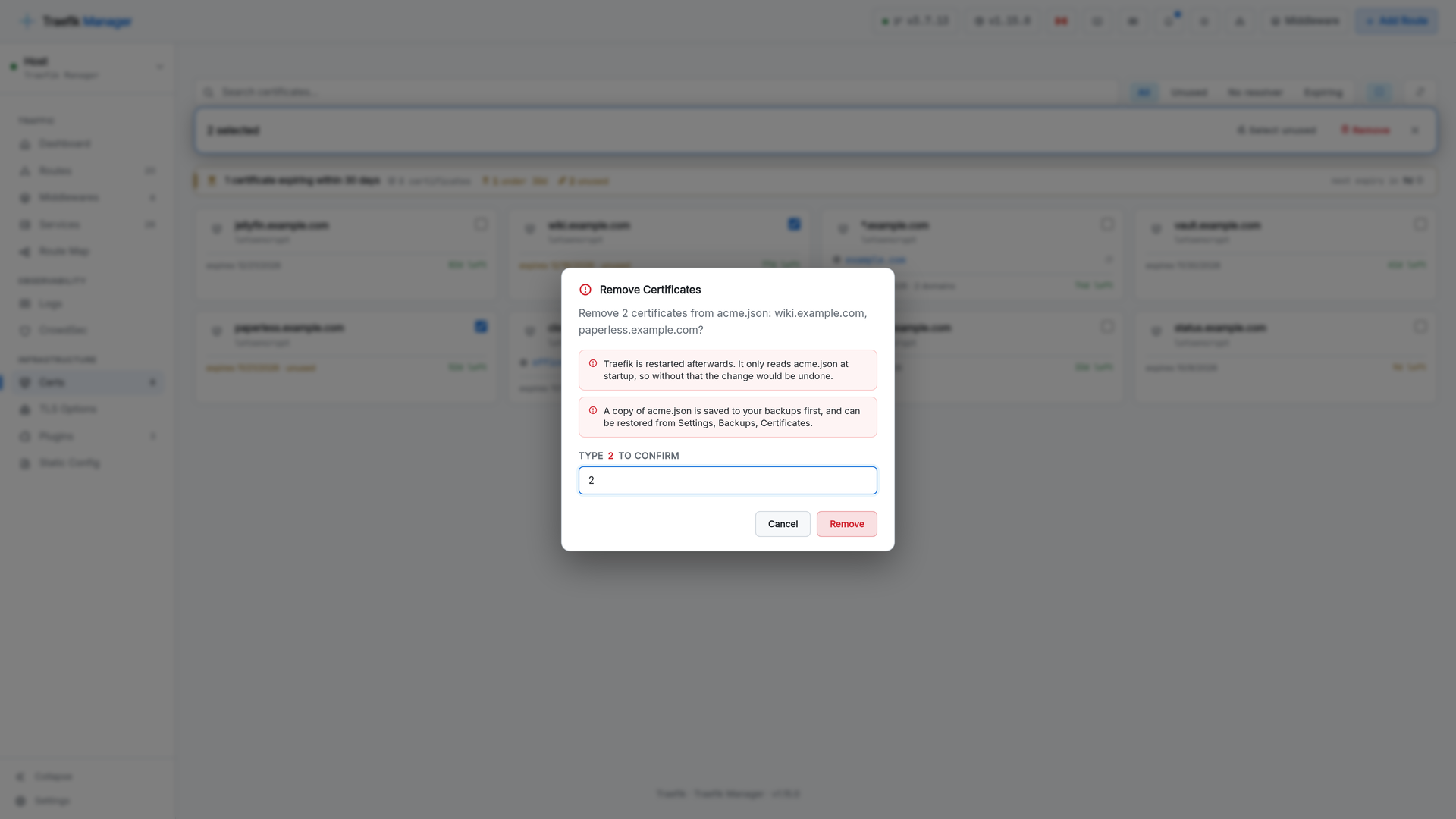
Removal says what it will do first: Traefik restarts afterwards, certificates still serving a route are requested again, and a copy of acme.json goes to your backups. See Removing a certificate.
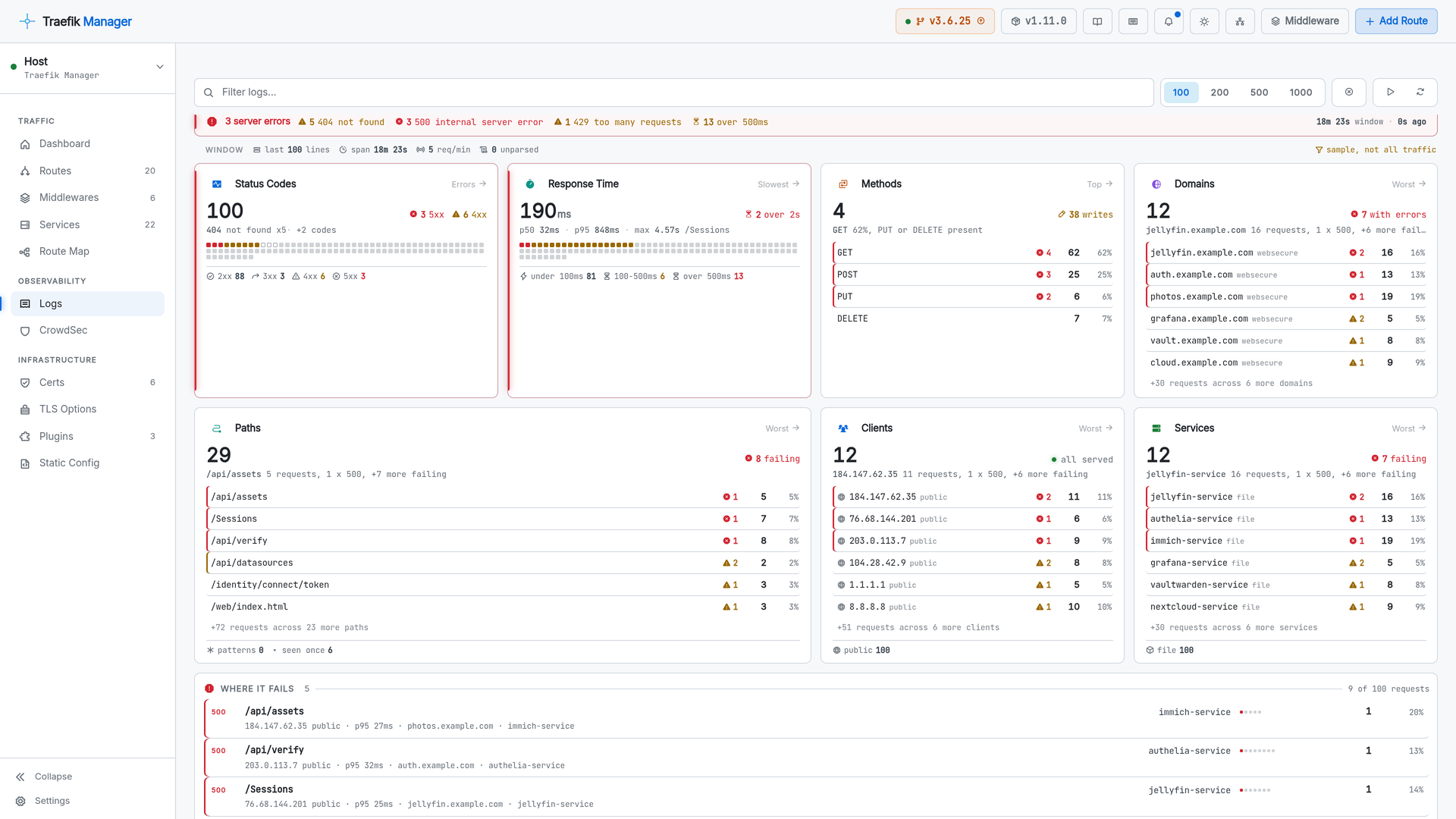
Logs
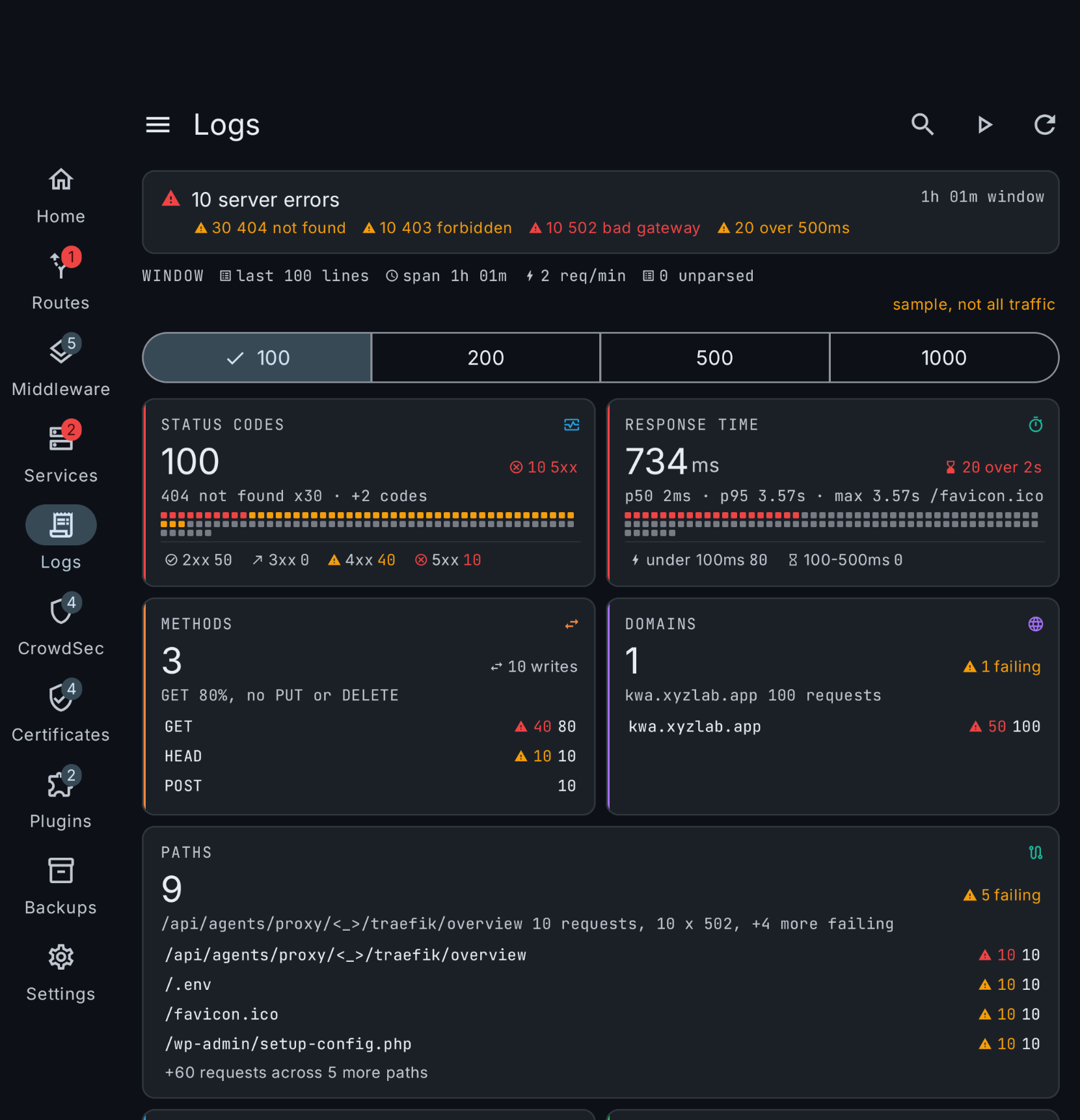
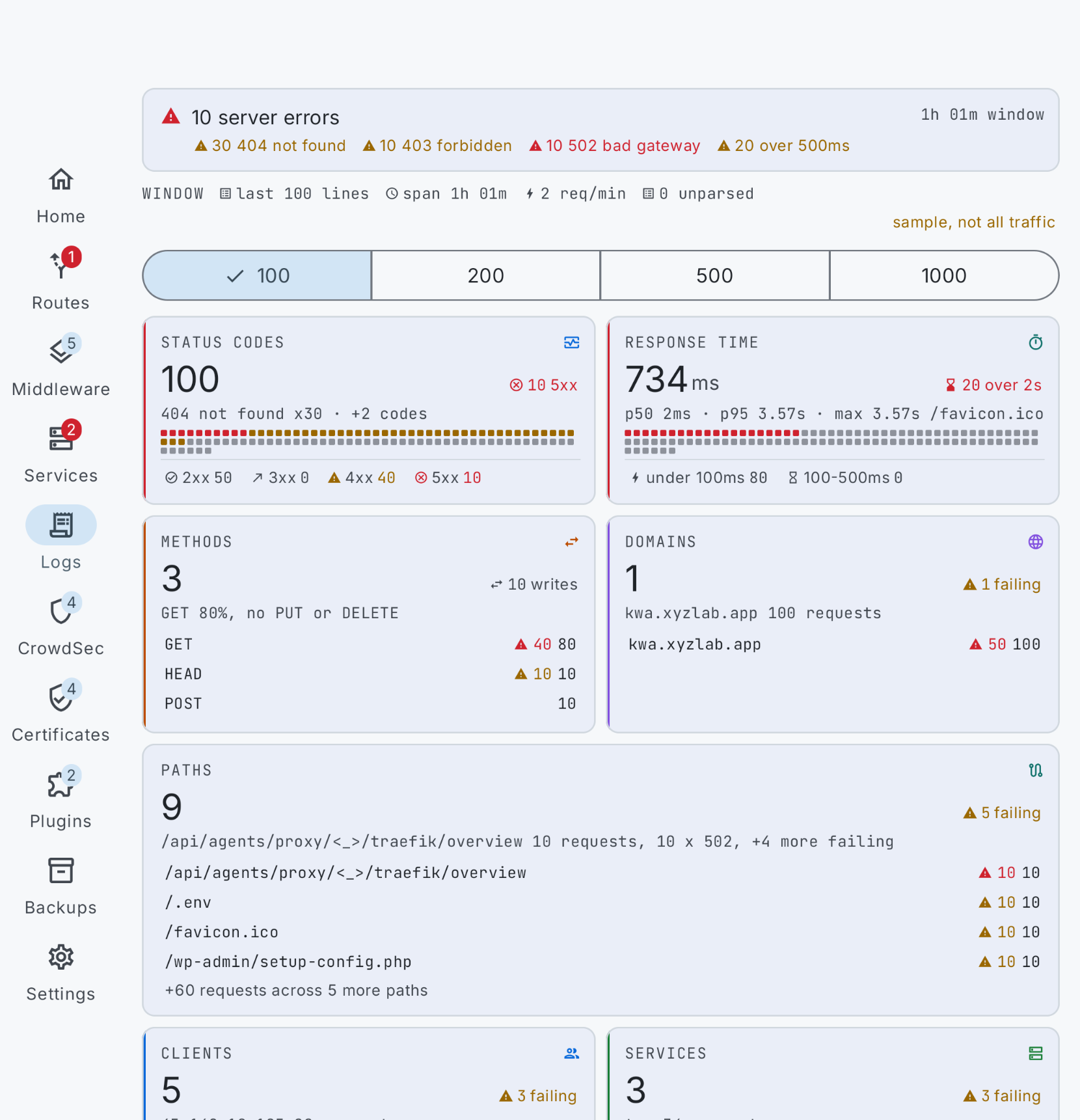
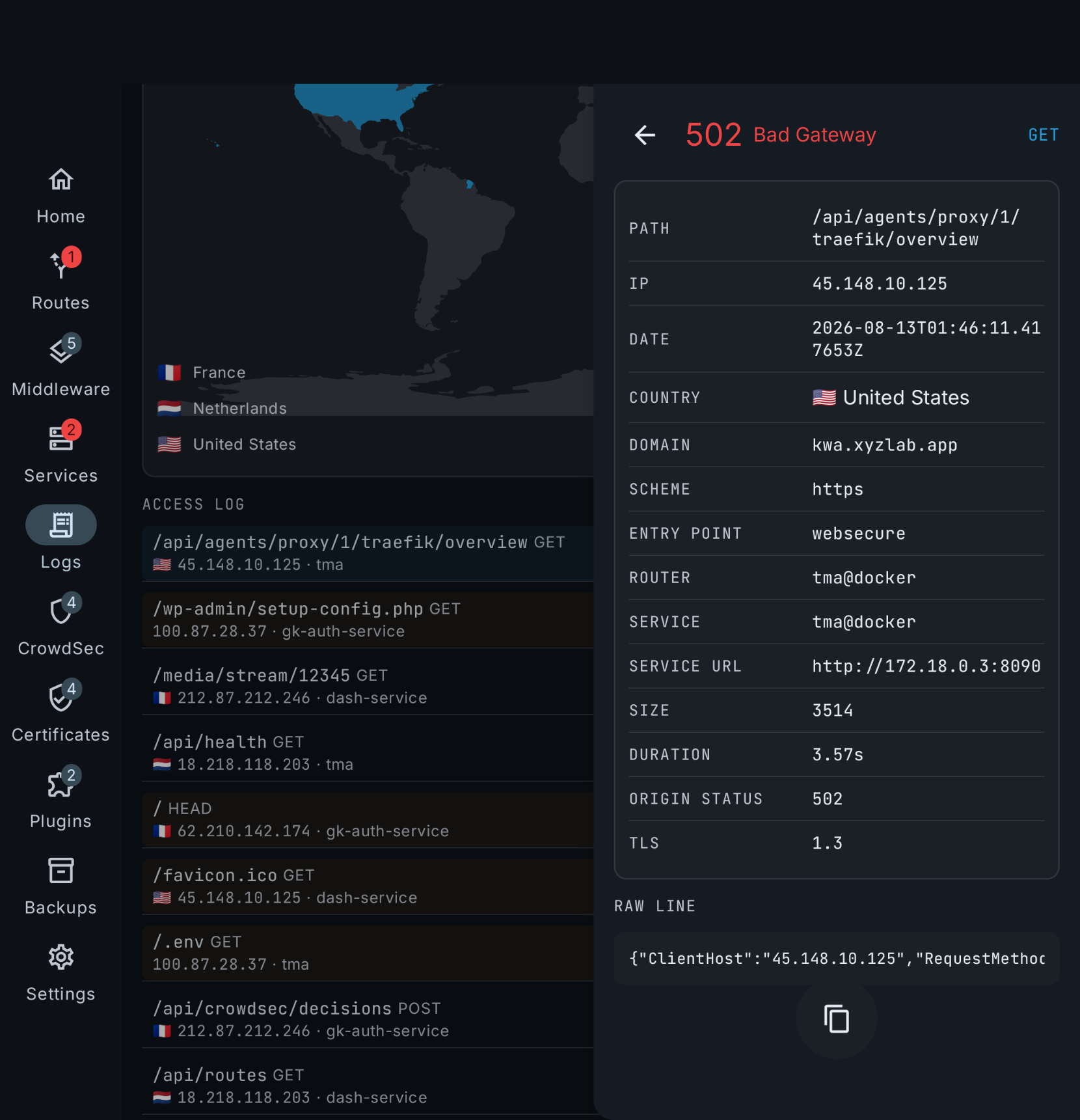
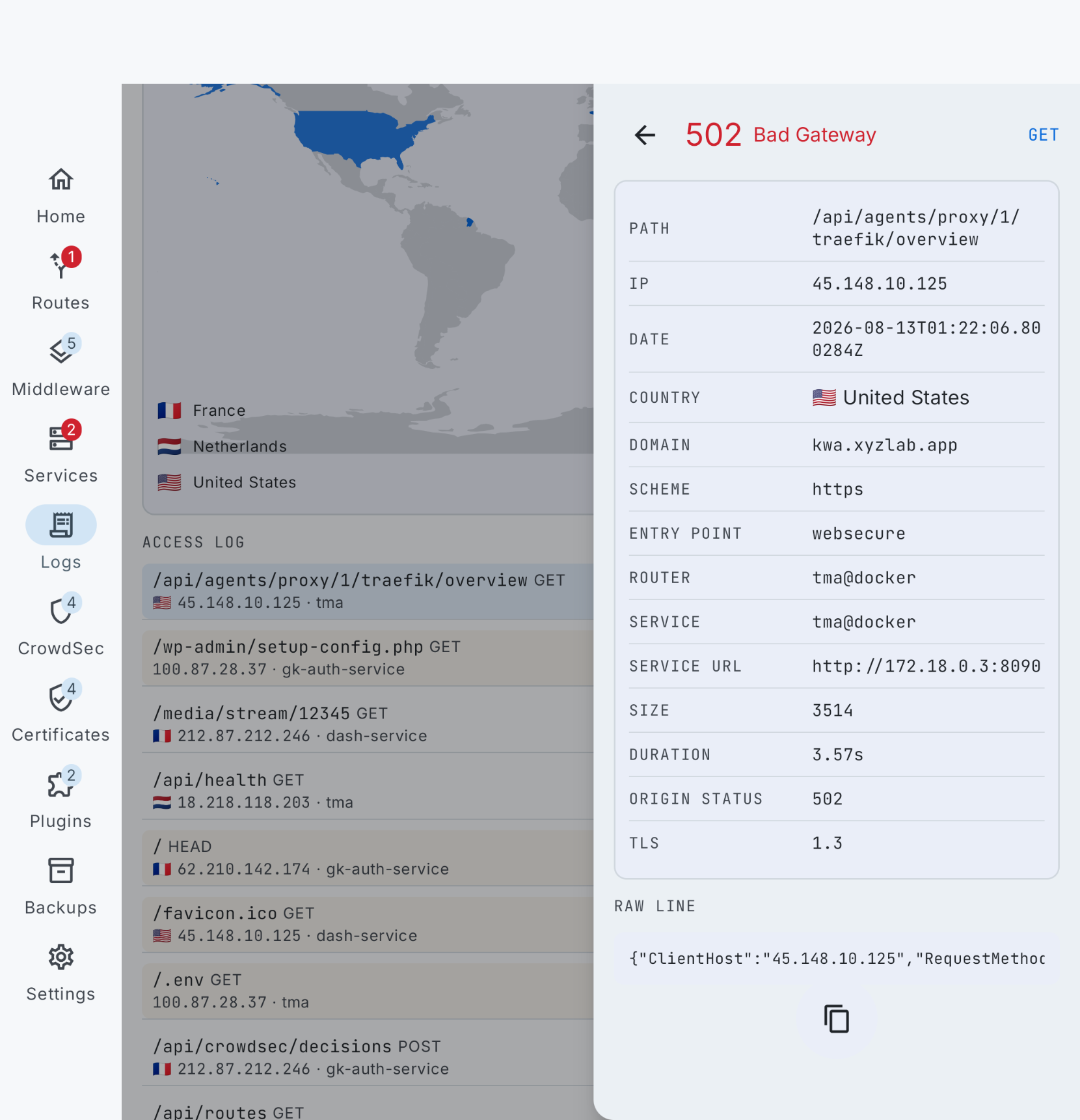
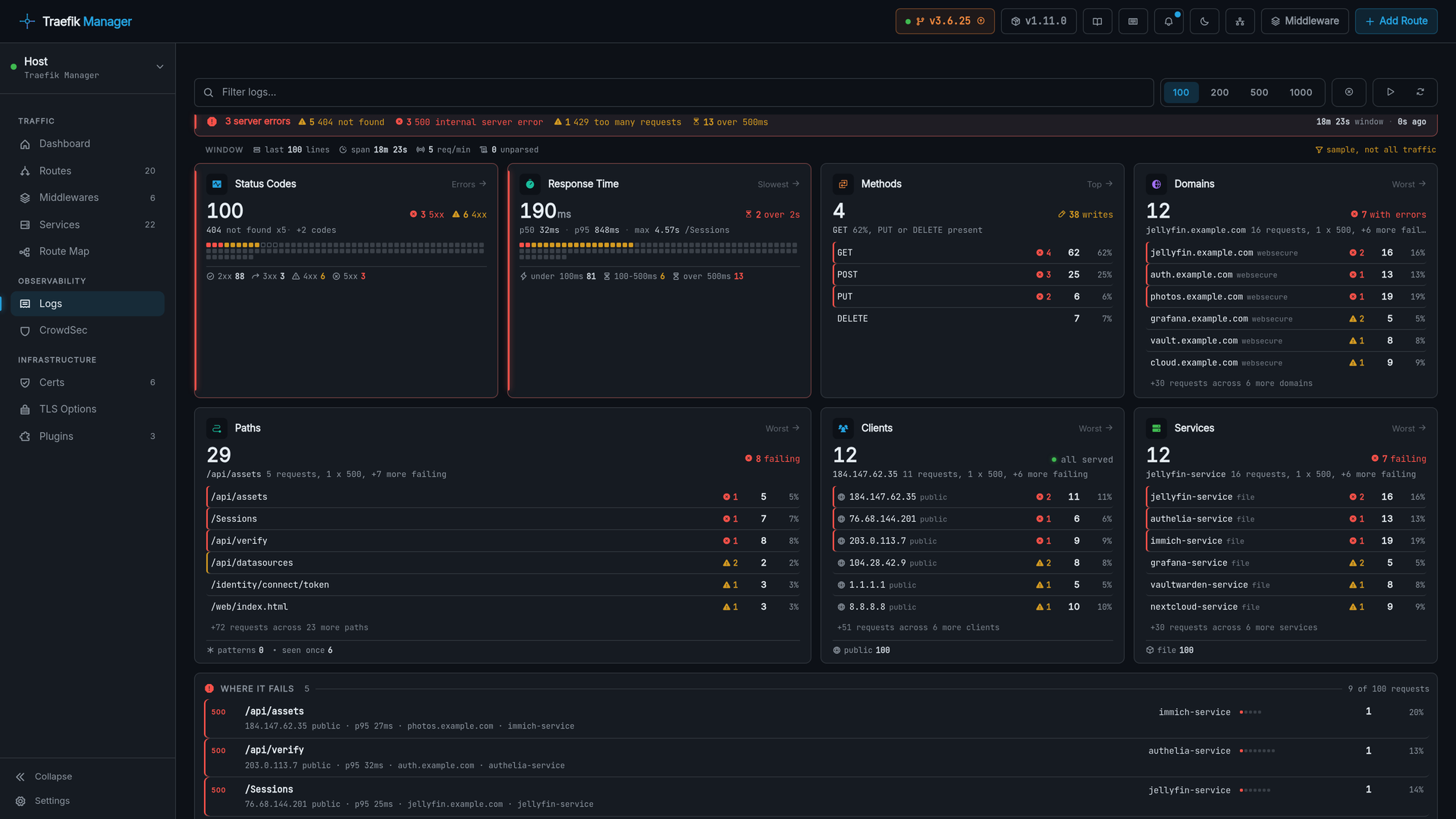
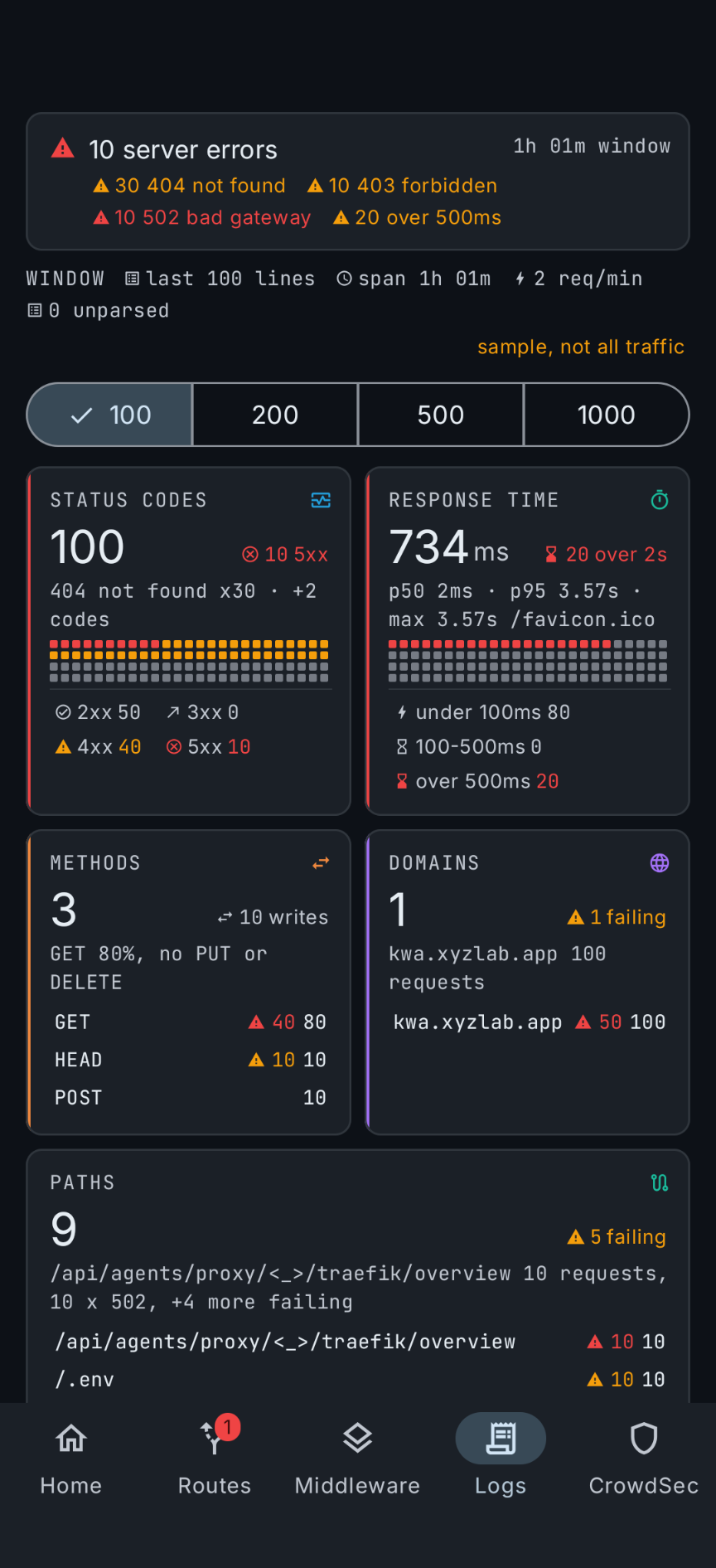
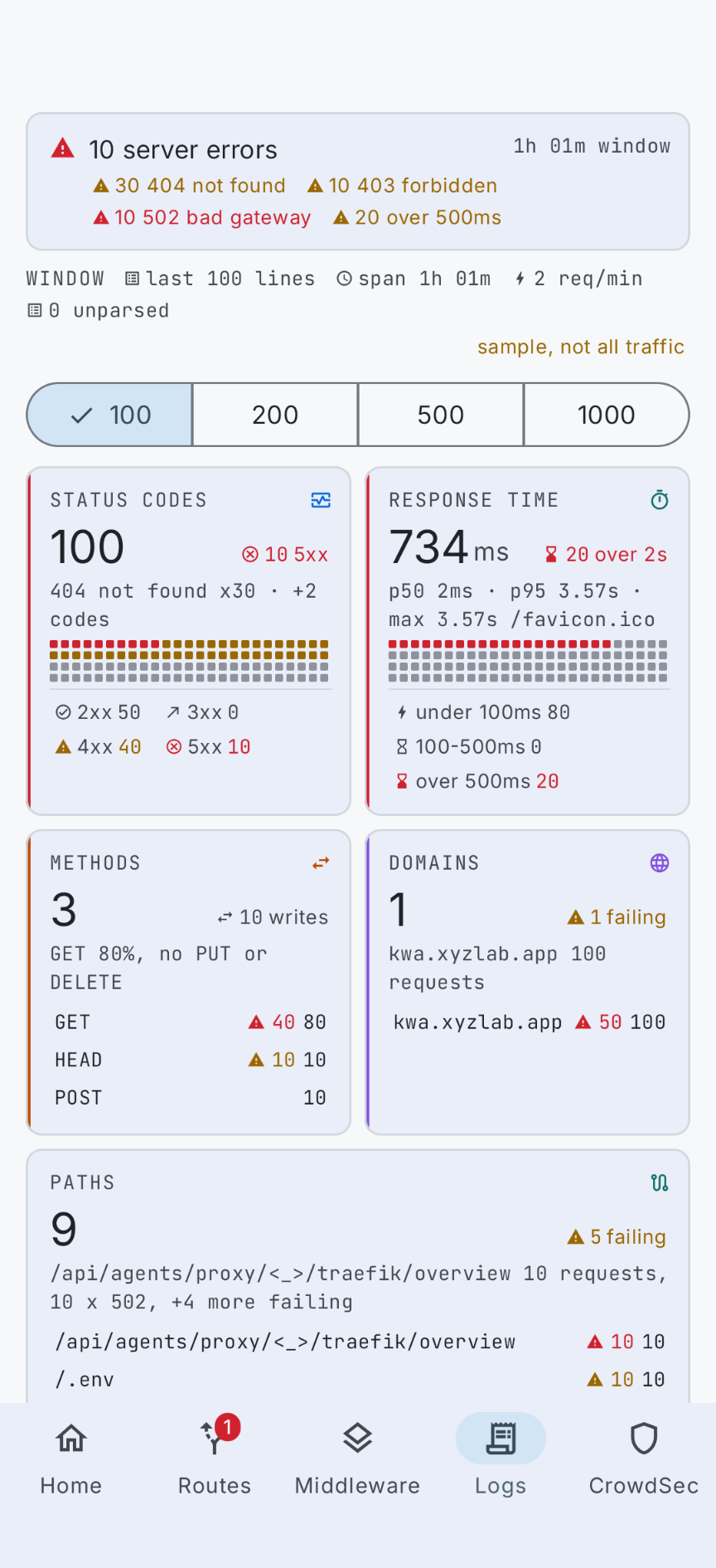
The access log as clickable analytics: status codes, response times, methods, domains, paths, clients and services, where every count is a filter.
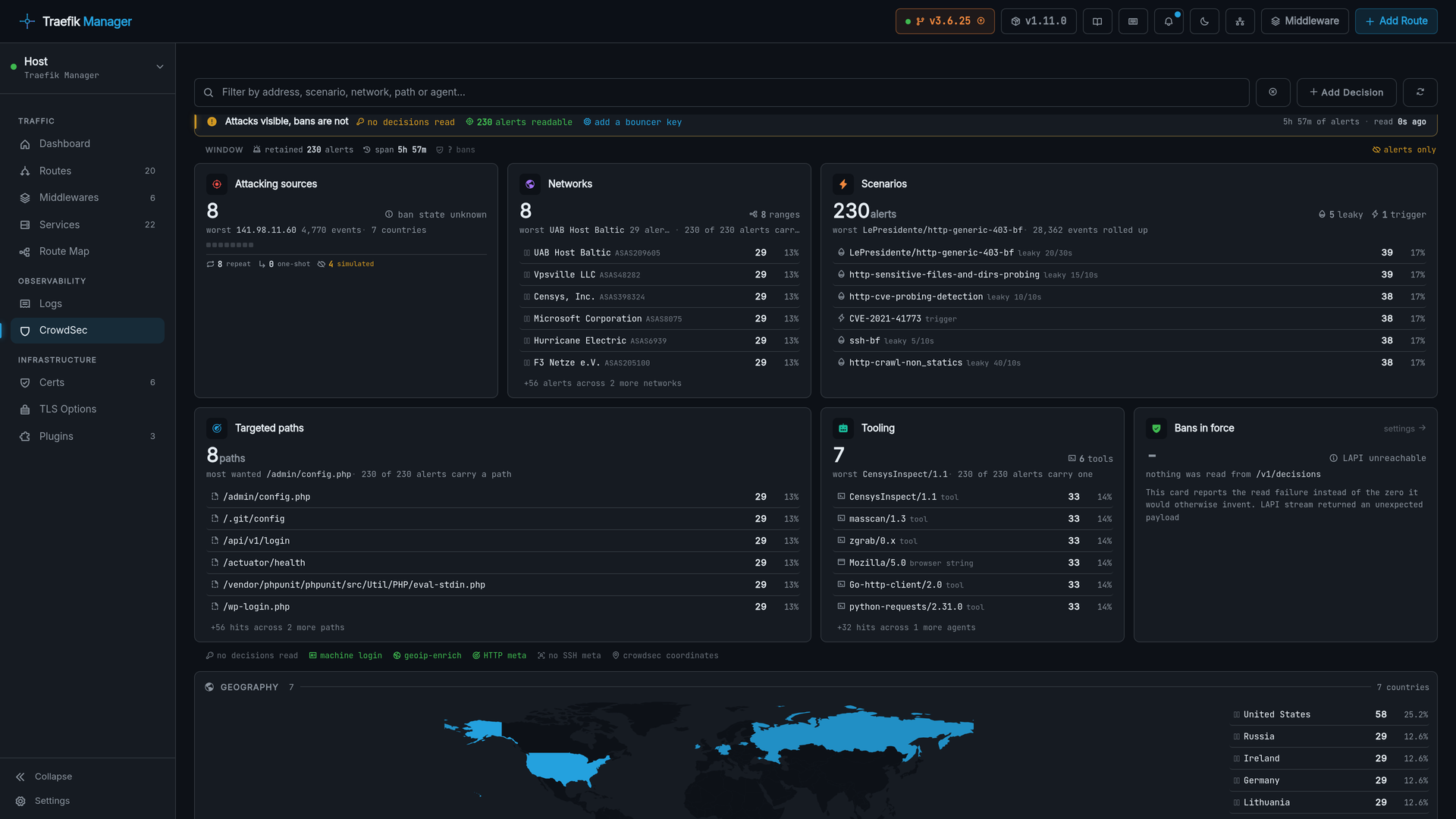
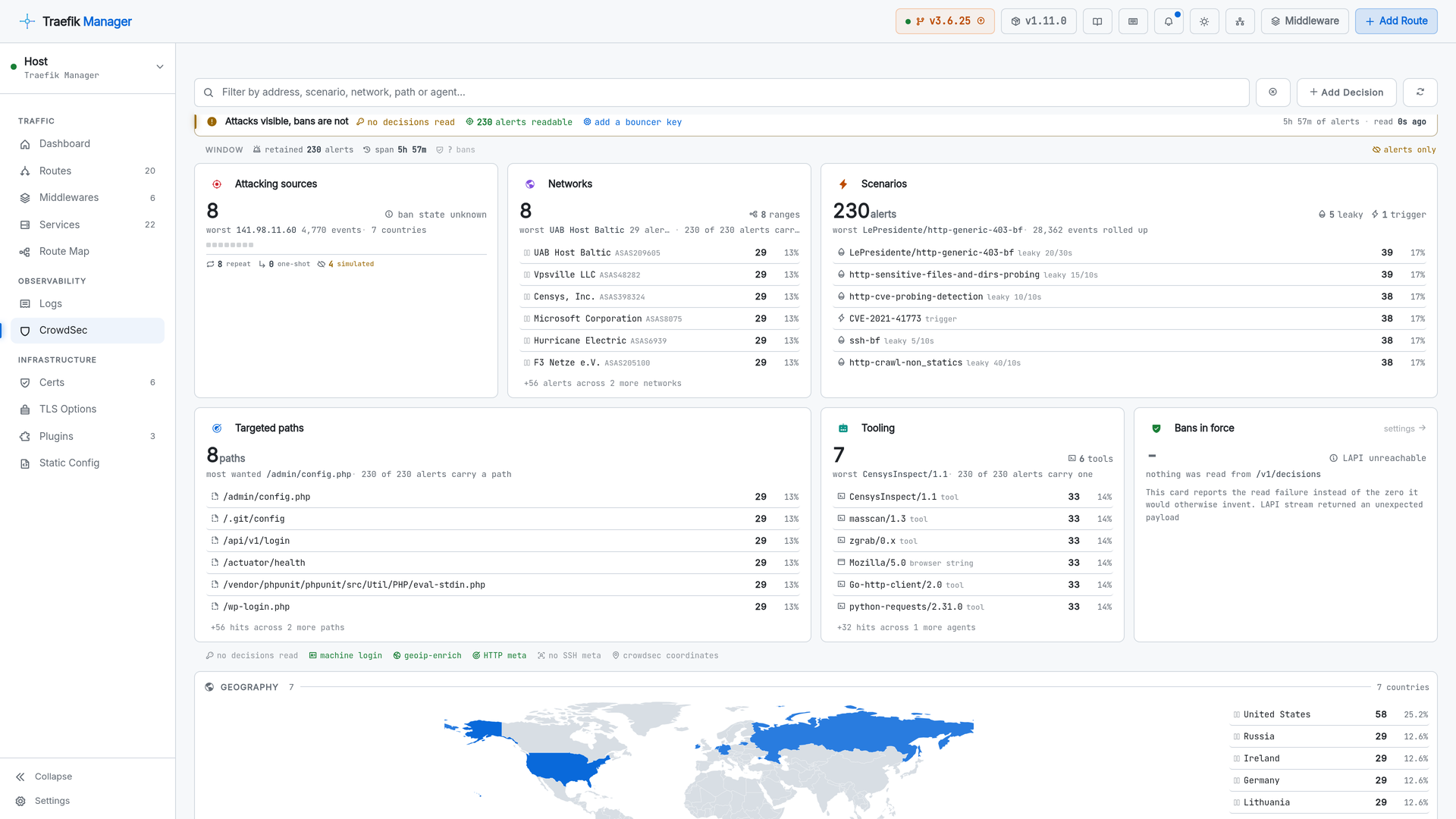
CrowdSec
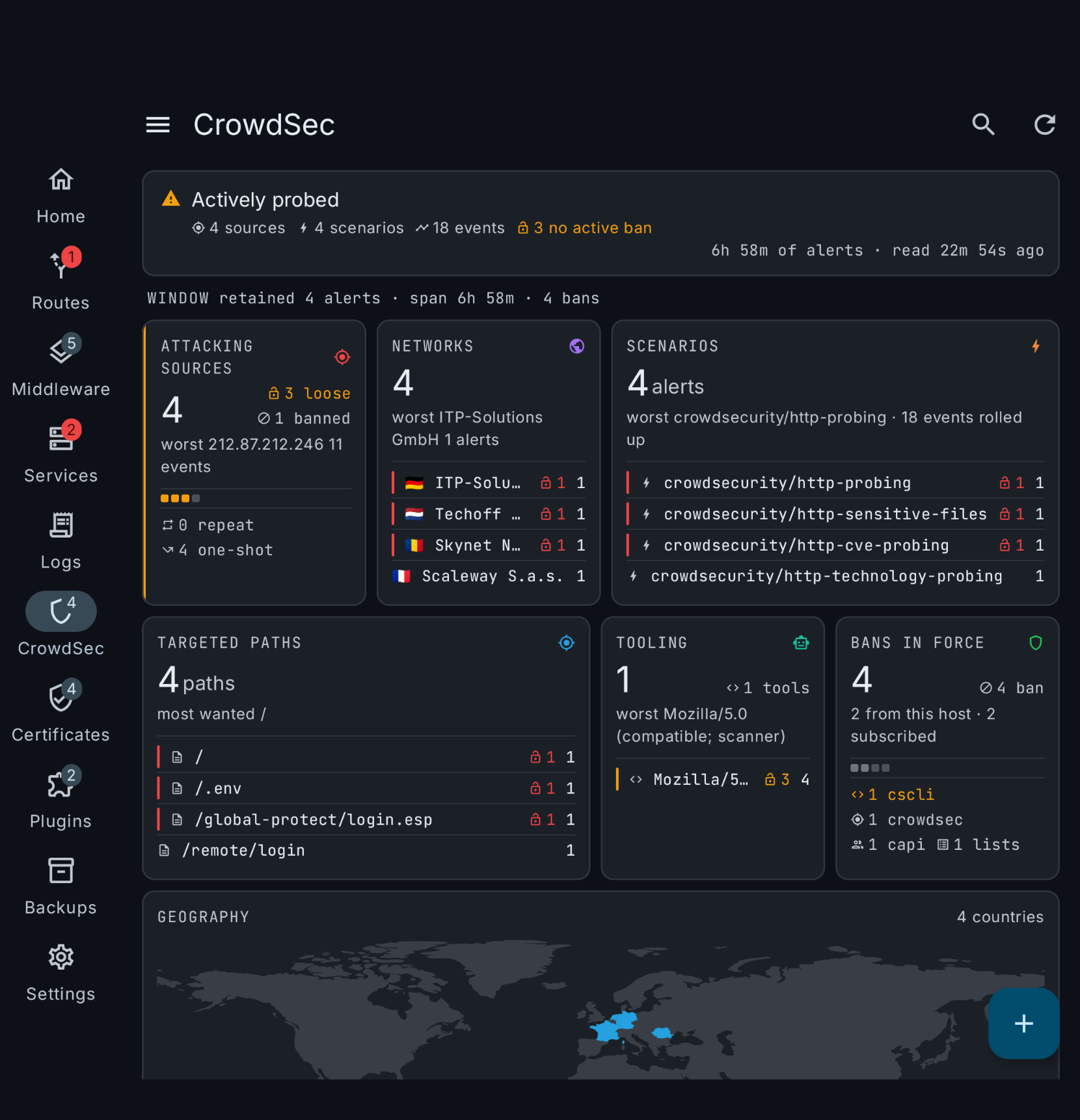
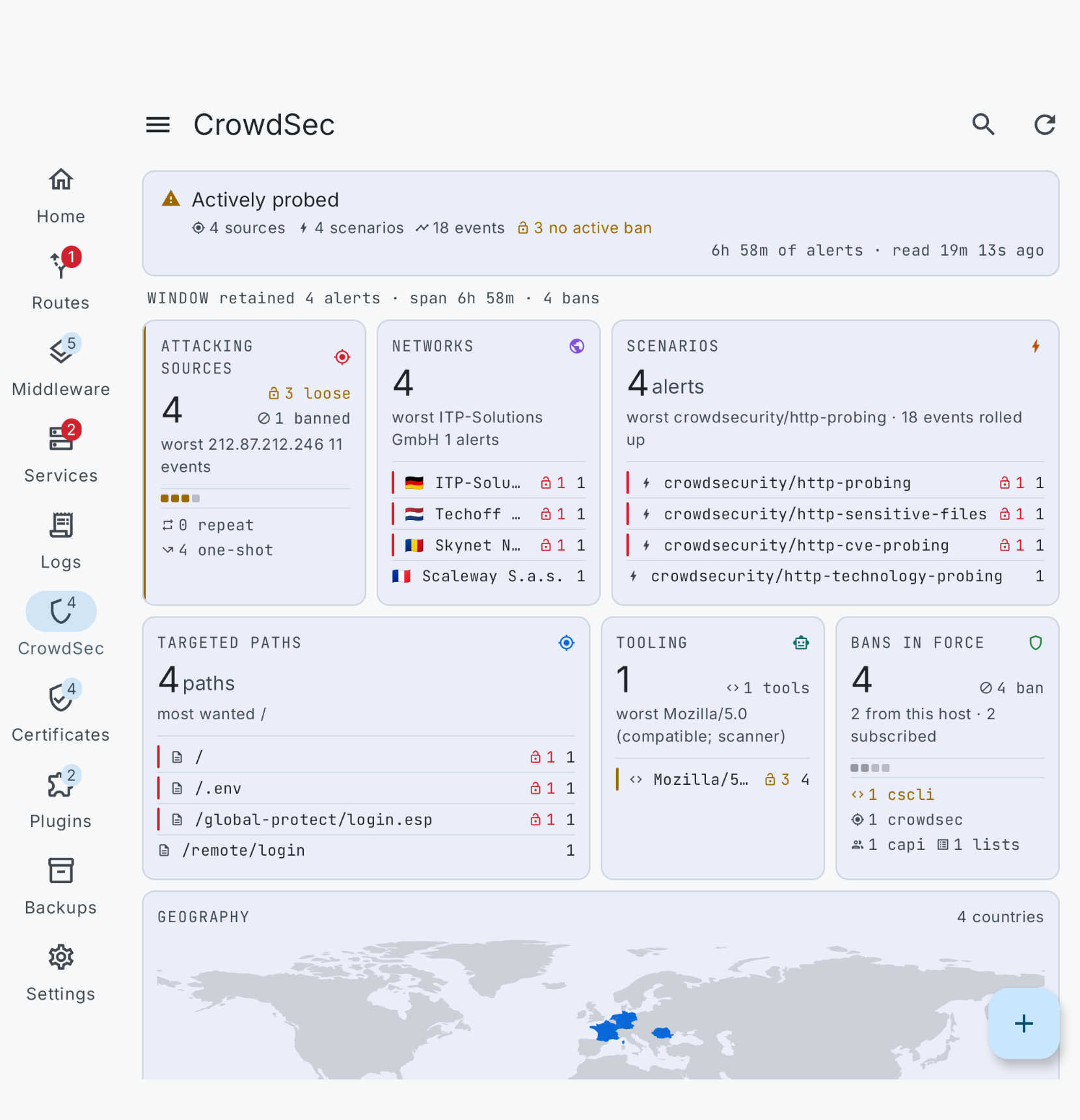
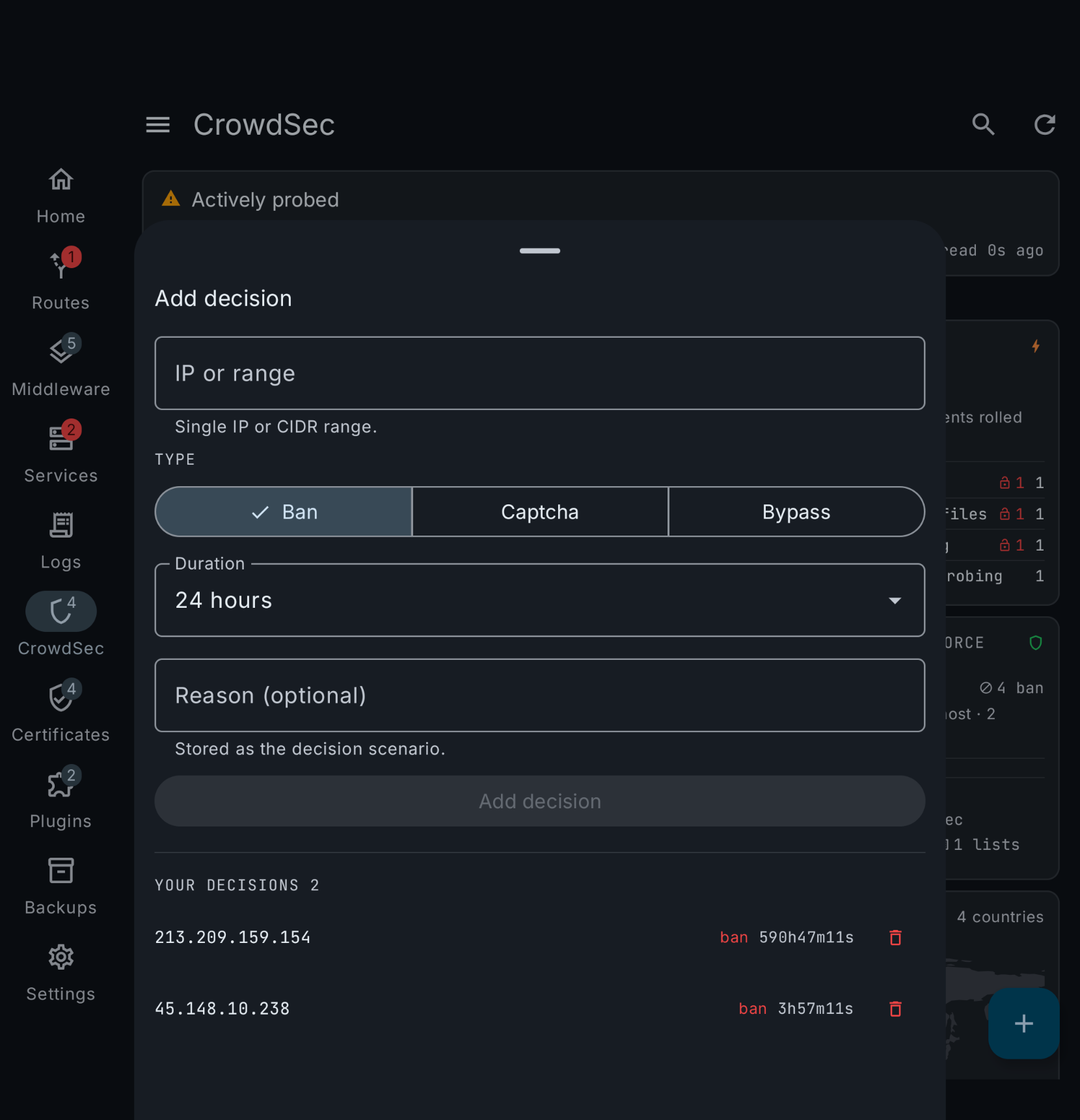
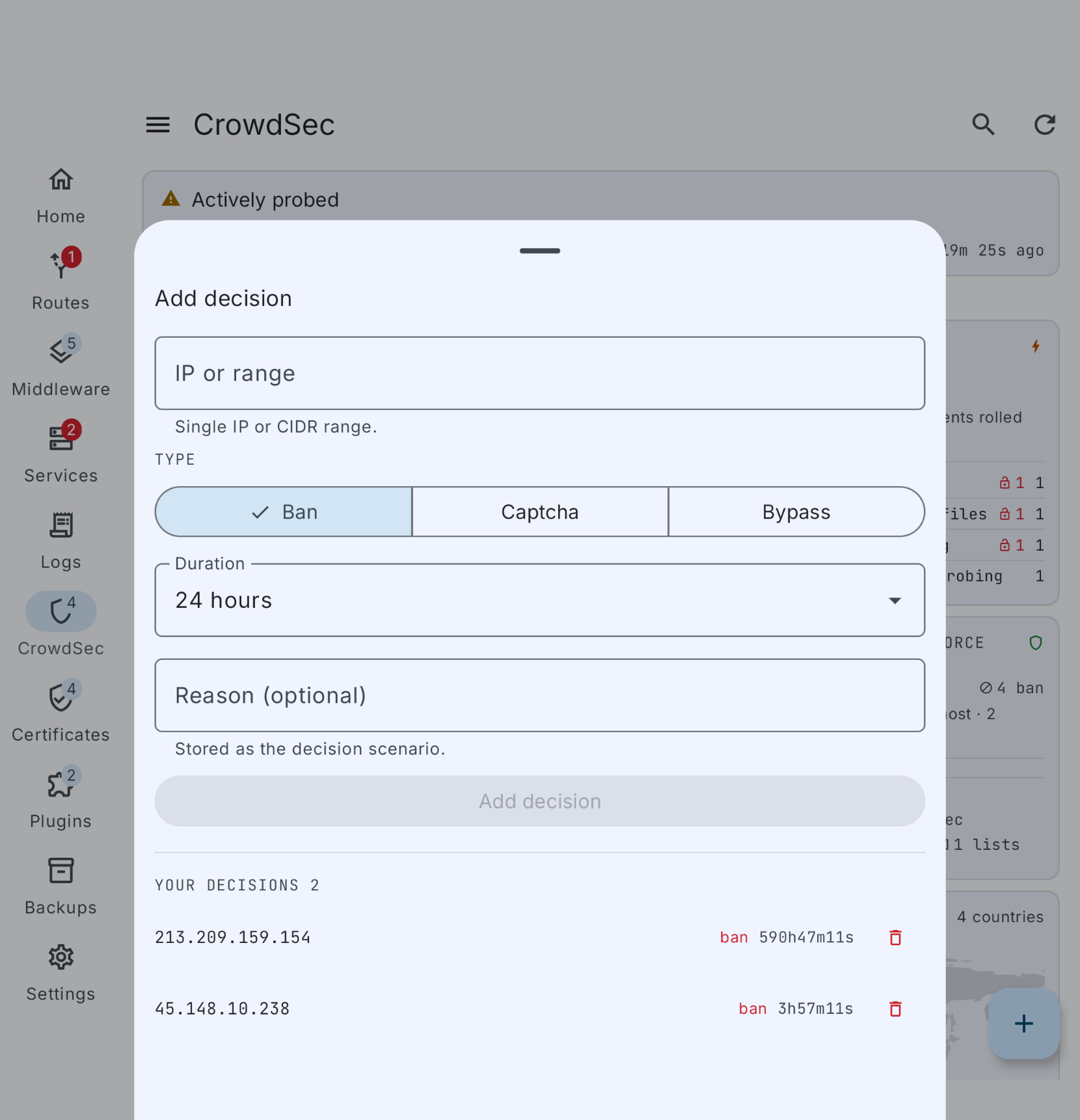
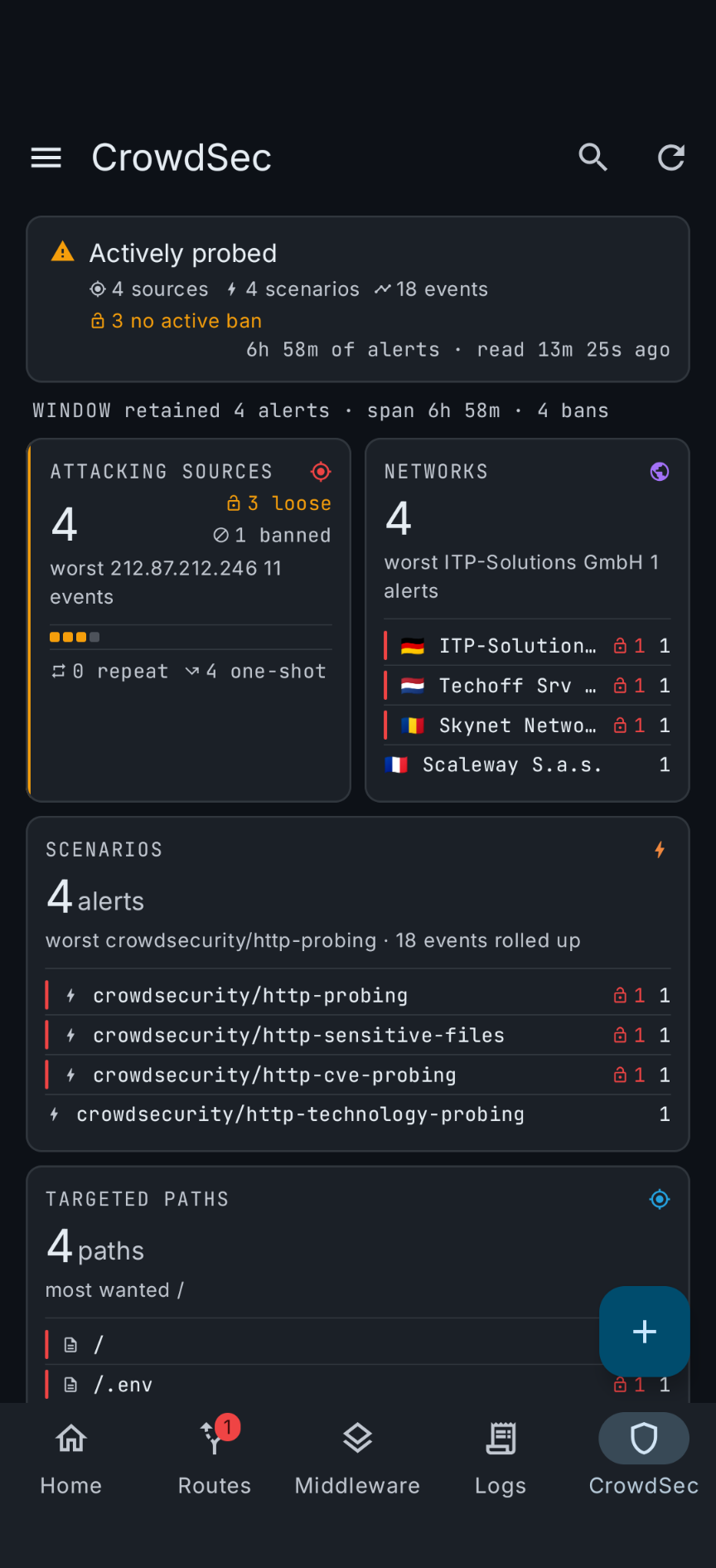
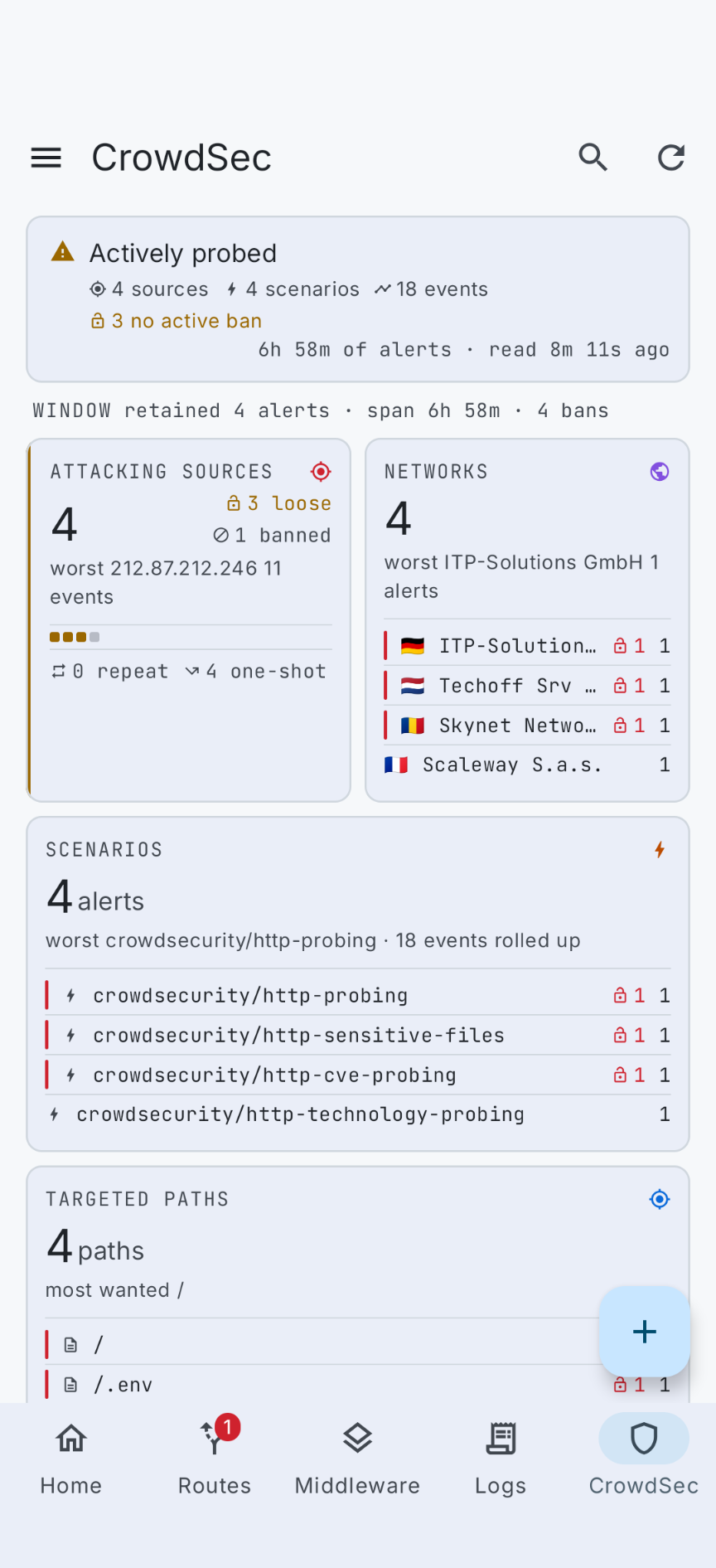
The attack surface: who is probing, from which networks and countries, with what tooling, and whether CrowdSec absorbed it.
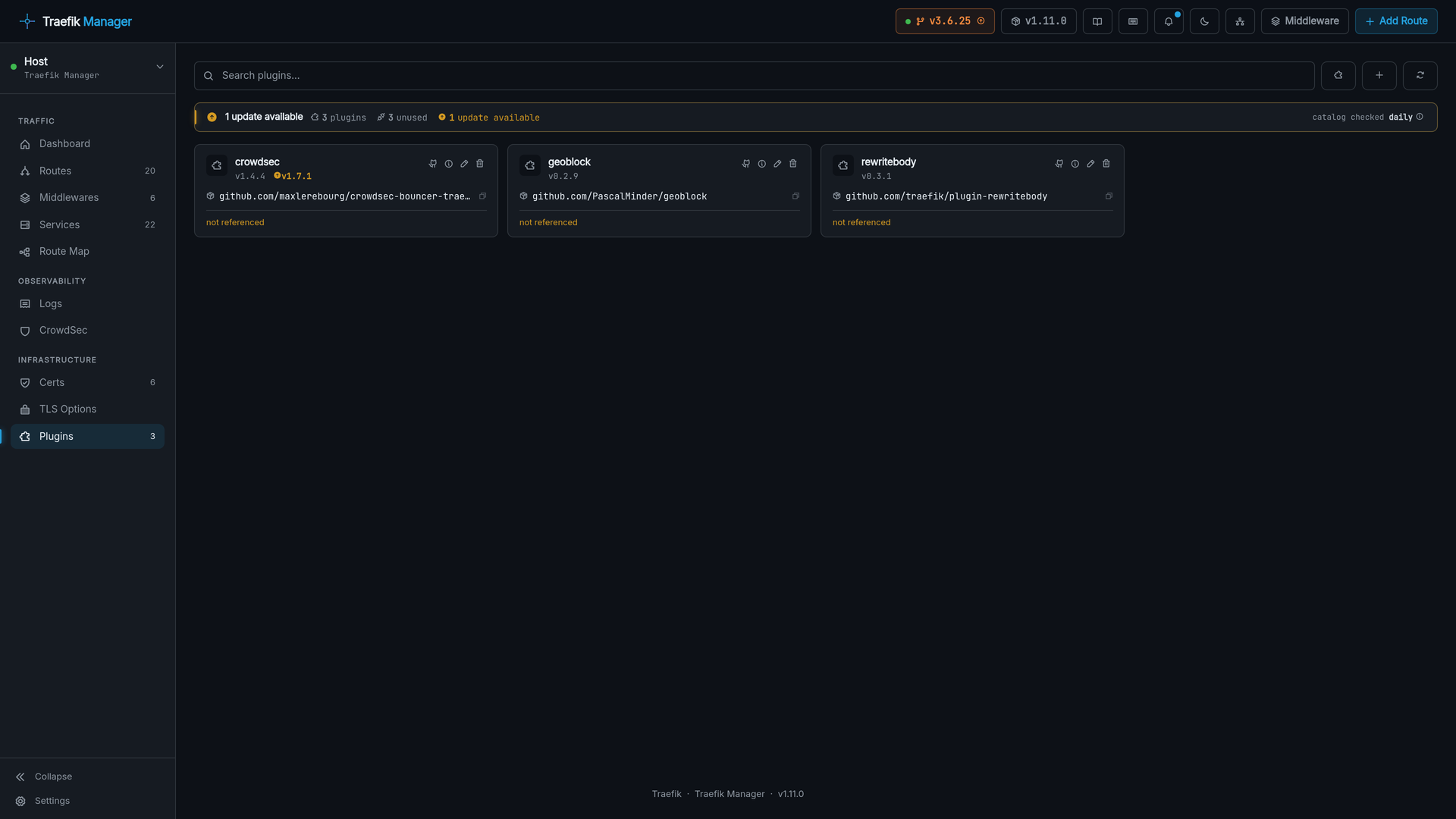
Plugins
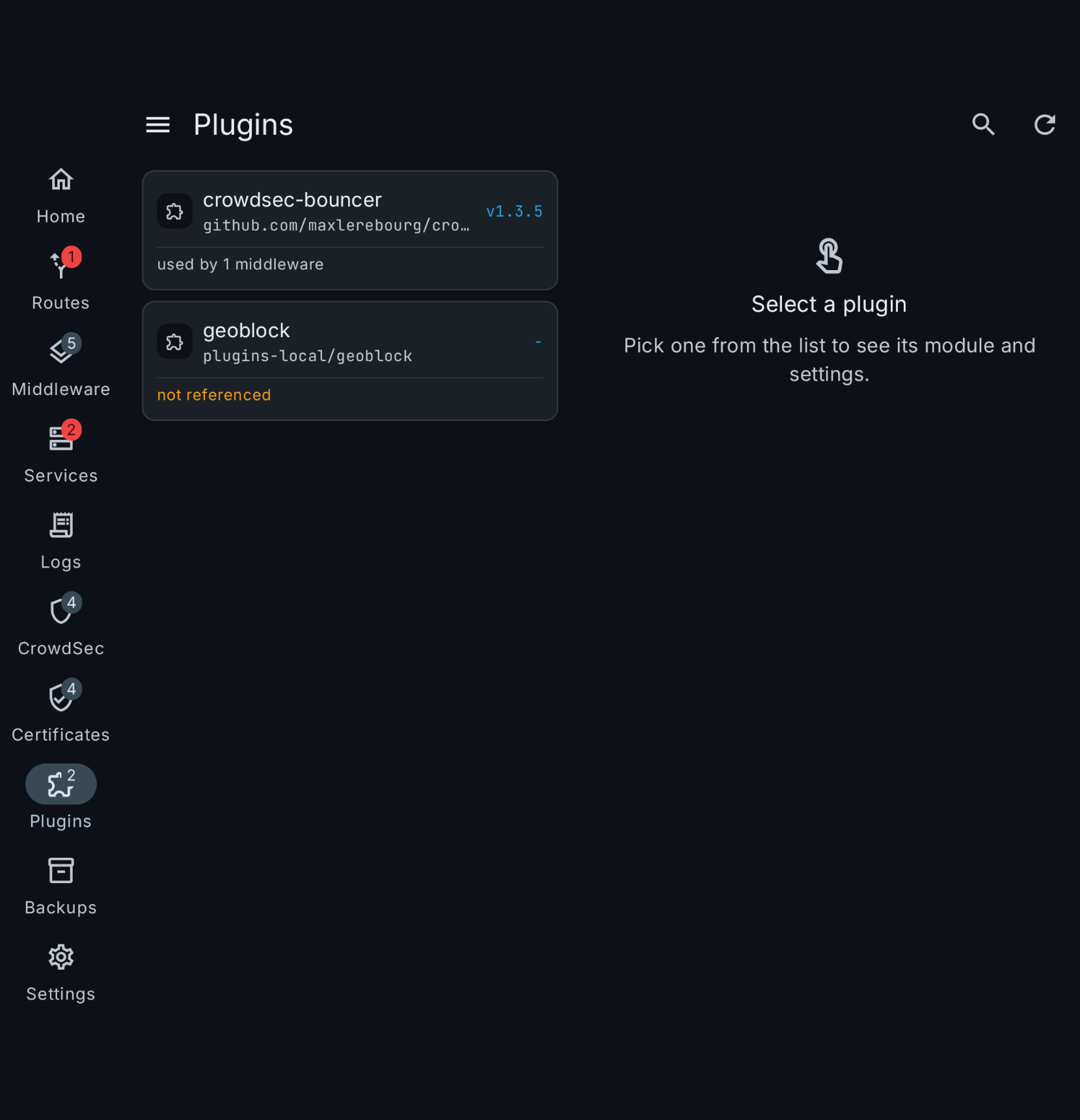
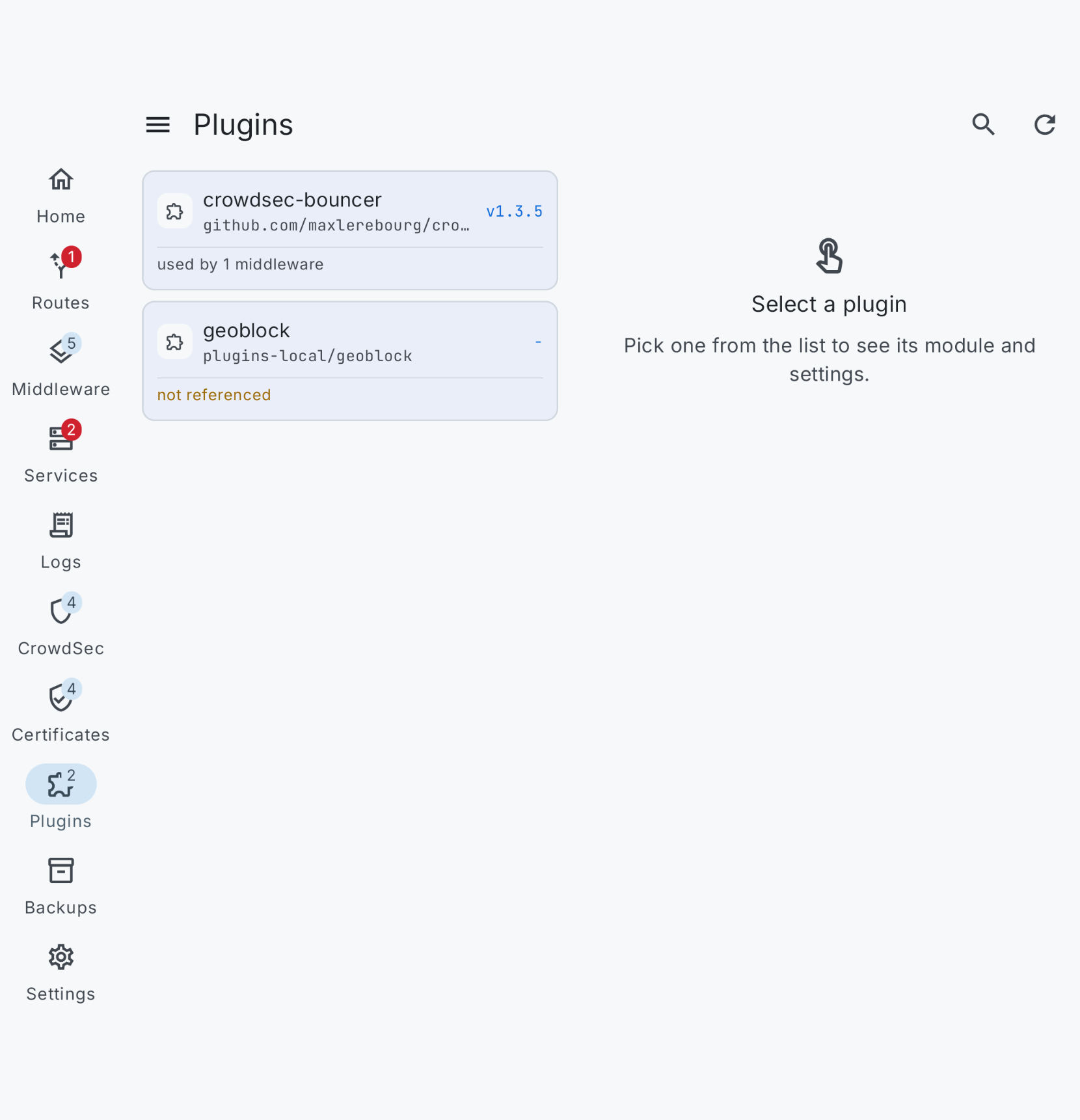
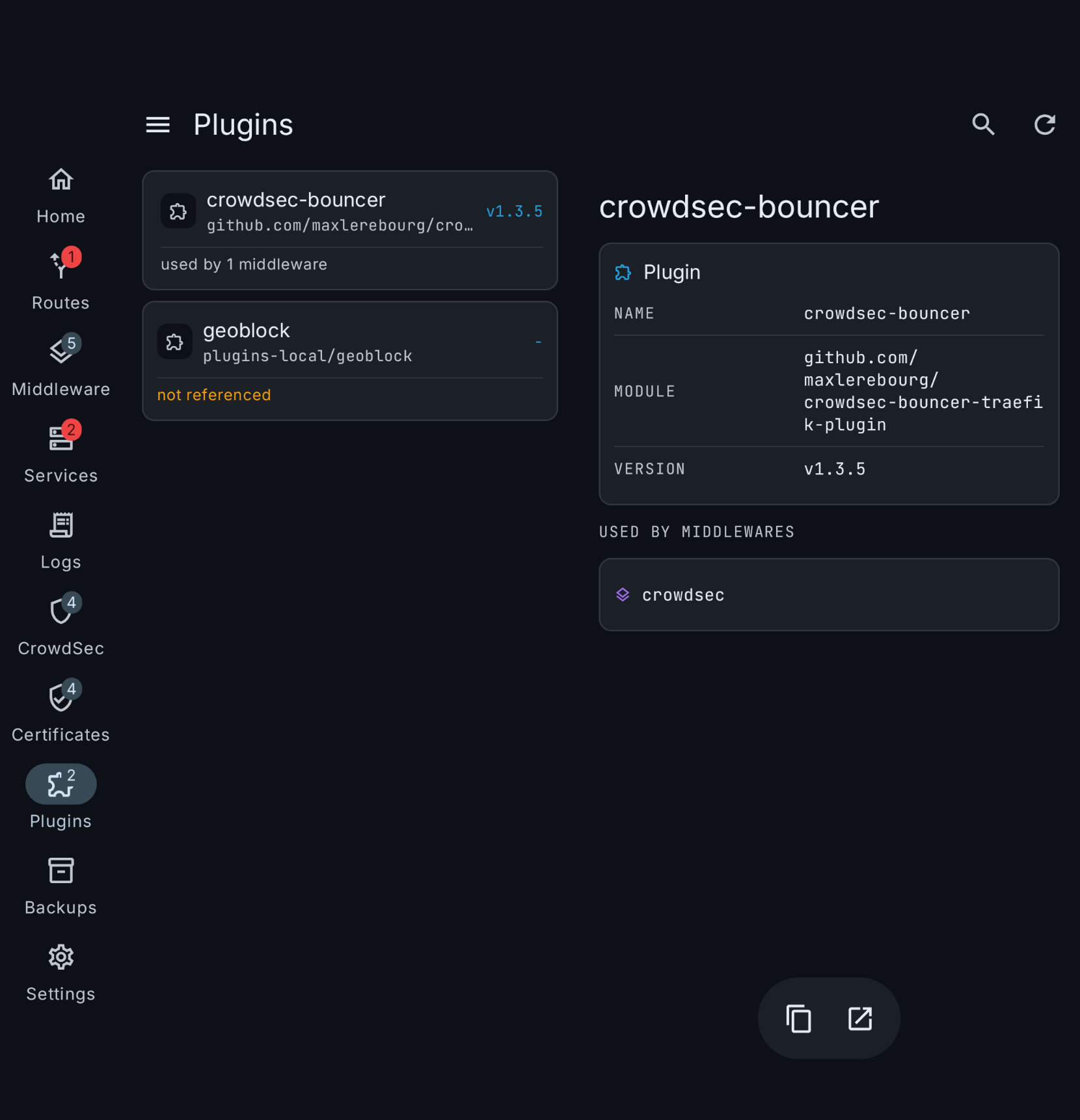
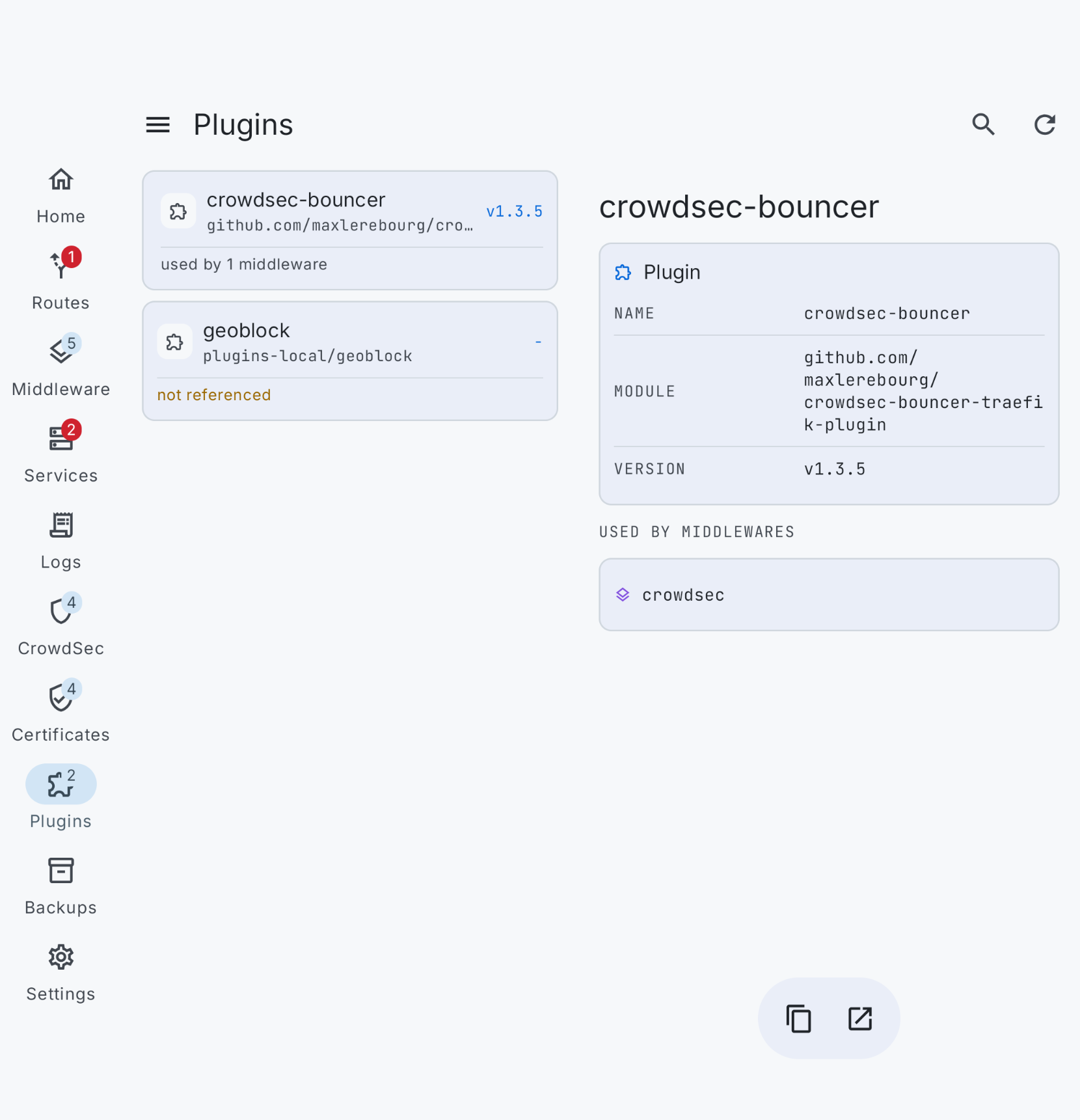
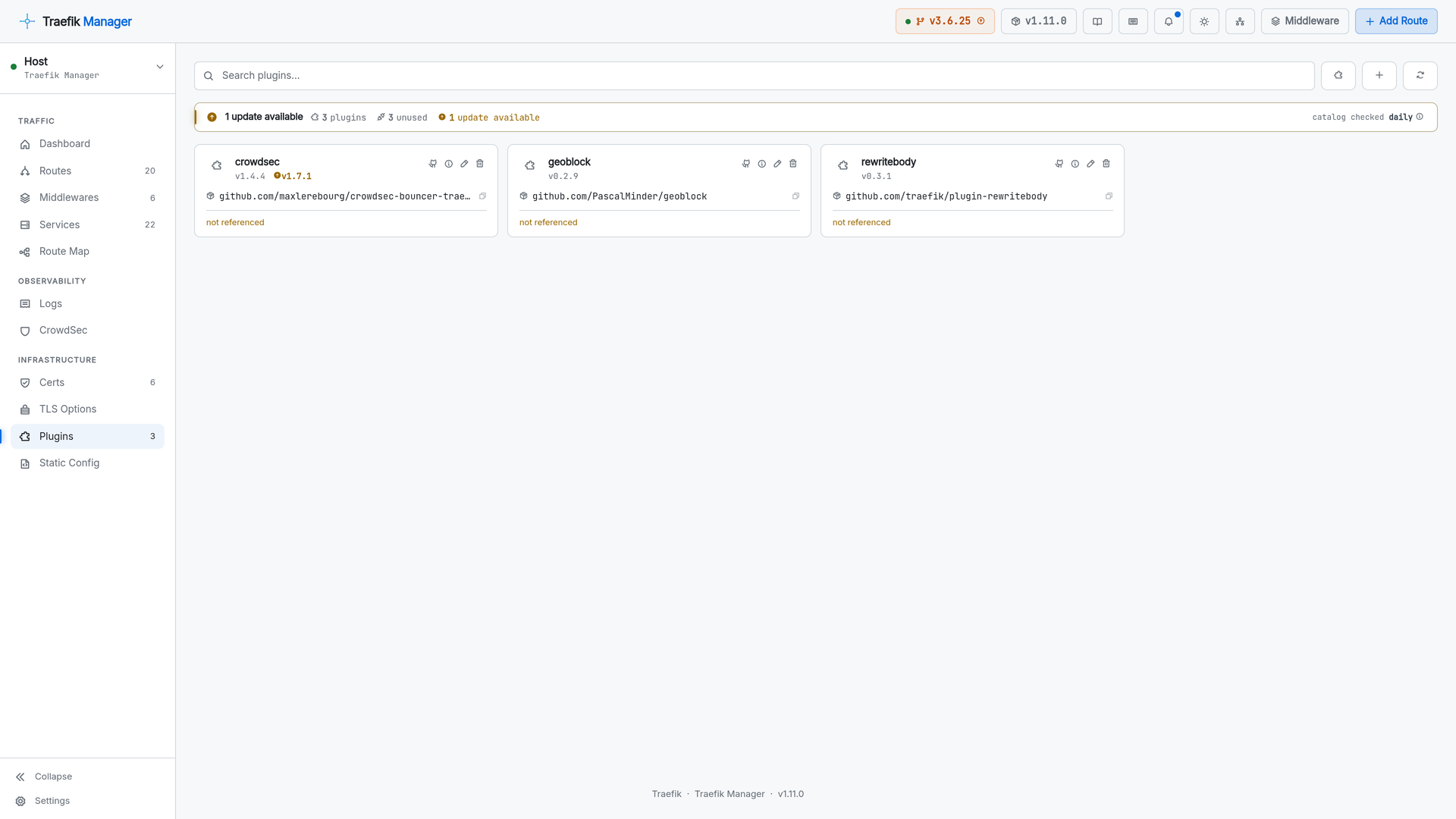
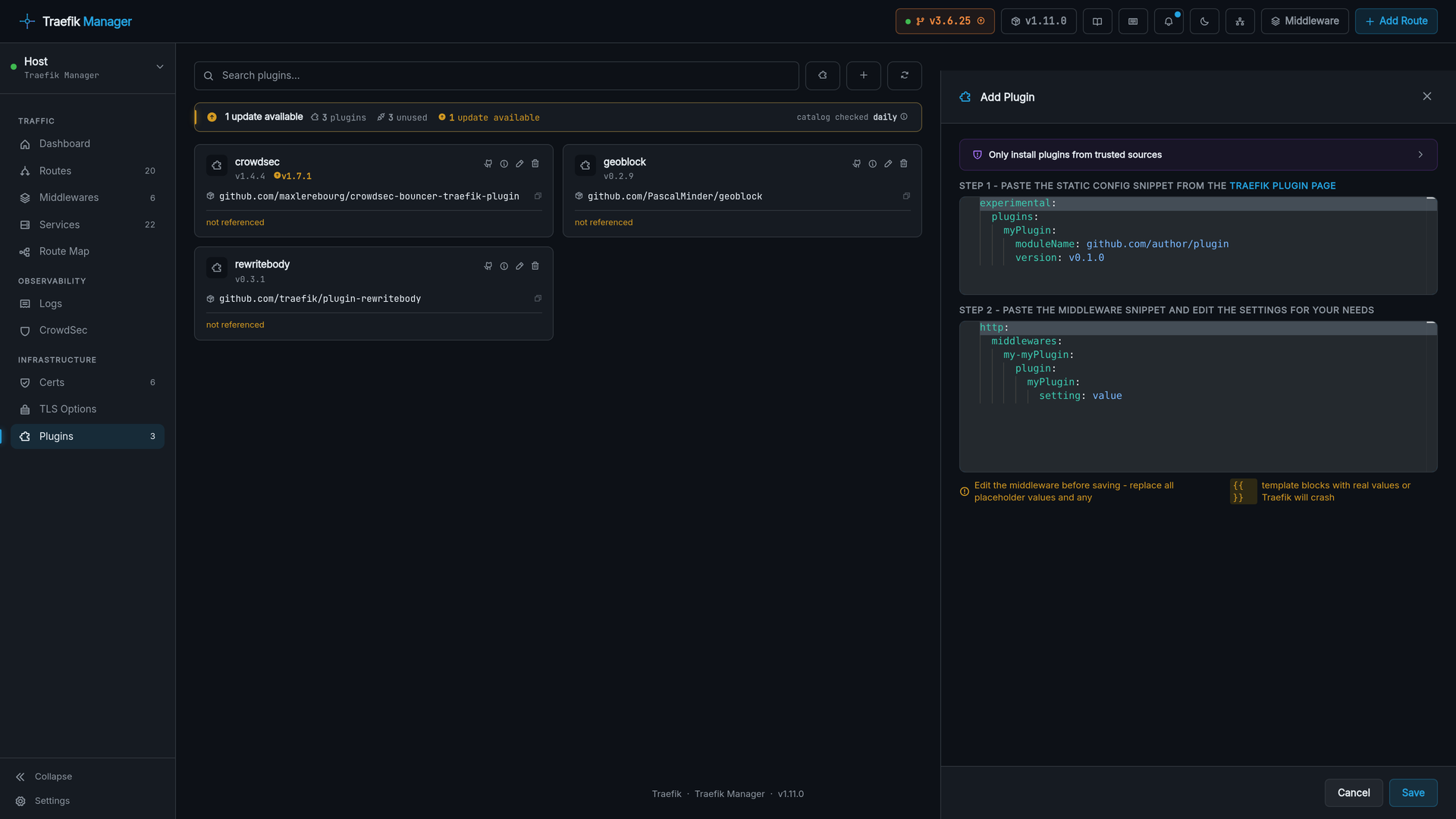
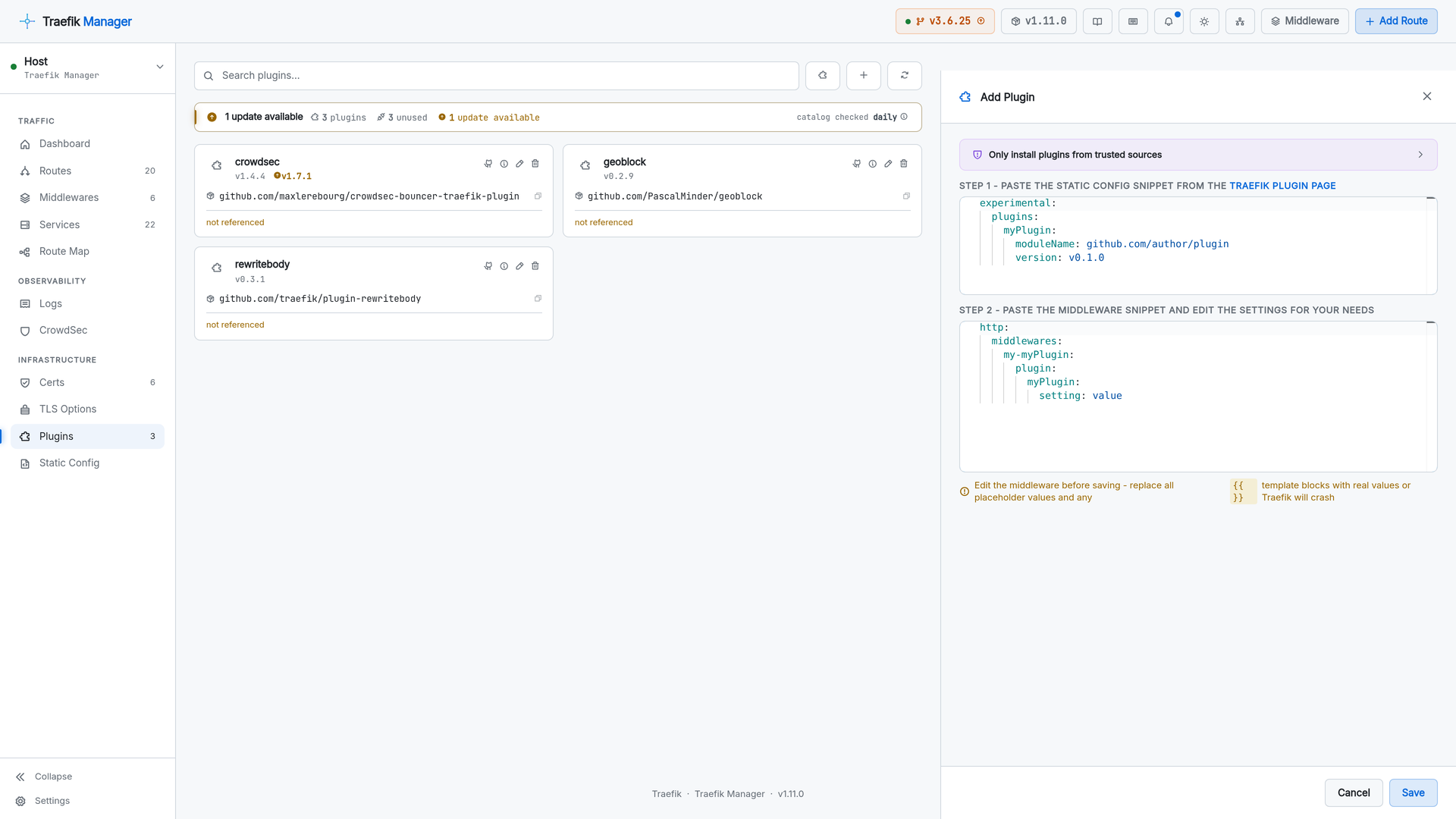
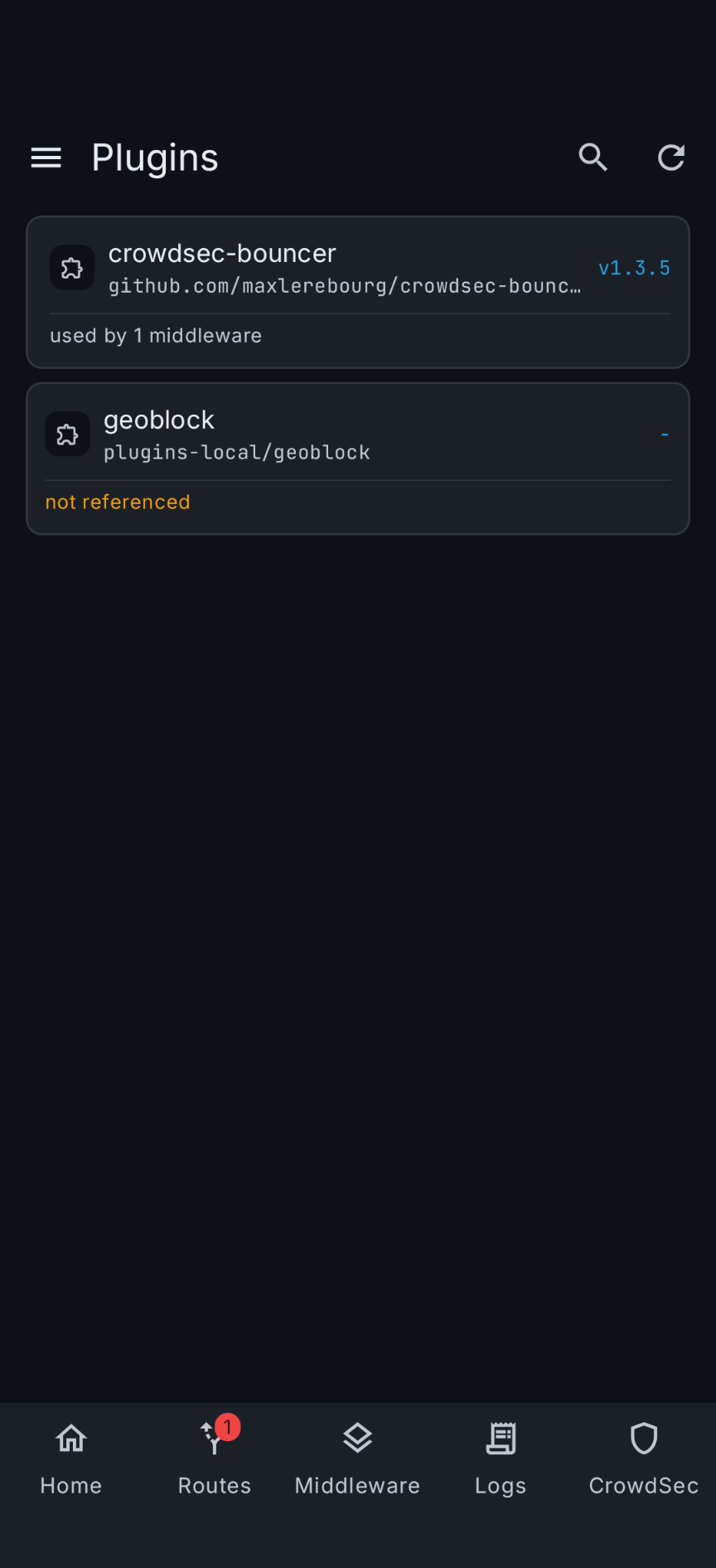
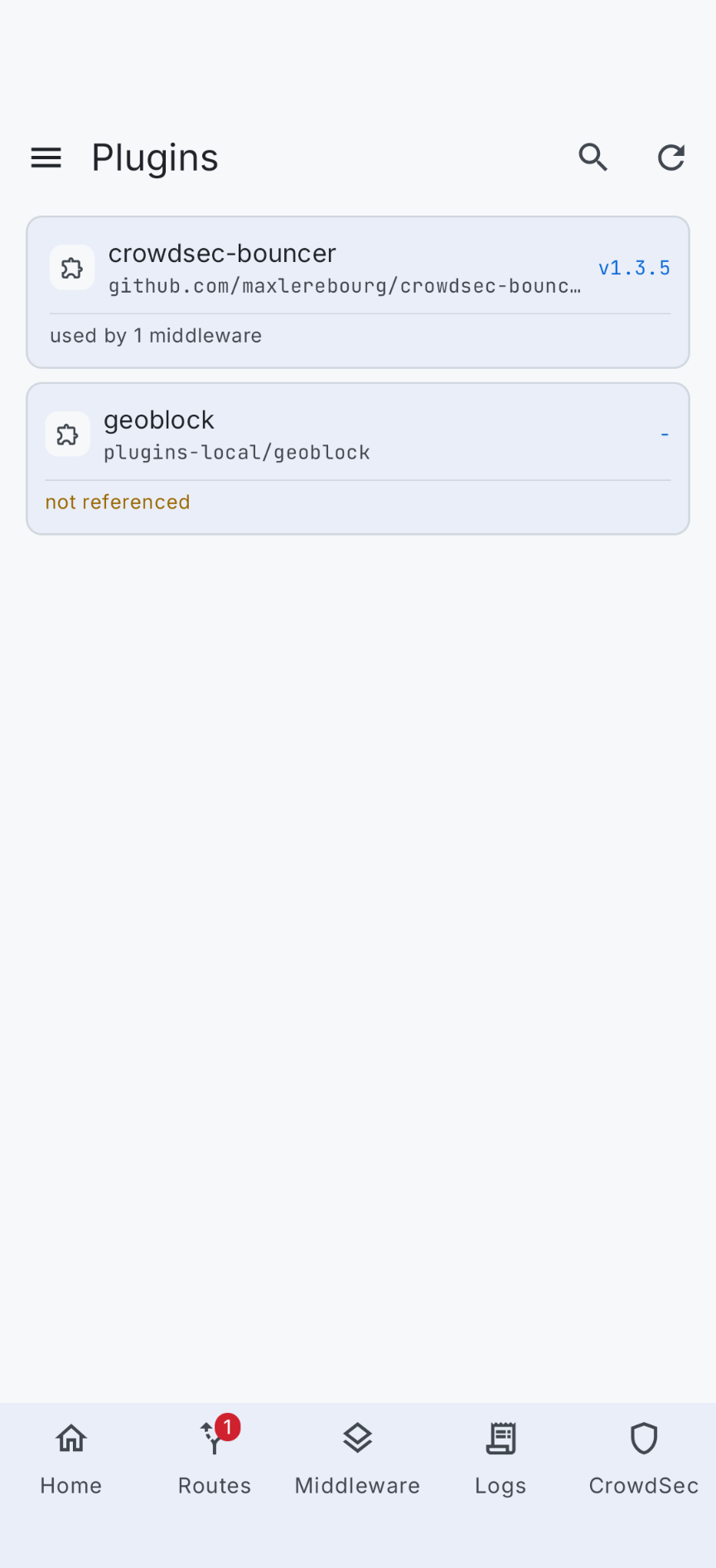
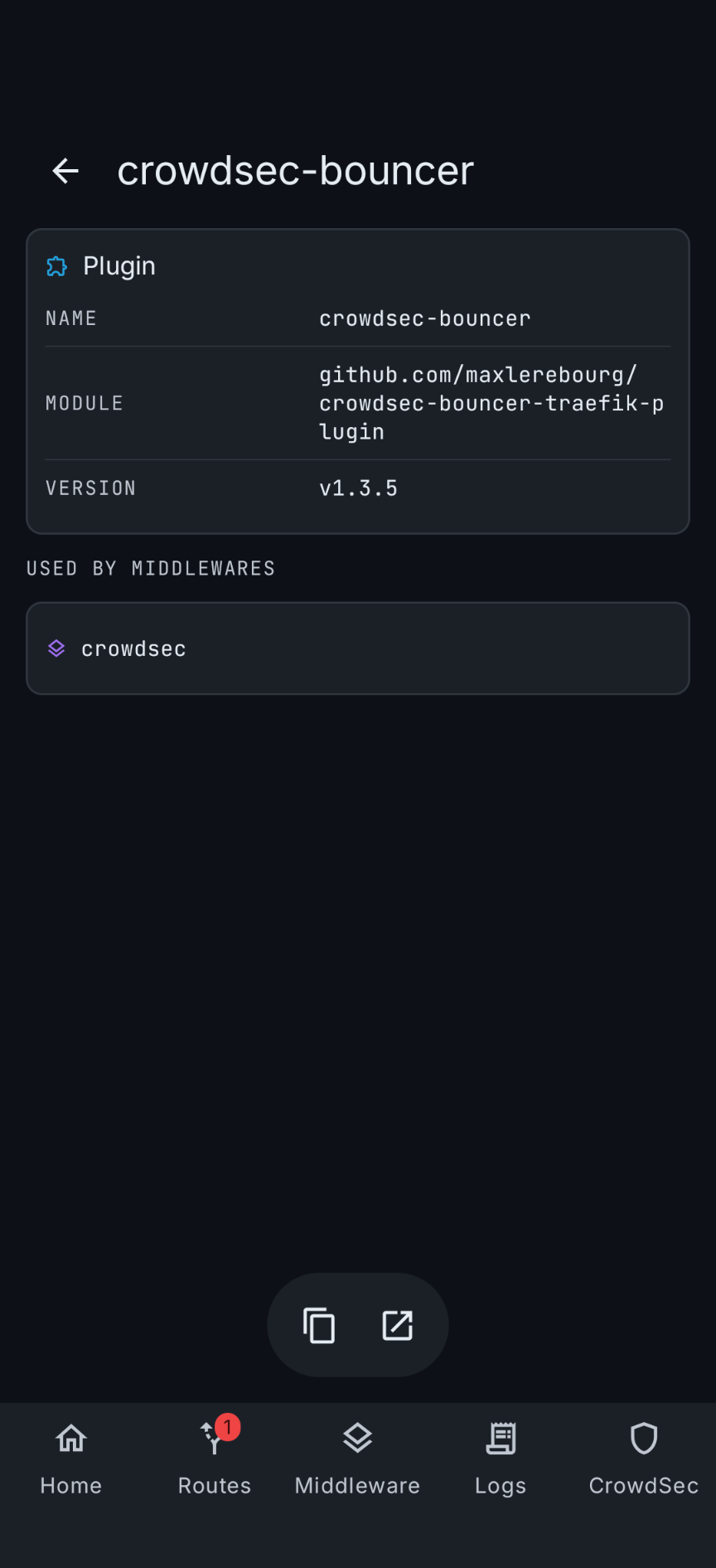
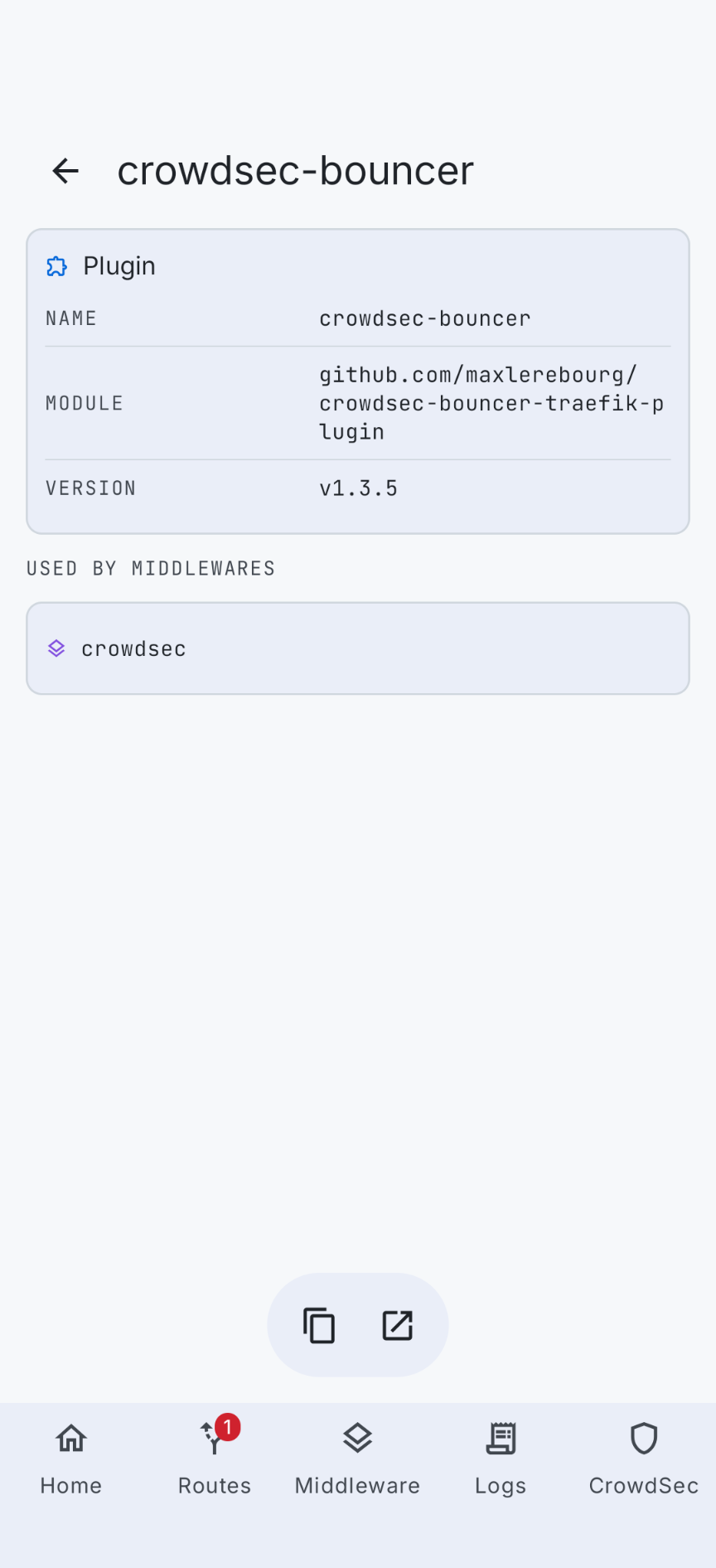
Installed Traefik plugins with the middlewares using each one, and a guided install straight from the catalog.
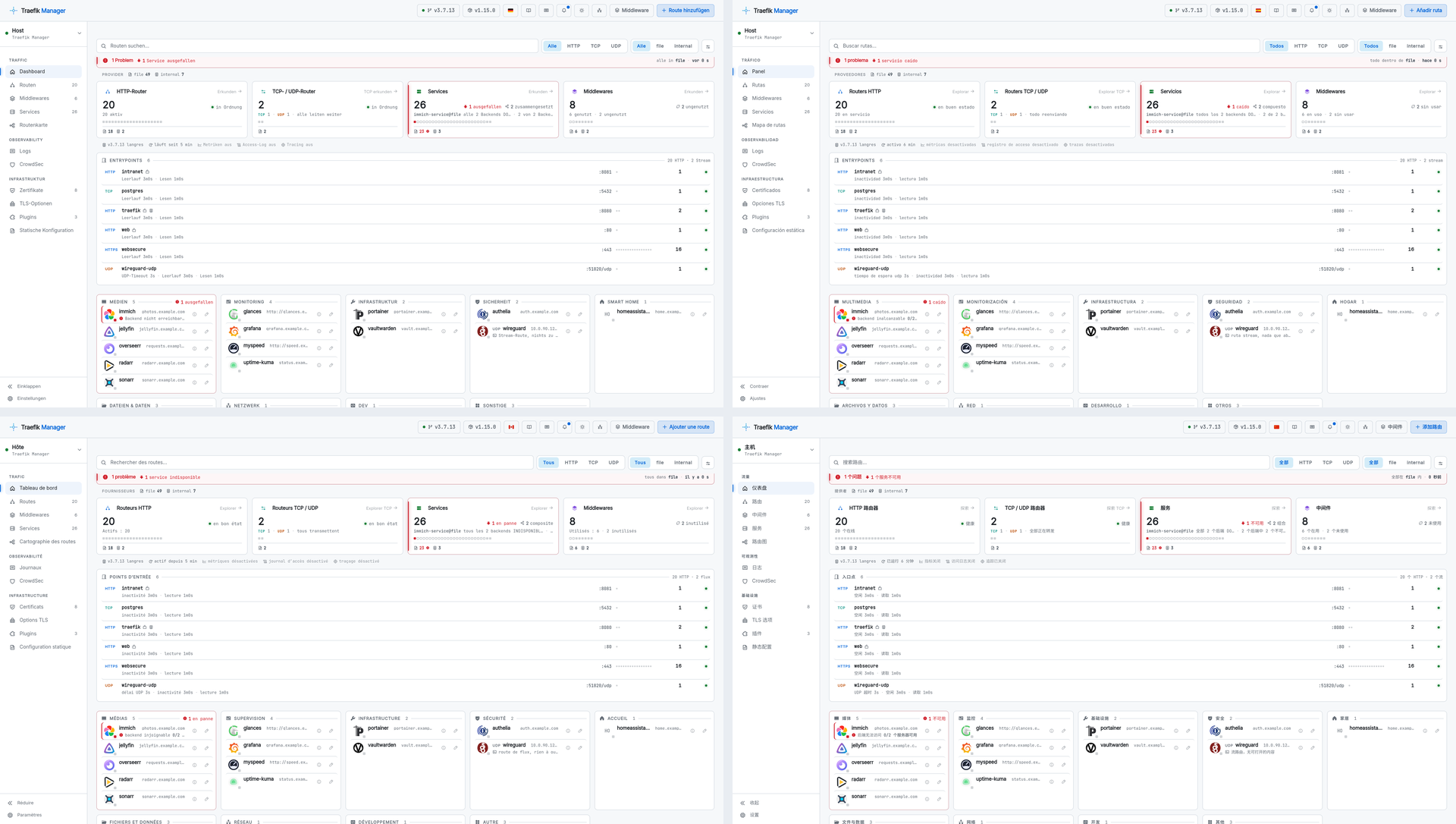
Languages
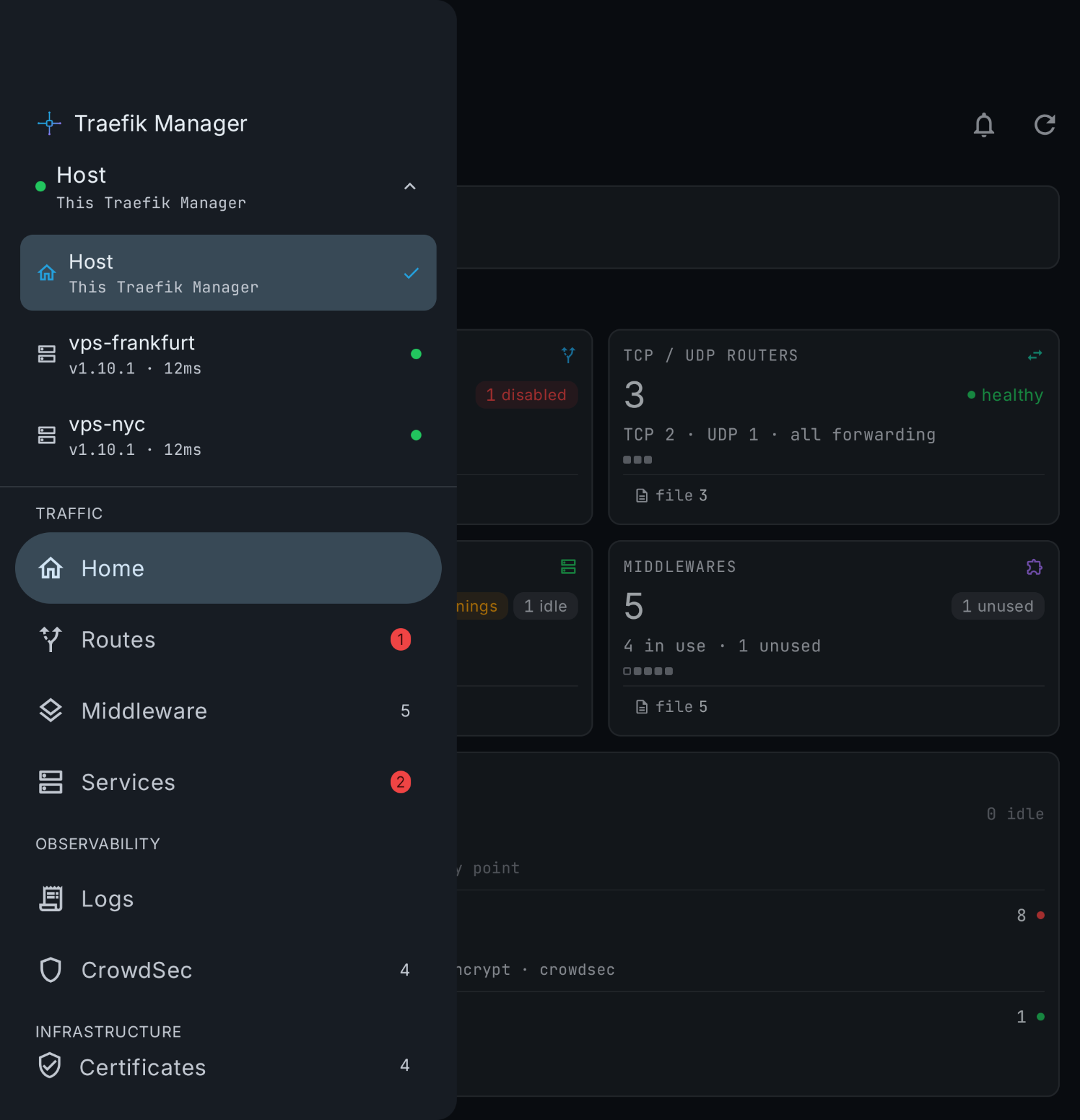
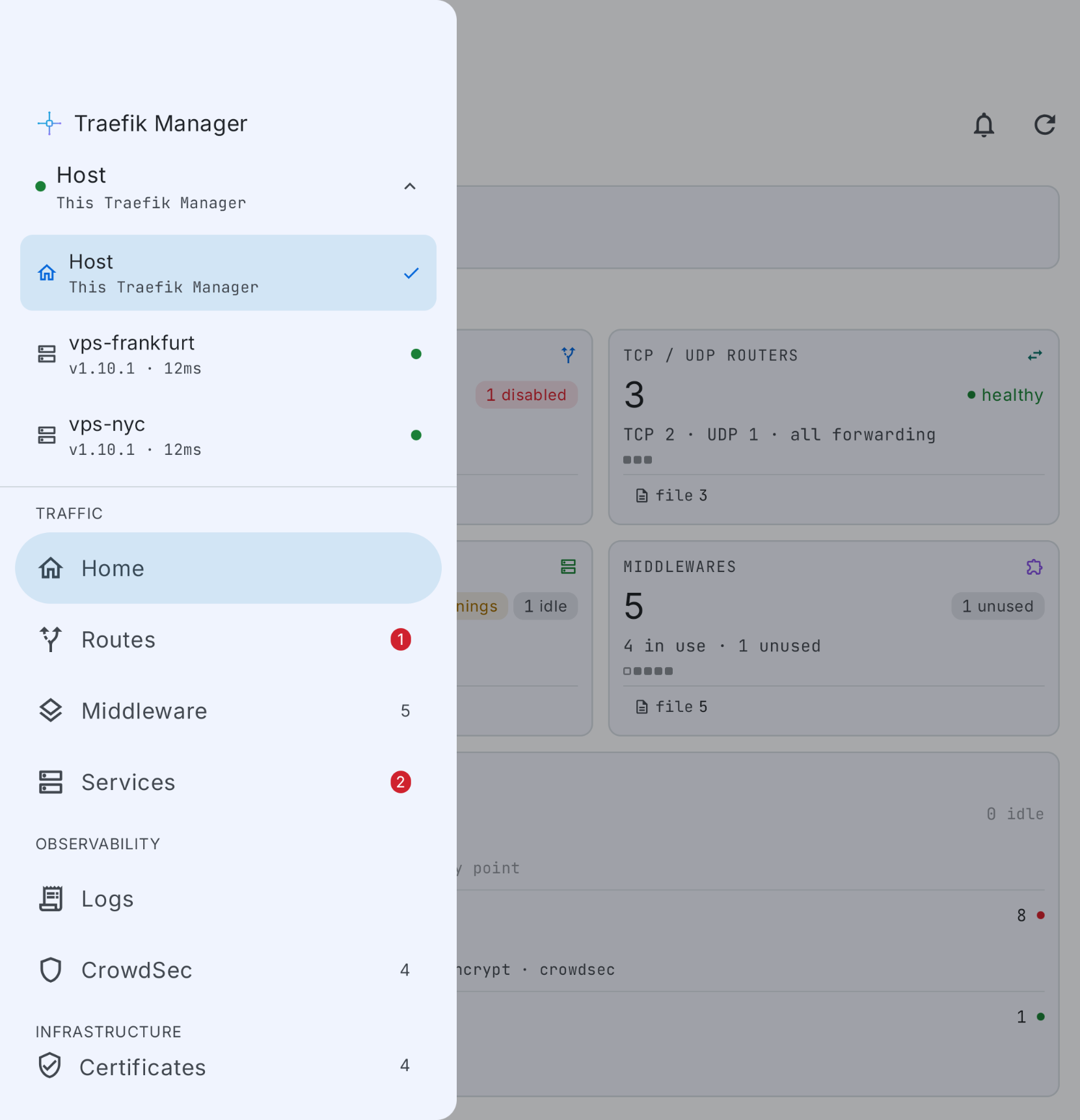
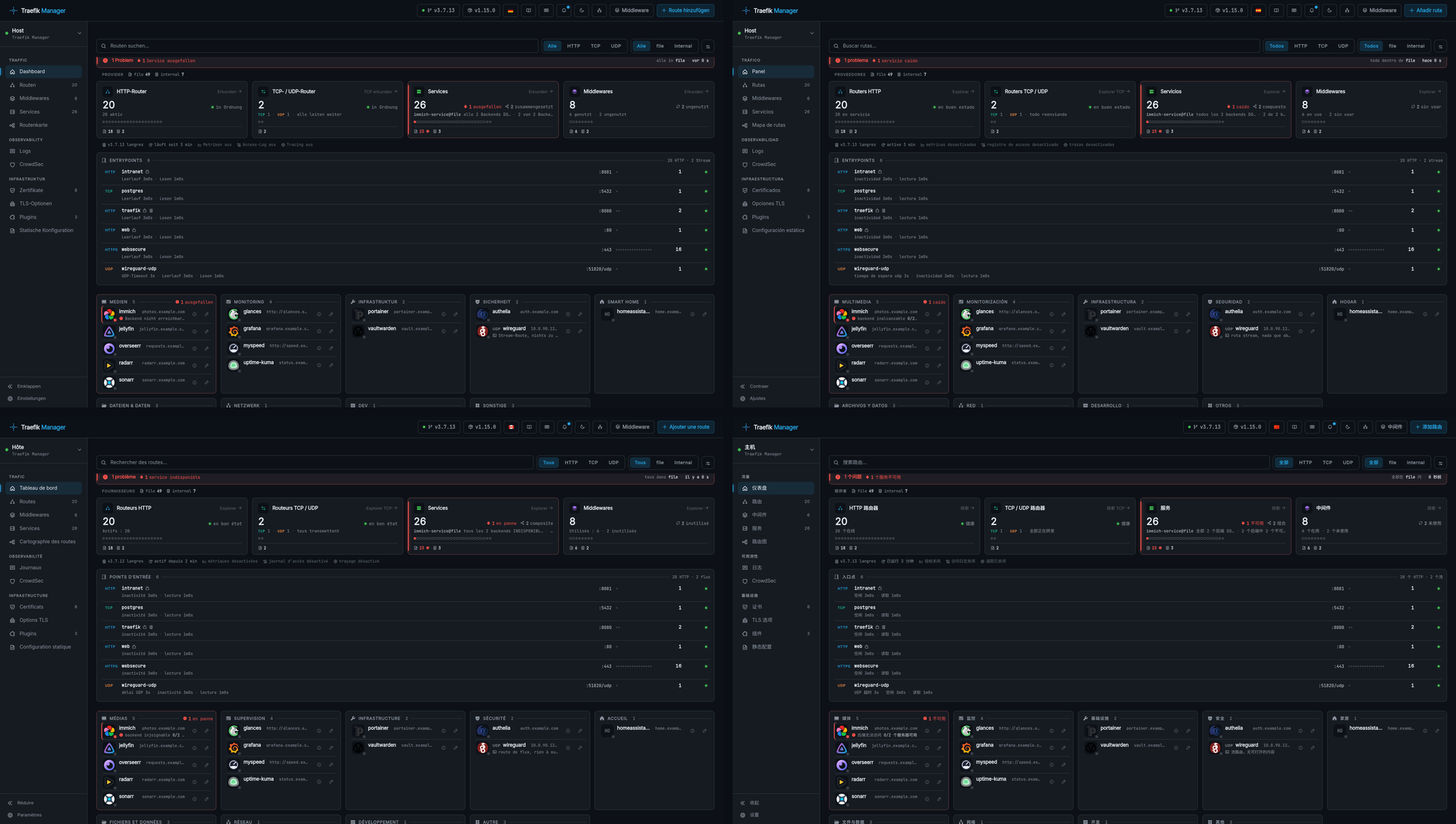
The whole interface in 14 languages. Pick one from the language button in the nav bar or in Settings - Interface - General. See Languages.
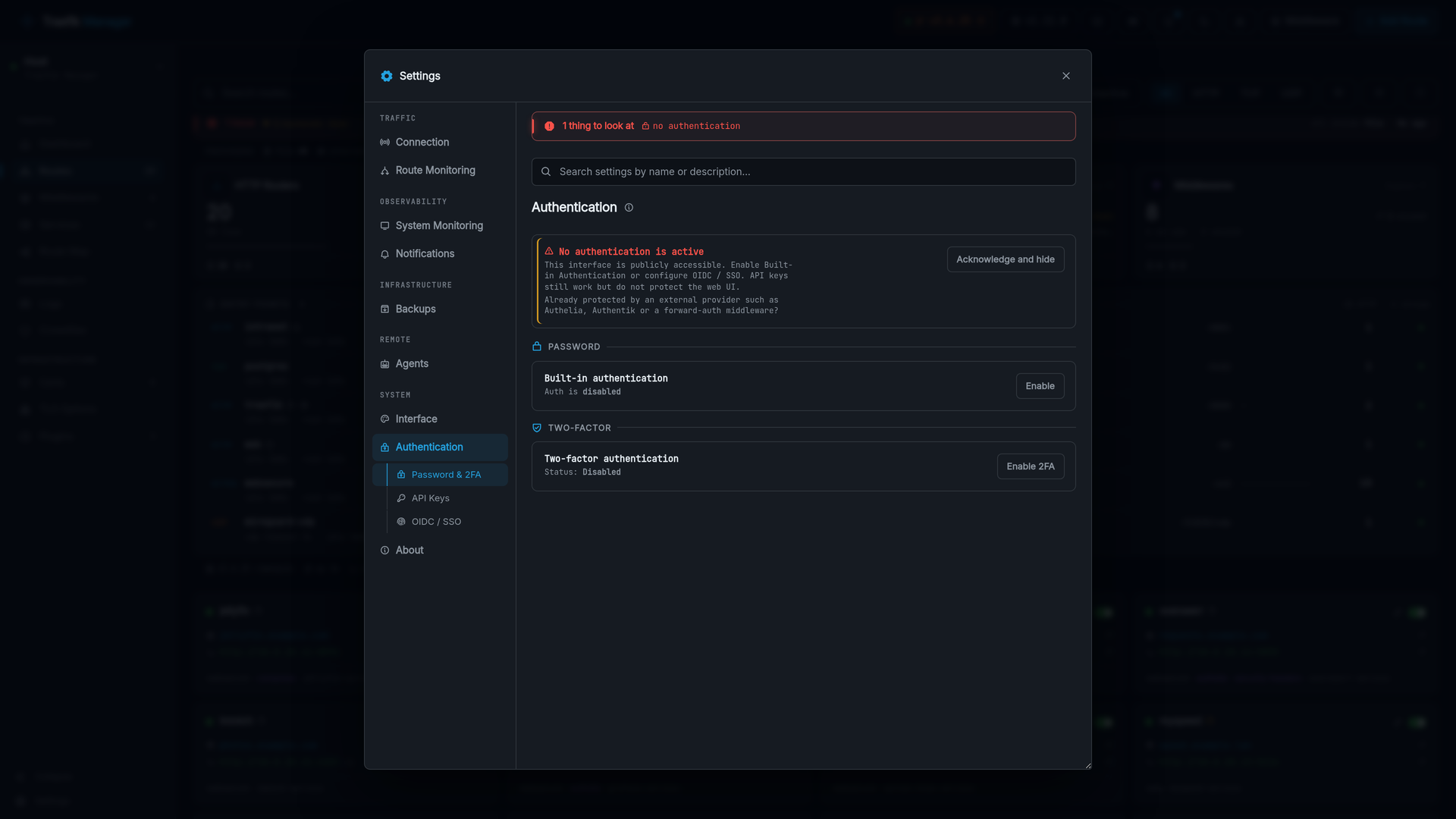
Settings
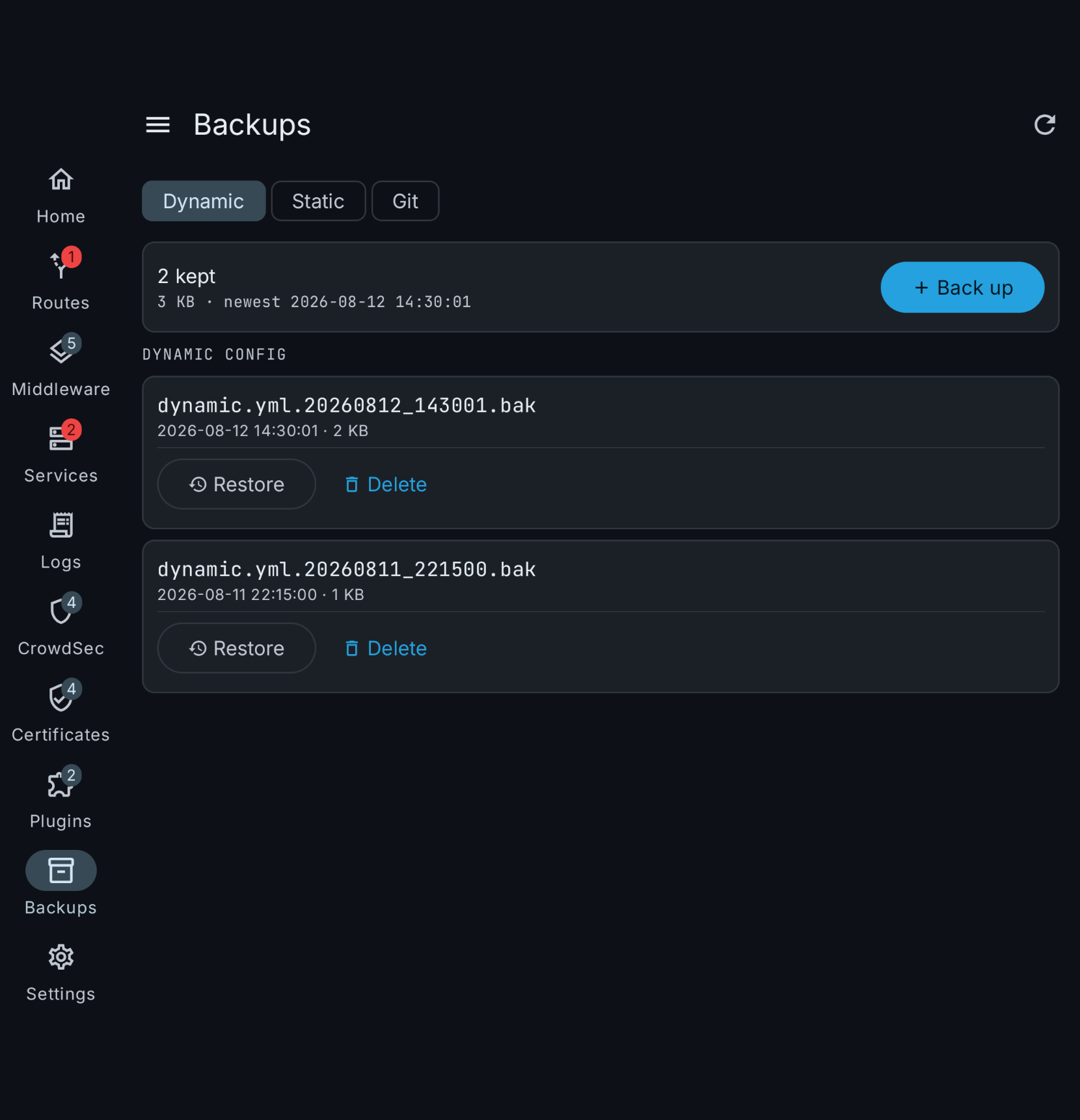
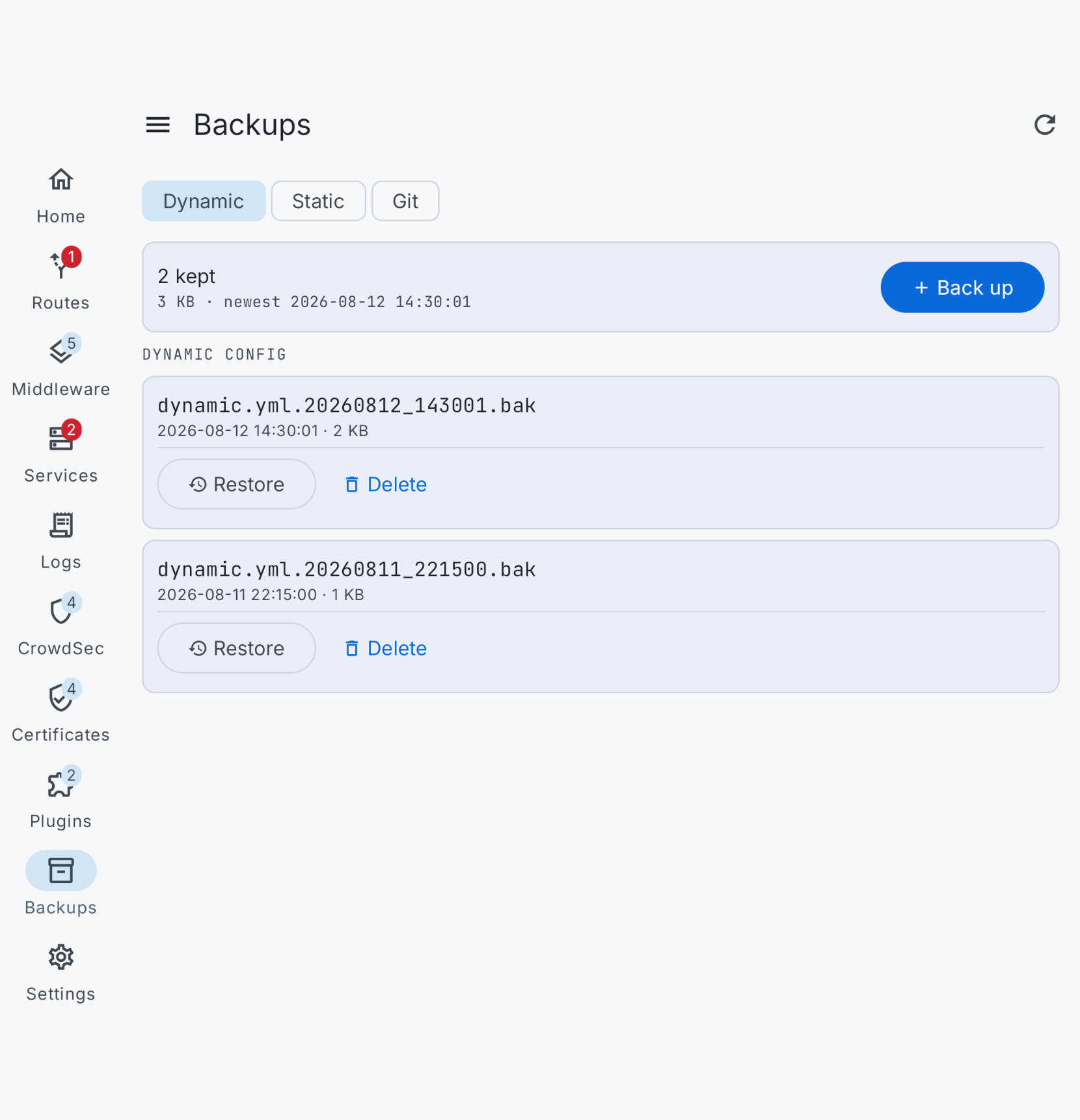
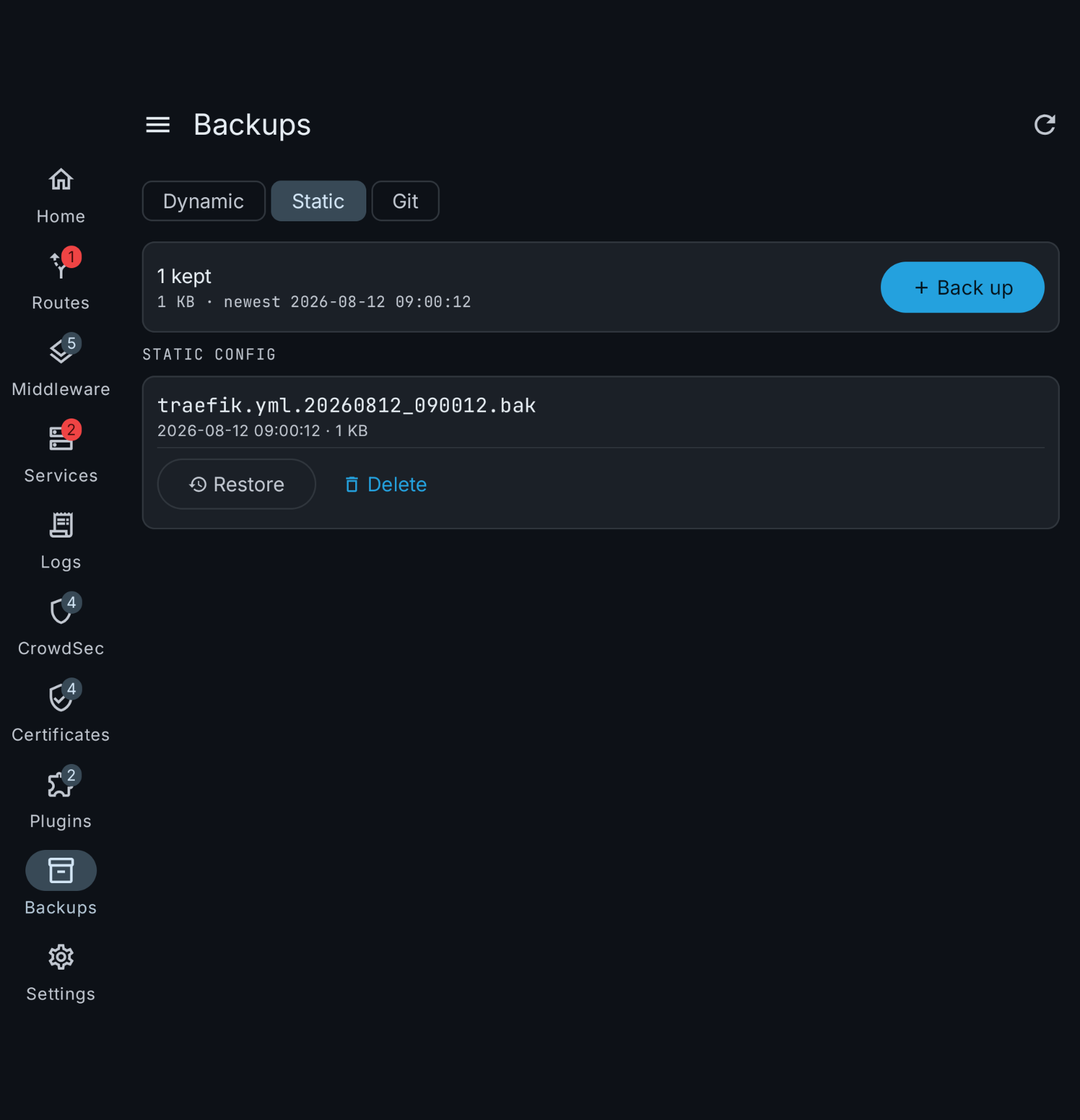
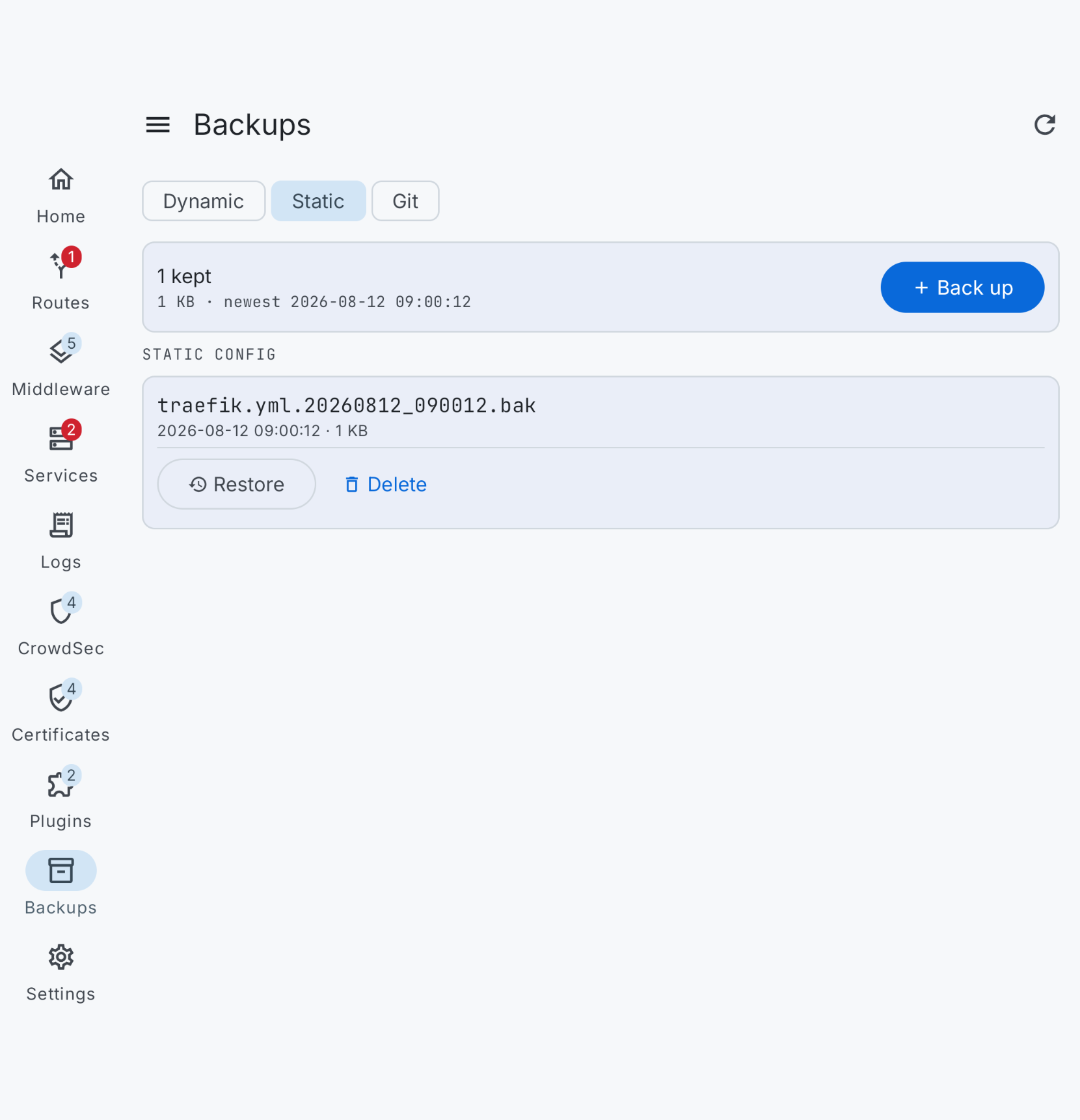
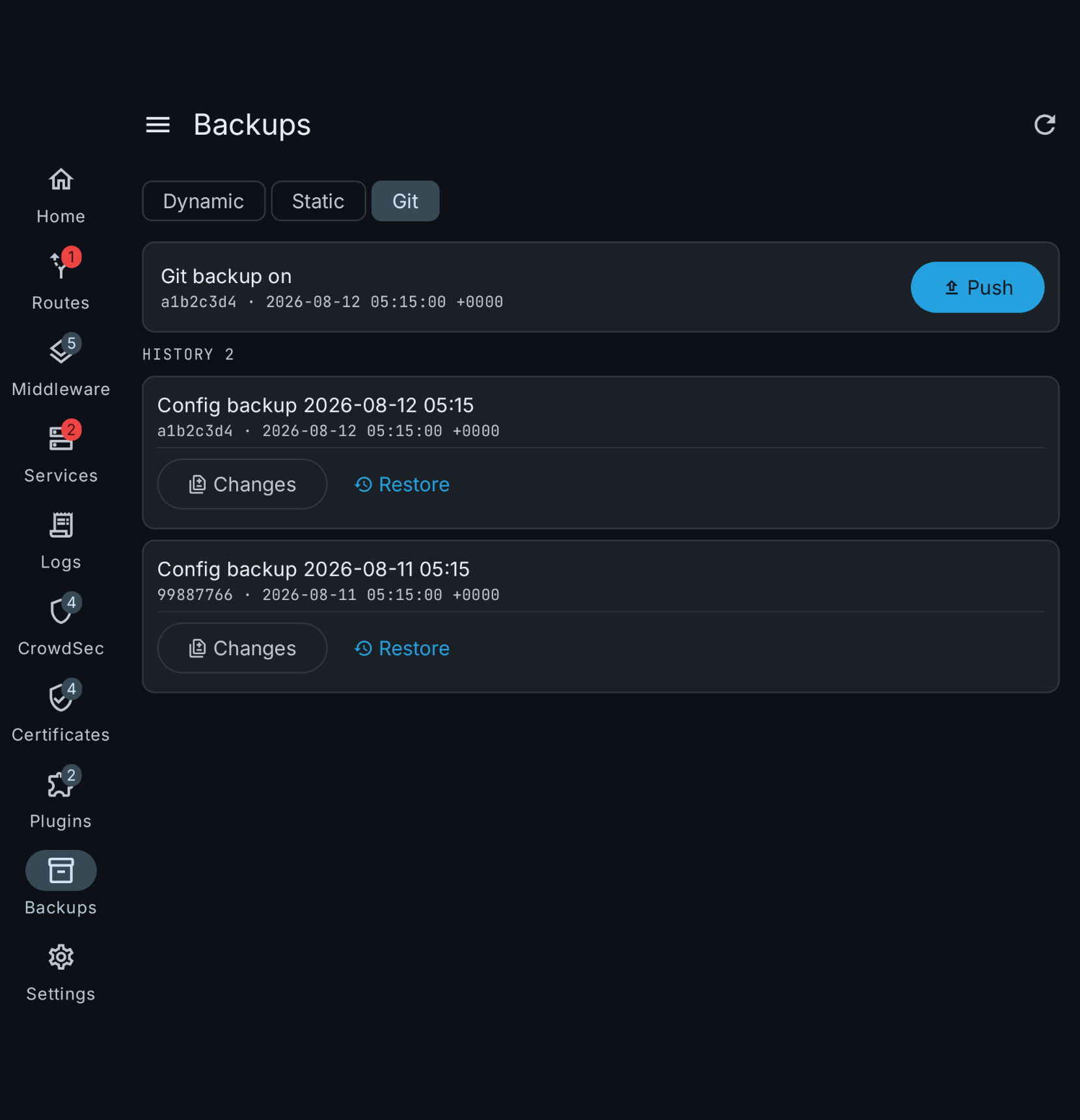
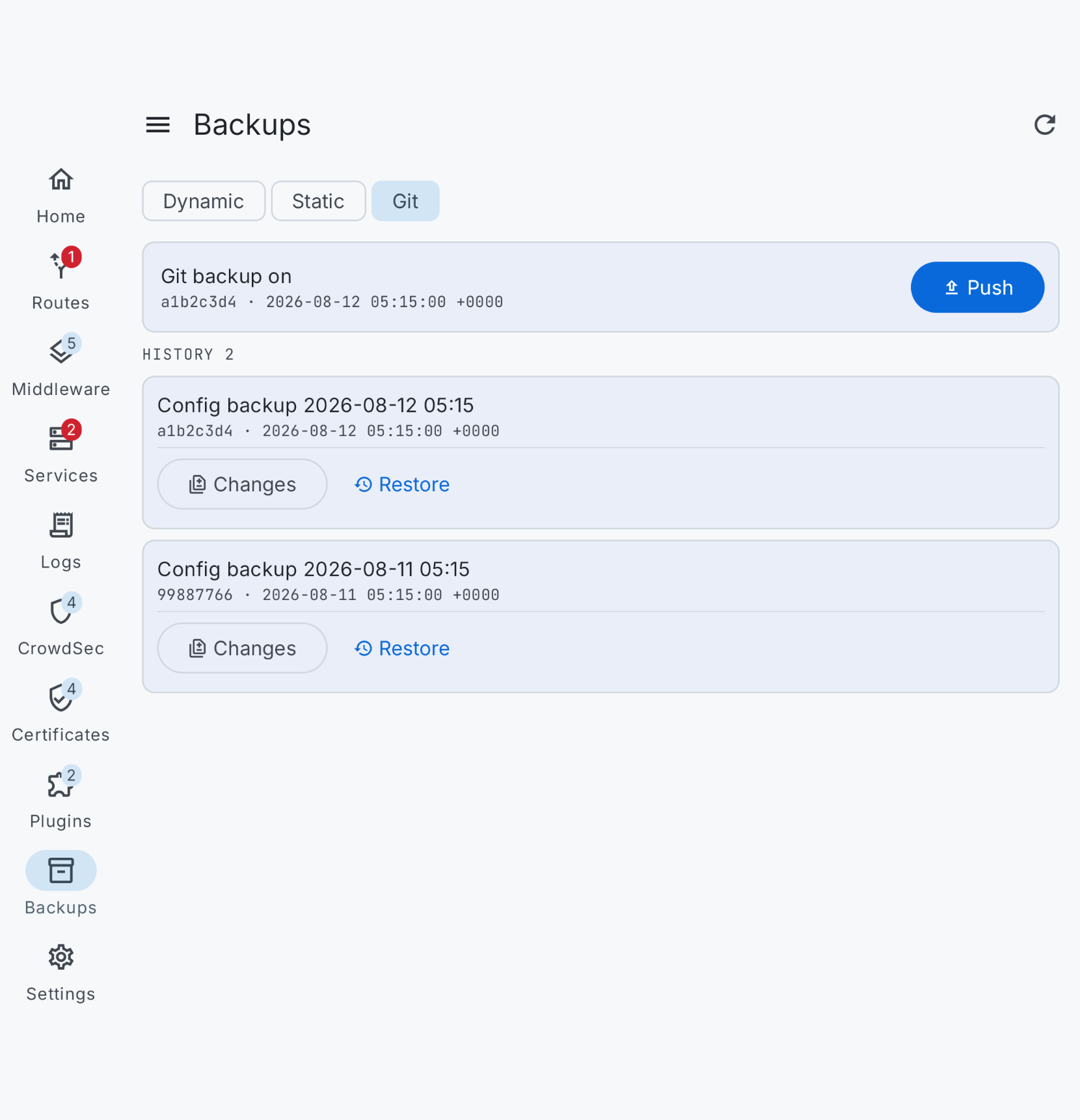
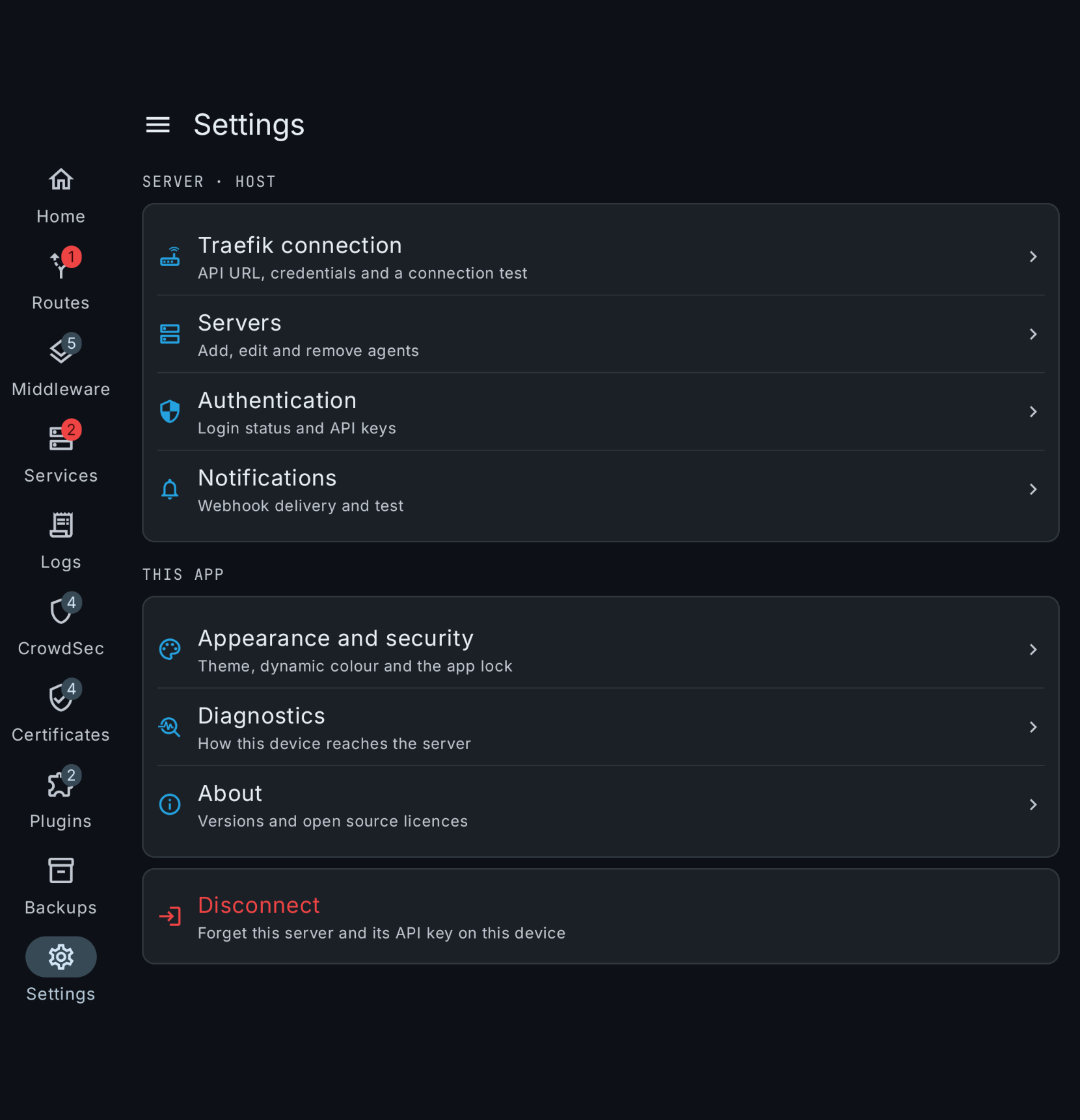
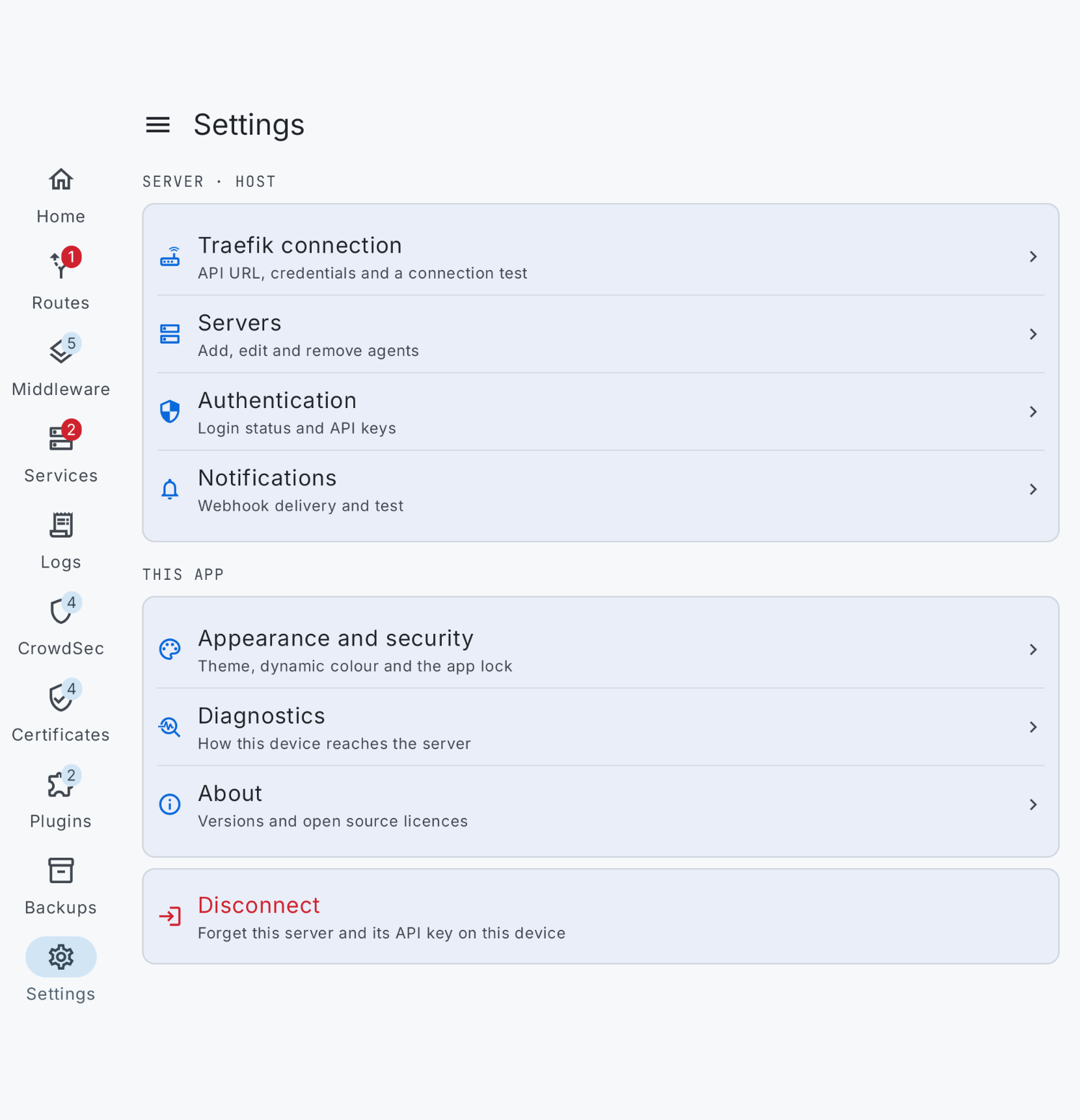
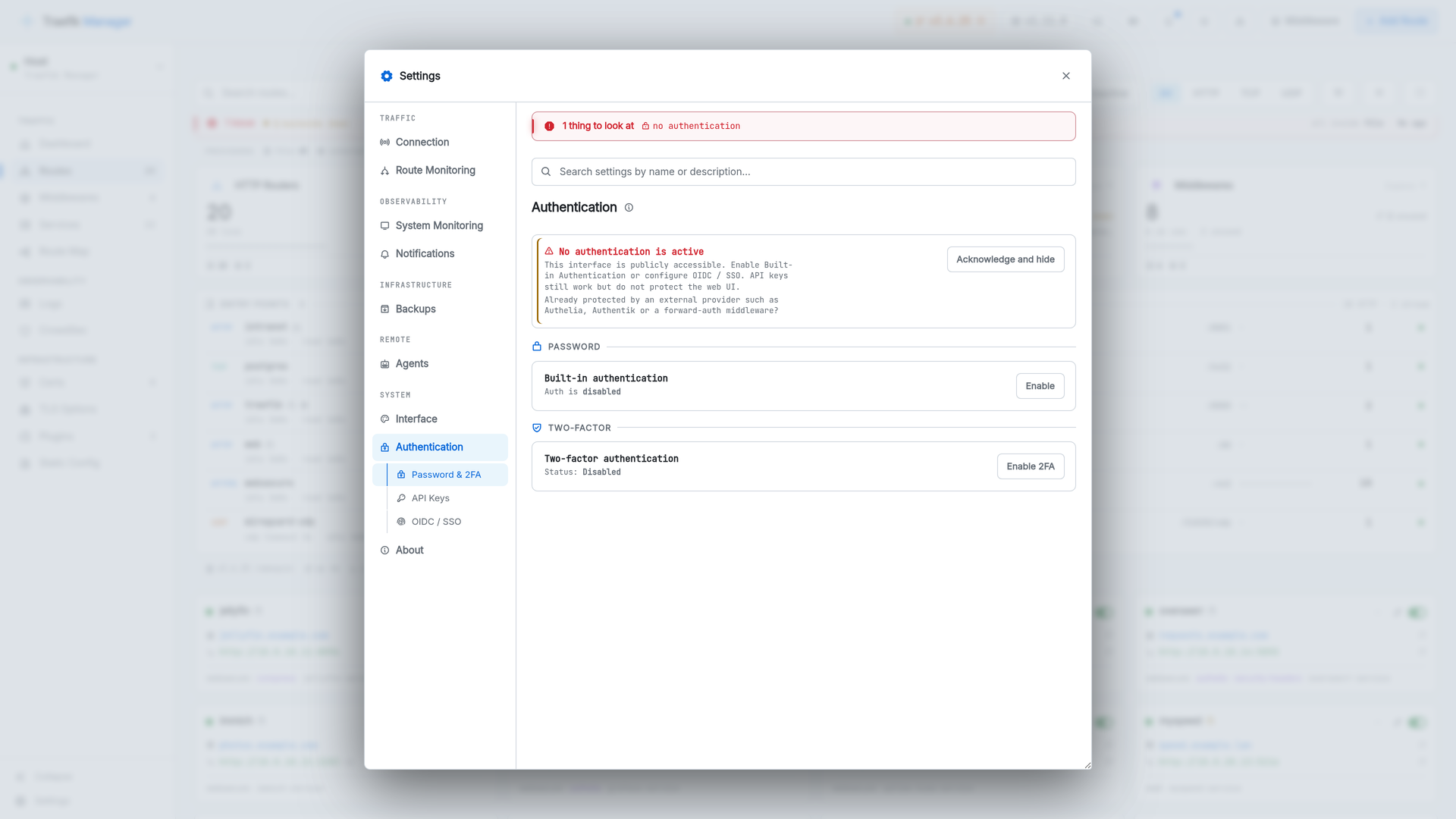
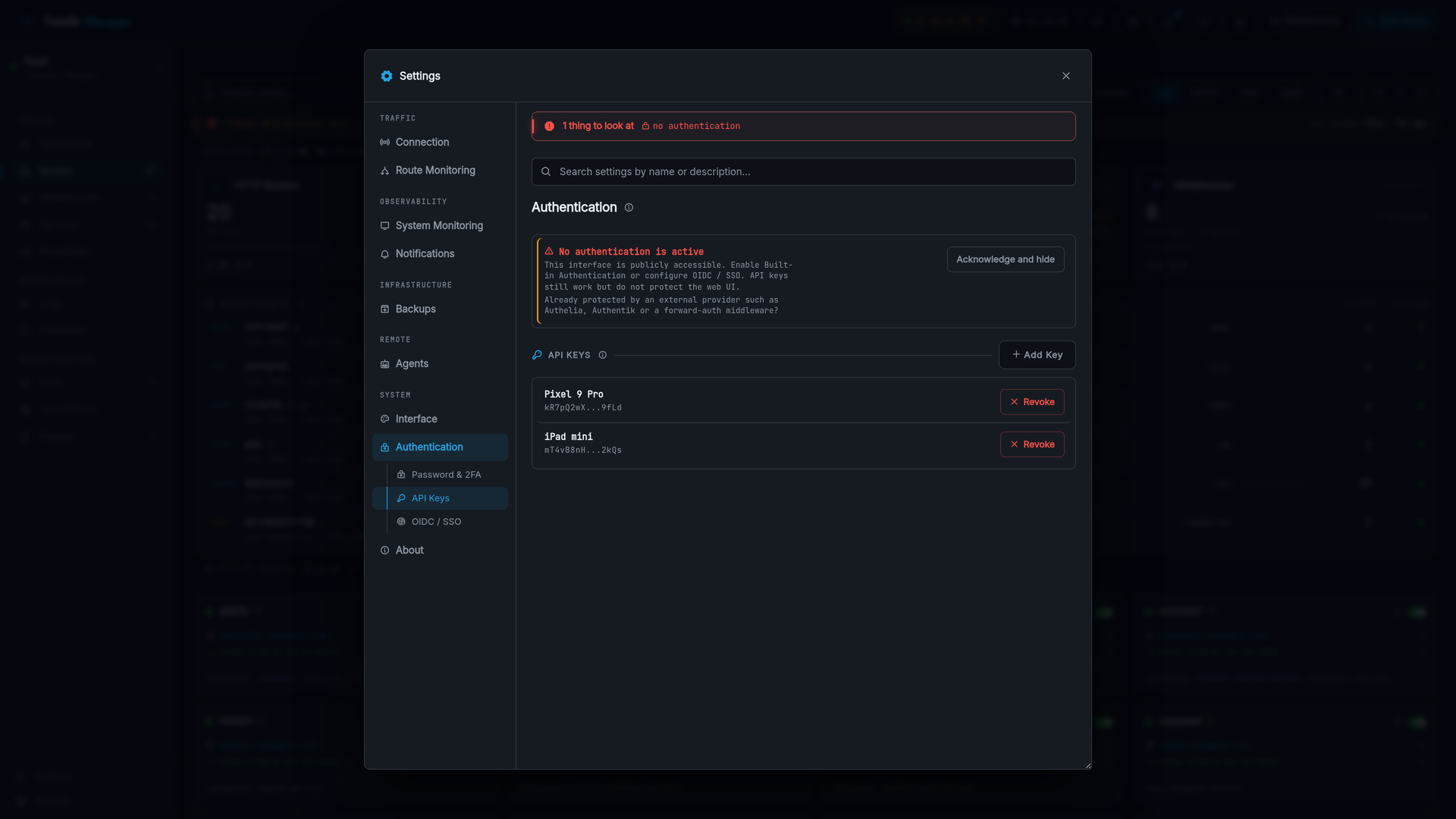
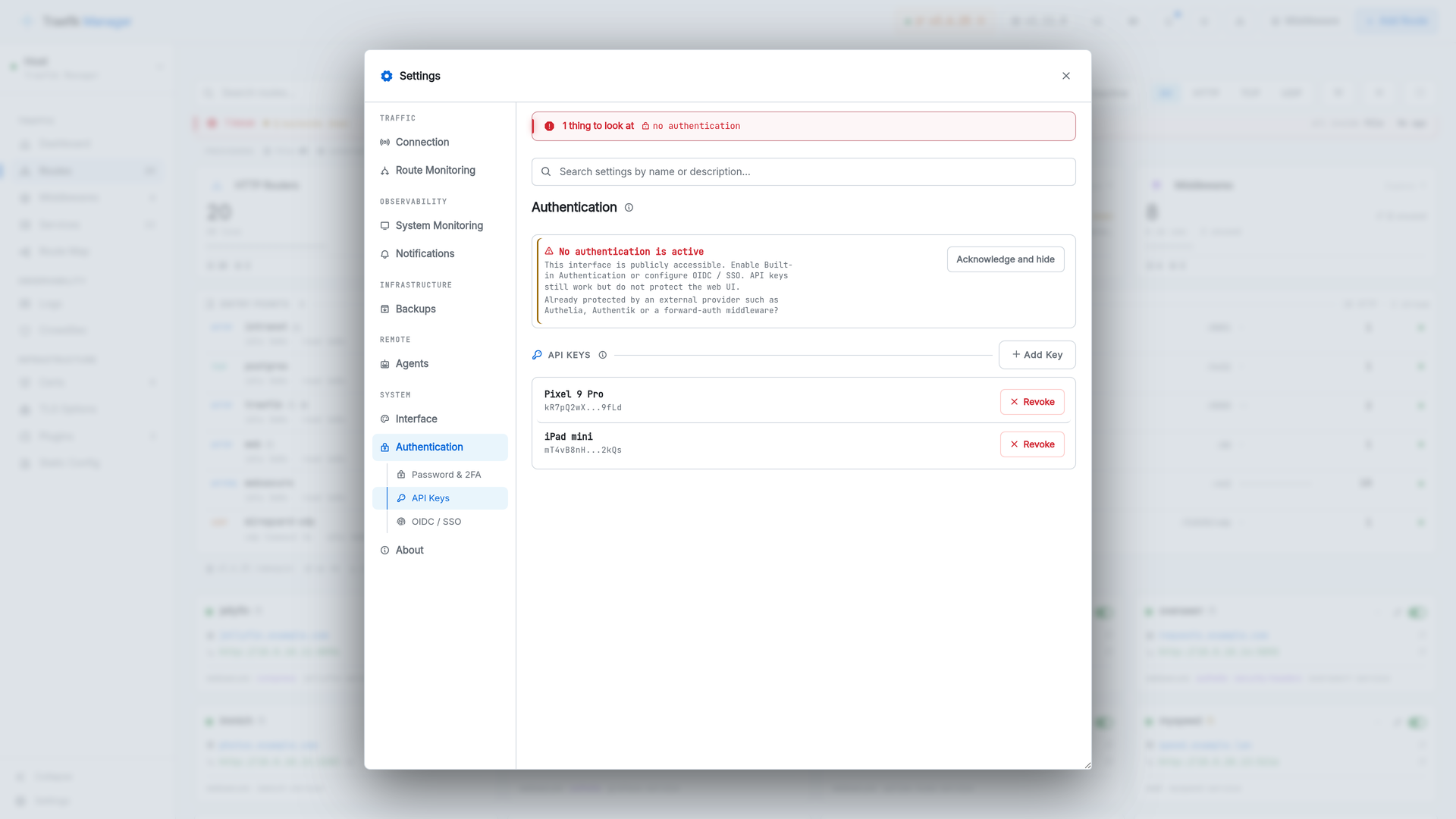
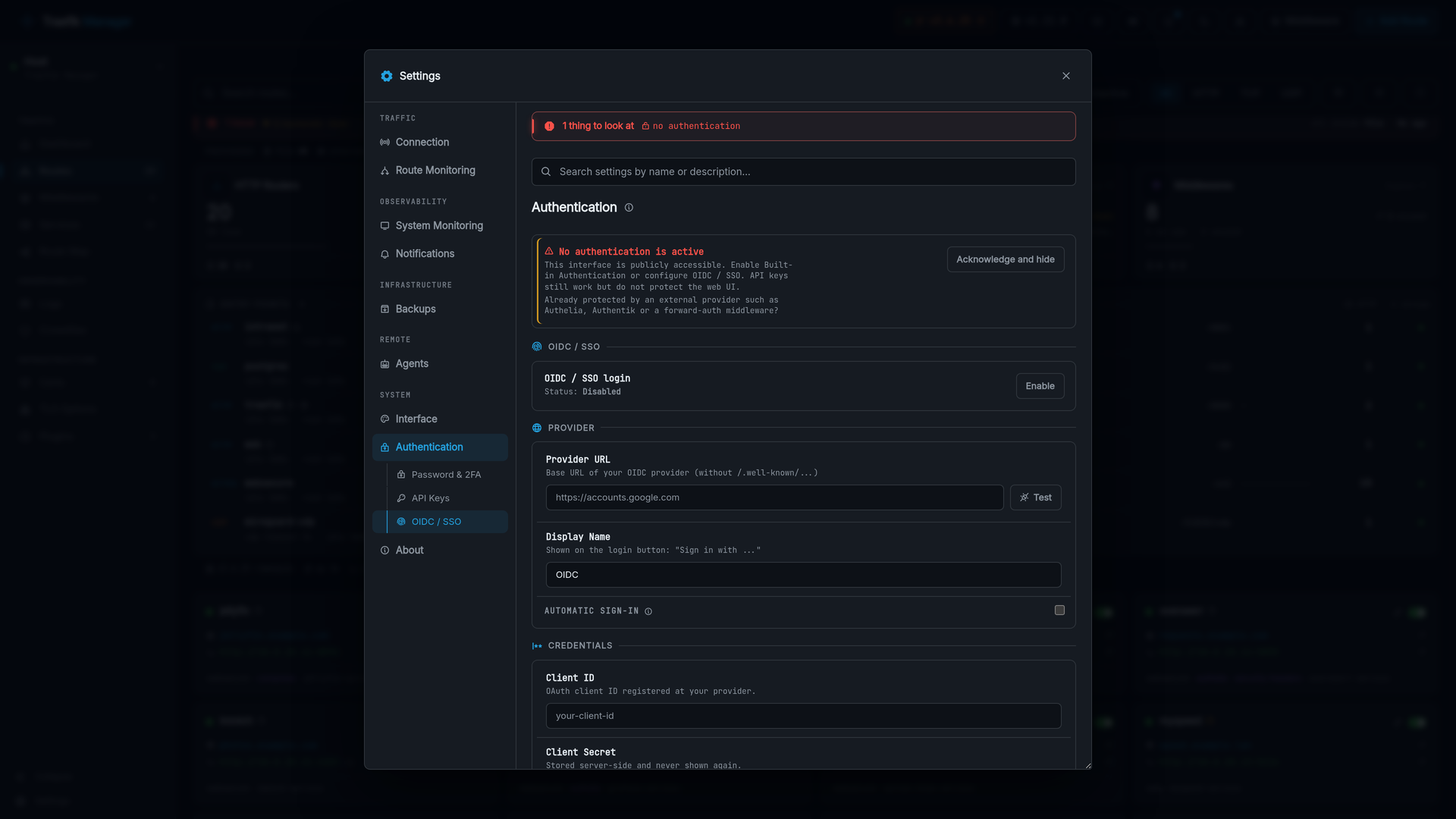
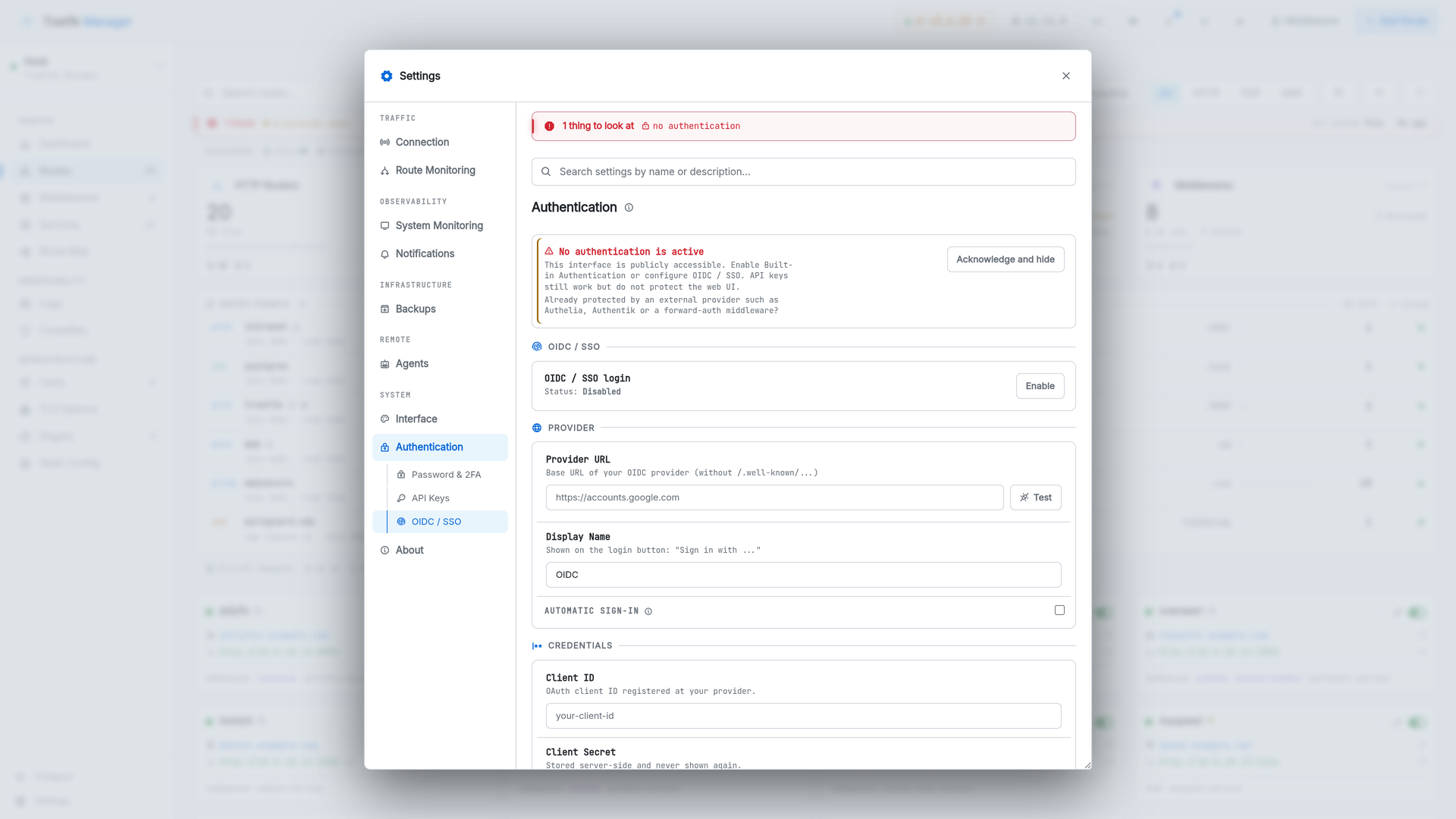
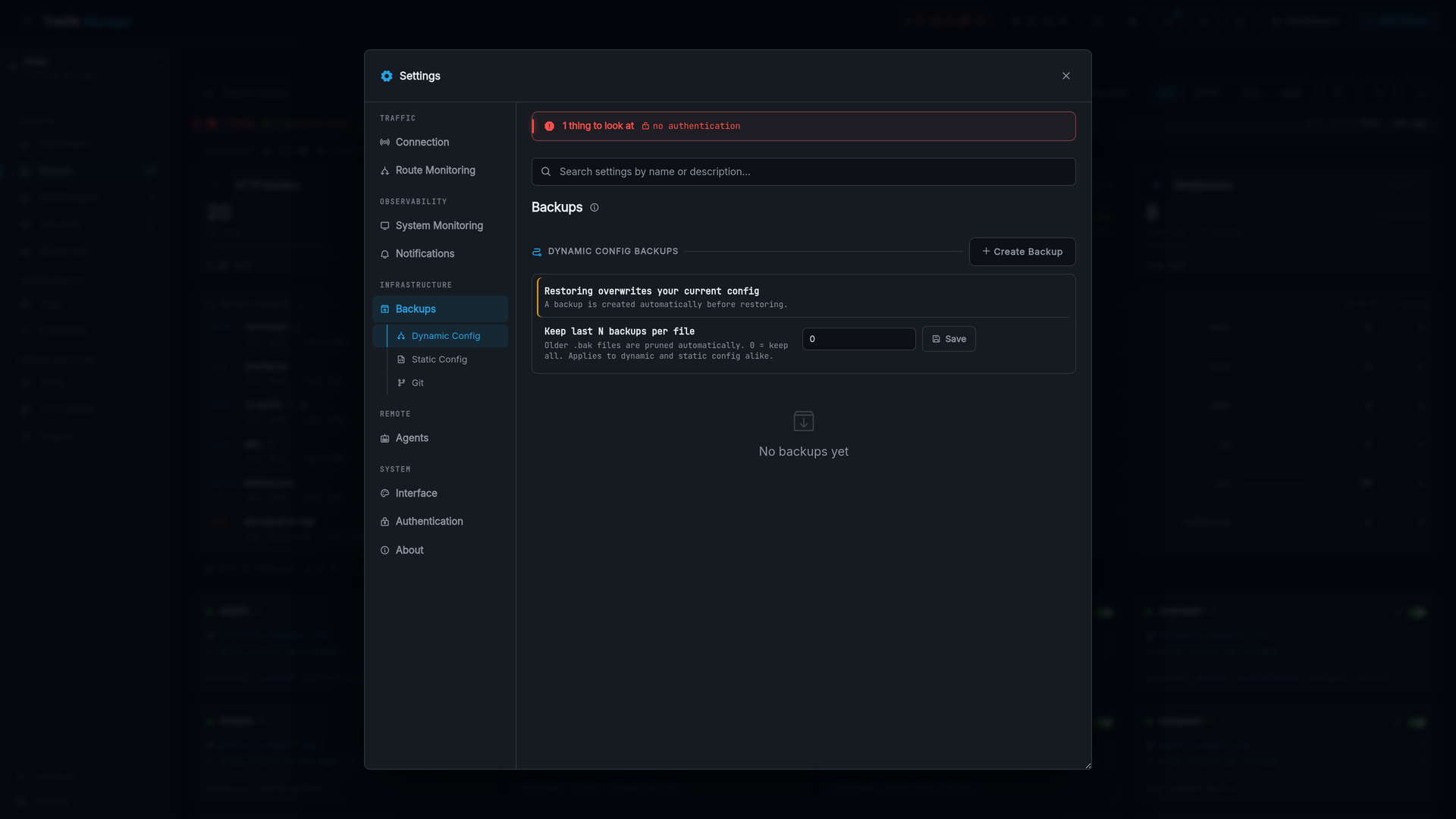
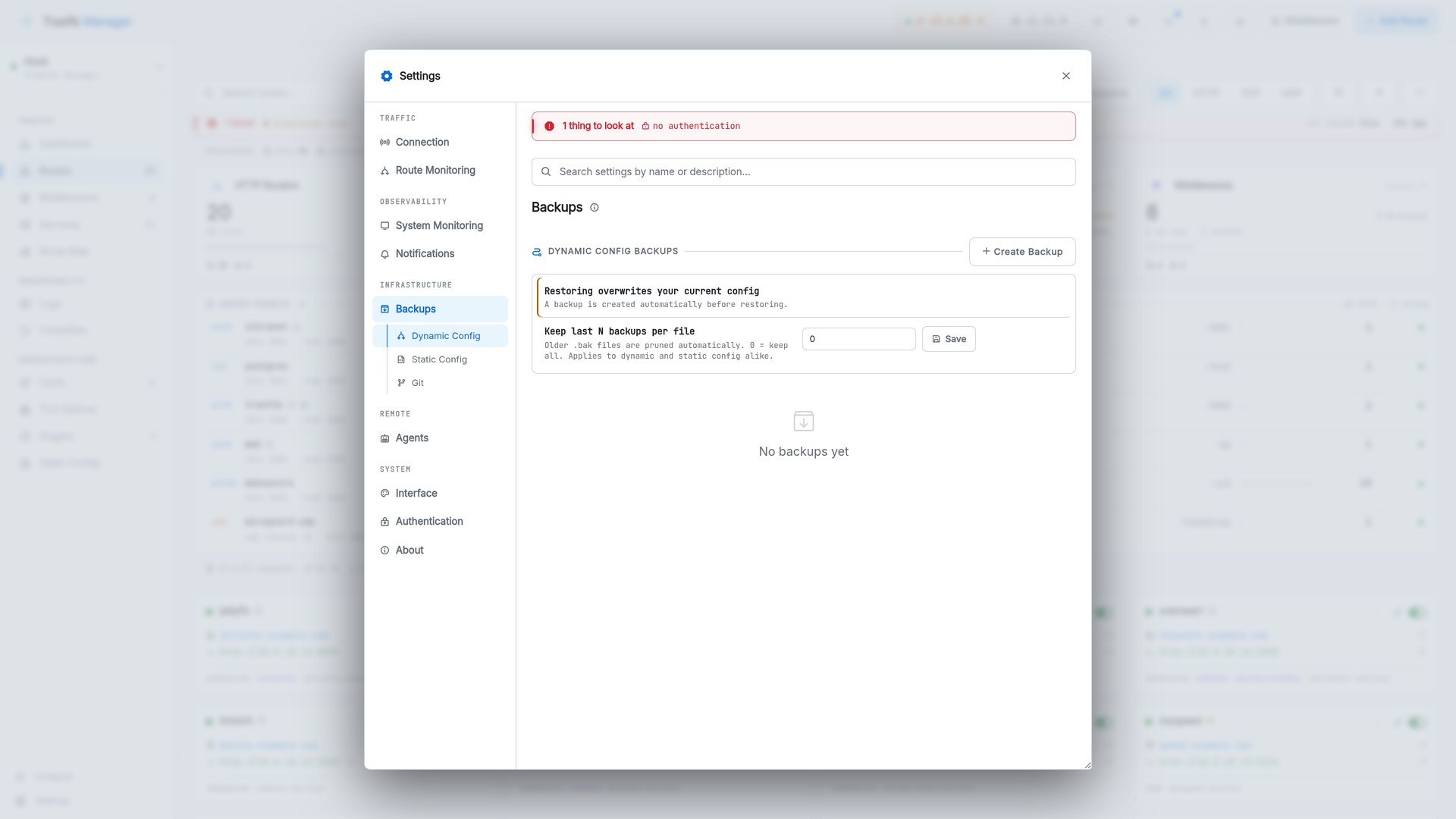
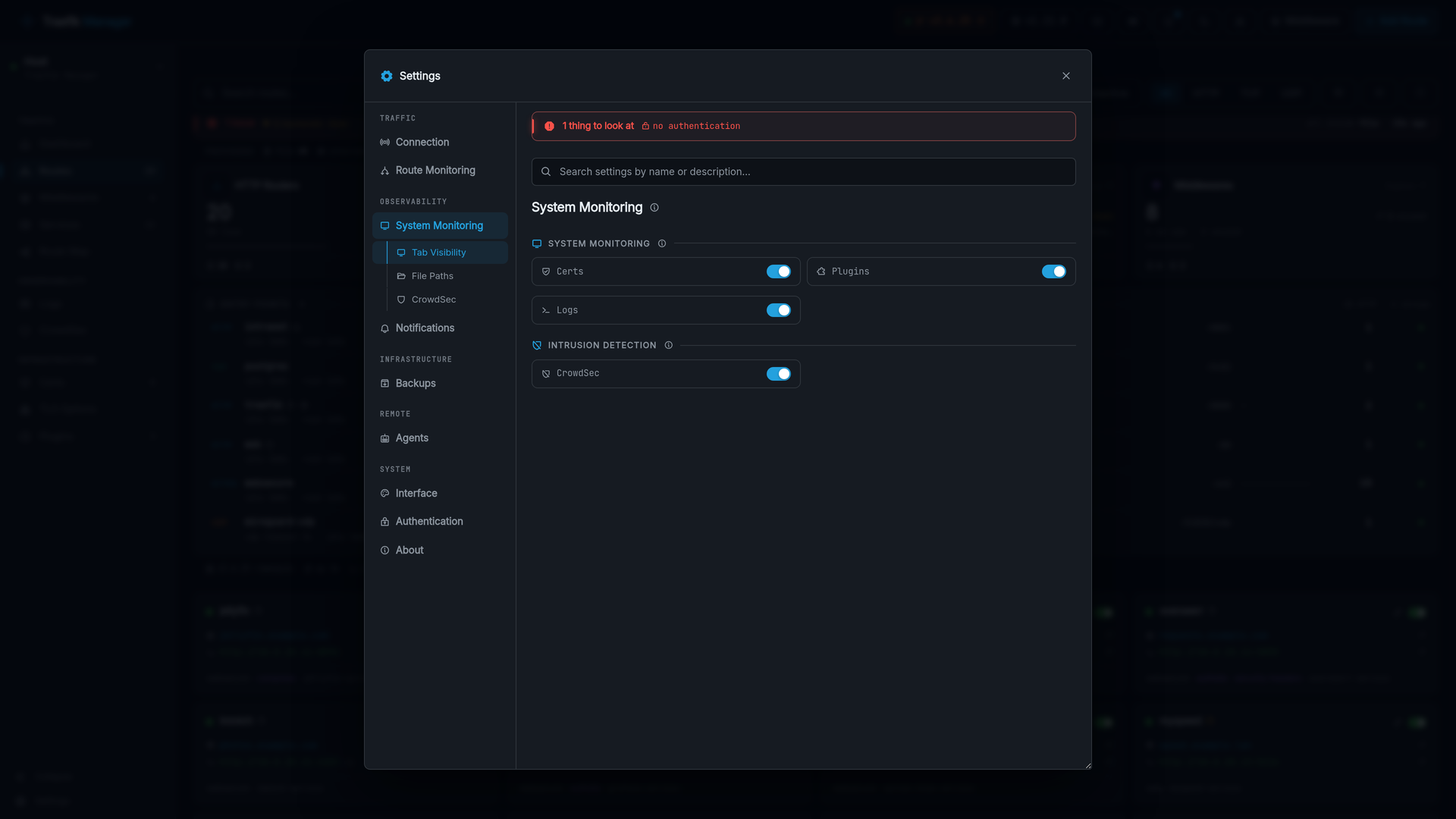
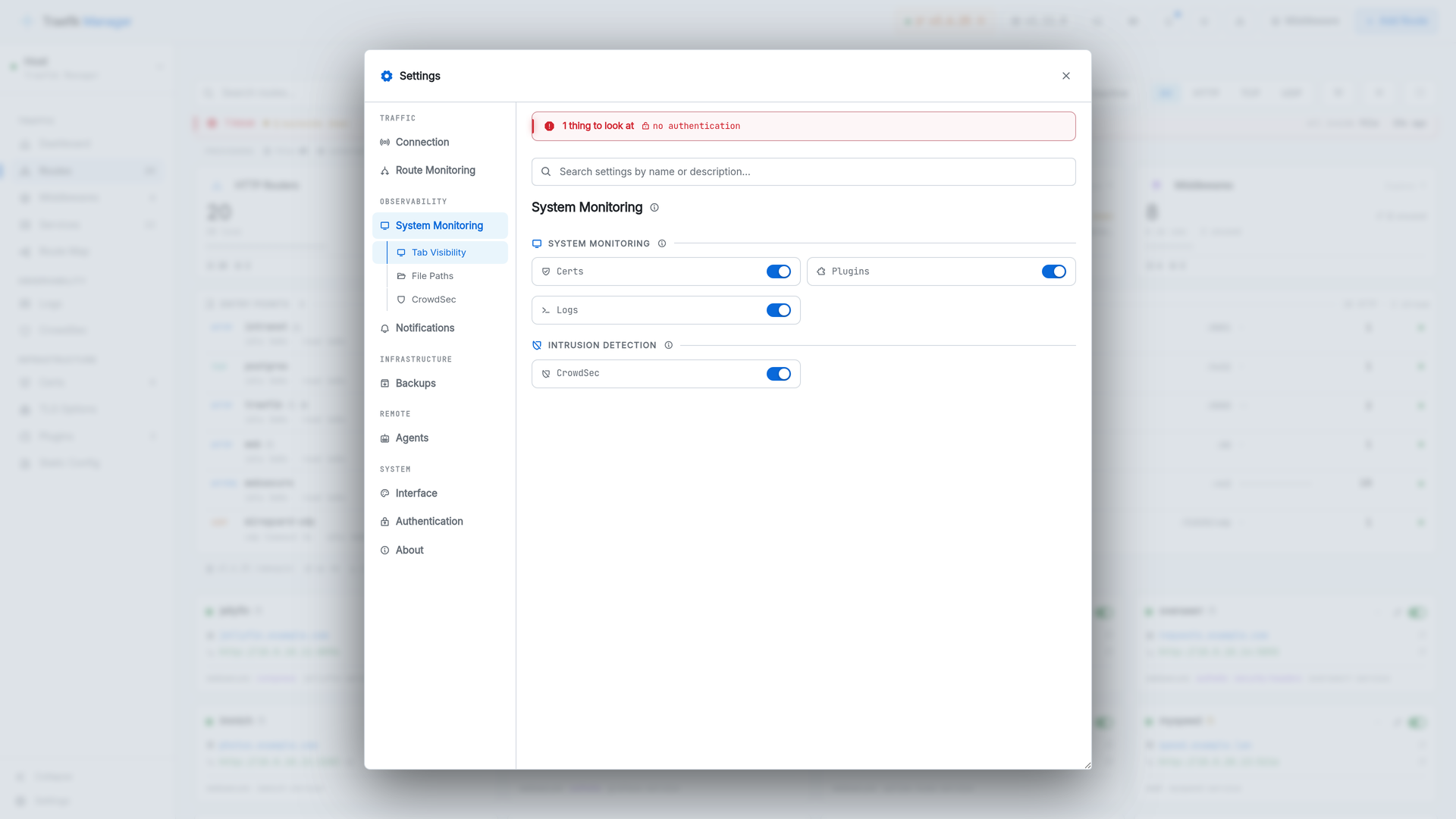
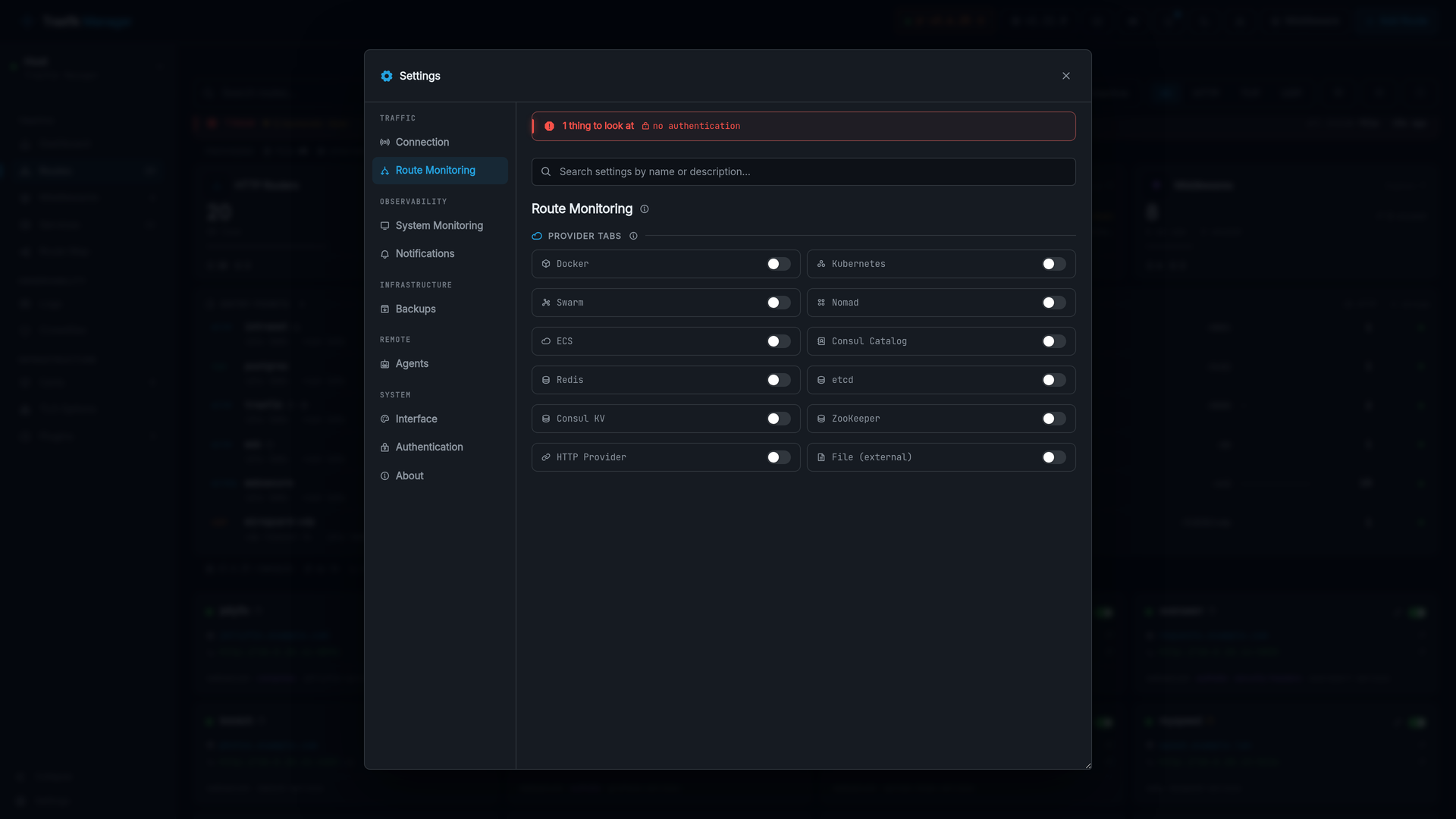
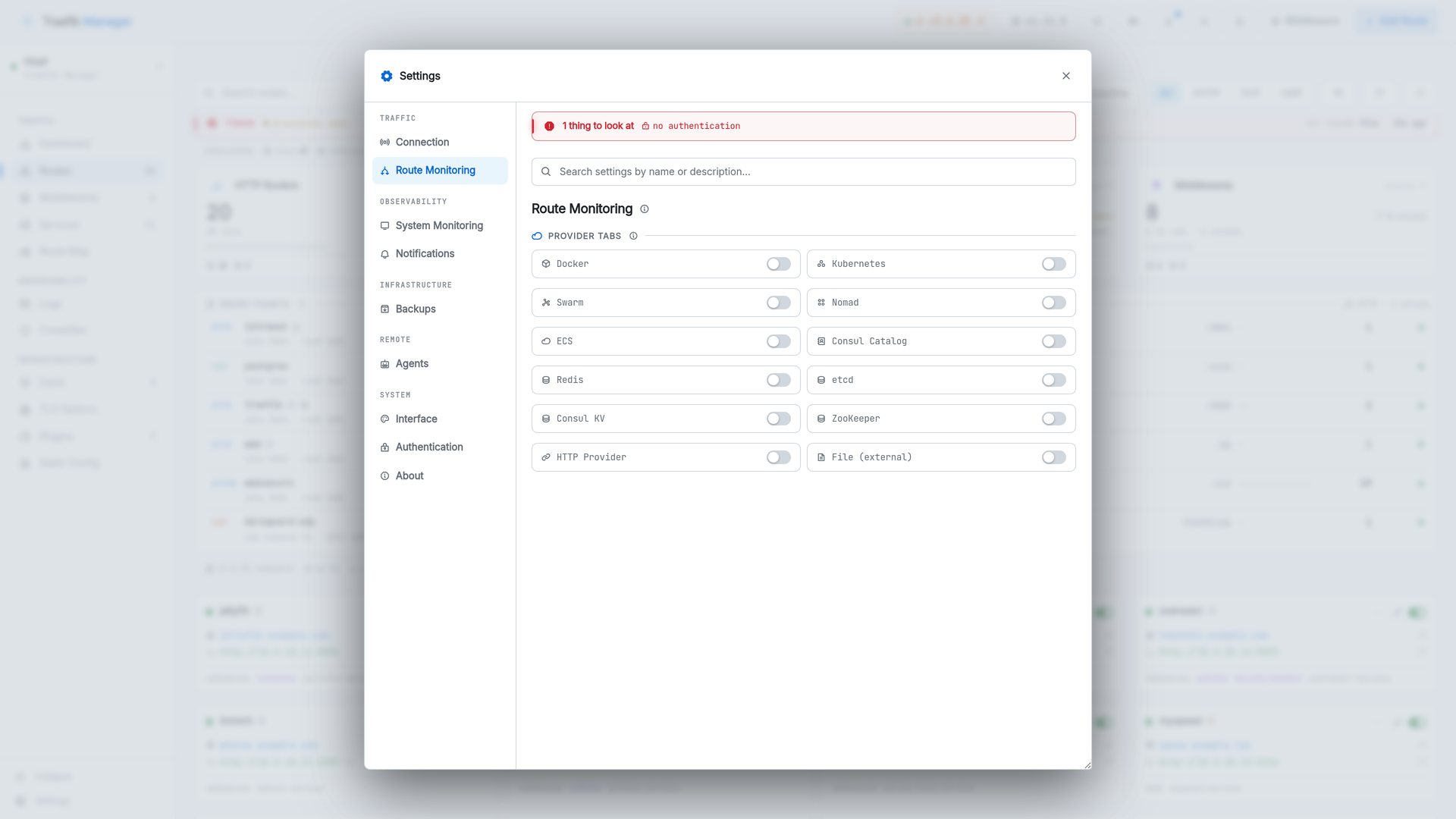
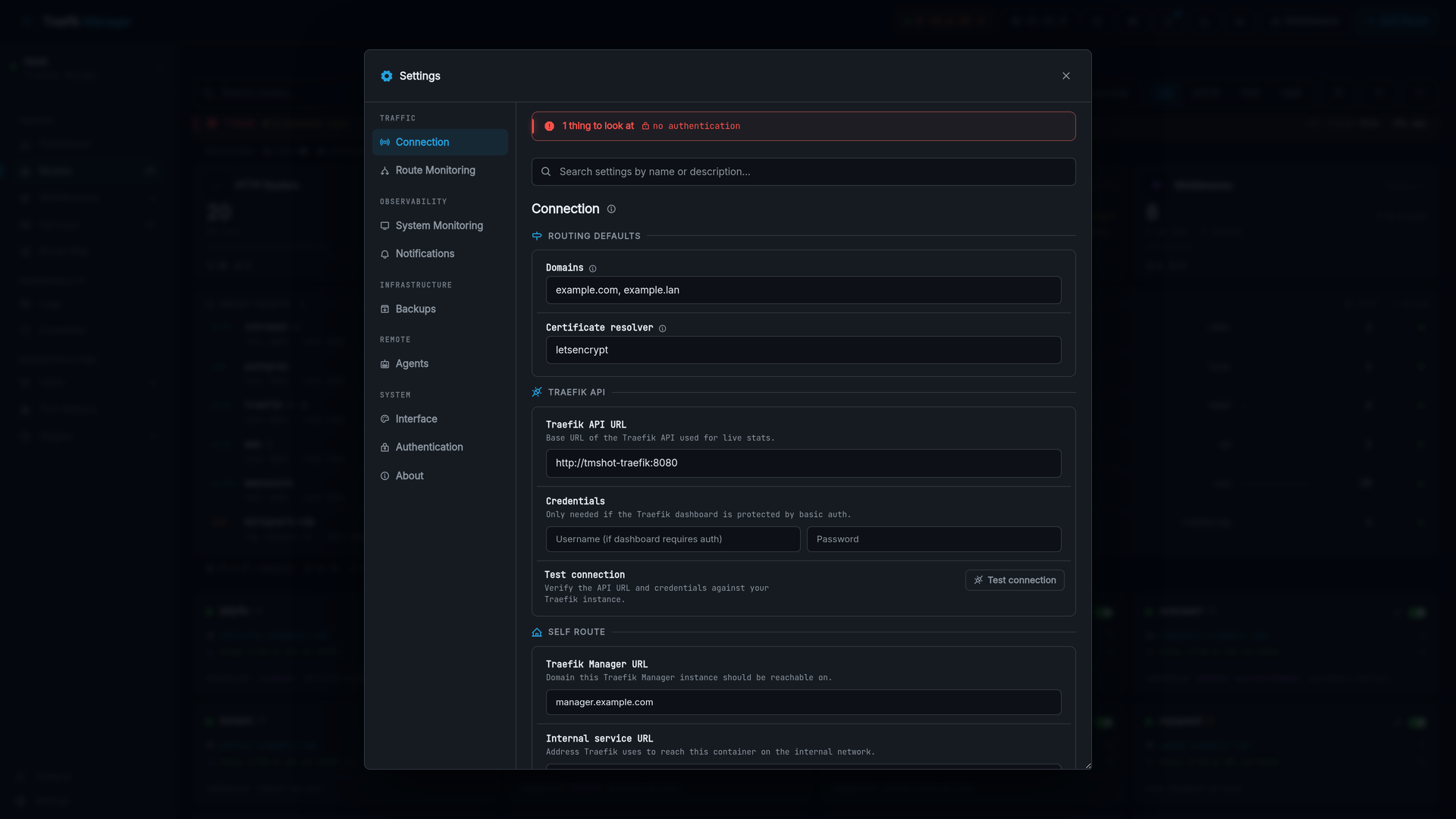
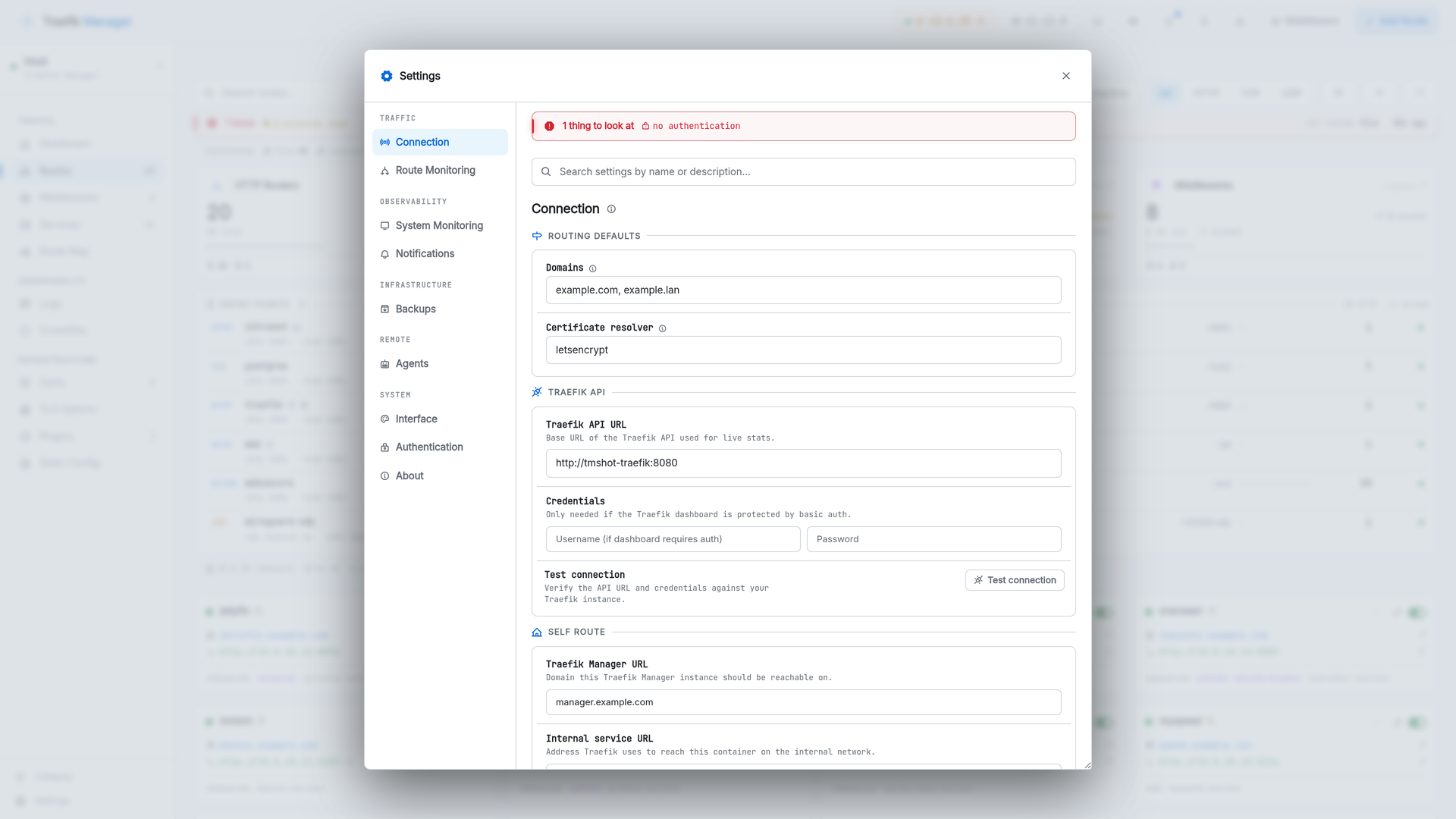
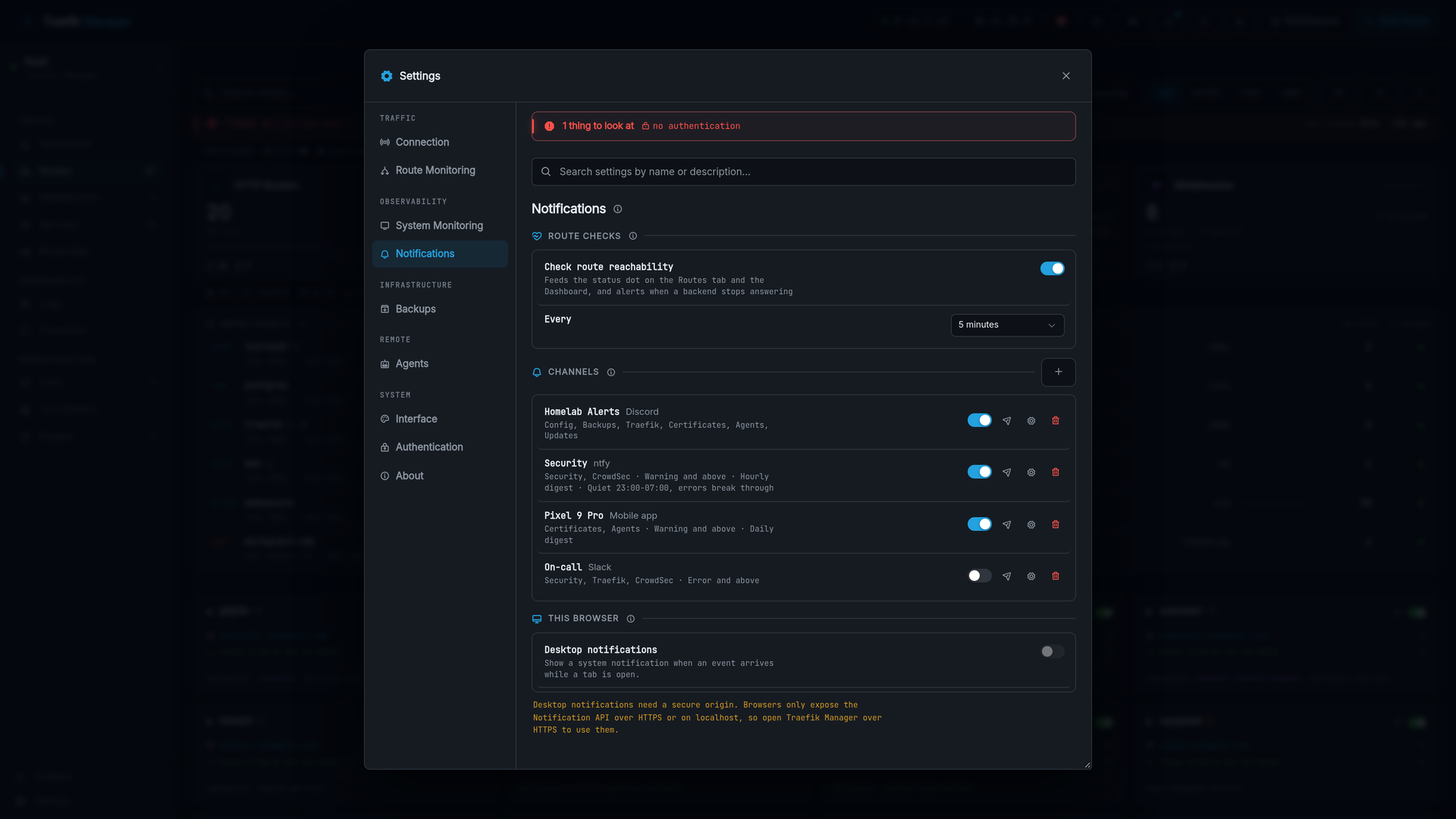
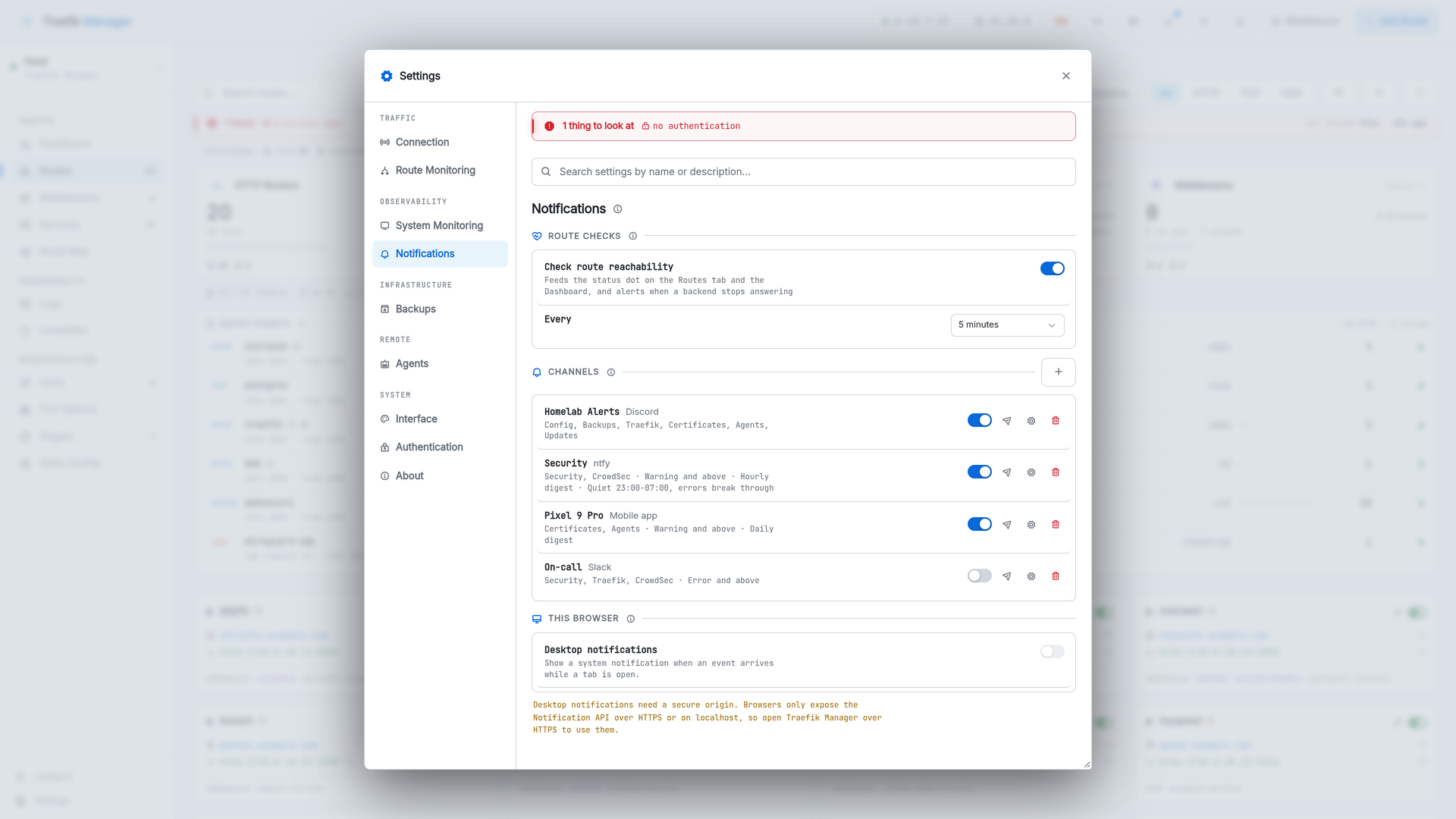
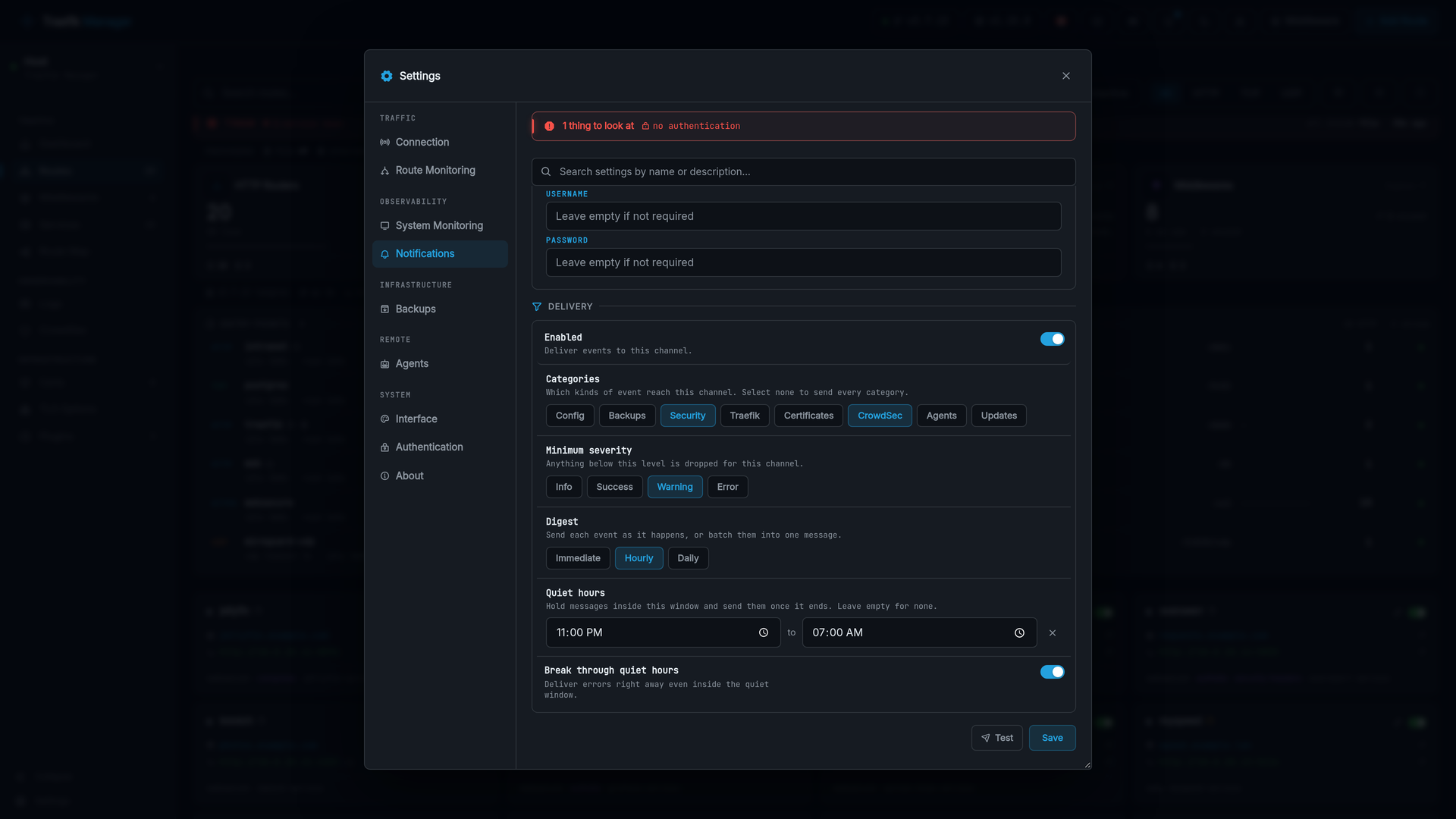
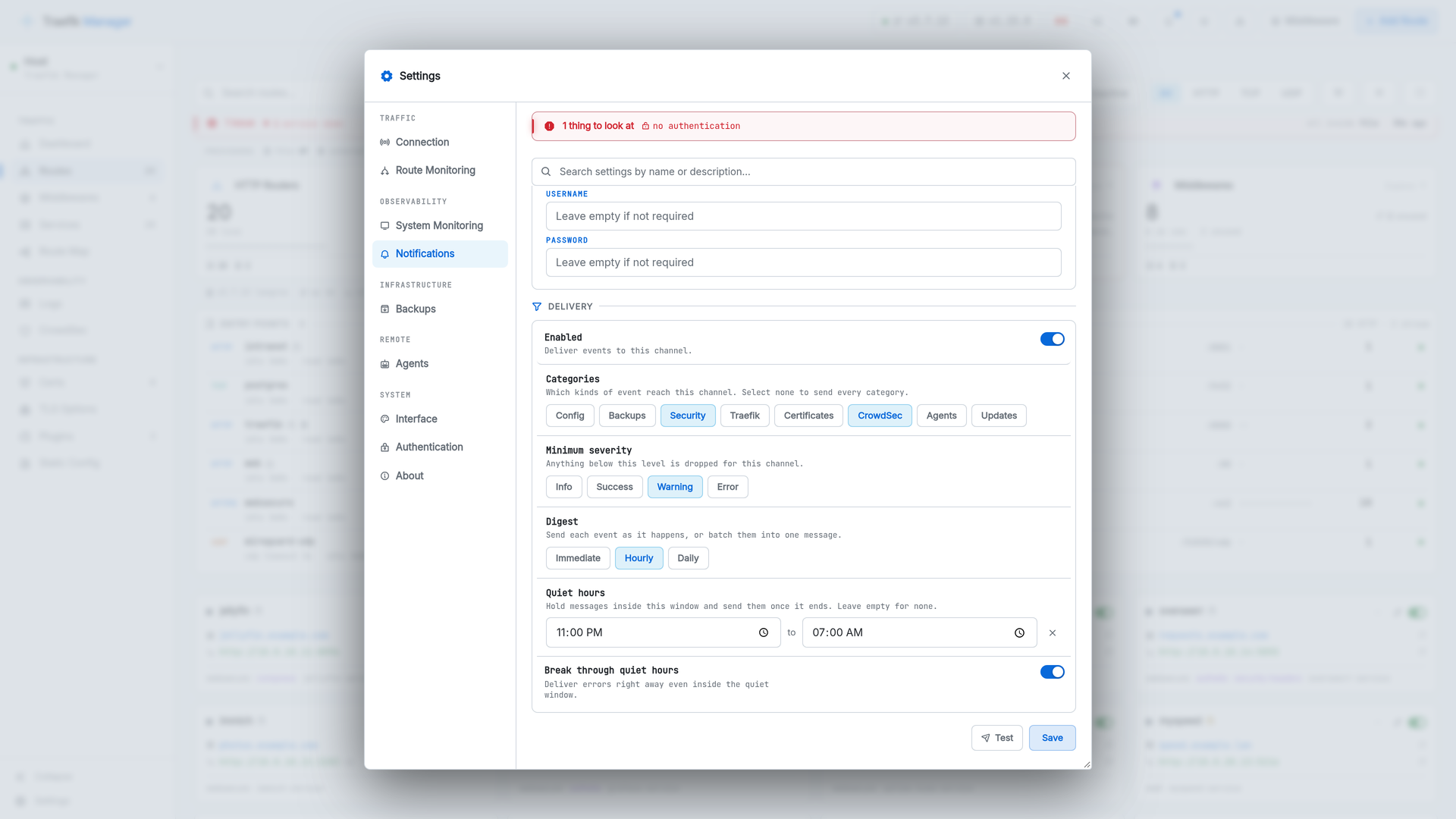
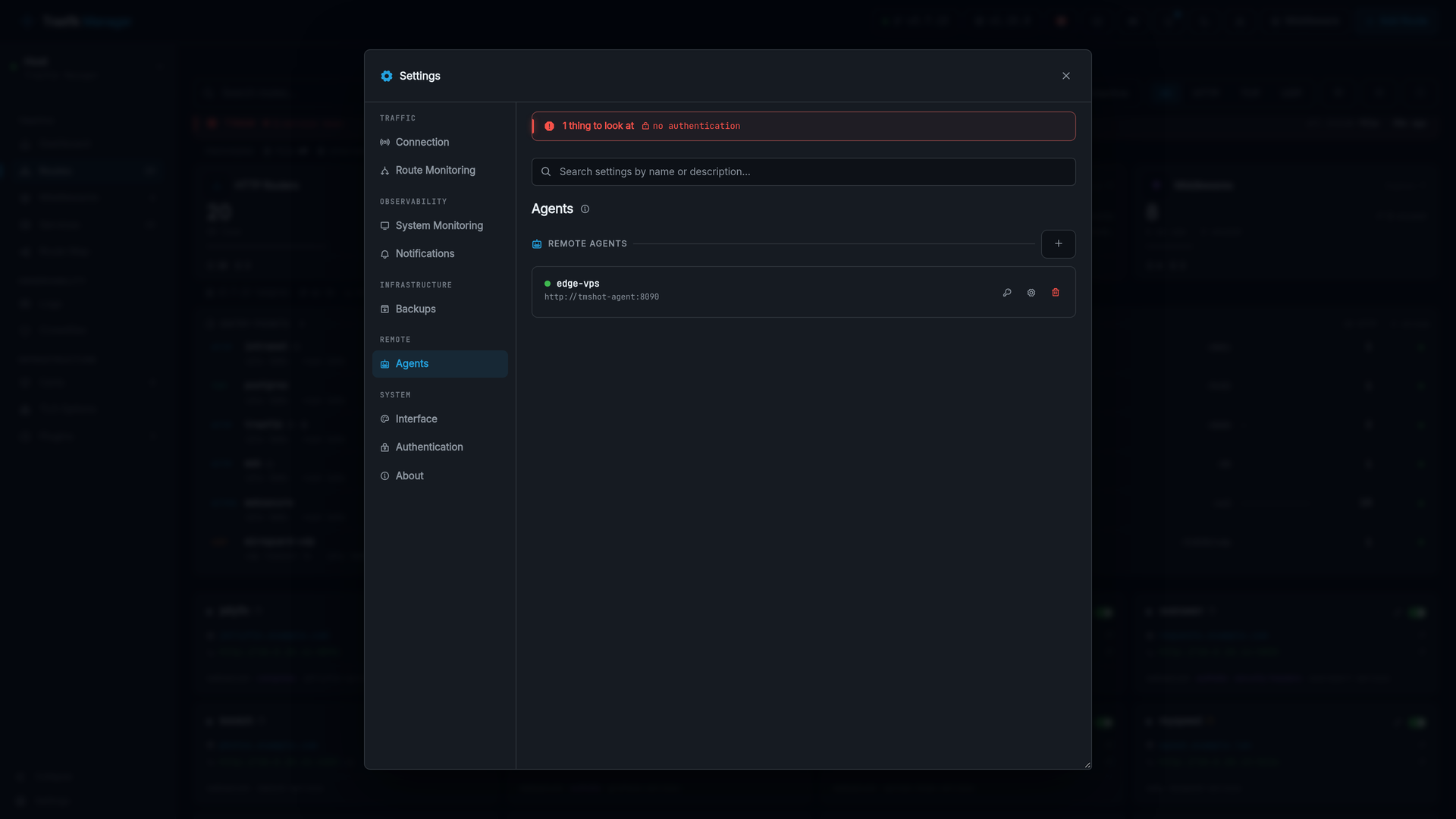
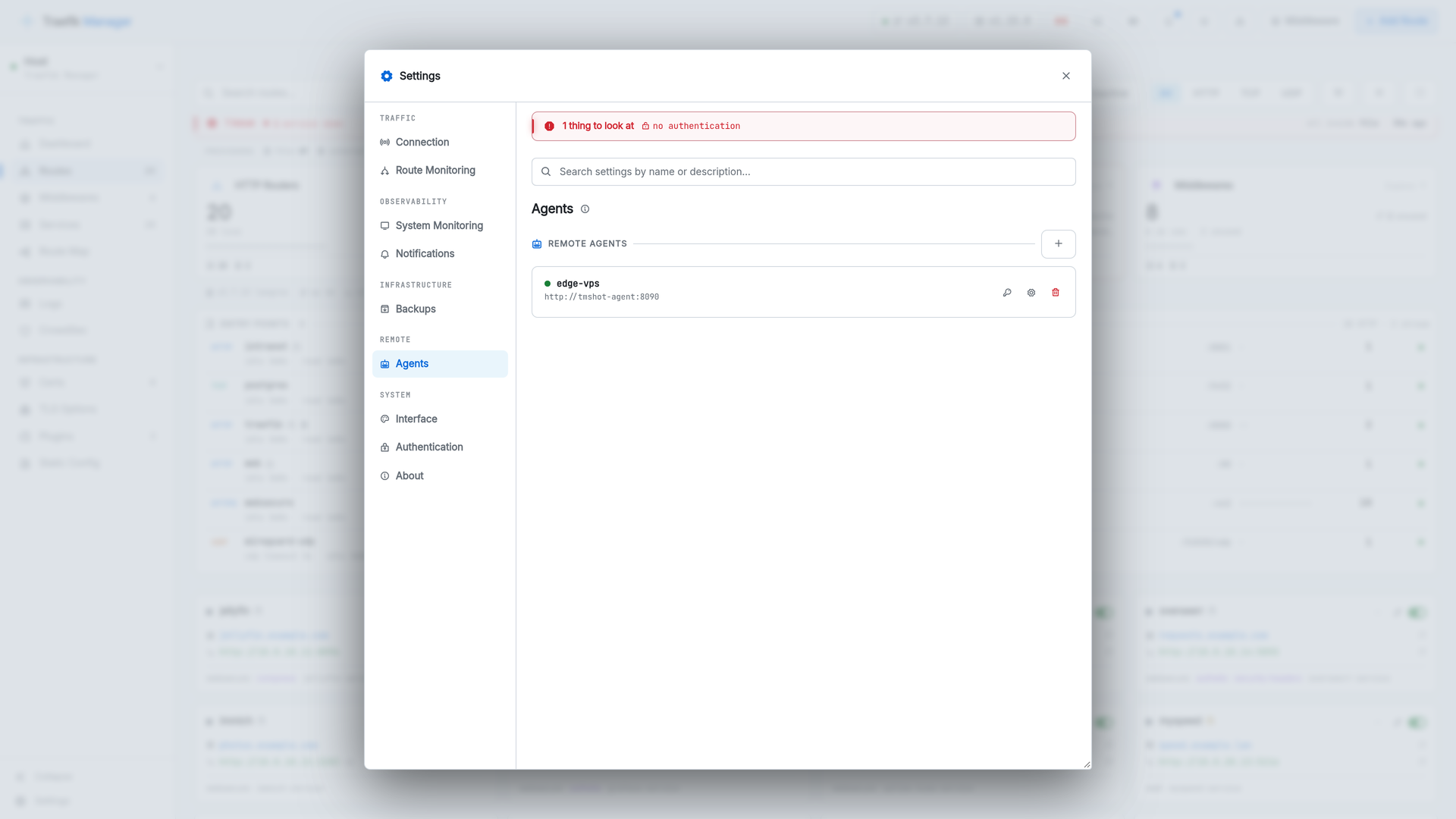
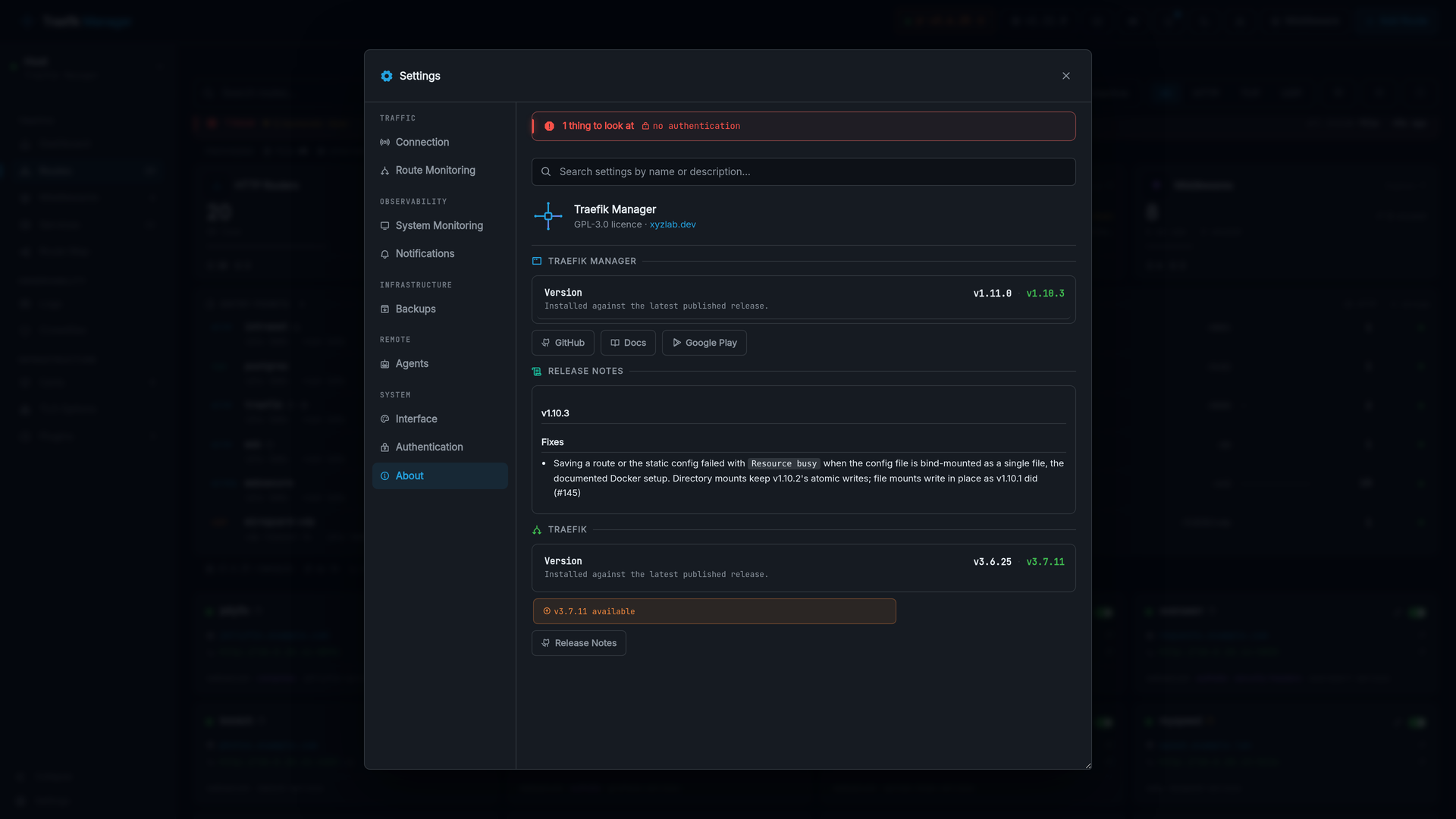
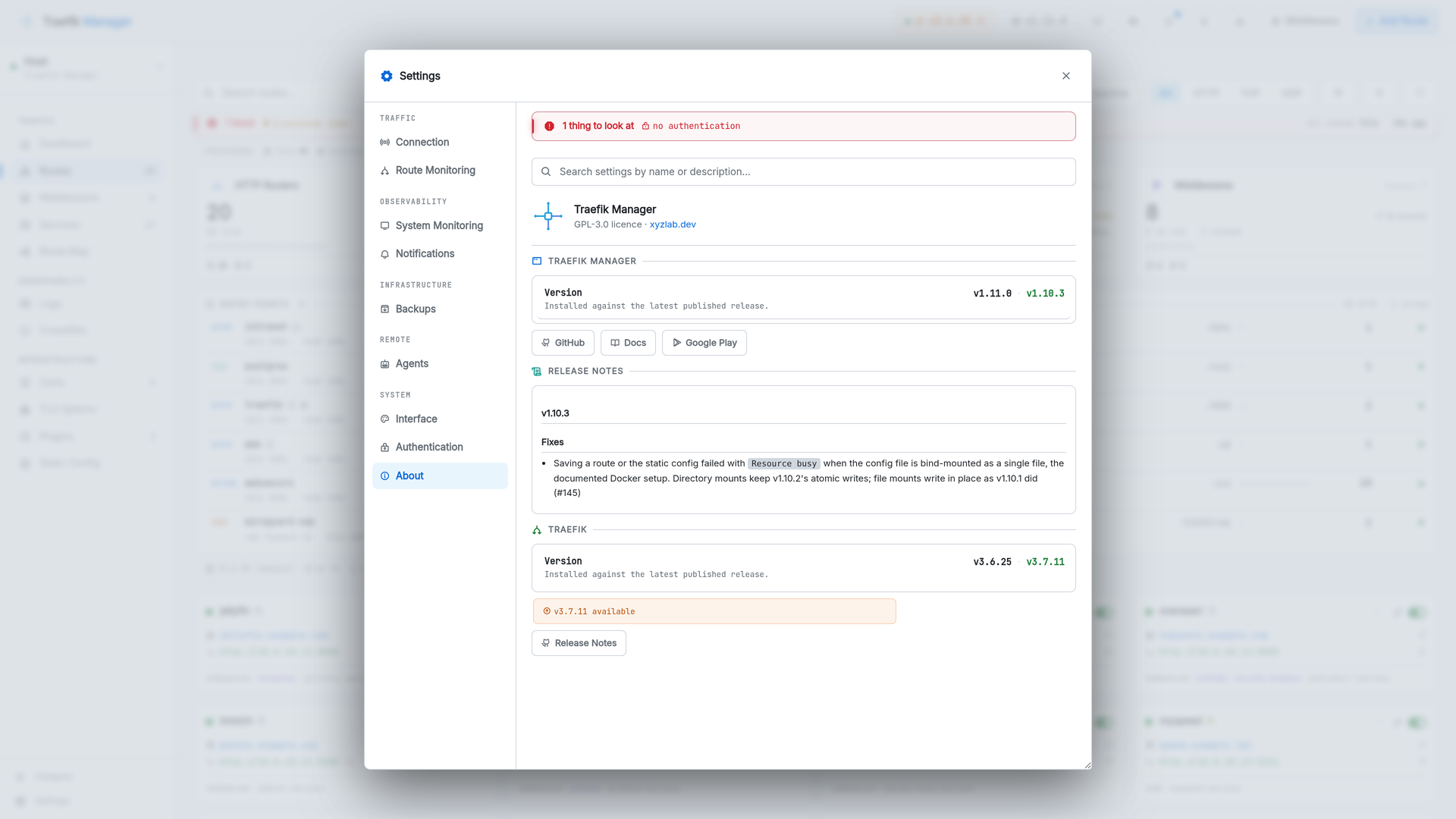
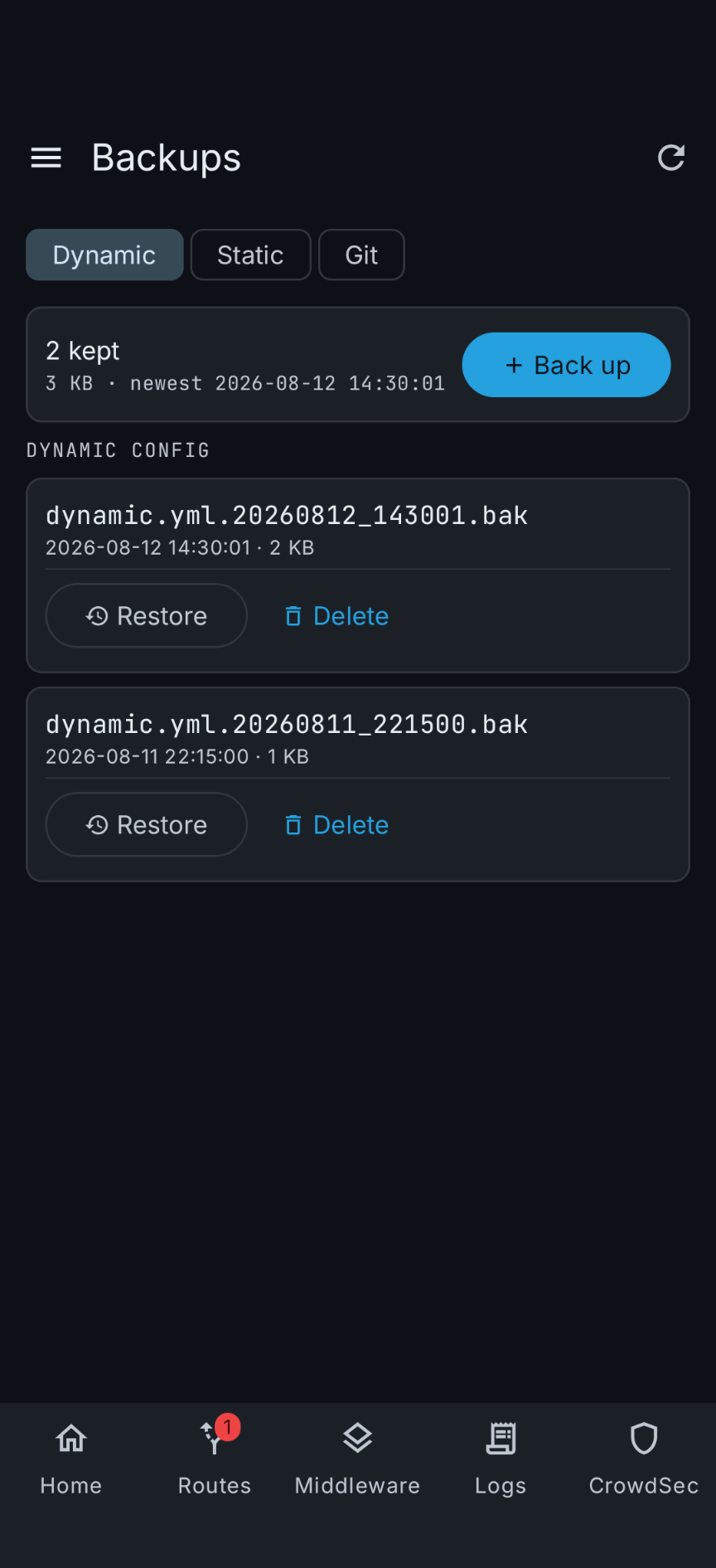
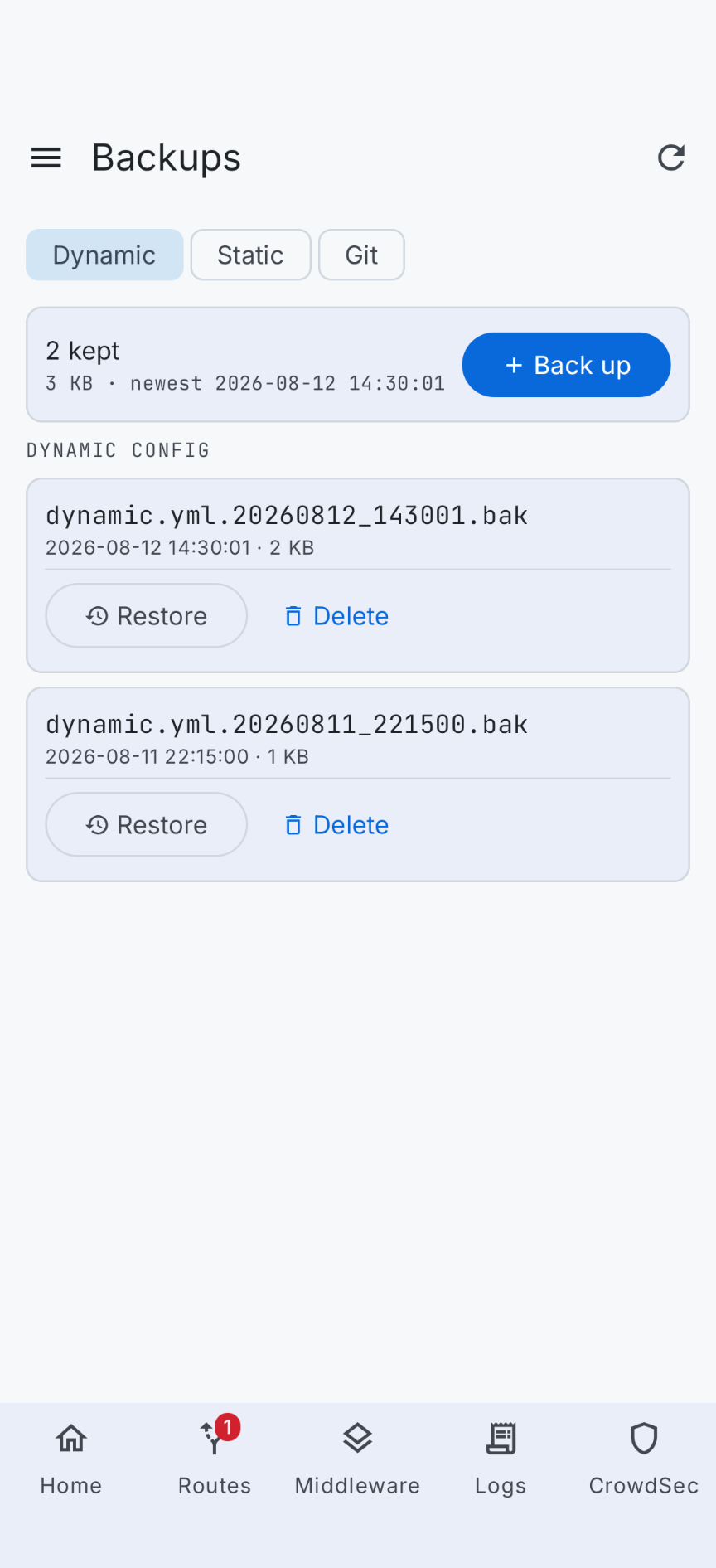
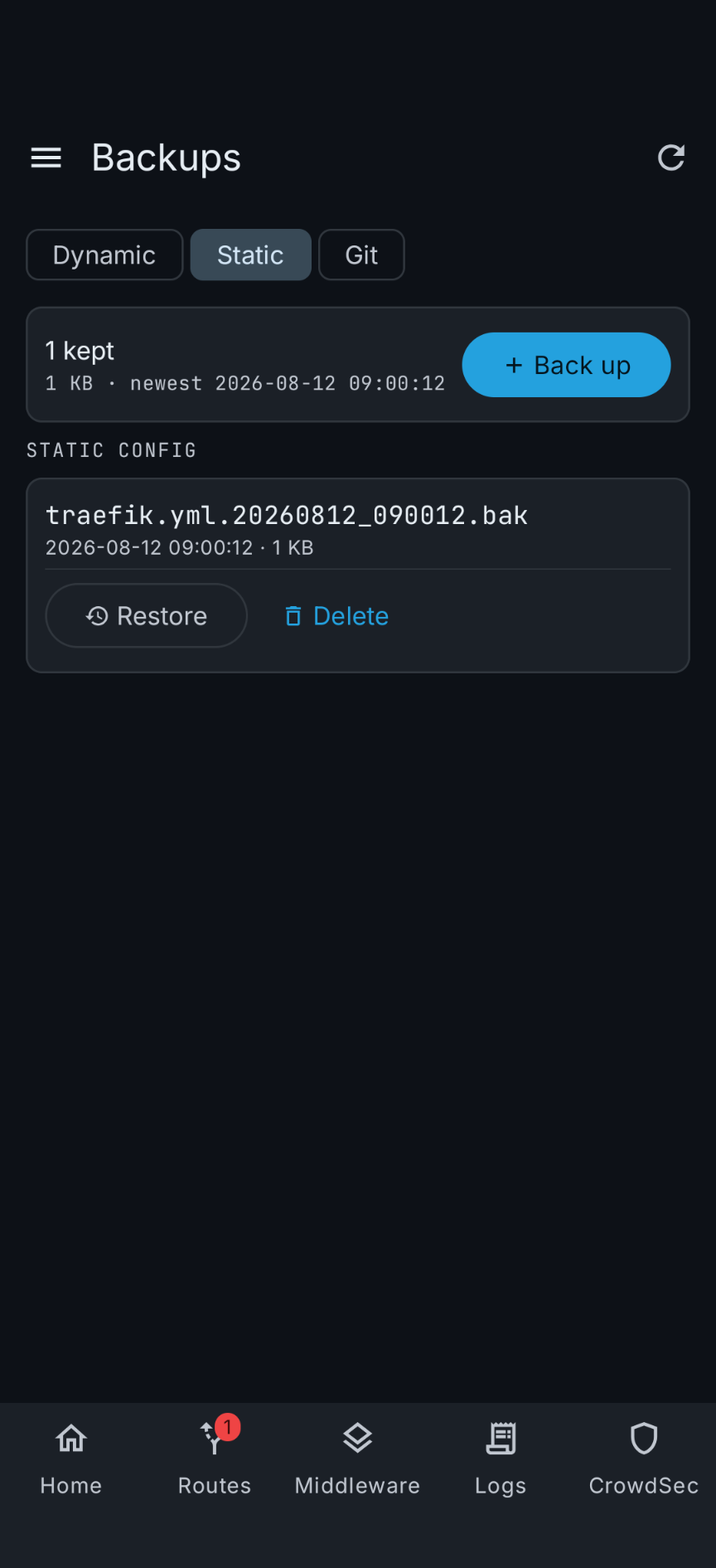
Interface, authentication with API keys and OIDC, backups, system and route monitoring, notification channels, and the connection to Traefik itself.
Setup Wizard
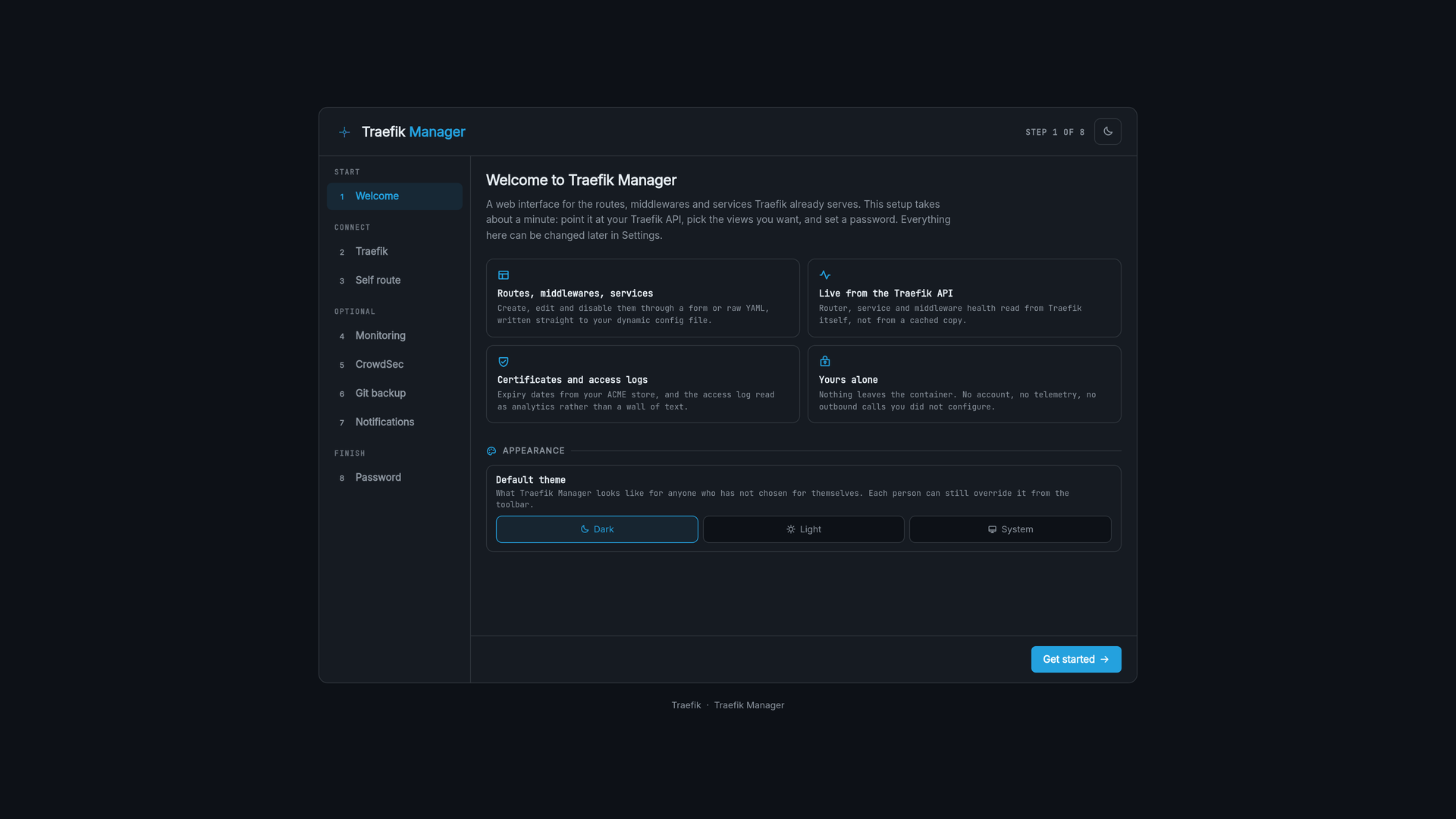
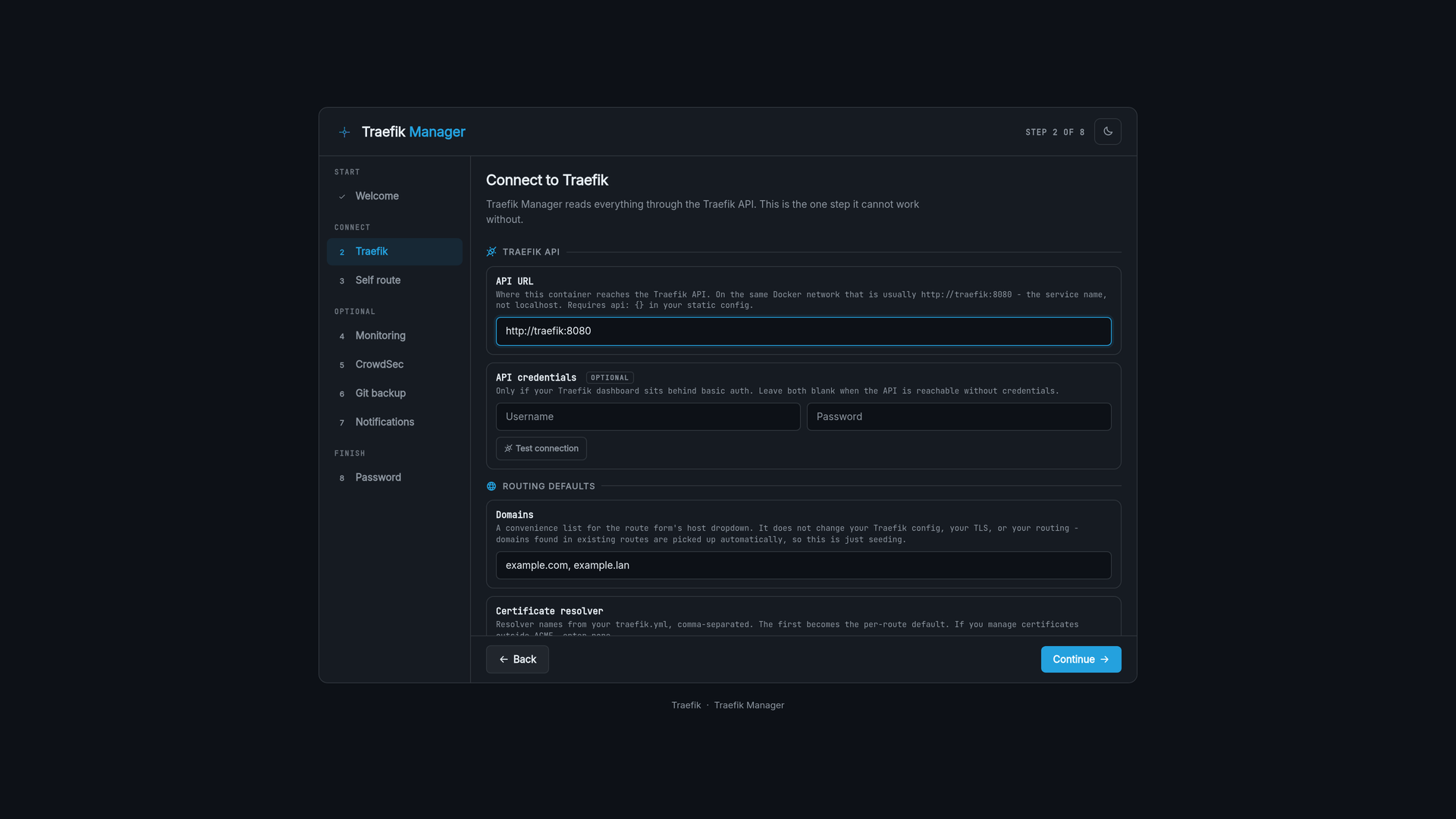
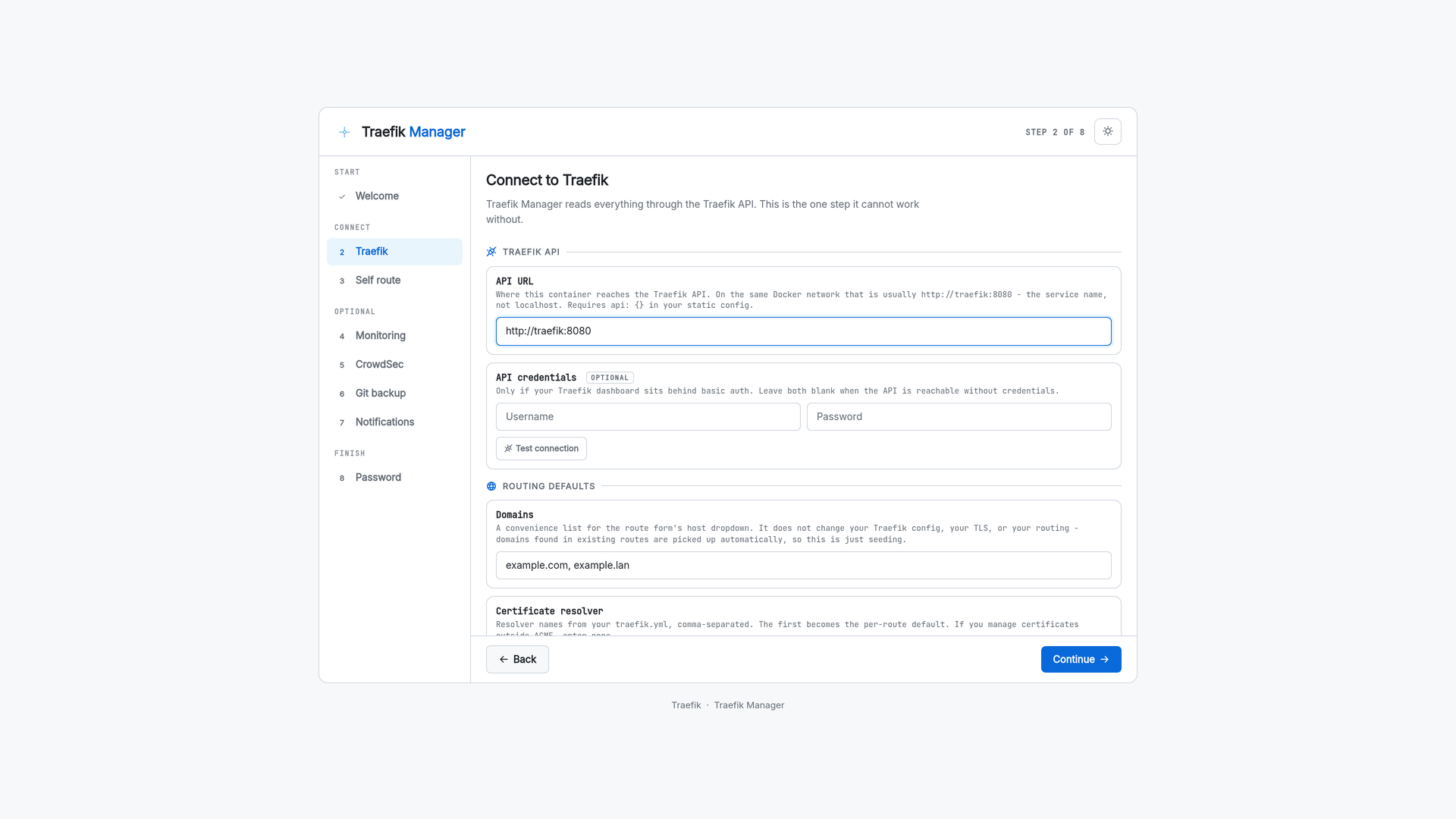
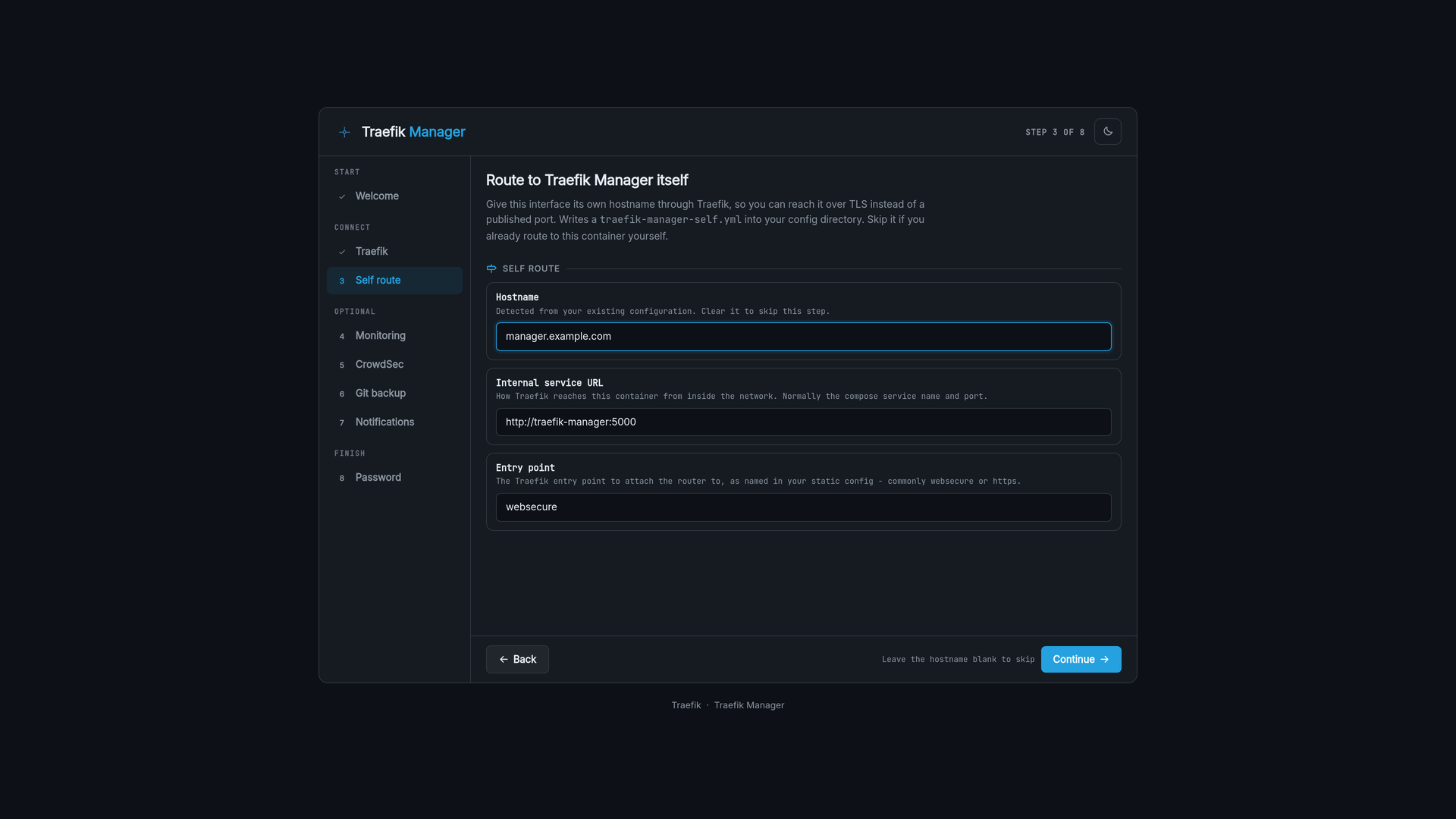
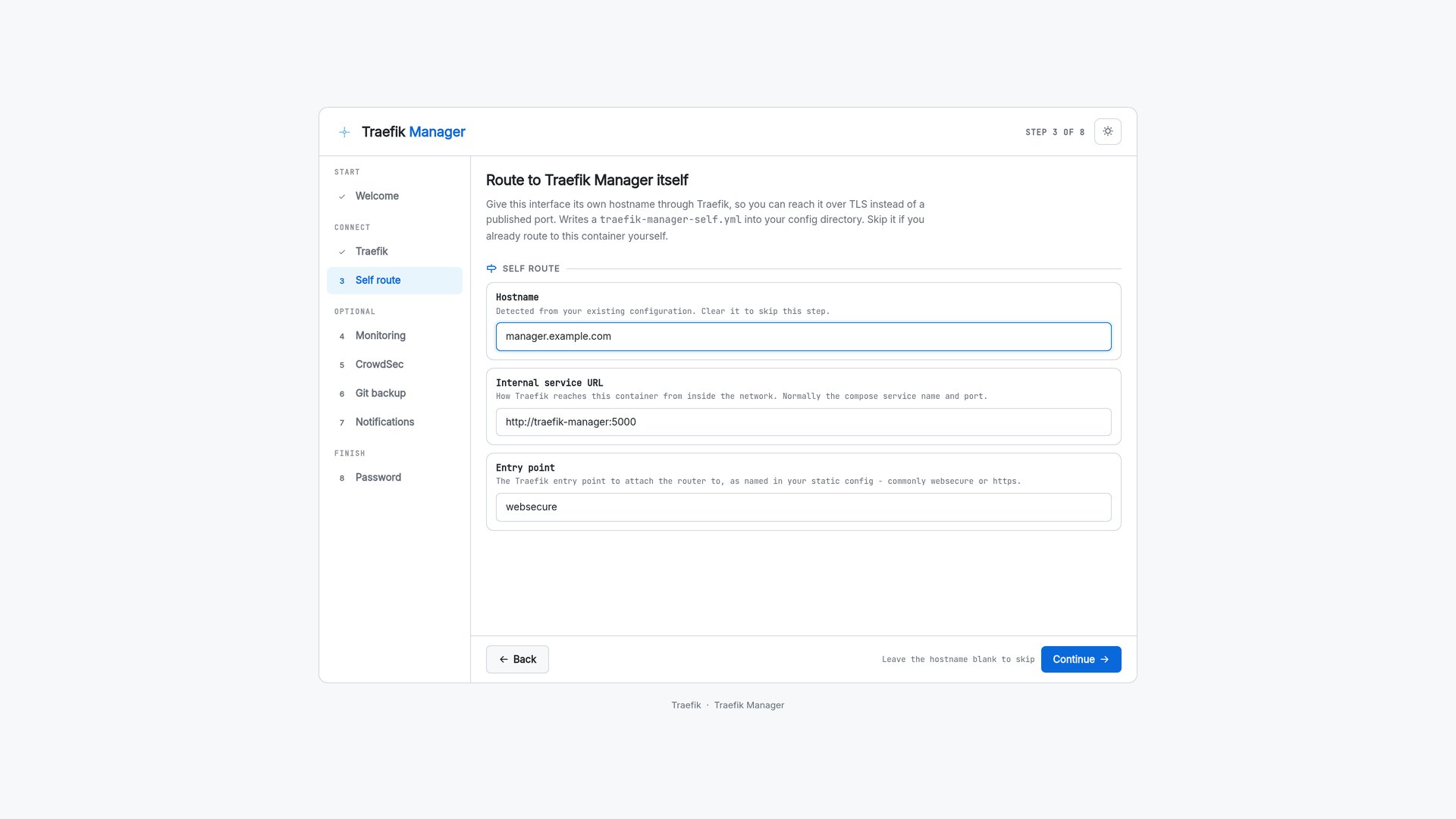
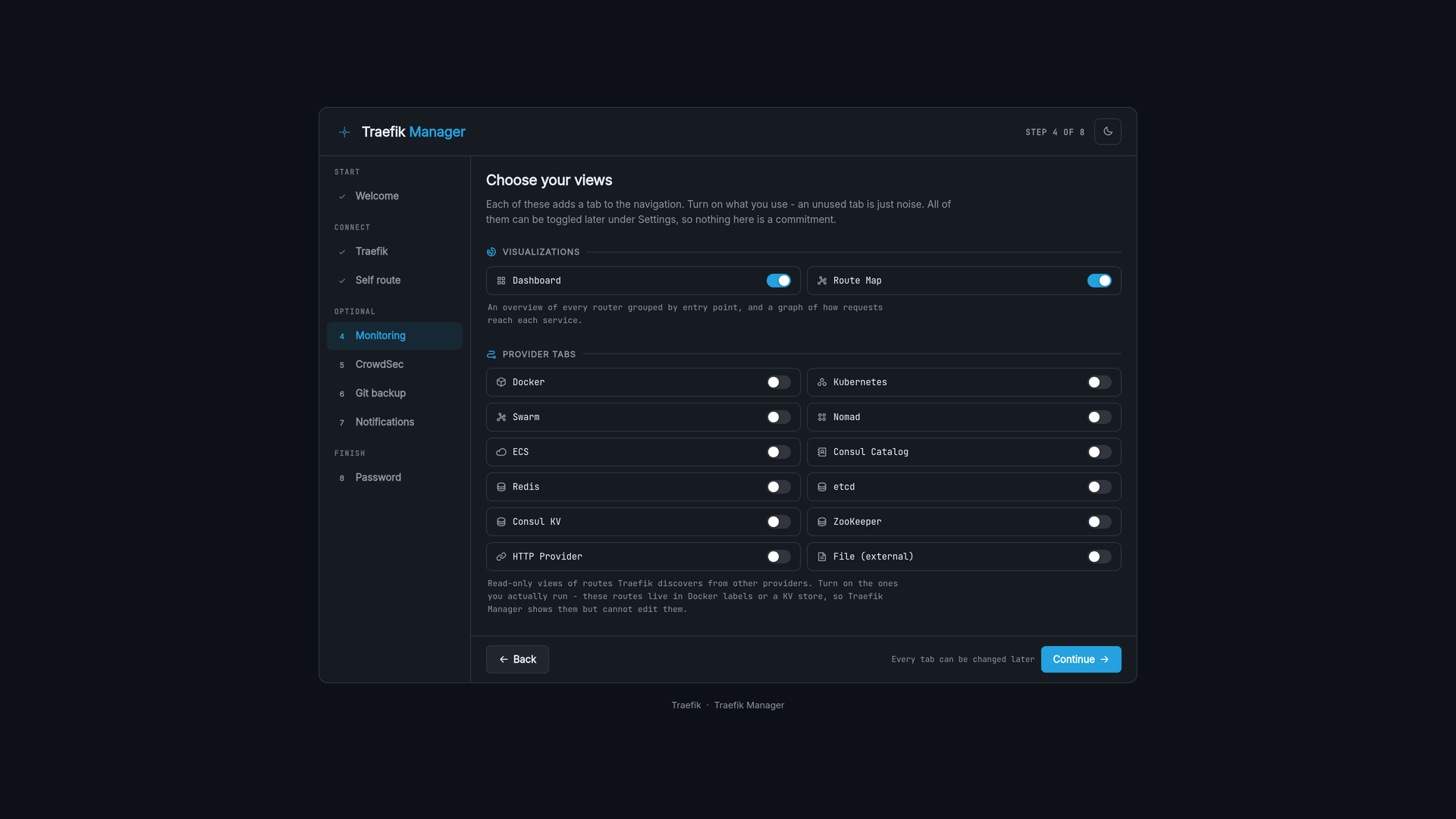
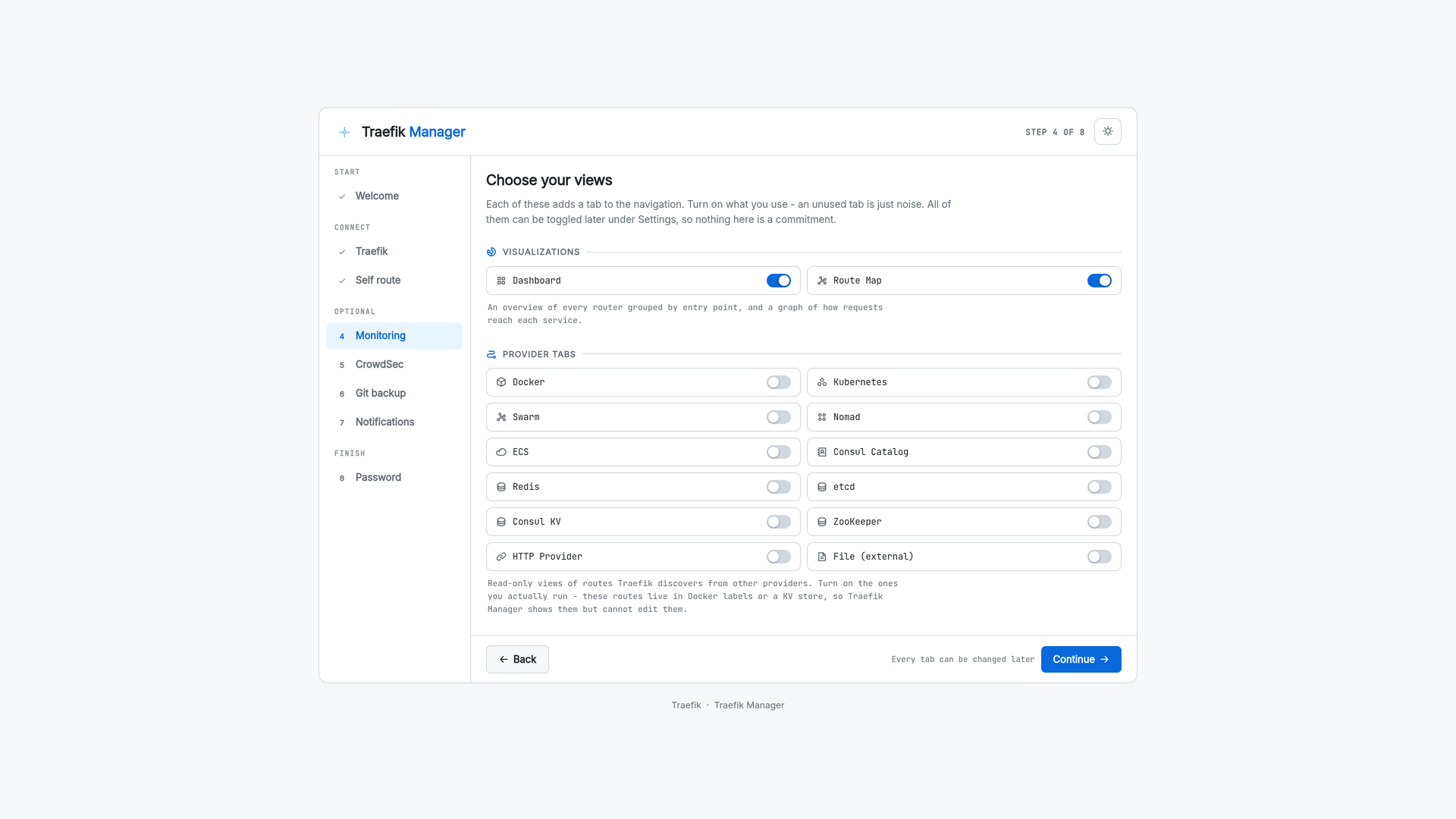
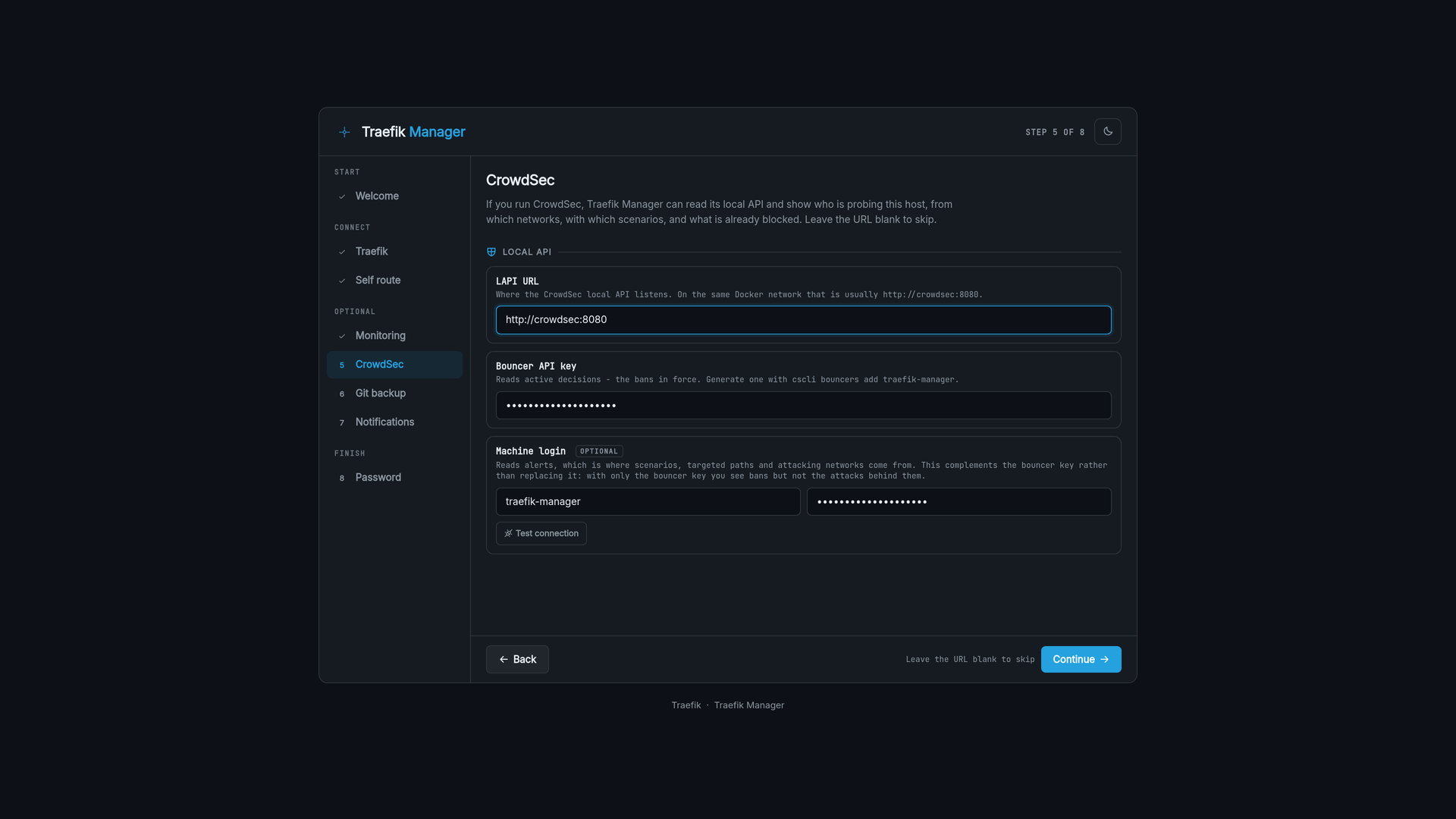
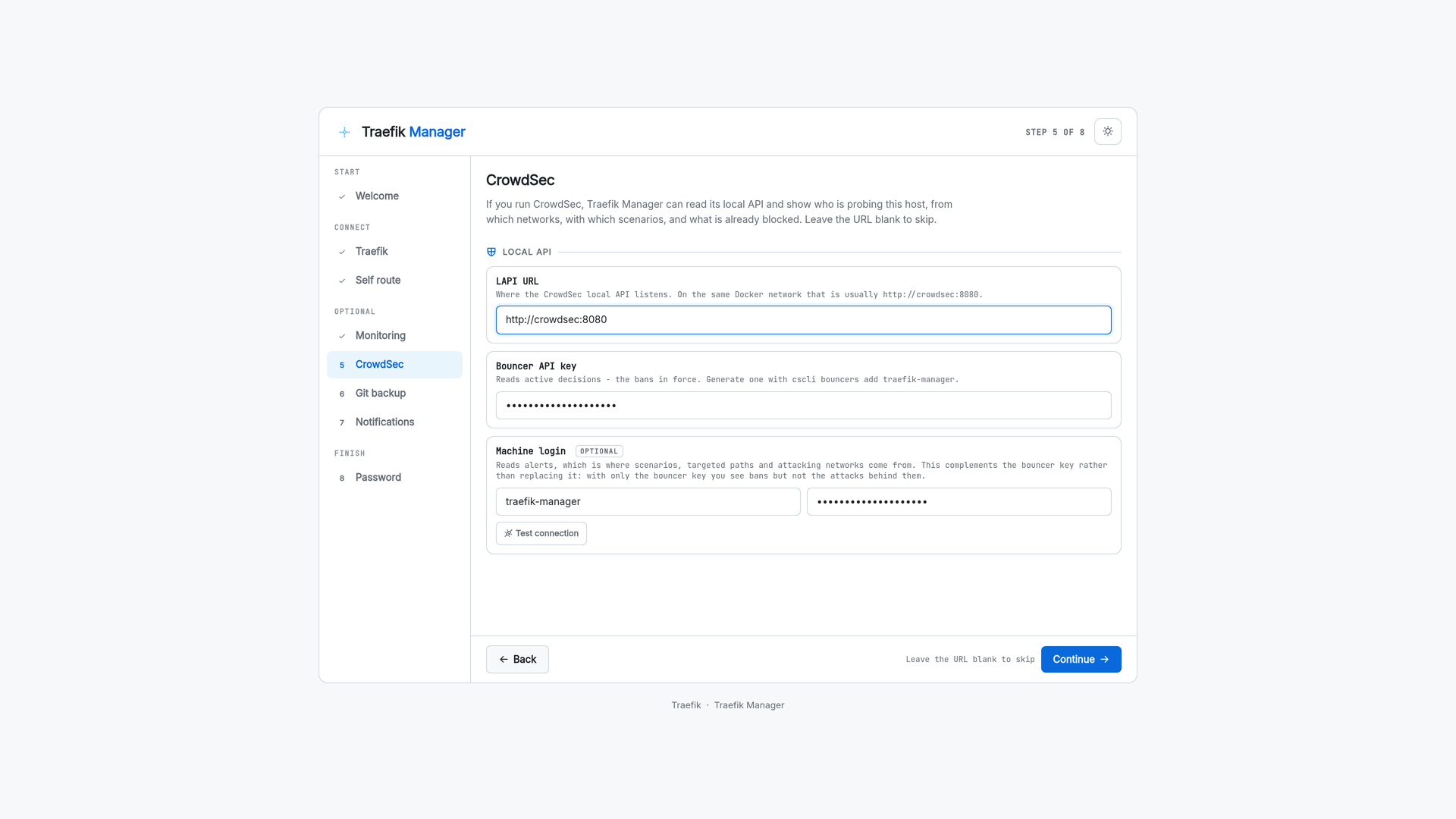
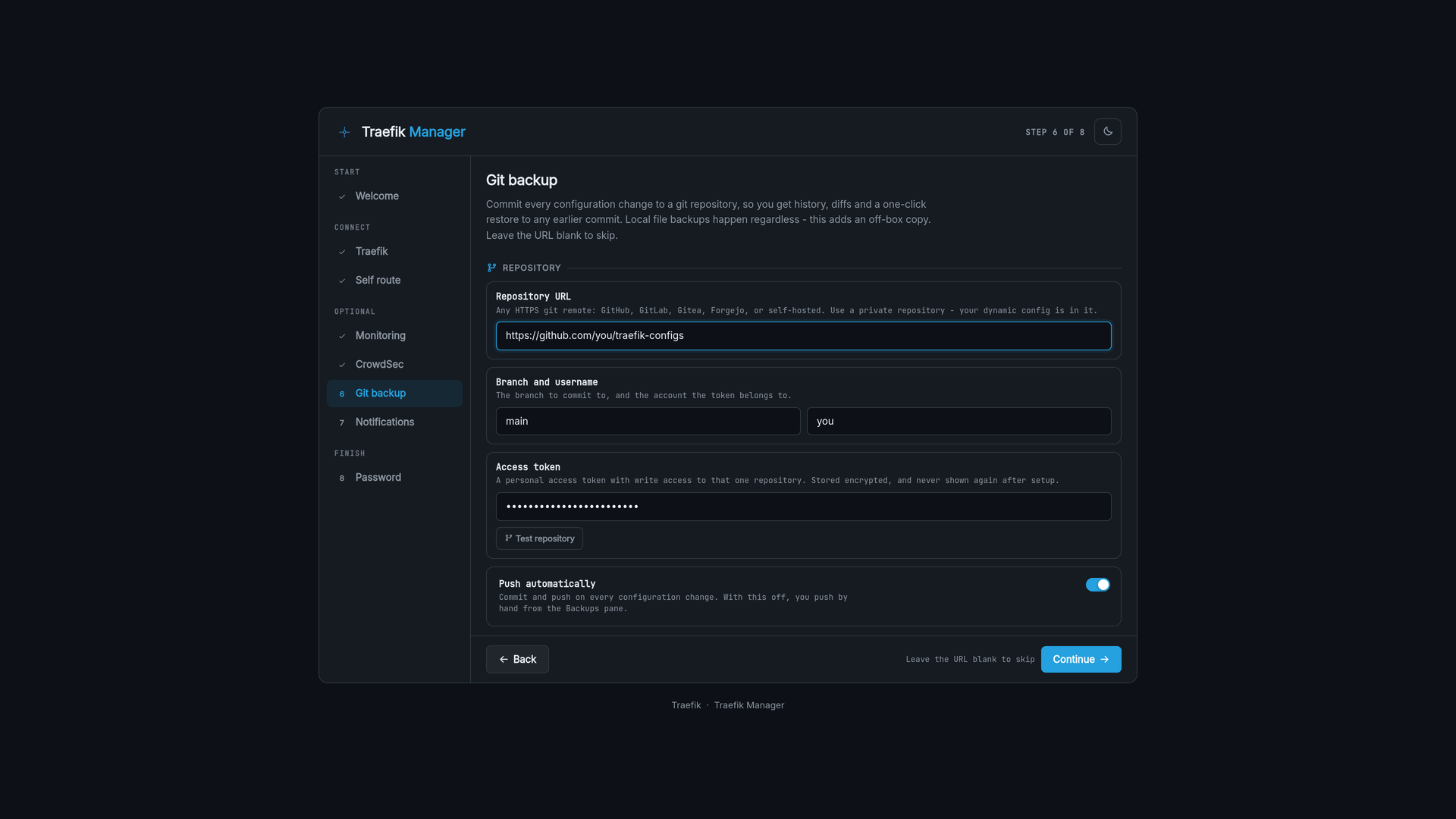
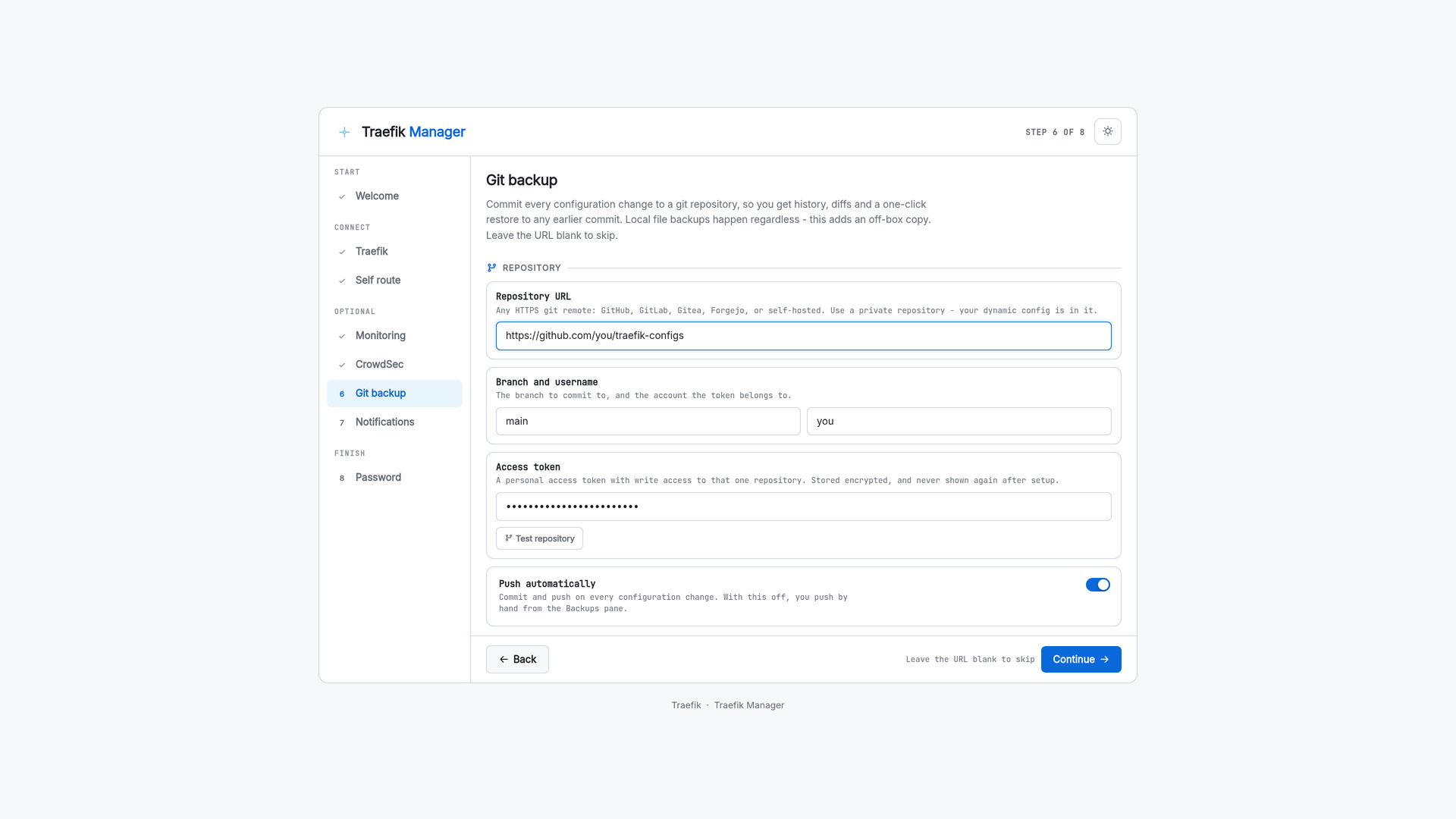
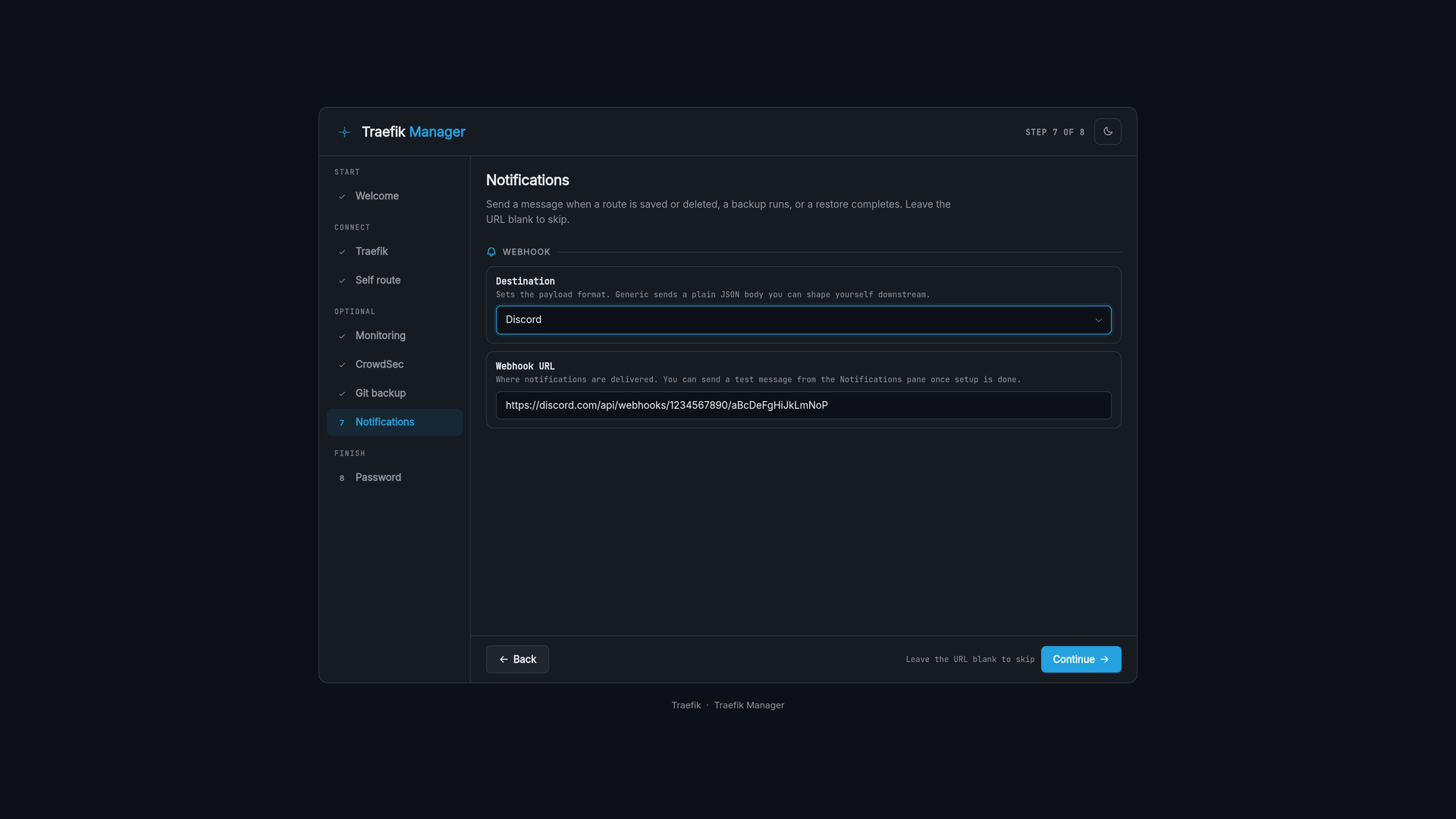
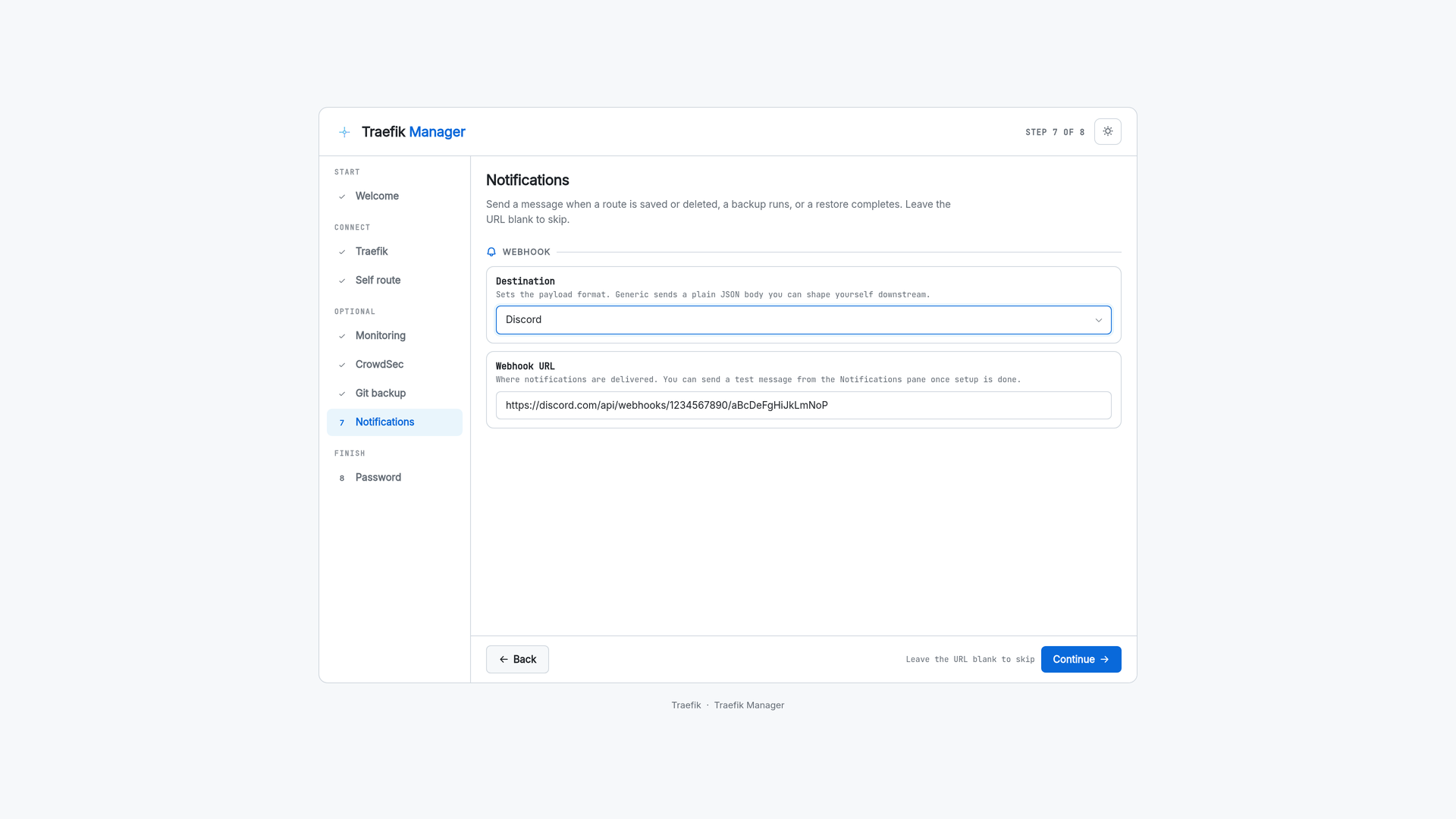
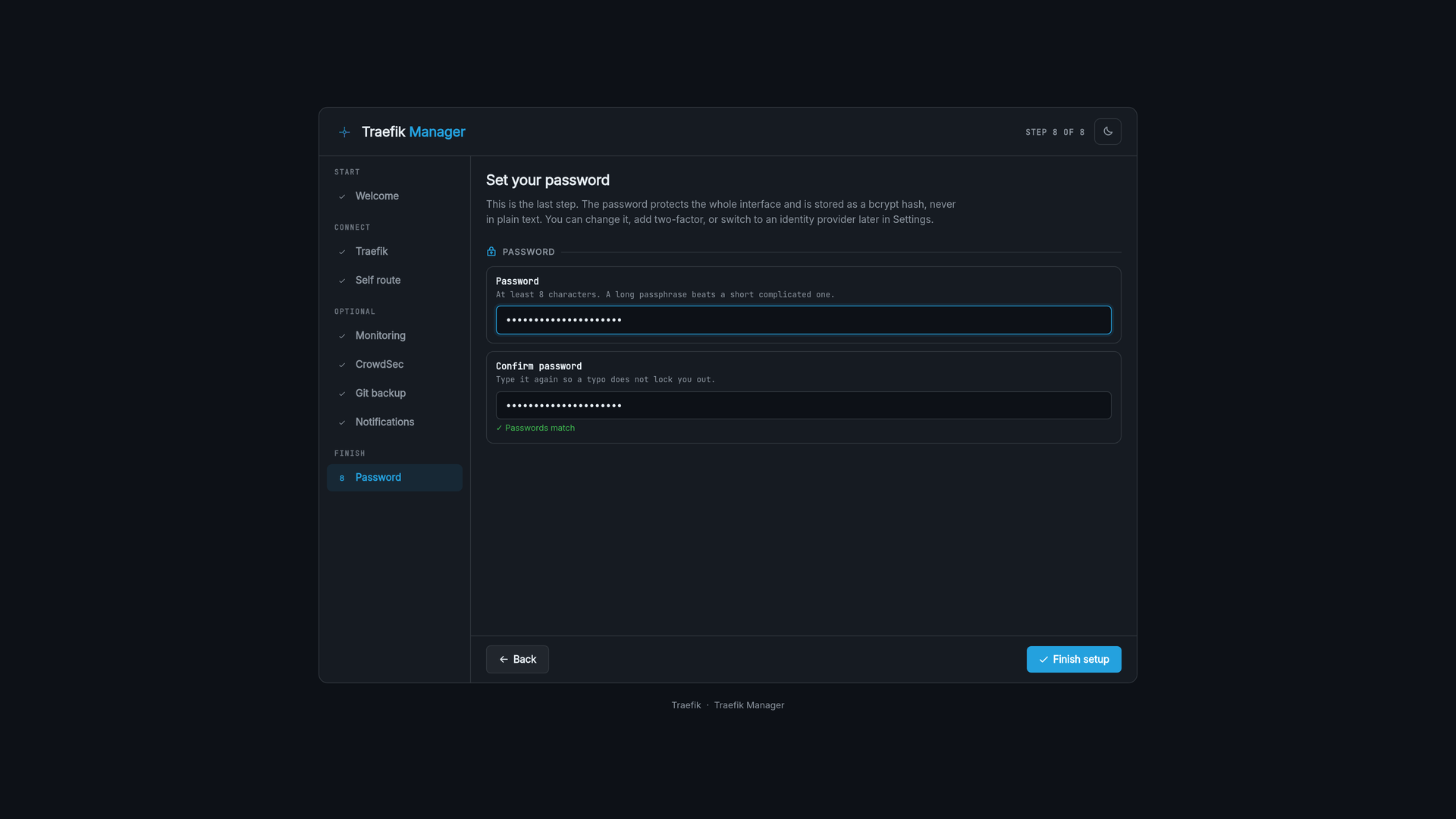
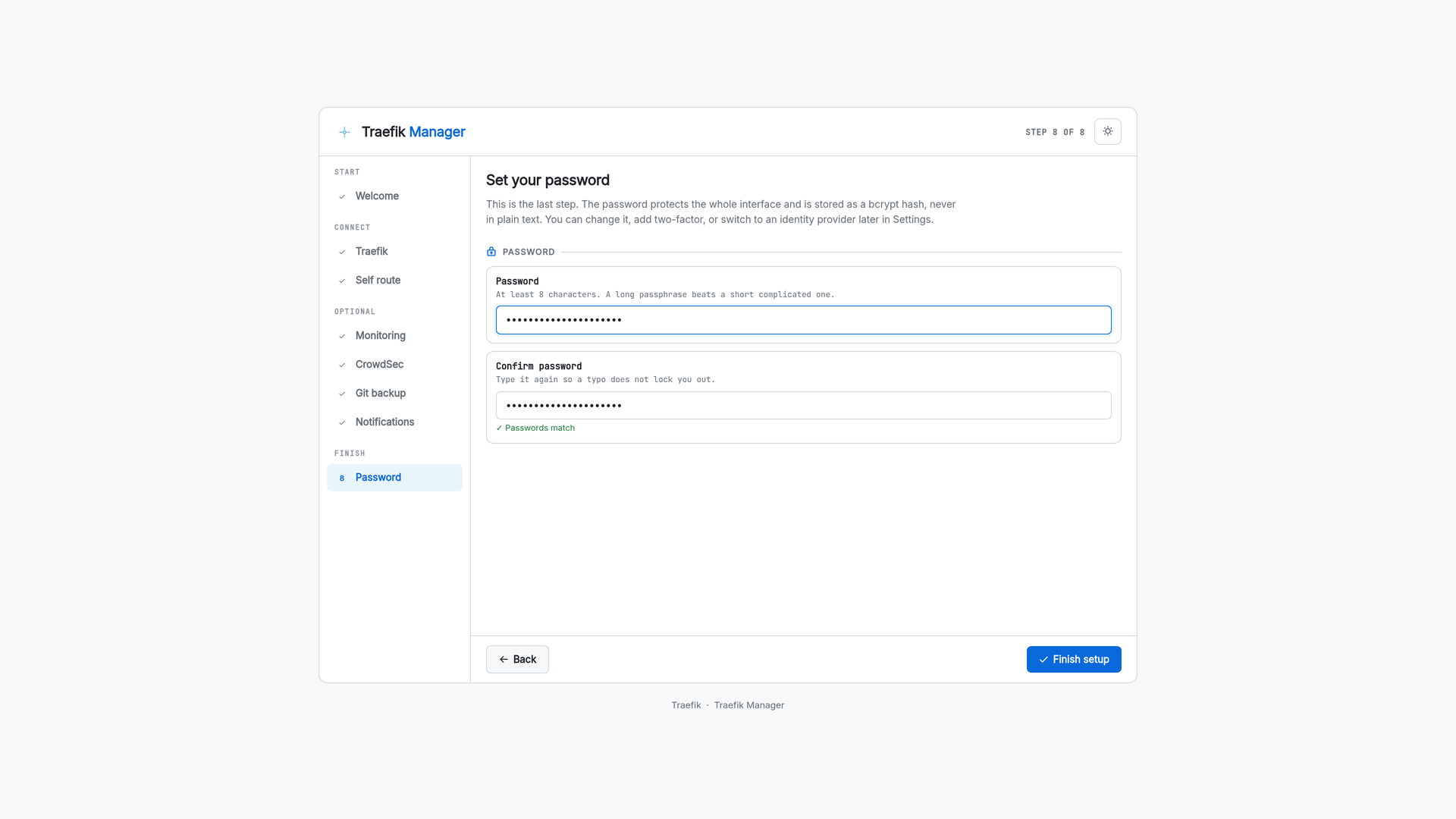
First run walks through everything in one pass: the Traefik connection, a route for the manager itself, which monitoring tabs to show, CrowdSec, git backup, notifications and the admin password.
Android
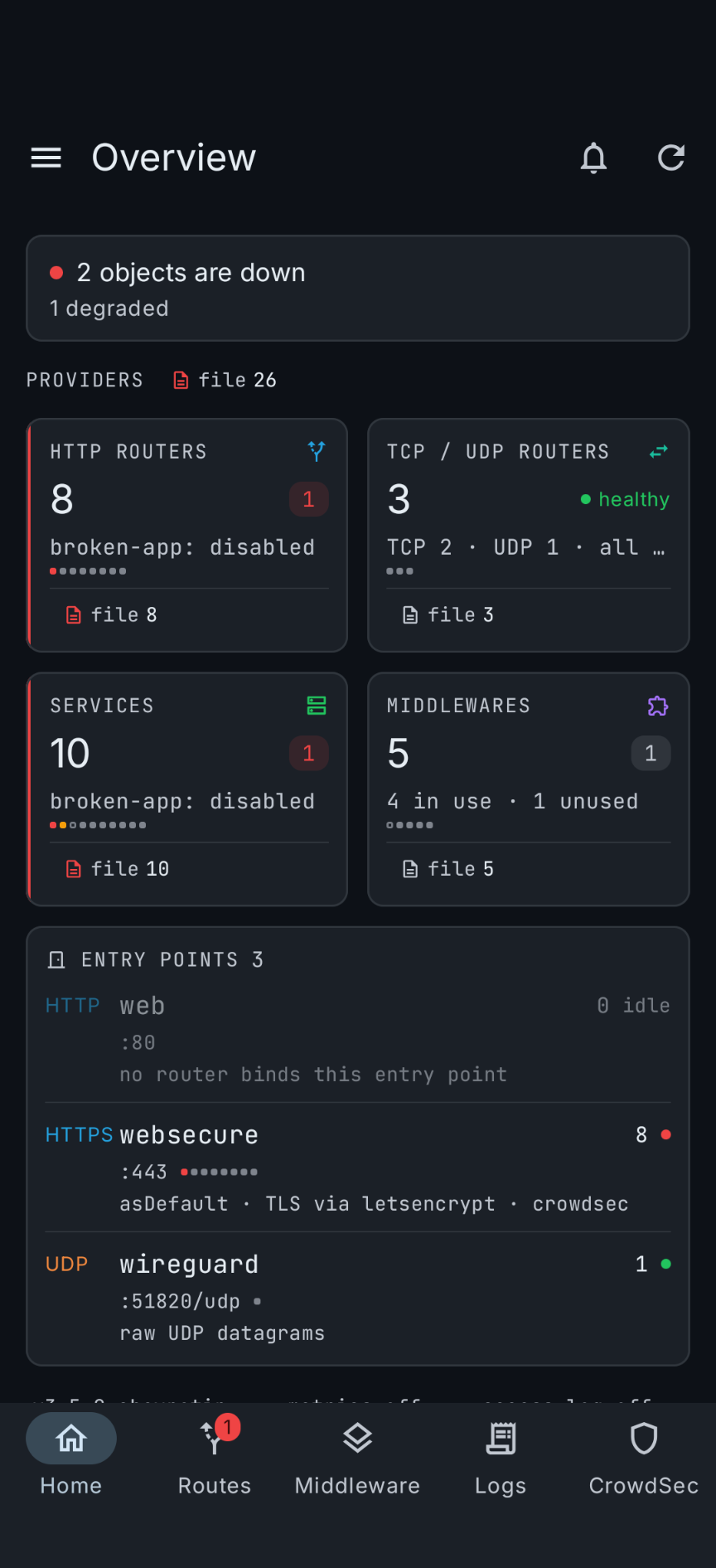
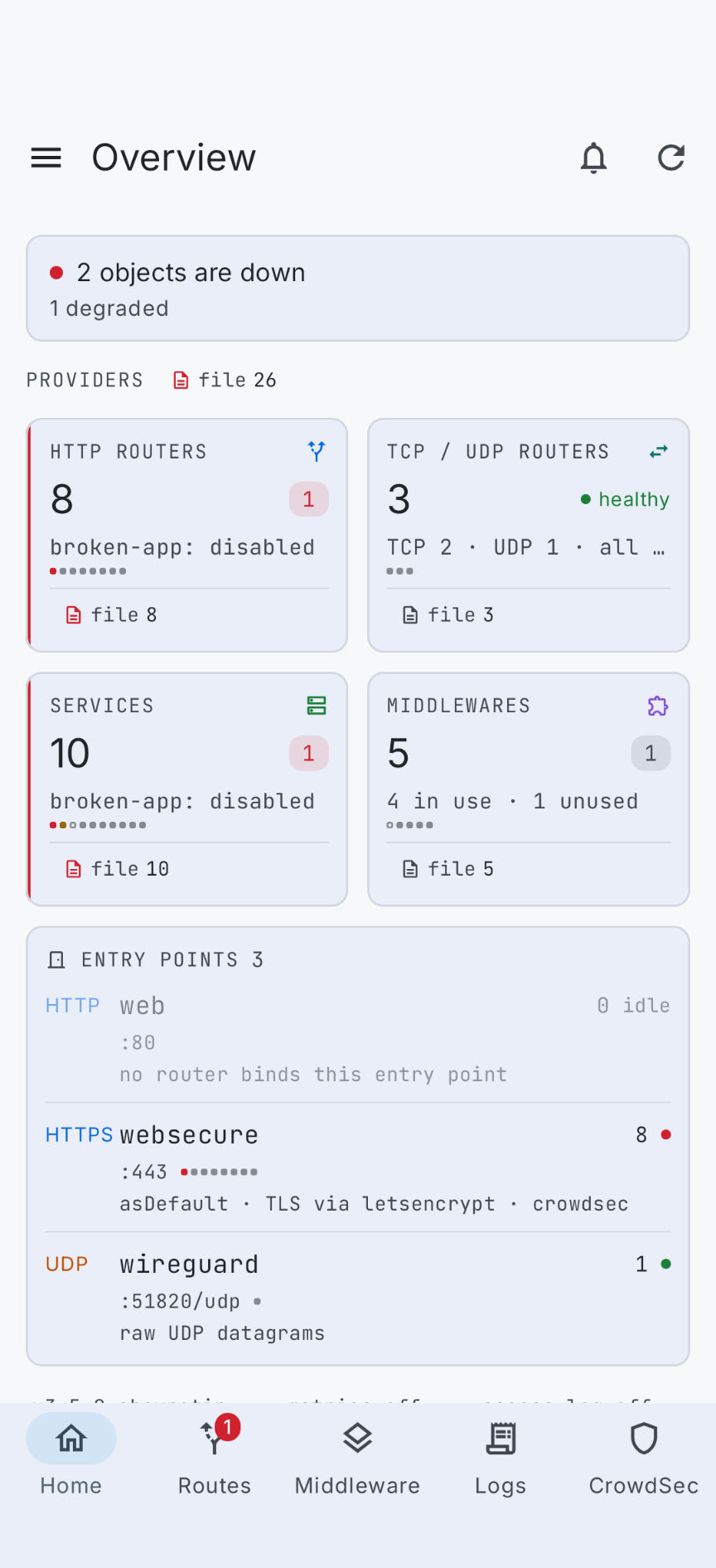
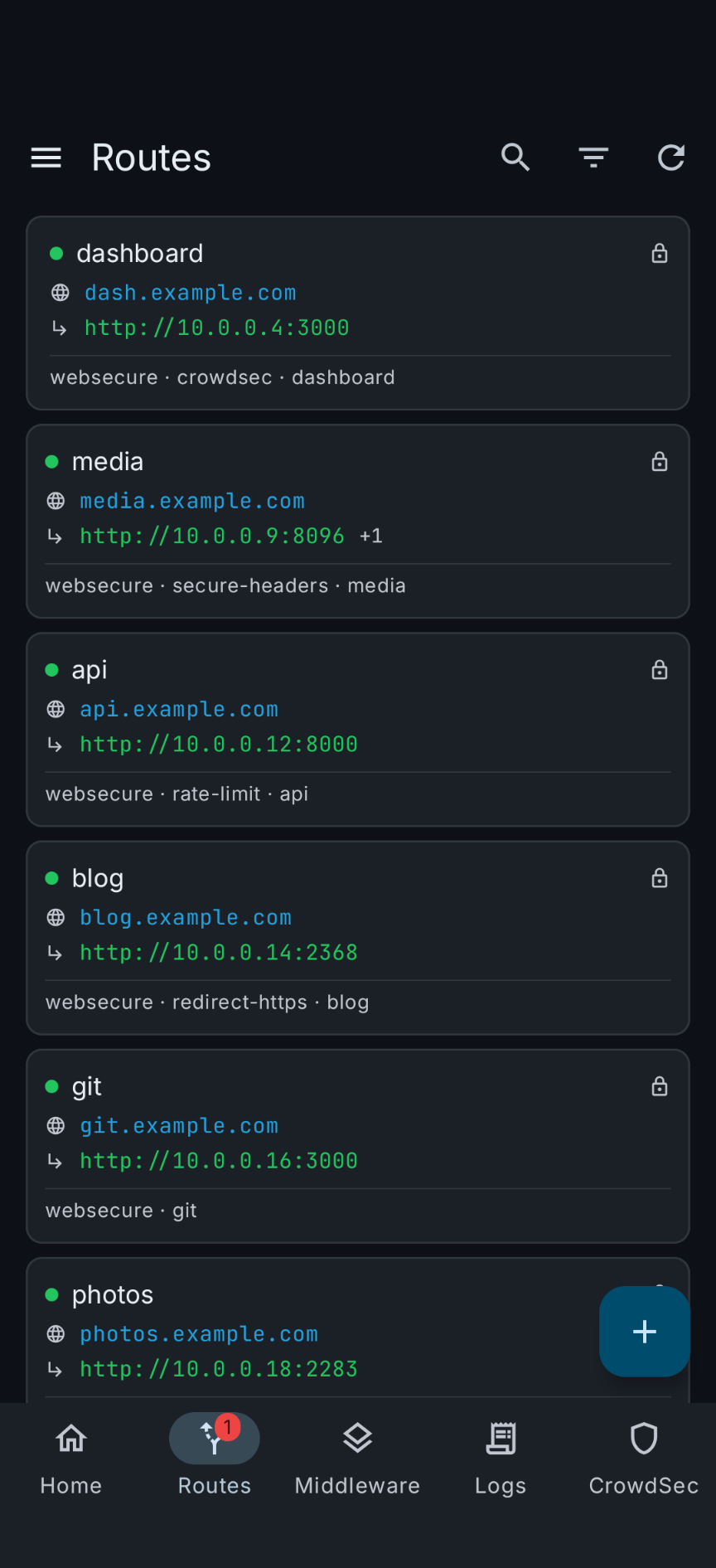
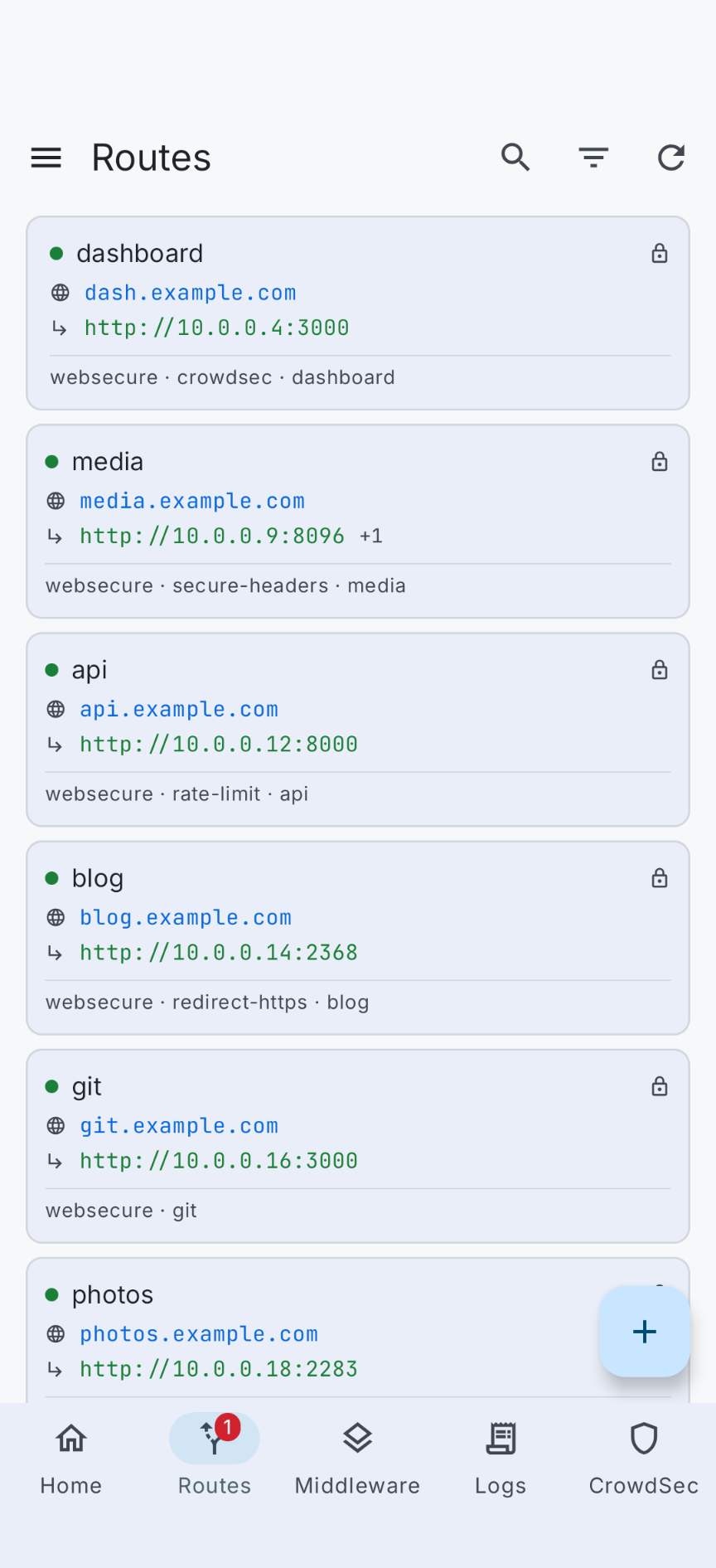
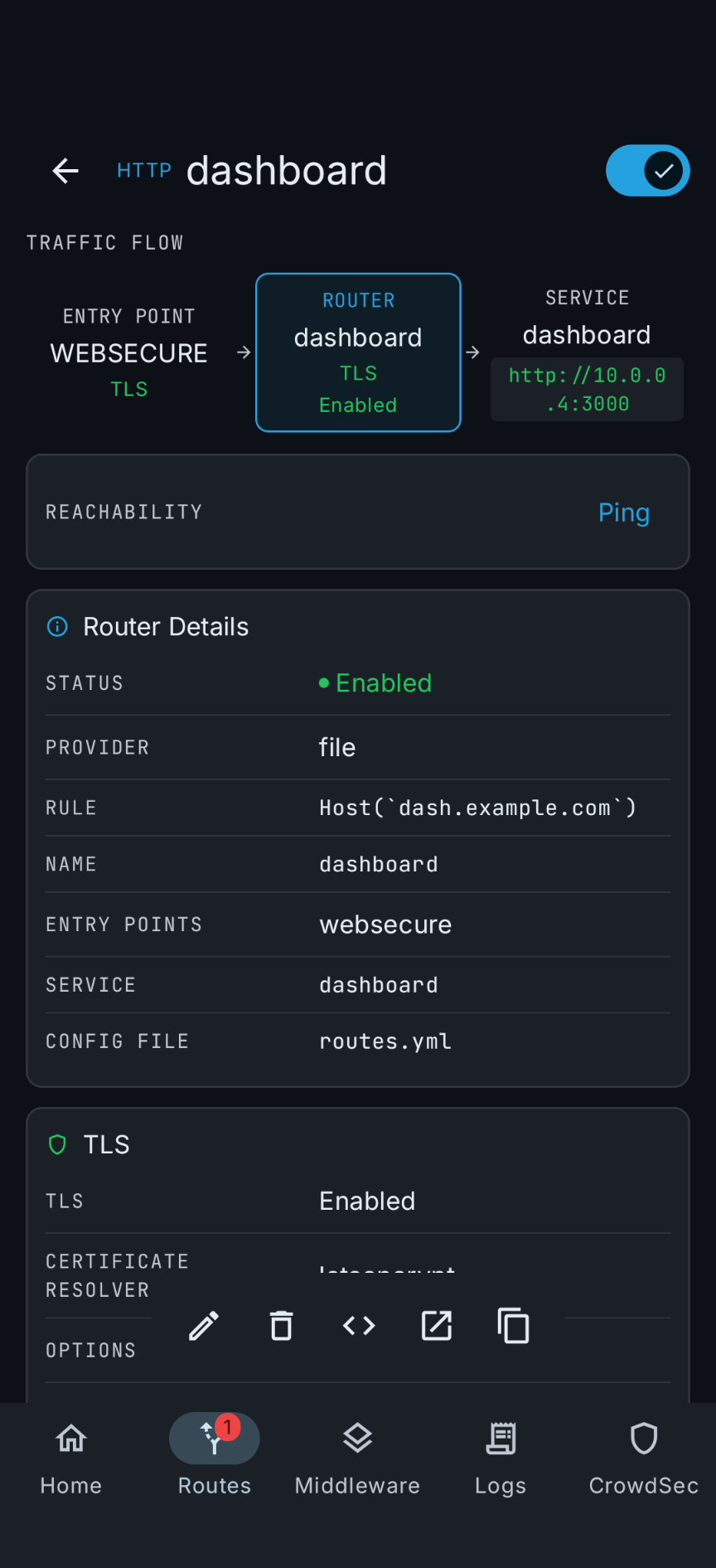
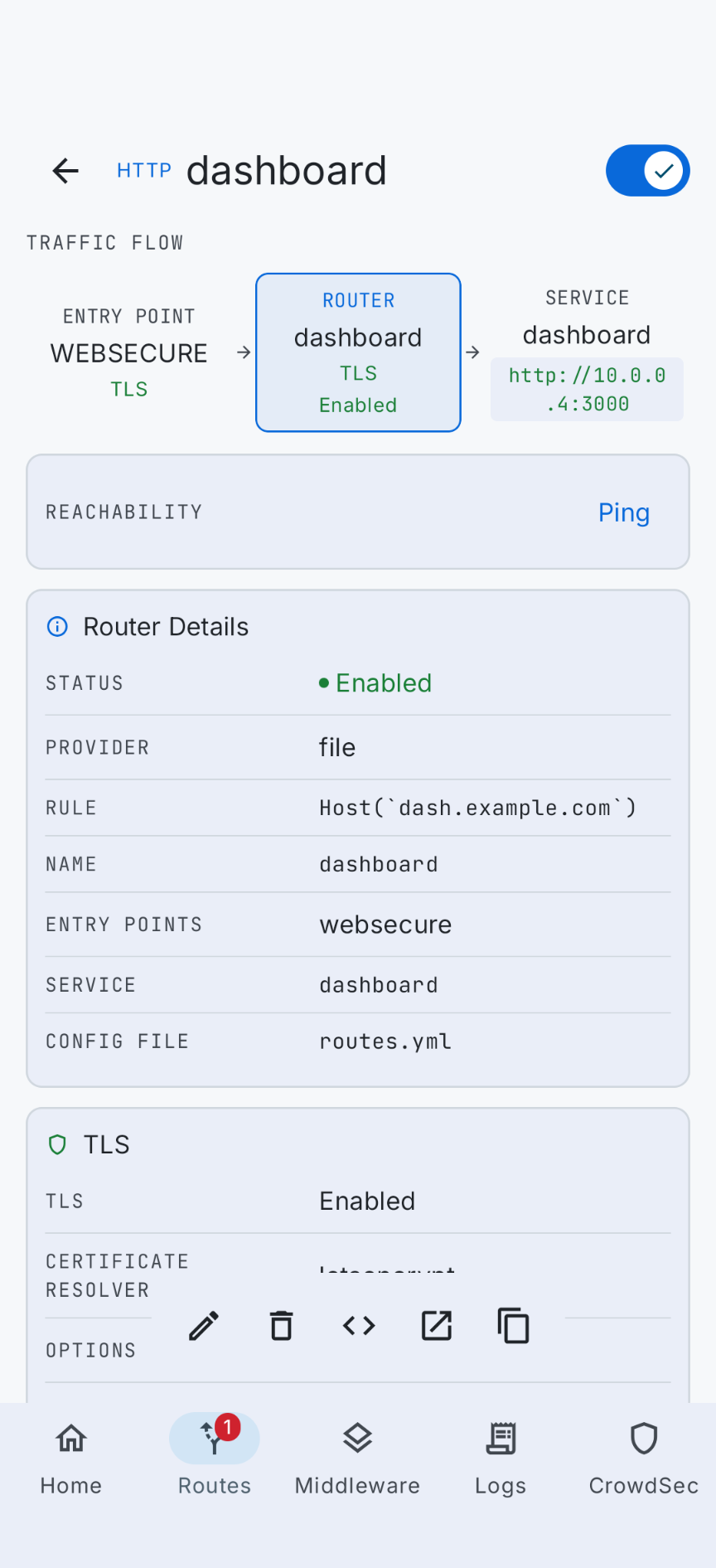
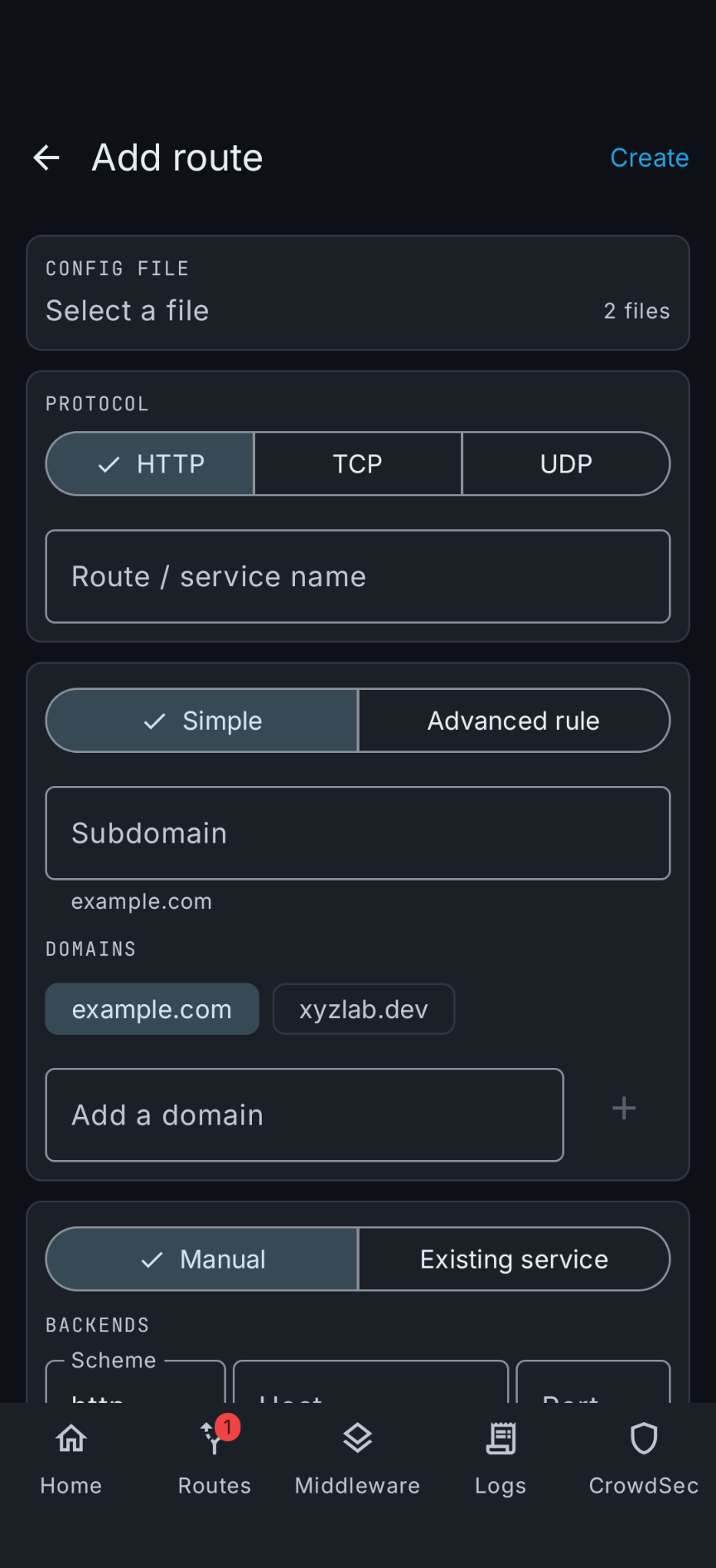
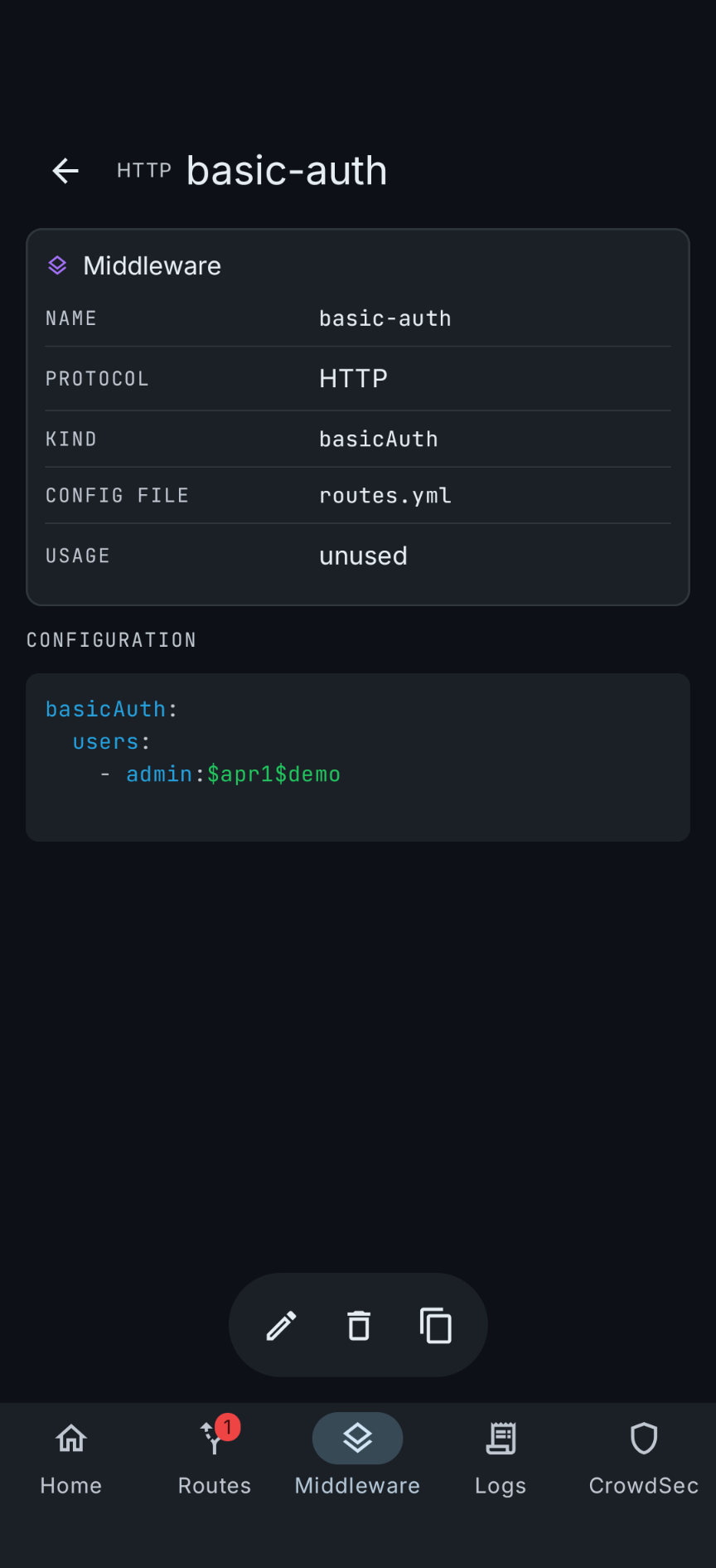
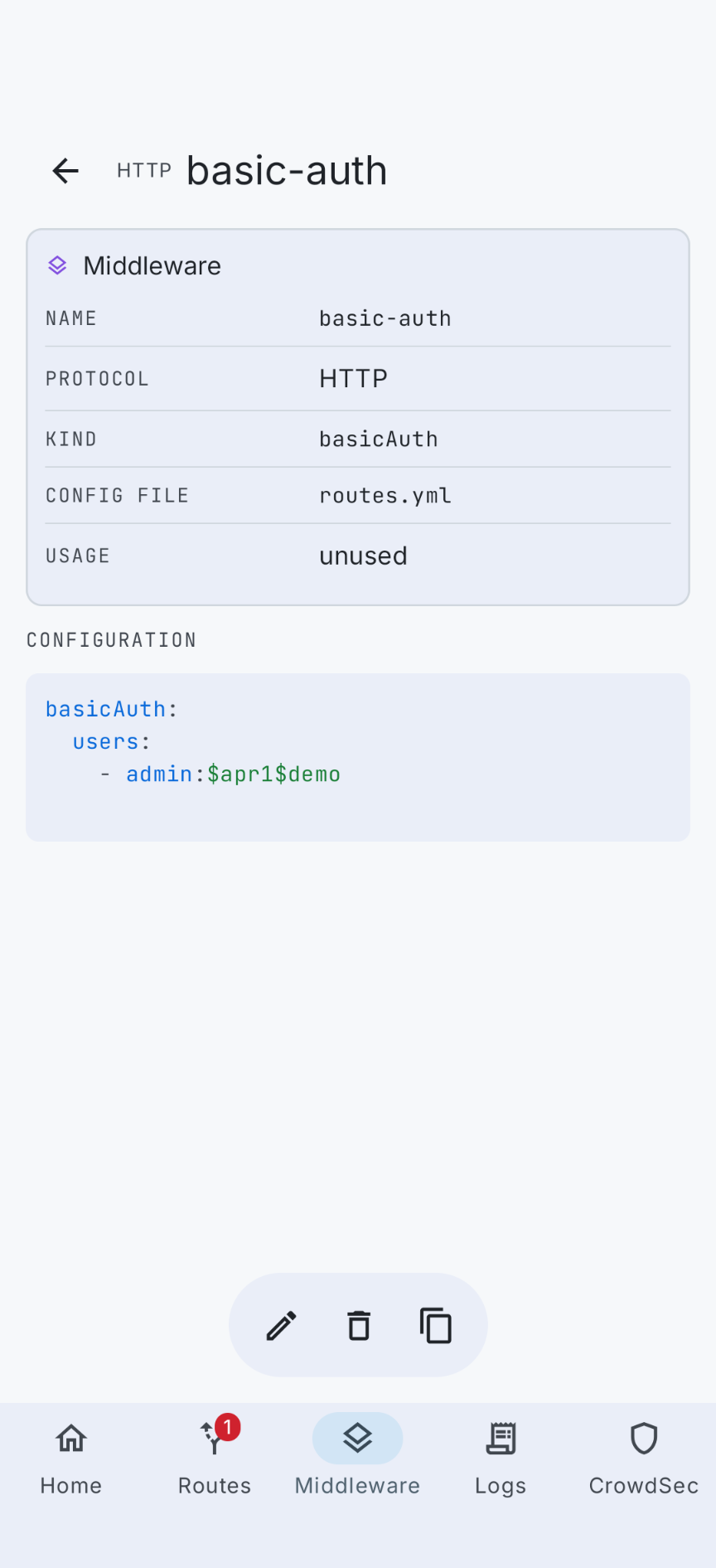
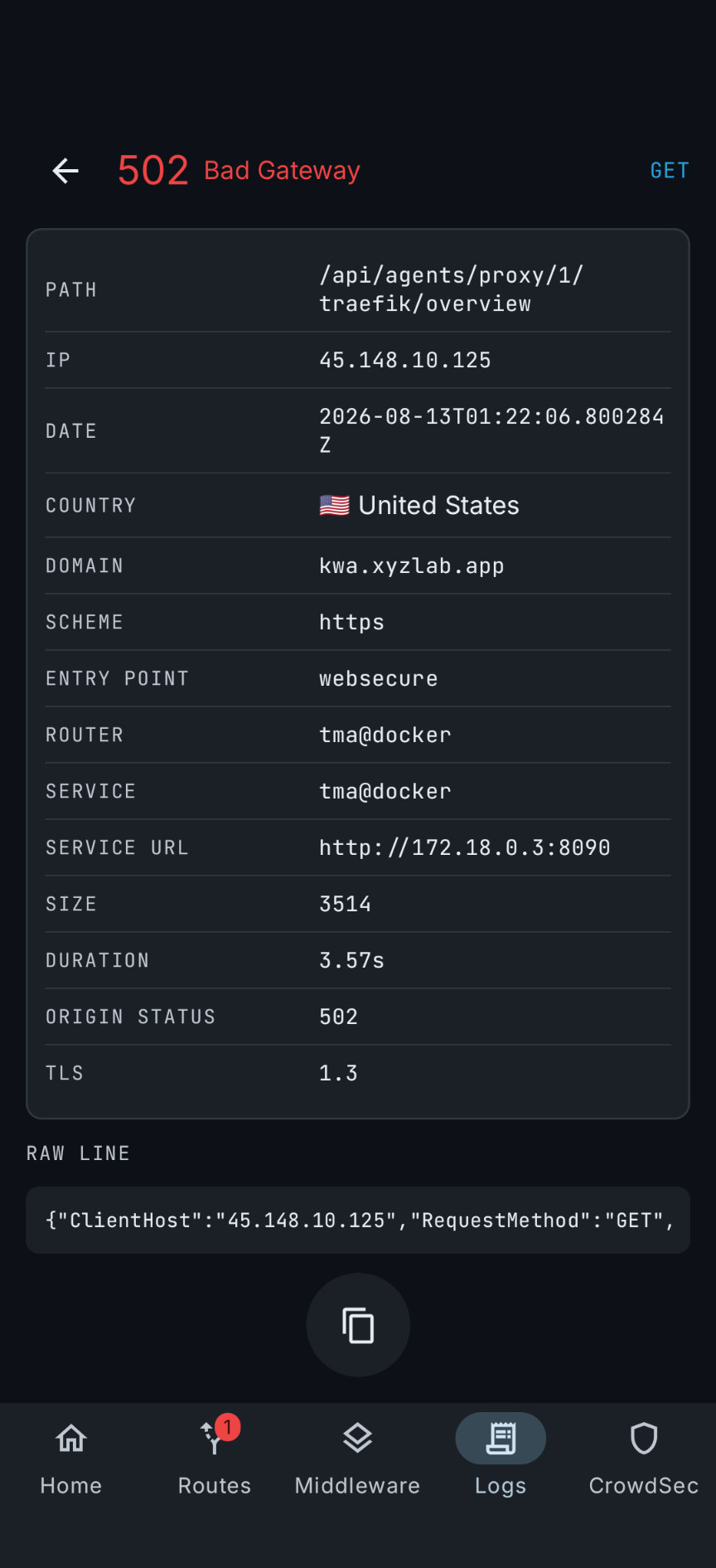
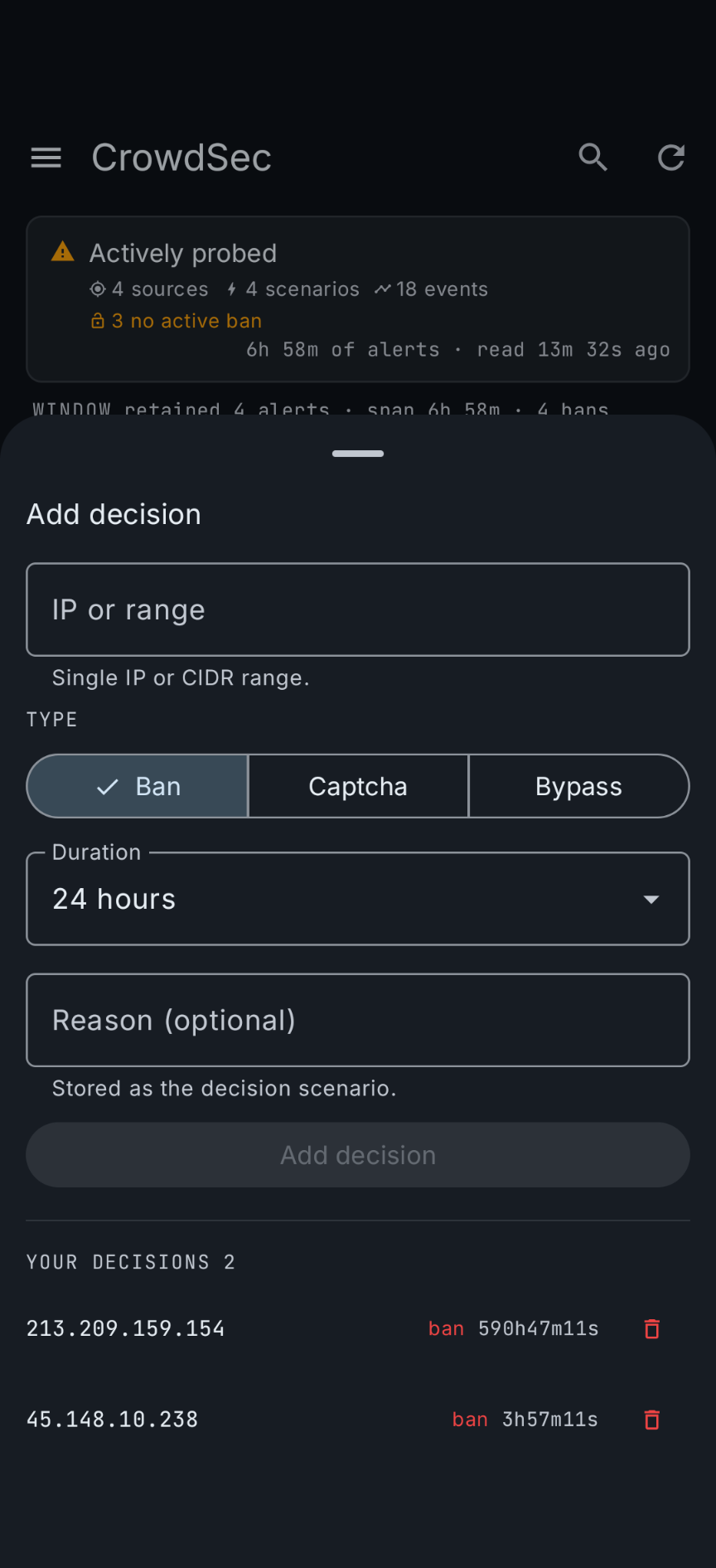
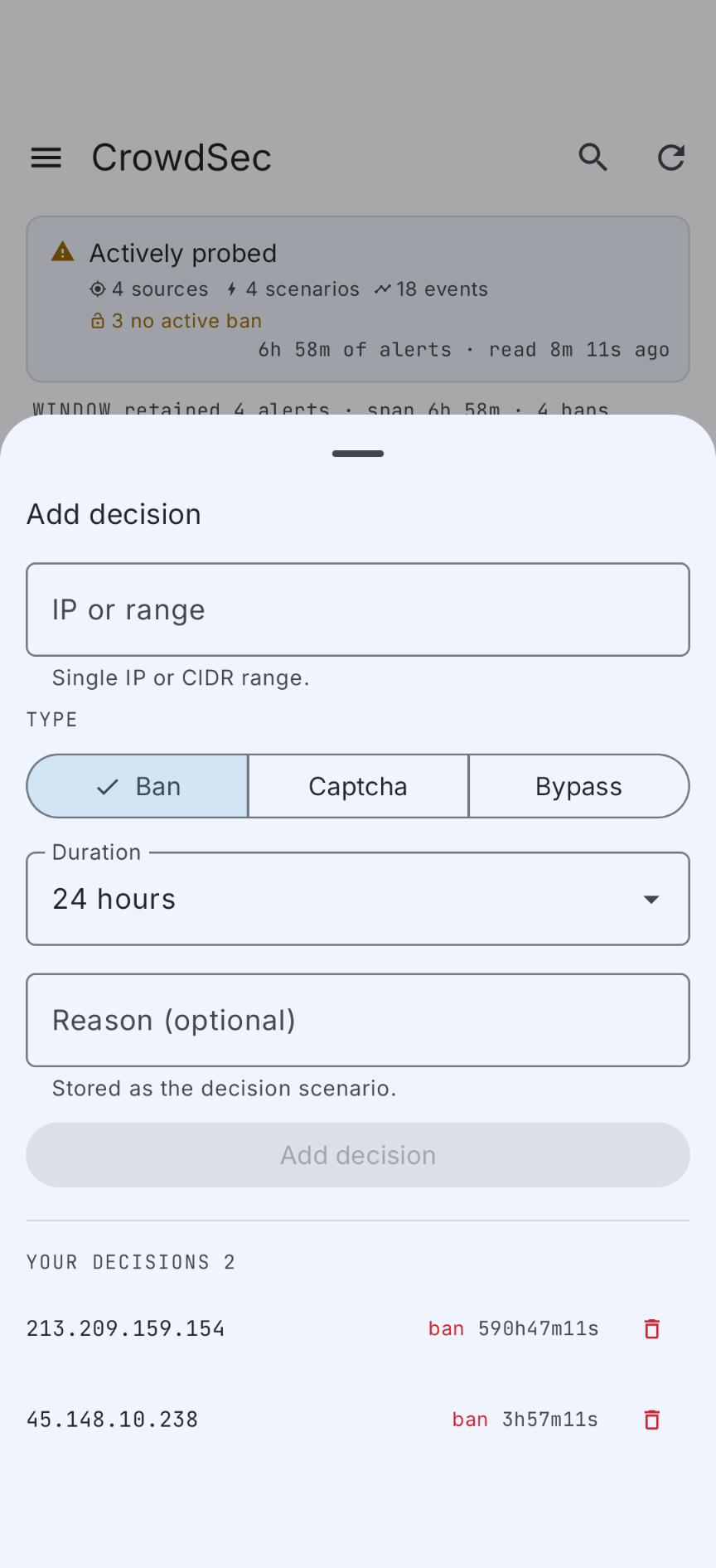
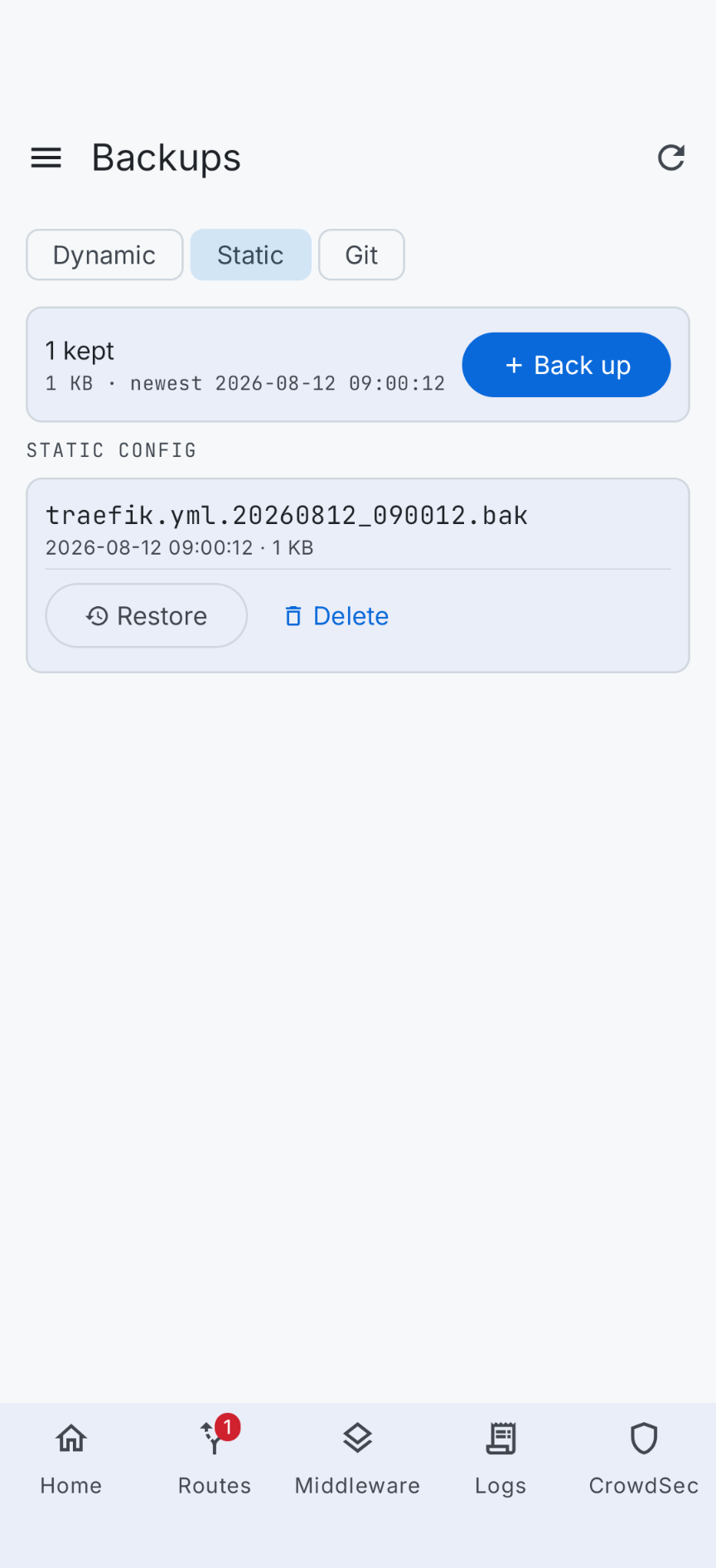
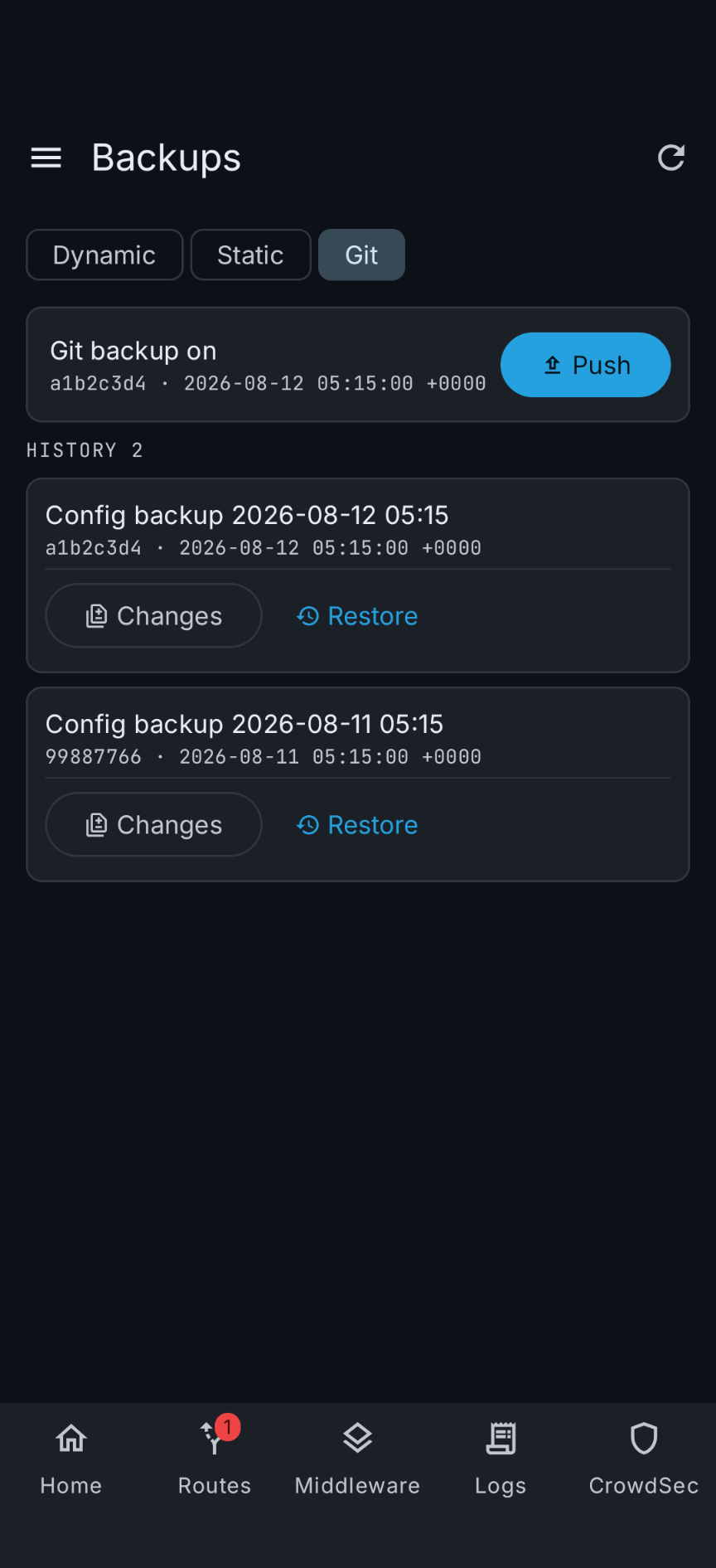
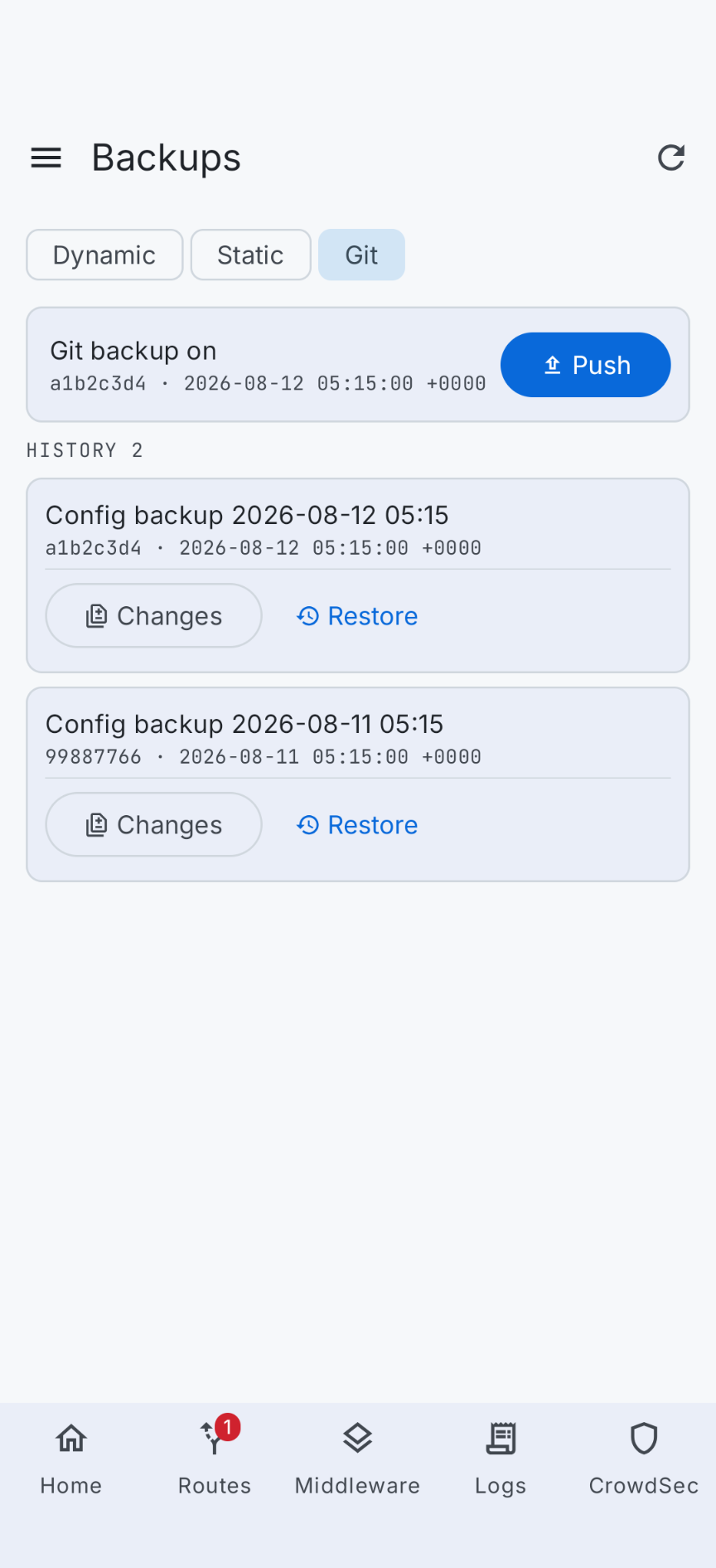
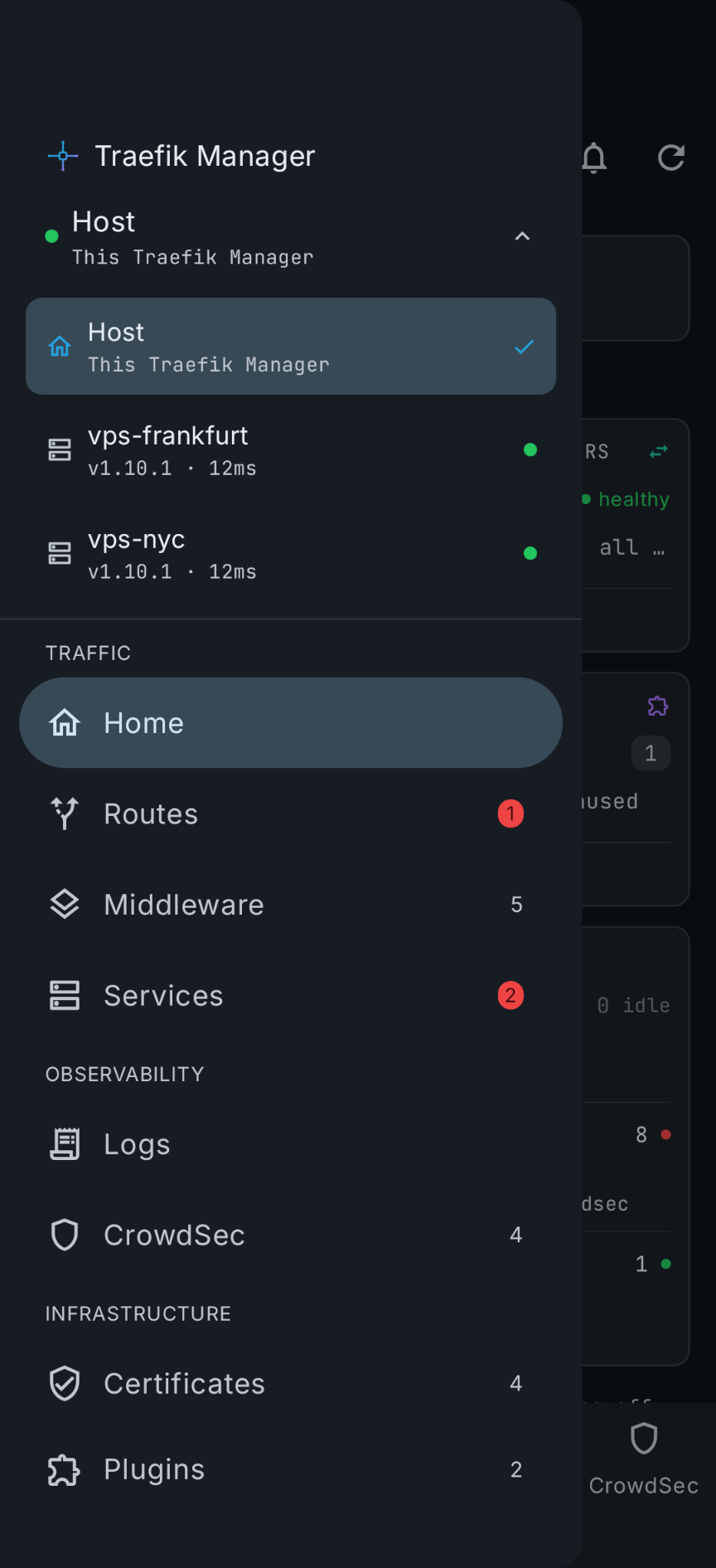
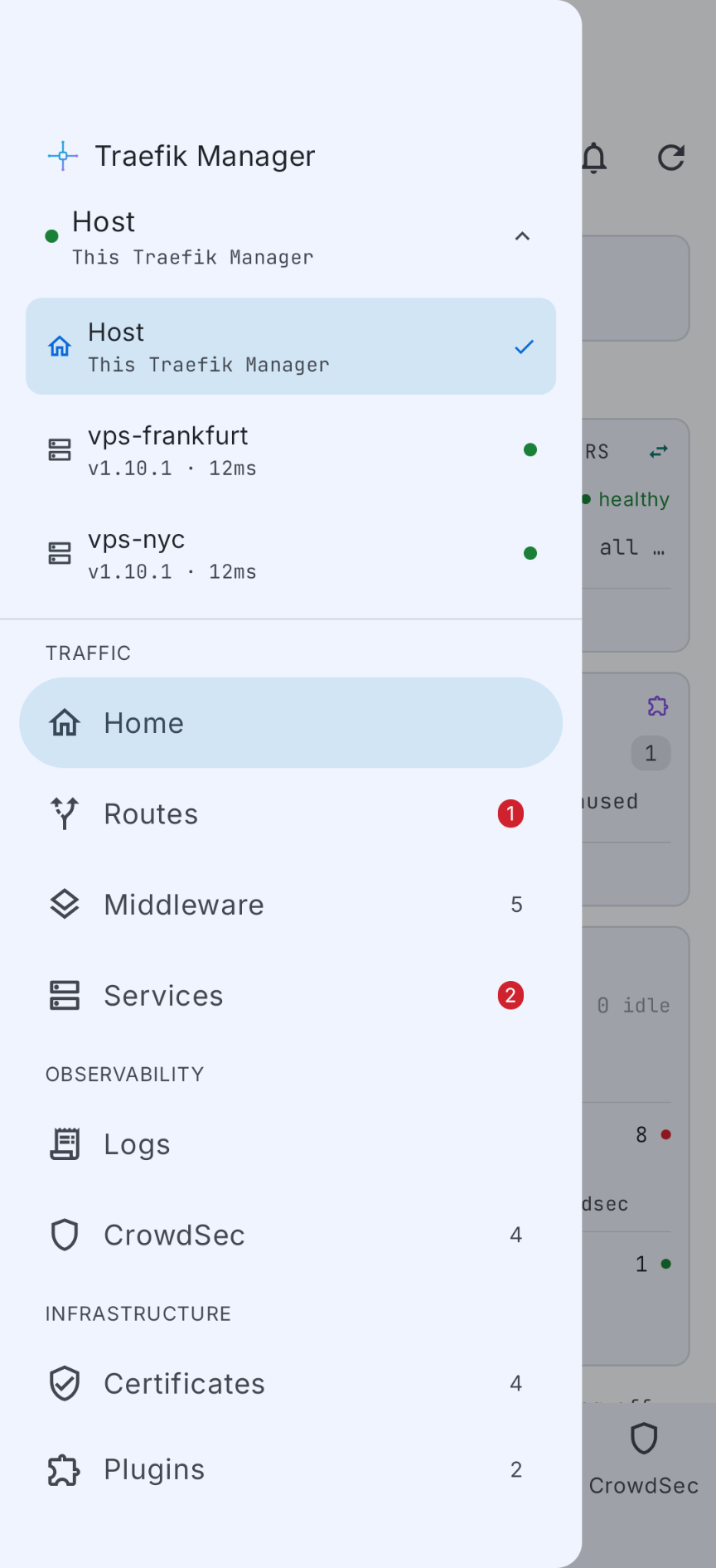
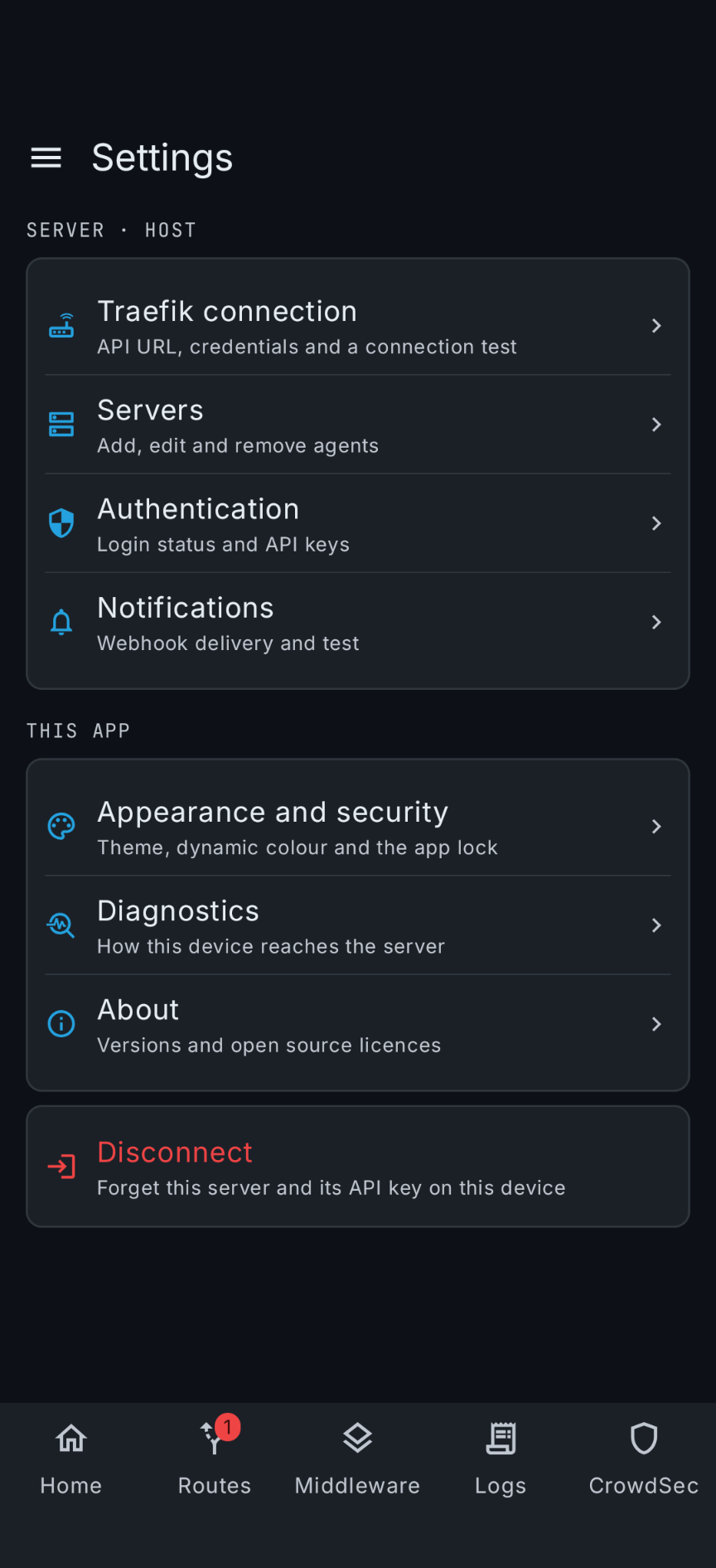
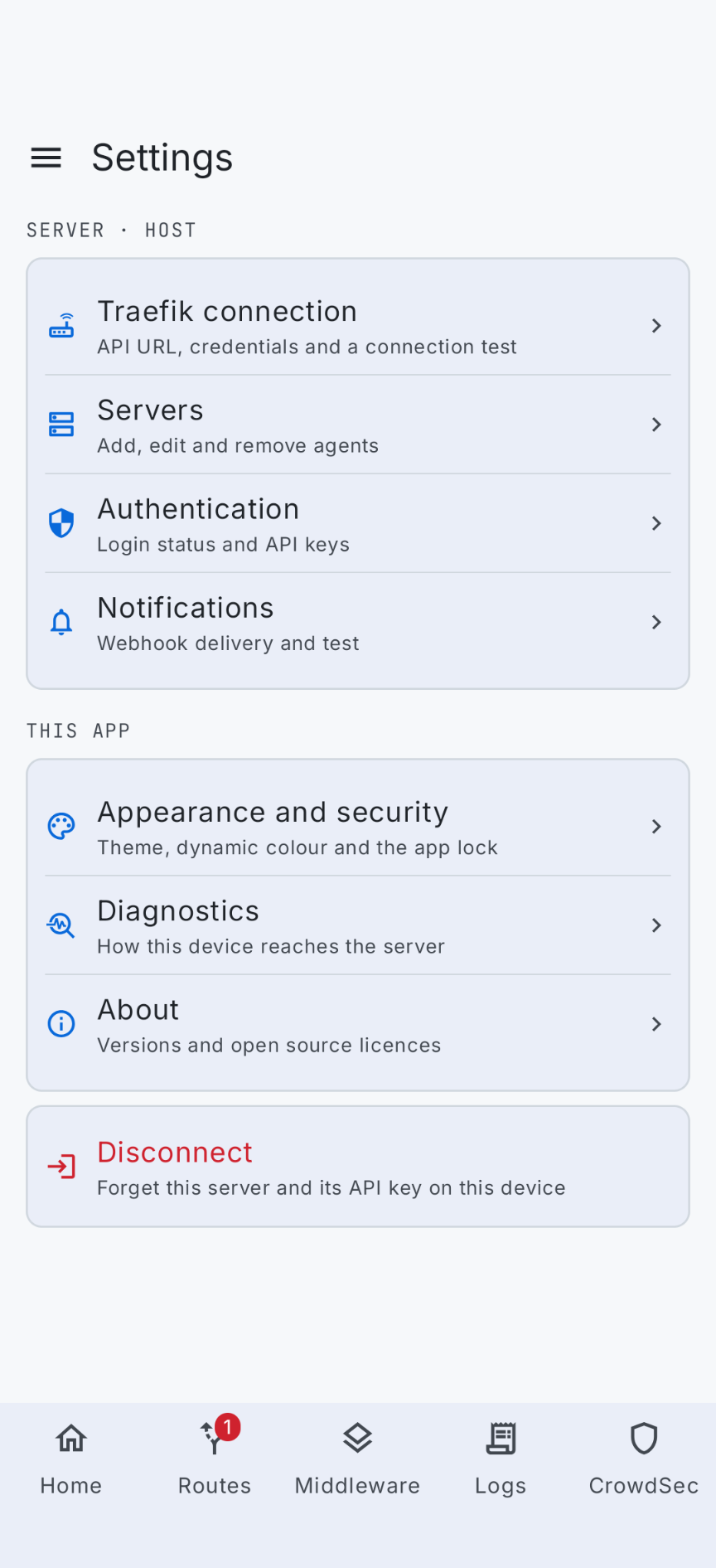
The companion app, connected to the same instance.
Tablet
The tablet layout swaps the bottom bar for a navigation rail and puts the list and the detail side by side.